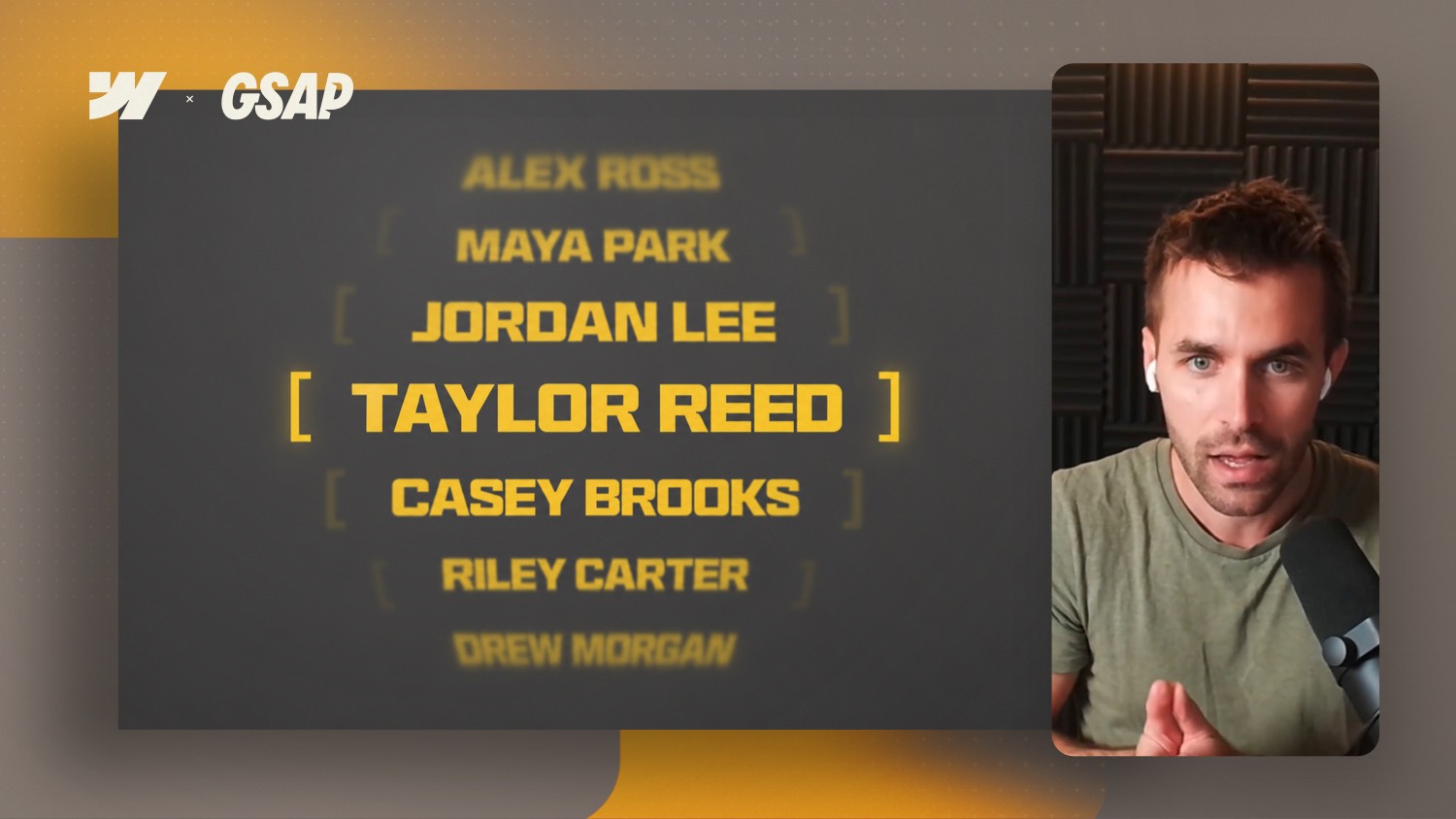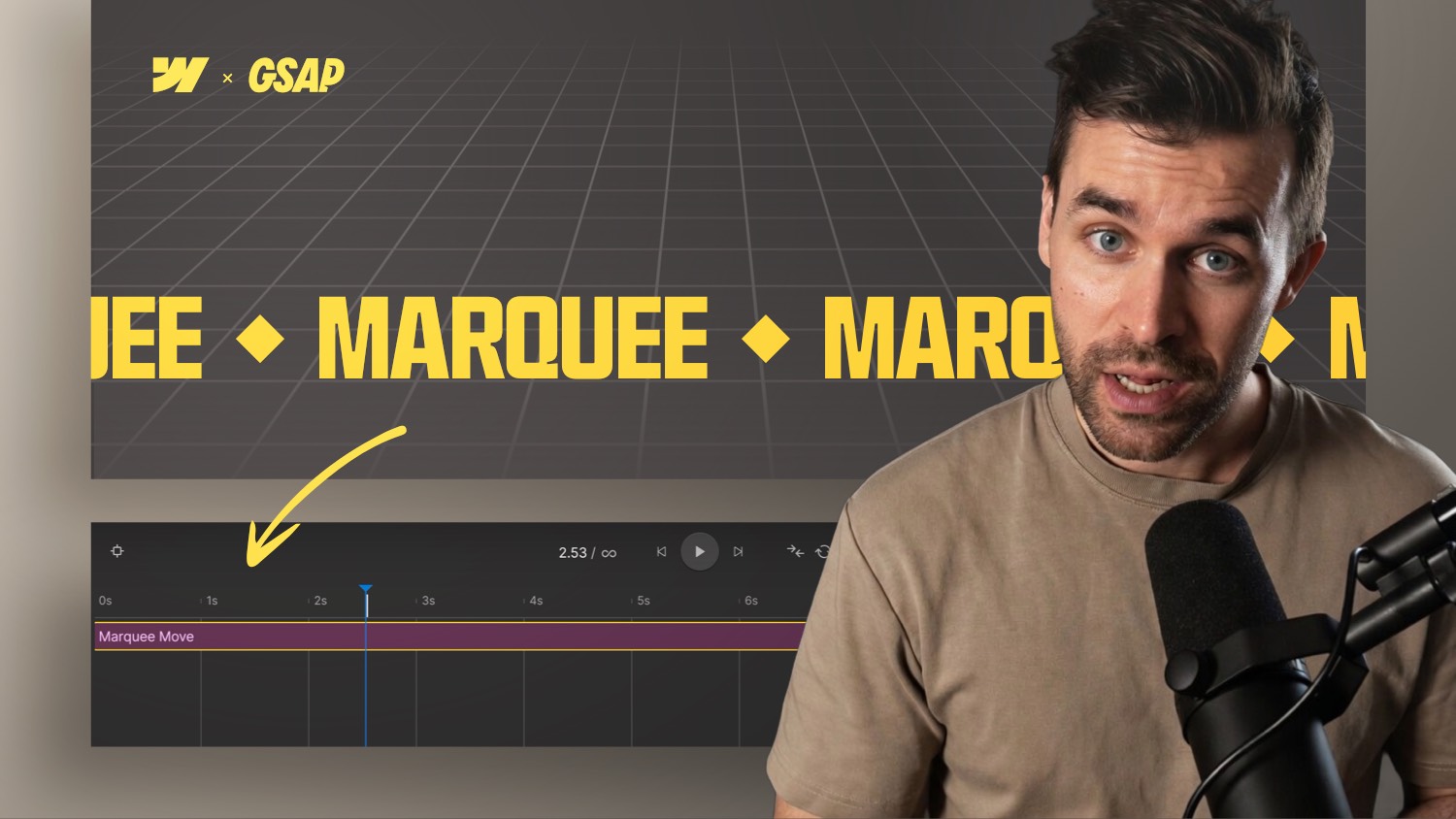
Webflow GSAP Interactions Masterclass Layout Preview


In this masterclass, you will learn how to implement professional website animations with the new GSAP timeline in Webflow.
From the first scroll trigger to a smooth page transition: step by step, I'll show you how to build real motion design experiences directly in the Webflow interface.
Webflow GSAP Interactions Masterclass
It was clear from a community survey that a new course on native GSAP animations in Webflow is needed. And that's exactly what I'm working on right now.
What's new about GSAP animations in Webflow?
Webflow brought a major update in summer 2025: GSAP animations can now be created visually with a new interaction timeline. This opens up completely new opportunities.
The animations are not only becoming more powerful, but are also significantly easier to implement than with previous Webflow interactions.
The course layout: “The Studio”
A fictional studio page, inspired by popular templates in the Webflow Marketplace, serves as the basis for the project. The aim is to build an attractive, modern layout that you love to recreate — with realistic use cases and creative animations.
As always, you will receive the entire project as a template, including all animations for your customer projects.
Course structure: Compact but comprehensive
The course will include around 20 videos — deliberately kept compact in order to focus on learning. From basics to advanced animation techniques, everything you need to create animations professionally and efficiently is included.
What you'll learn:
- Complex motion sequences with the new GSAP timeline
- What really matters when it comes to easing, timing & flow
- Scroll, hover & click animations with stagger effects
- Global motion systems via attributes & scopes
- Page loads & transitions with professional motion design
- Results that look like they came from an award-winning studio
Conclusion
If you want to specifically expand your Webflow skills and invest in knowledge at the end of the year, this course is ideal: Webflow GSAP Interactions Masterclass