Level: Beginner
Video Course

Webflow All-in-One Beginner Course


Build every website yourself with Webflow. No limits.
Mika H.
Nils D.
Alexandra
Annemarie C.
350+
Attendees
4.98
Lifetime access
14-day money-back guarantee
Secure Access
499€ pay once
Course only Available in German!
Jonas
Arleth
.
.


.
Webflow All-in-One Beginner Course

Scroll
01
350+
Already joined
02
25
Hours
03
100+
Lessons
04
14 Days
Money-back guarantee
05
No prior experience needed
The only German all-in-one Webflow course with its own GDPR and client hand-off module, built from the real requirements of client projects.
Alexandra
Alexandra
UI/UX Designer
UI/UX Design
I was able to implement my design concepts without compromises

It gave me the confidence and structure to implement my own concepts professionally exactly the way I envisioned them.

Sound familiar?

Sound familiar?

  • You wait weeks for a developer who never quite builds your layouts the way you pictured them.
  • You know design, but the moment things get technical, you feel stuck.
  • Every tutorial only covers the basics. The moment a real client project shows up, with a CMS, forms, or GDPR, you're on your own.
  • You've worked with WordPress or other website builders, but keep hitting a wall with custom designs.
  • You don't know how to hand a website over to a client, legally sound and professionally.
Your solution

This course takes you from the fundamentals all the way to a professional client hand-off. You learn to build custom websites entirely on your own, including the CMS, animations, GDPR, and everything else that comes with real Webflow projects.

After the course

You build agency-level websites, entirely on your own.

Not eventually. Starting with your next project.

Independent from developers

You implement your designs pixel-perfect yourself, with no back-and-forth or outside help needed.

More value per project

You offer design and build from a single source and expand what you can charge for.

Hand off GDPR-compliant work

You know GDPR, cookie banners, and hand-off processes, and deliver websites to your clients professionally.

From idea to live website

You build websites you'd have to turn down today.

Additional benefits

Lifetime access, including every update that keeps the course current with new Webflow features.

A finished Webflow template with everything built in the course, free to use for your own projects.

What you'll build

A preview of the course

Every technique is taught using a real-world layout. You watch, then you build it yourself.

Individuelle Seiten-Lade-Animation

Animationen

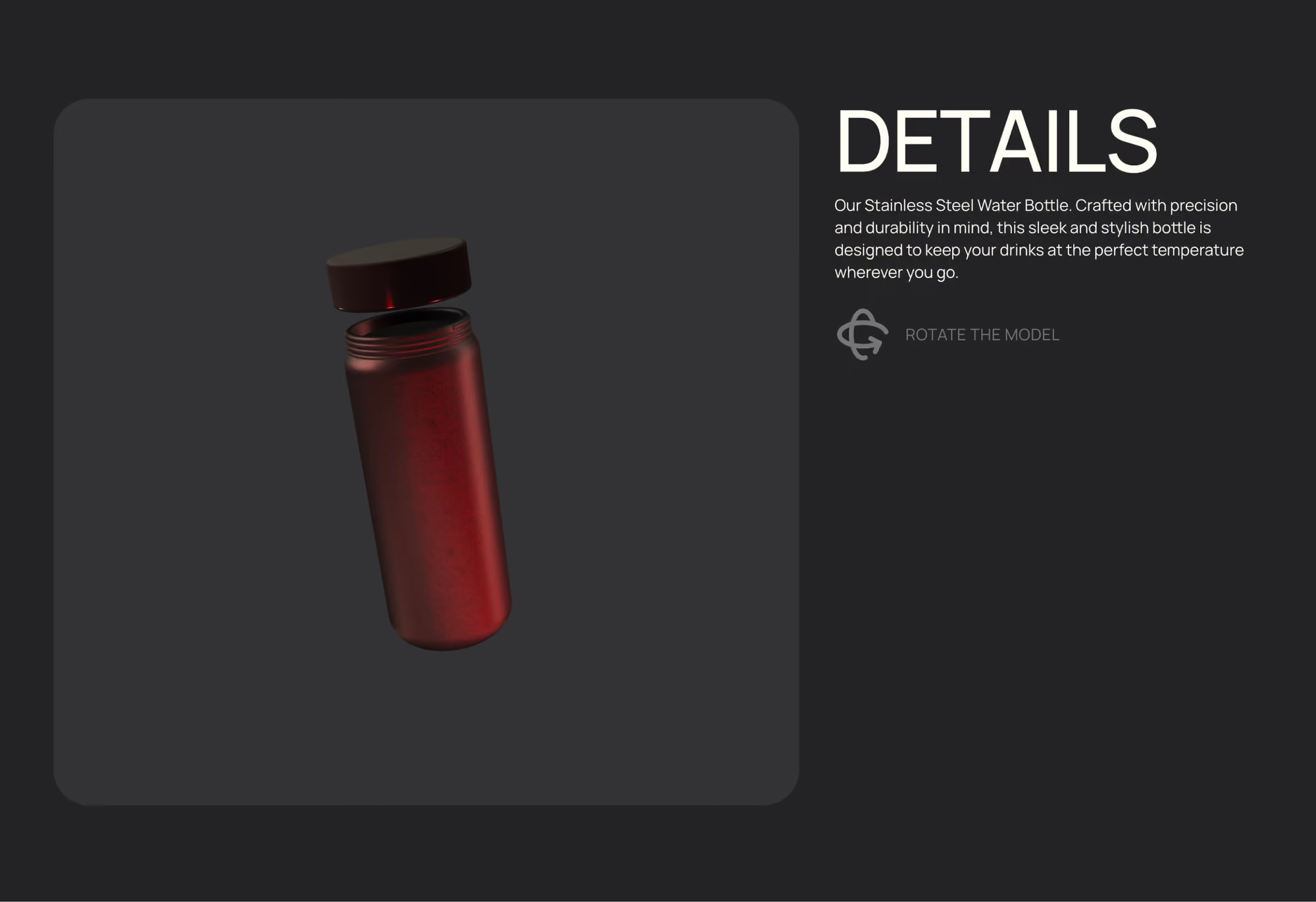
3D Objekte in Webflow integrieren und animieren

Animationen

Eigenes Hamburger Menü ab Desktop erstellen

Animationen

Individuelle Typo-Scroll-Animation

Animationen

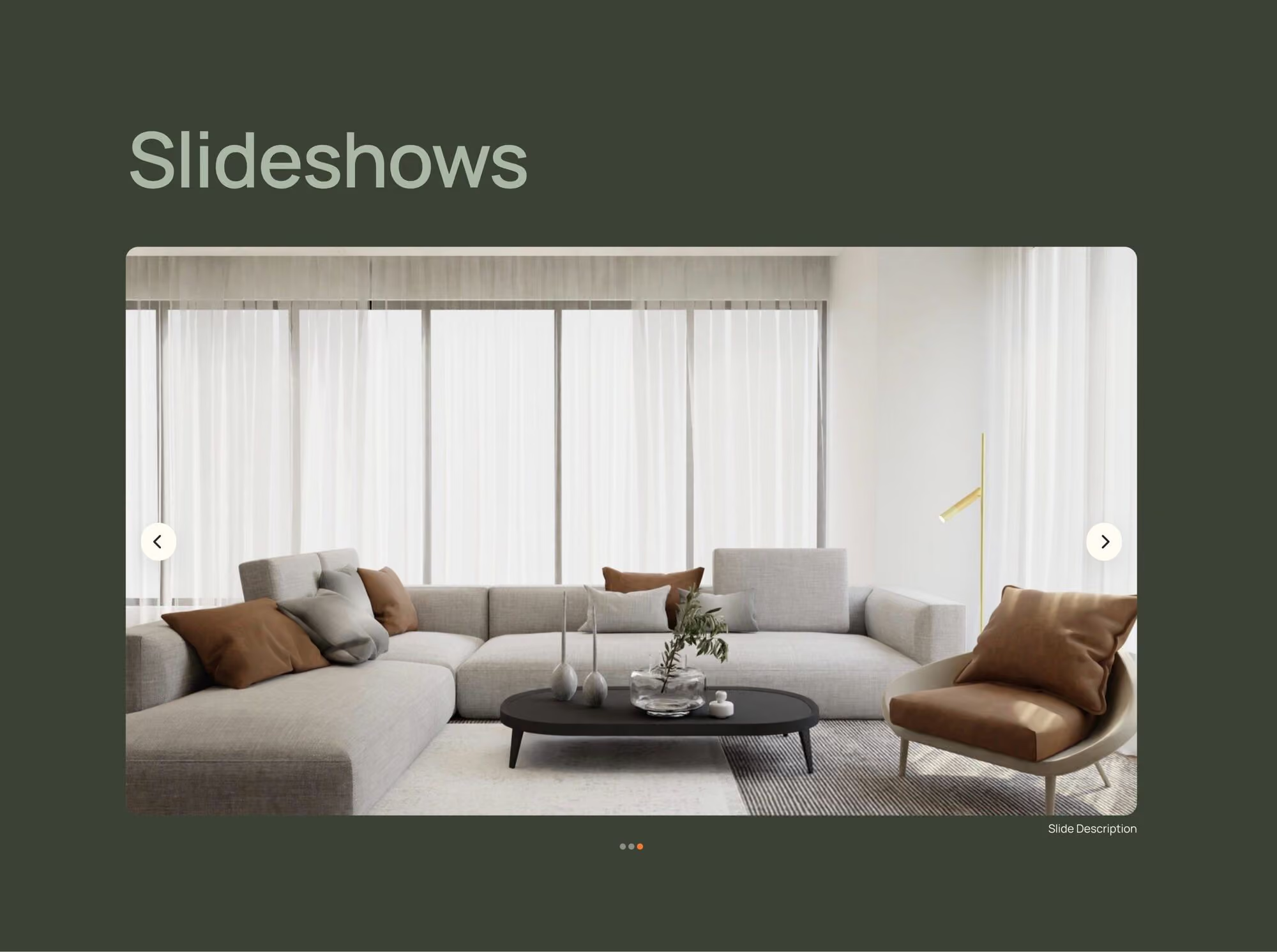
Eigene Webflow Slider Animationen

Animationen

CMS Inhalte ohne Page Reload filtern

CMS Filter
The Webflow template is yours to use freely for client projects
Everything built in this course is available to you as a ready-to-use Webflow project. Copy, customize, and get started.

Curriculum

All 100+ Lessons

100+ videos across 10 chapters. From the fundamentals through custom layouts and animations to a GDPR-safe hand-off to your clients.

Videos
100+
Chapter
8
Duration

25H

Modul 01

Intro

3 videos
01
Welcome, and how to get the most out of this online course
07:00
02
Copying elements from other Webflow projects
07:00
03
Using the Webflow Finder and shortcuts
06:00
Modul 02

Web Design Basics

14 videos
01
The Webflow Designer in a nutshell
15:30
02
What does Webflow do for us in the background? Understanding HTML and CSS
06:50
03
Understanding the box model
05:40
04
Hierarchy and inheritance in web design
05:20
05
Understanding selectors / CSS classes
05:40
06
Understanding different units: px, %, em, rem, ch, vw, vh, svw, svh
31:20
07
Exporting and processing images correctly
11:00
08
Introduction to Grid and Quick Stack: magazine layouts
18:10
09
Introduction to Flexbox: positioning elements horizontally and vertically
13:30
10
Understanding position relative, absolute and fixed
09:45
11
Positioning exercise
12
Position sticky: making elements scroll along
07:00
13
Working with icons and SVG vector graphics (3 ways)
10:00
14
Recovering elements you've lost
02:30
Modul 03

Starting a New Website Project

10 videos
01
Why we use rem instead of pixels
05:40
02
Adding a typeface and font
07:50
03
Working efficiently with variables
16:50
04
Defining and reviewing the style guide
17:00
05
Global custom CSS file
06:10
06
Setting up and understanding fluid design
24:30
07
Structuring pages professionally
13:30
08
Understanding containers and using them correctly
11:50
09
Working efficiently with spacing
12:00
10
SEO considerations for headlines
08:00
Modul 04

Practical Layout Implementation

12 videos
01
Building a simple standard main navigation
18:00
02
Adding a dropdown to a navigation
13:15
03
Text on image: building a hero section
18:40
04
Webflow slideshow: everything you need to know
17:00
05
Webflow slideshow, advanced
20:00
06
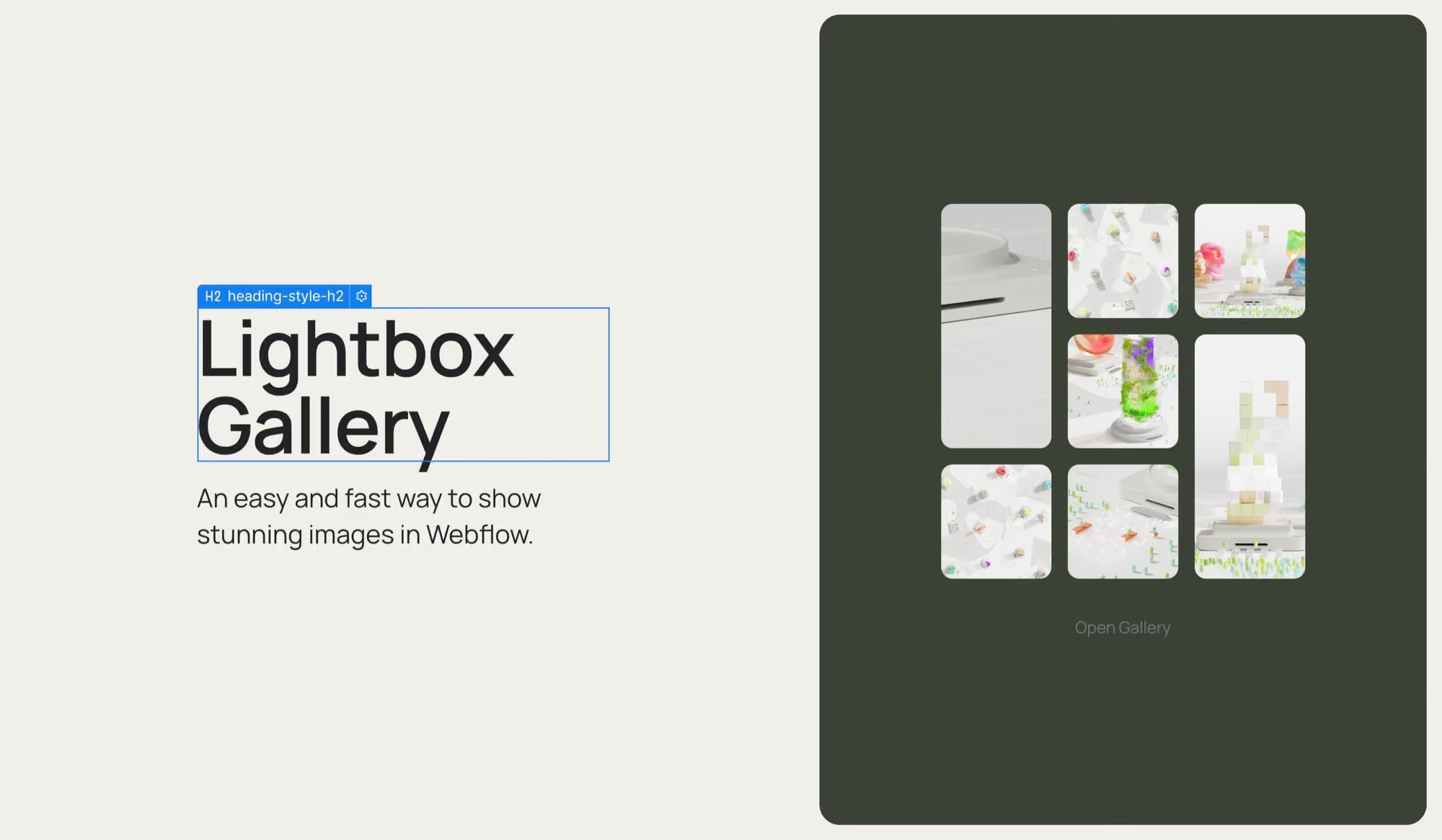
Gallery in an overlay lightbox
09:20
07
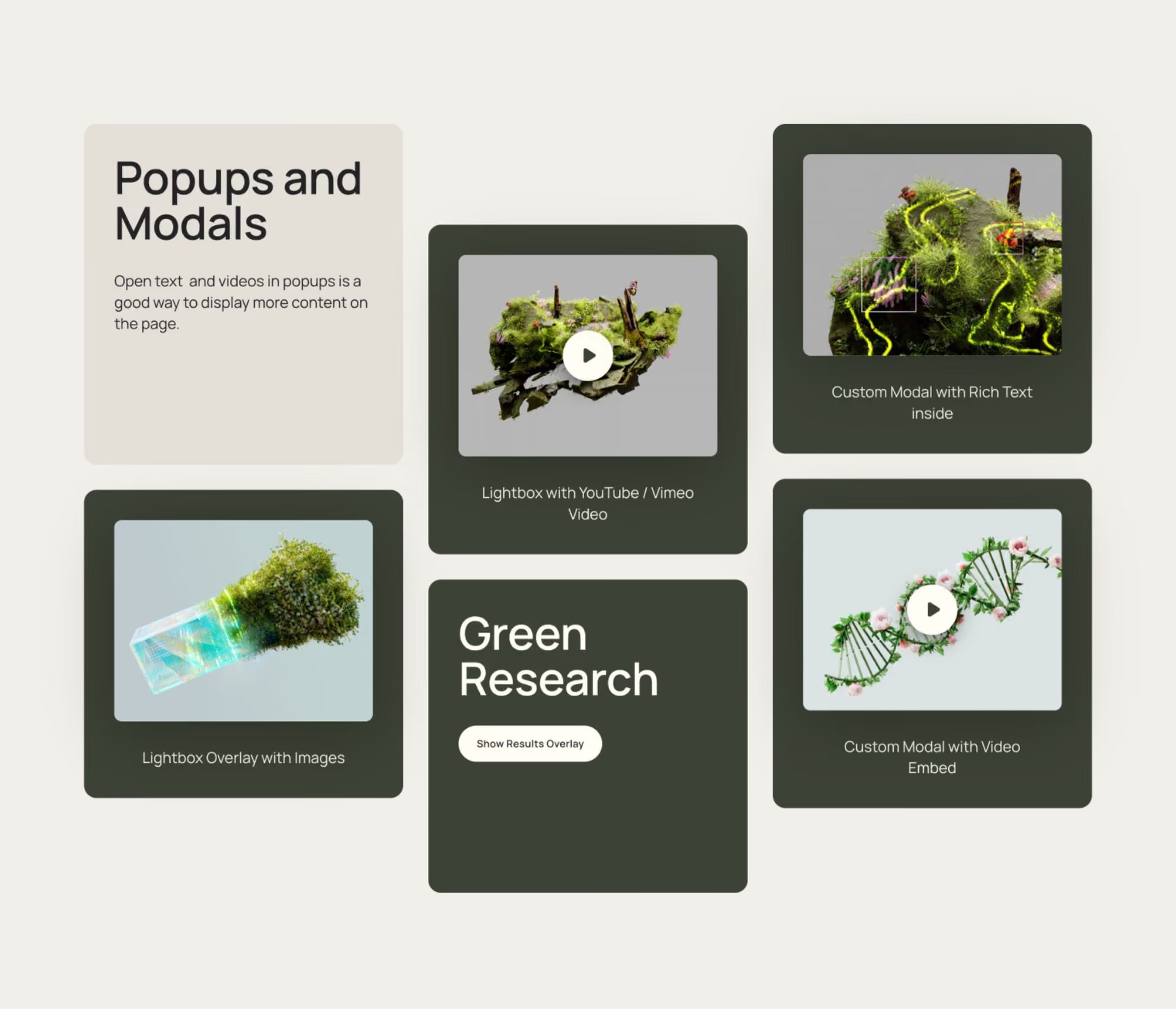
Video popups and modal overlays: 3 approaches
13:00
08
Building forms and sending them automatically
15:00
09
Adding a search function
08:40
10
Working with external libraries
12:00
11
Working with components
17:20
12
Building multilingual websites
Modul 05

Responsive Design Process

5 videos
01
Making a page responsive: the general approach
45:40
02
Making font sizes and the style guide responsive
21:00
03
Solutions for text that won't wrap on mobile
06:30
04
Creating custom responsive breakpoints
06:25
05
Hiding or swapping elements for specific devices or sizes
02:45
Modul 06

Mastering the Webflow CMS

15 videos
01
Introduction to the Webflow CMS
06:40
02
What sets the Webflow CMS apart from others
07:30
03
How the CMS works under the hood
11:30
04
Building an FAQ list: CMS for beginners
16:20
05
Filling tables and importing content as a CSV file
04:00
06
Building a Pinterest-style image grid with the CMS
05:50
07
Webflow slideshow with CMS content
10:00
08
Nested content: reference fields explained
06:43
09
Sorting CMS content: setting your own order
02:30
10
Building a blog overview page
17:00
11
Building a blog detail page
10:00
12
Building a blog archive with tags and filters
07:10
13
Filtering CMS content without a page reload (advanced): Finsweet Attributes
15:40
14
Variable layouts based on the same CMS content
06:00
15
Using CMS content in custom code: the embed element (advanced)
07:20
Modul 07

Adding Animations

17 videos
01
Working with animations: fundamentals overview
18:00
02
Getting started with website animations
16:00
03
Animating buttons and links: the basics
06:30
04
Animating text elements in on scroll
11:20
05
The one trick that makes your animations feel premium
15:20
06
A custom page load animation
12:40
07
Parallax scroll effects
12:20
08
Working with Lottie animations
10:00
09
Horizontal image carousel / infinite logo carousel
10:00
10
A custom typography scroll animation
12:00
11
Growing an image as you scroll
08:20
12
Animating variables with Webflow Interactions
03:20
13
Preparing 3D objects in Spline
13:10
14
Integrating and animating 3D objects in Webflow
16:00
15
Building a custom hamburger menu starting on desktop
29:35
16
Custom Webflow slider animations
12:20
17
Animating page transitions
19:50
Modul 08

GDPR

10 videos
01
When do you need a cookie banner, and when a privacy policy?
05:20
02
Generating and setting up a privacy policy (free option)
12:00
03
Privacy policy for larger clients (paid option): datenschutz-generator.de
12:30
04
Signing a data processing agreement (DPA) with Webflow (with template)
03:40
05
Key cookie banner fundamentals
10:50
06
How to check which cookies are being set
07:40
07
Cookie banner option 1: integrating cookie-script.com (free and paid version)
31:40
08
Cookie banner option 2: integrating Finsweet Webflow Cookie Consent (free)
25:20
09
A cookie-free alternative to Google Analytics
9:50
10
Embedding Google Maps
08:30
Modul 09

Working with Clients

7 videos
01
Convincing clients to use Webflow
02
The right Webflow plan for you and your clients
03
Exporting Webflow code
04
Hosting with Webflow: the advantages
05
Setting up client Editor access
06
How clients can edit the website
07
Recording a training video and handing the website over to the client
03:15
Modul 10

Publishing Your Website

7 videos
01
SEO page settings (search engine optimization)
13:30
02
301 redirects: not losing your client's SEO rankings
08:40
03
Optimizing a website for better Google PageSpeed
14:00
04
Creating and generating an imprint
06:00
05
Connecting a domain
13:50
06
Setting up Google Search Console and uploading a sitemap (SEO)
06:50
07
Pre-launch checklist
10:20
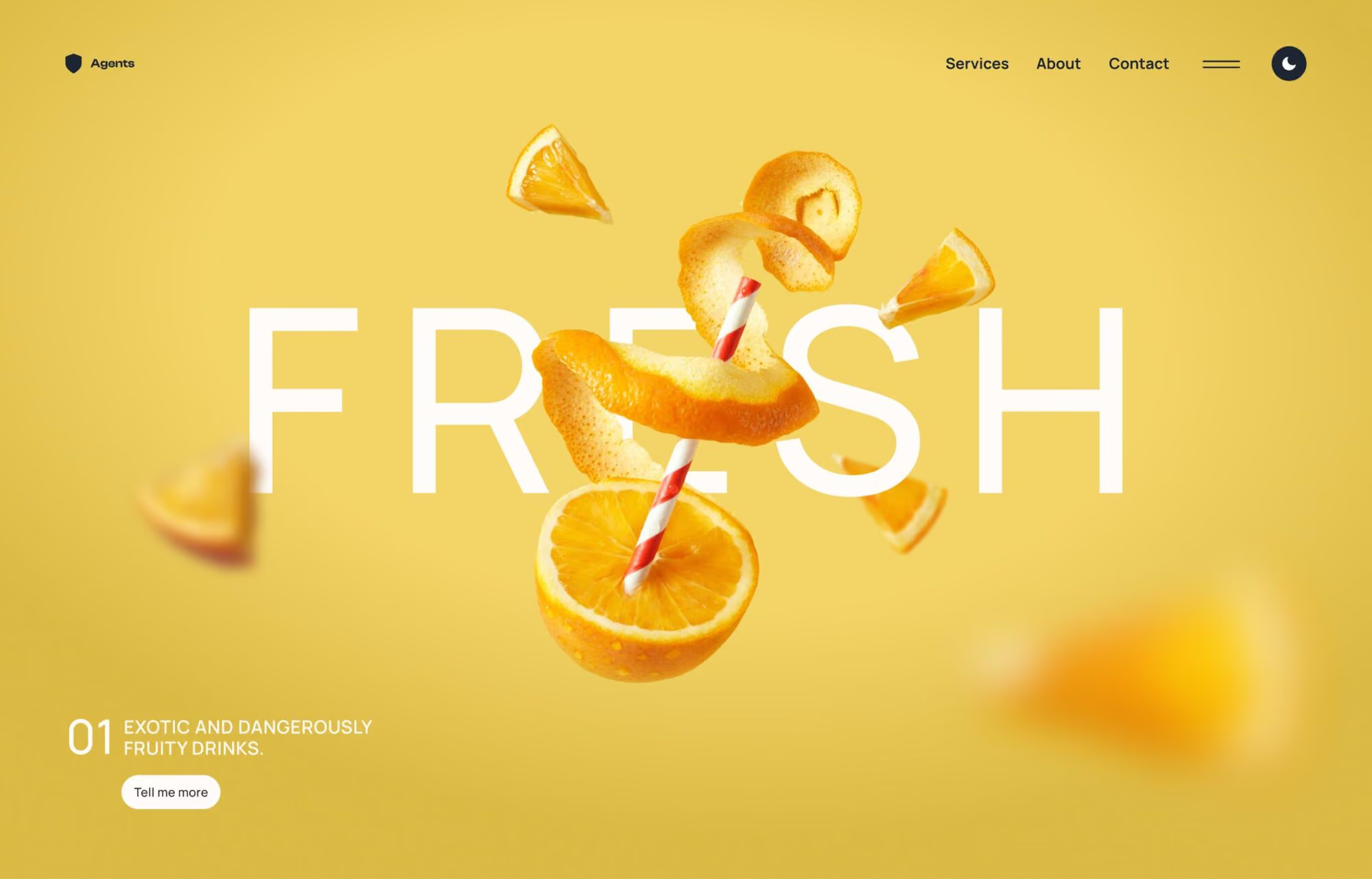
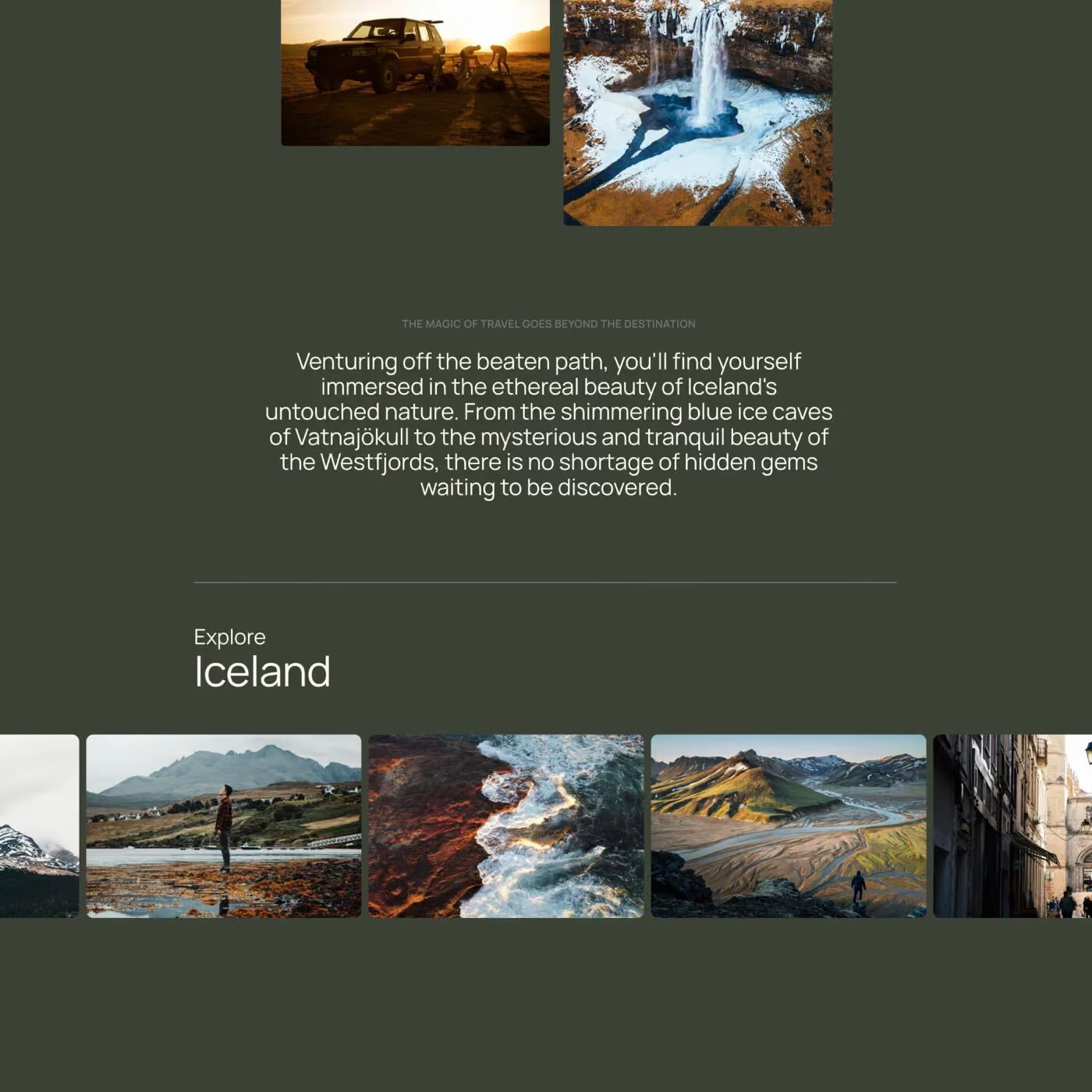
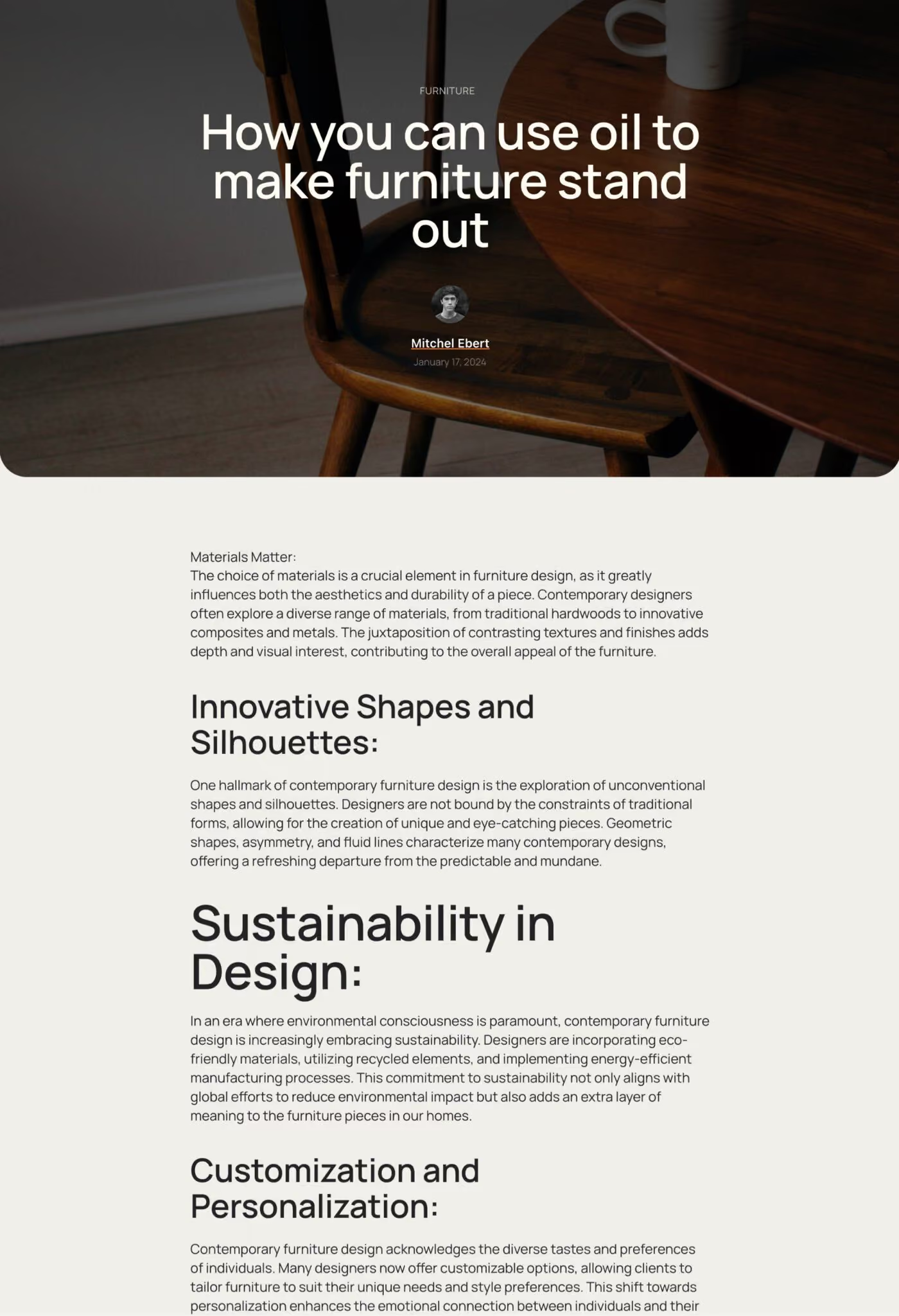
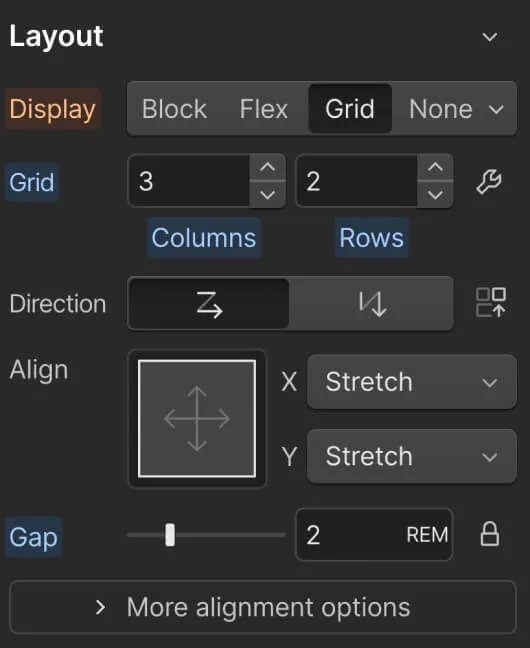
A black screen with a menu of options for a layout.
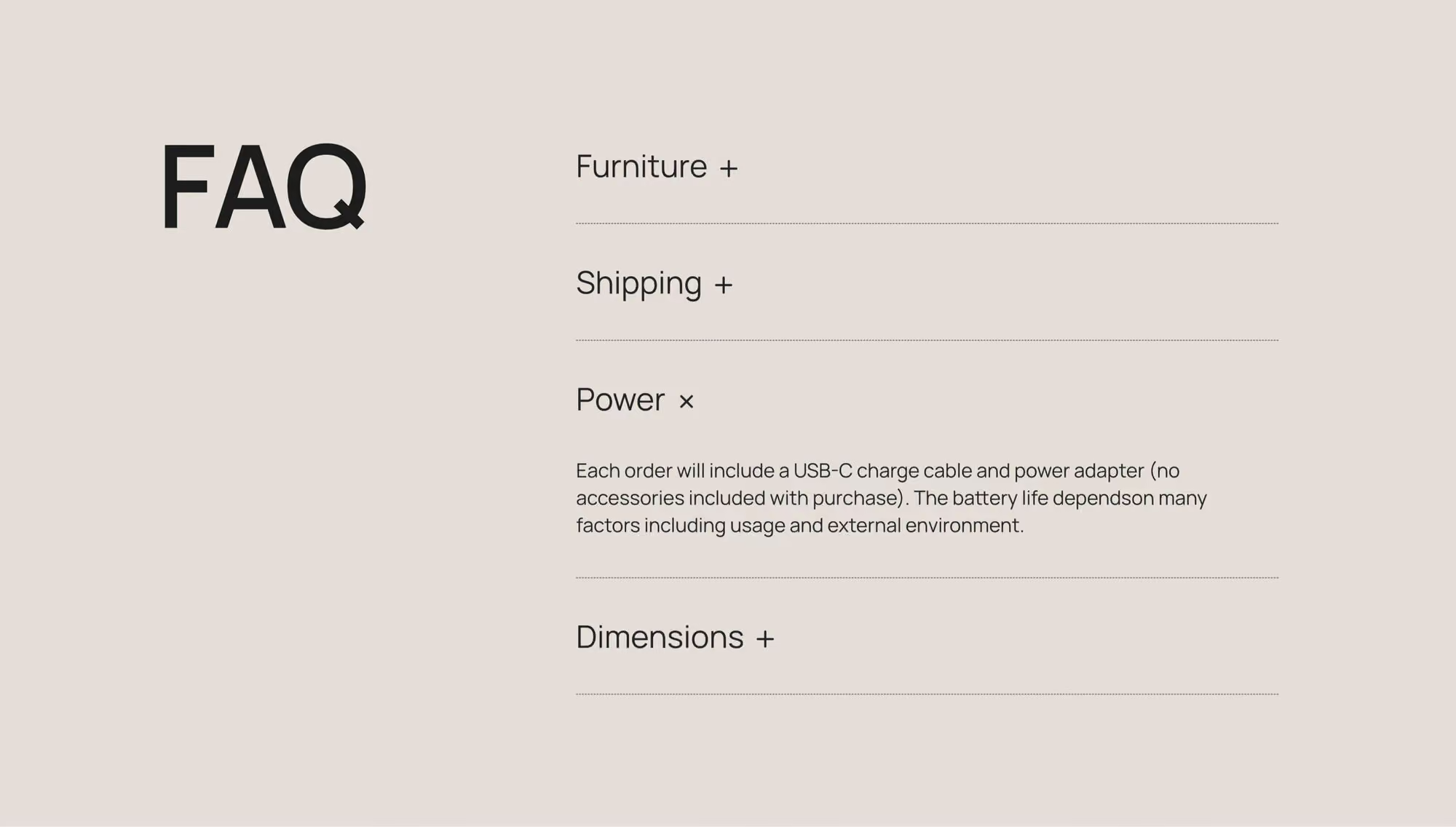
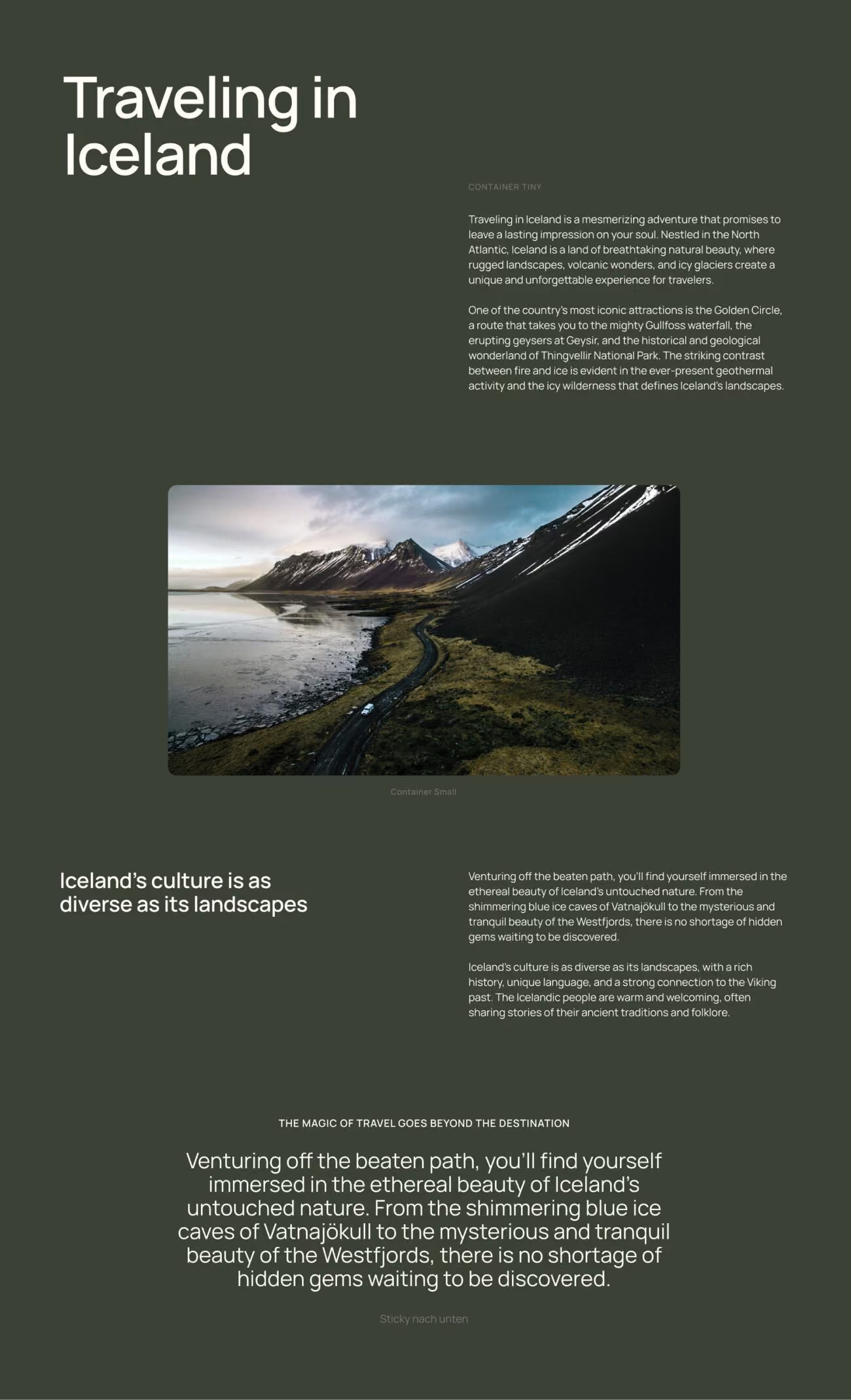
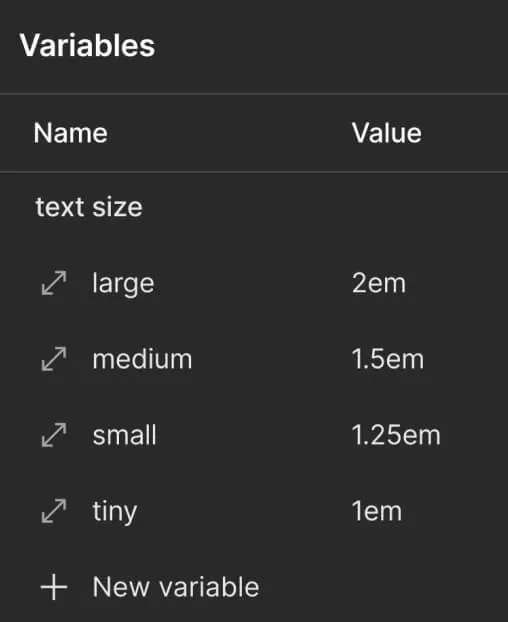
A black screen with a text box that says "text size" and a drop down menu with options for "tiny", "small", "medium", "large", "extra large", and "text size".
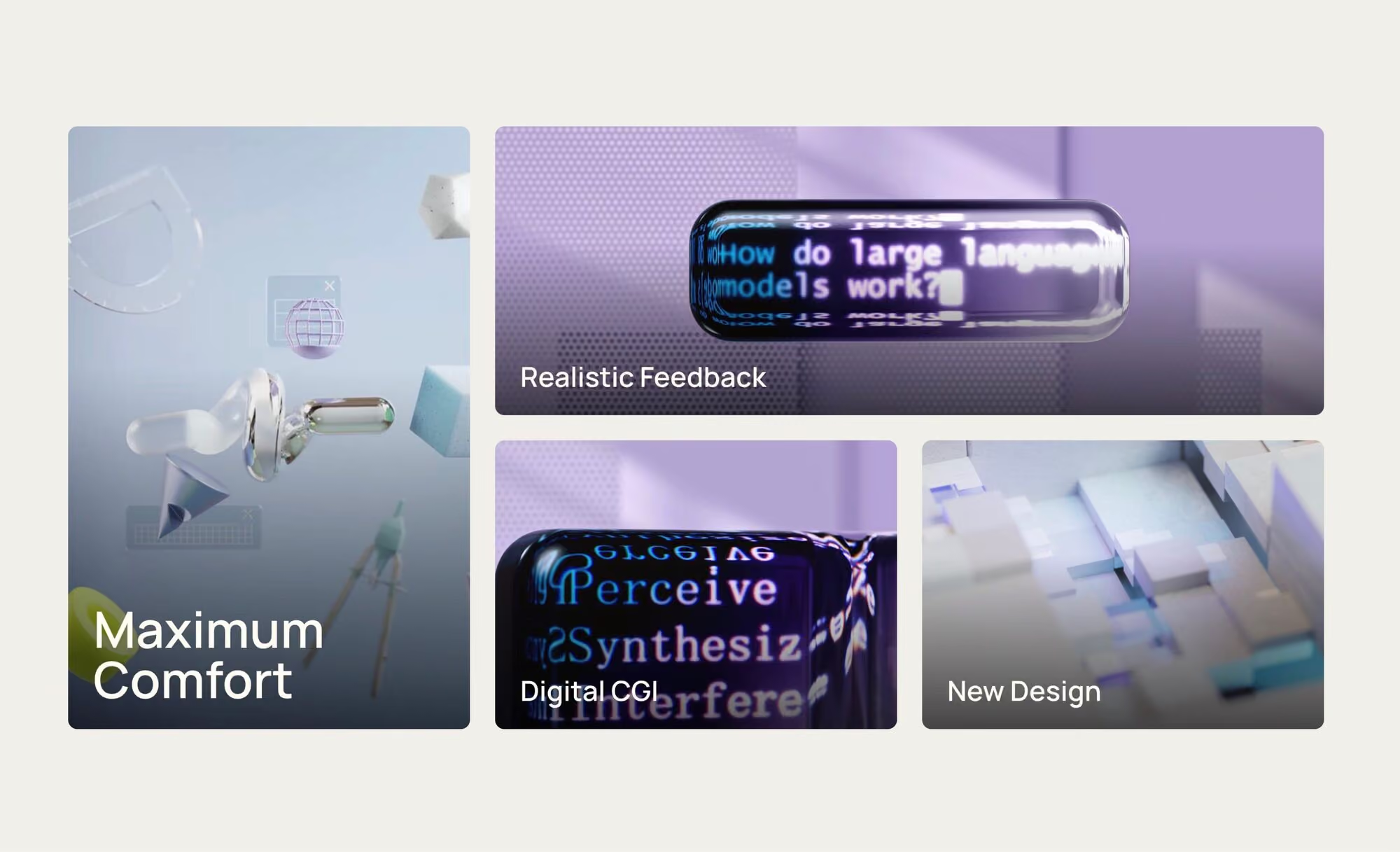
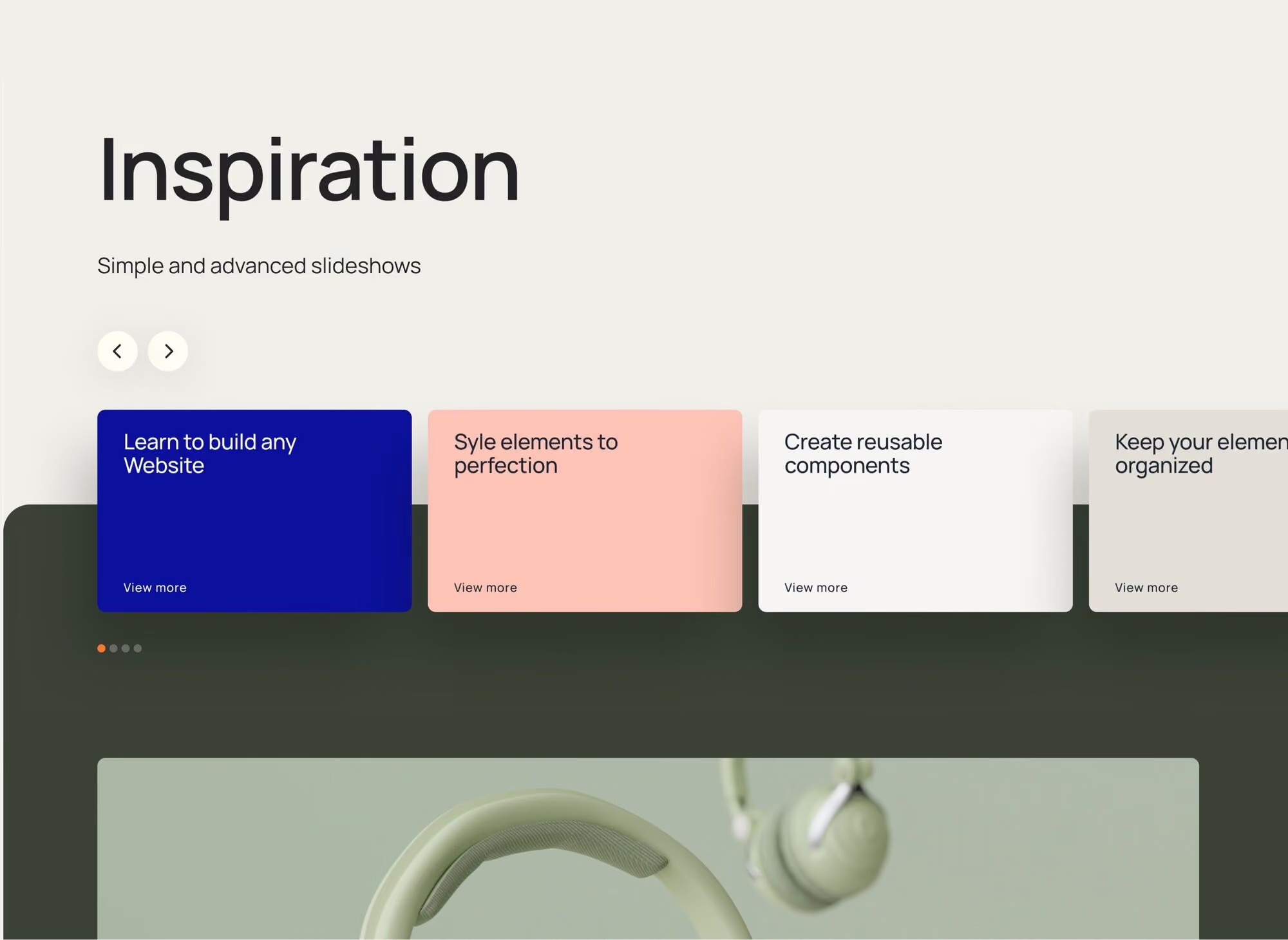
A black screen with a button that says drop.
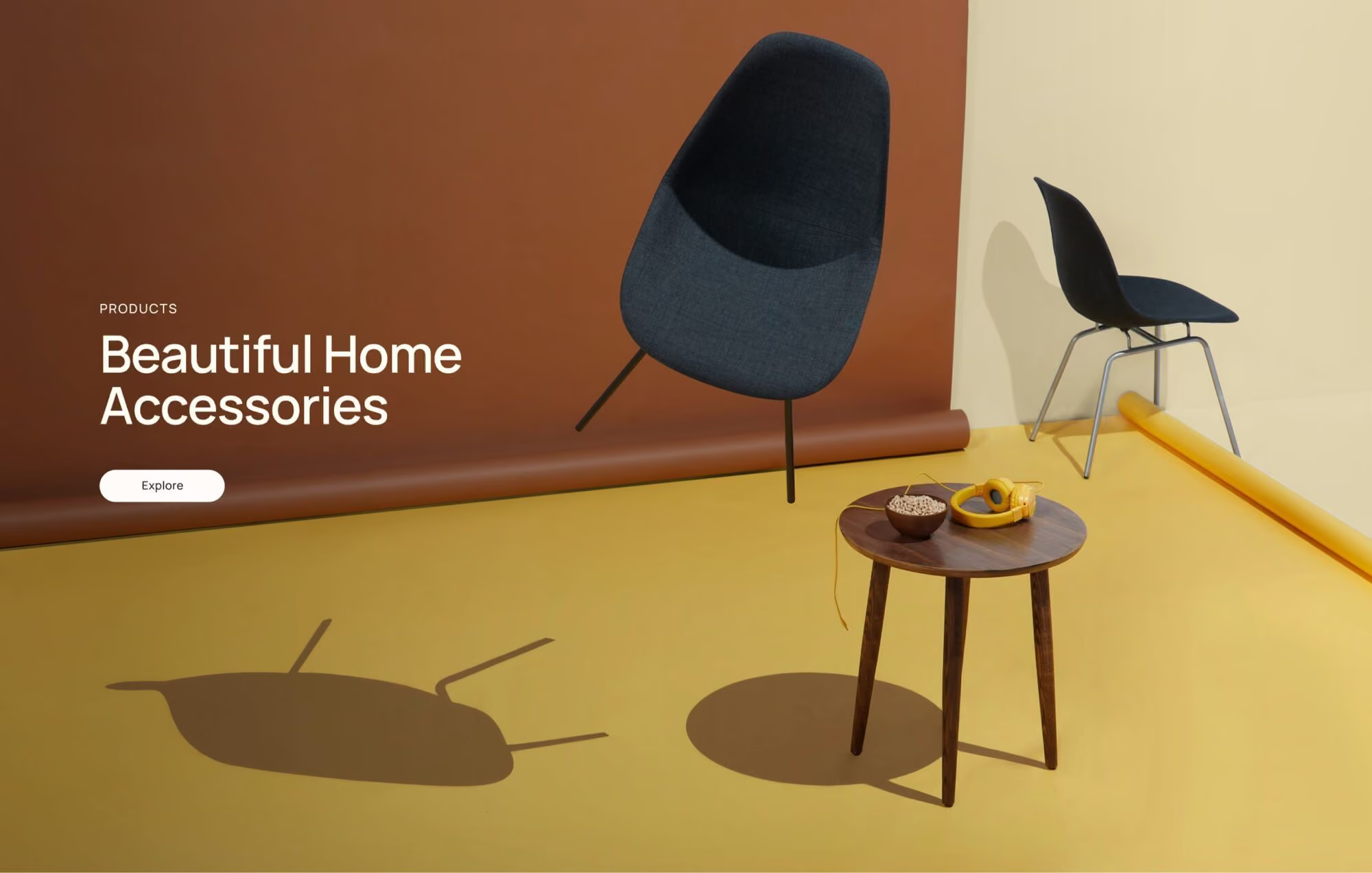
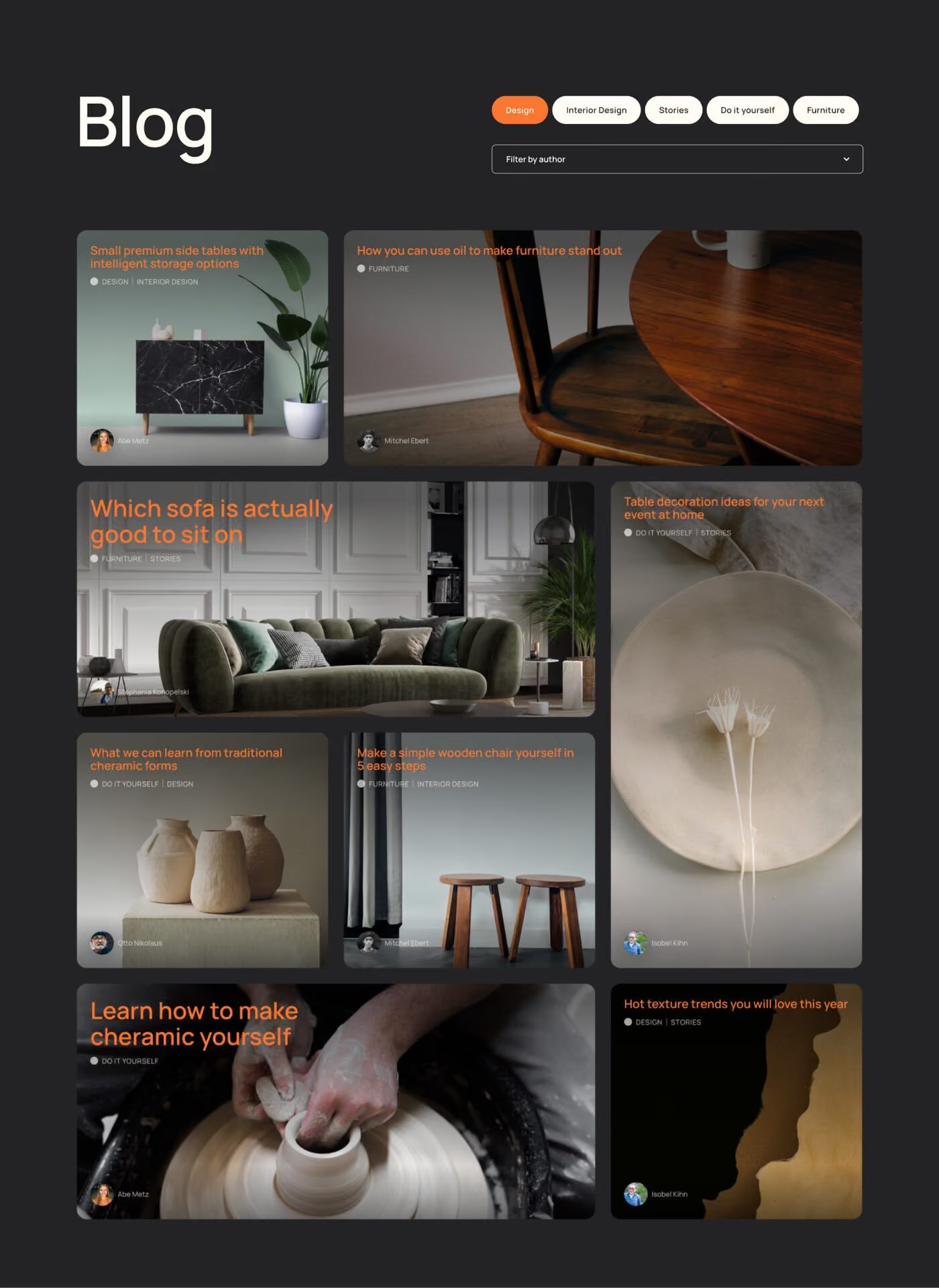
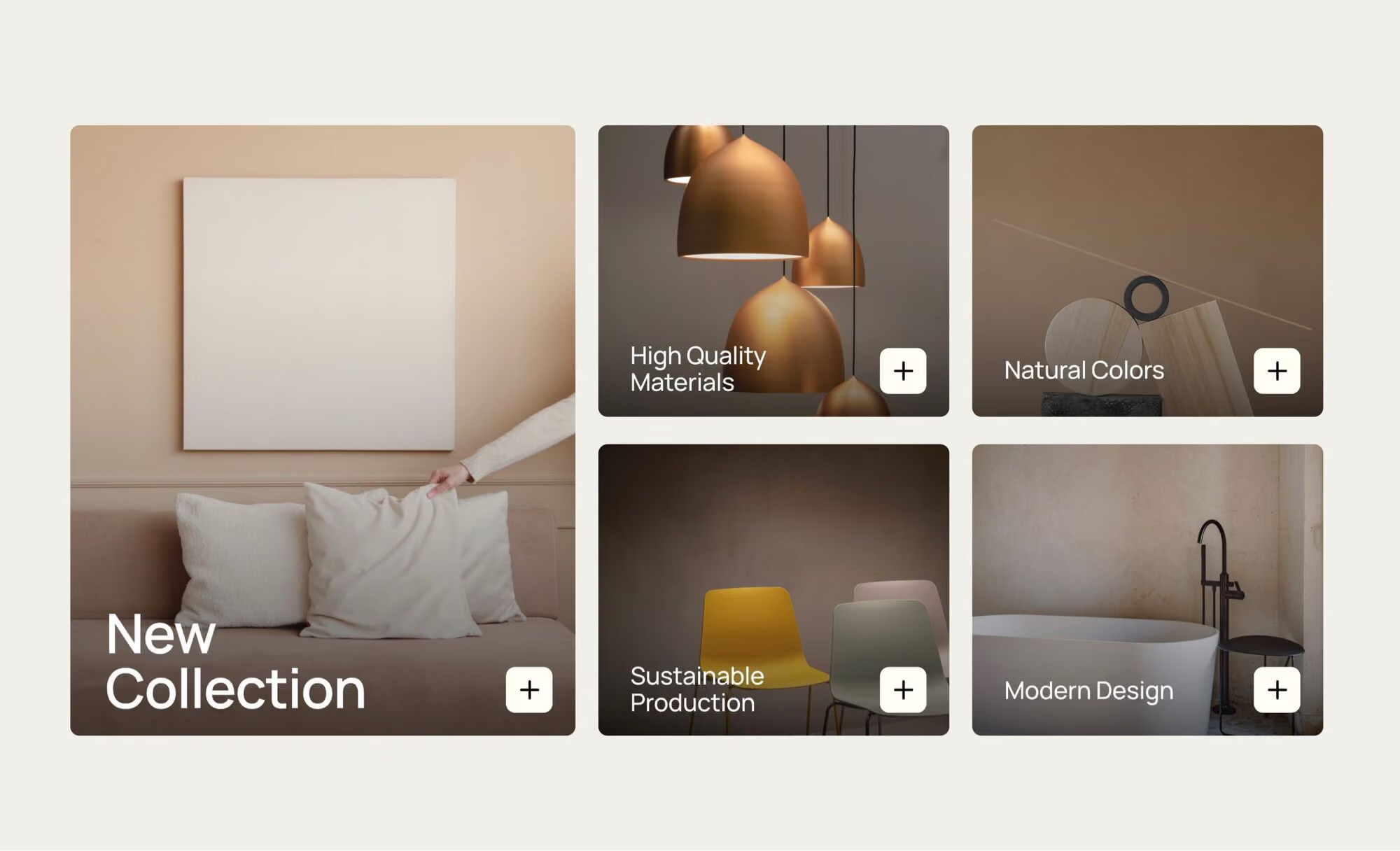
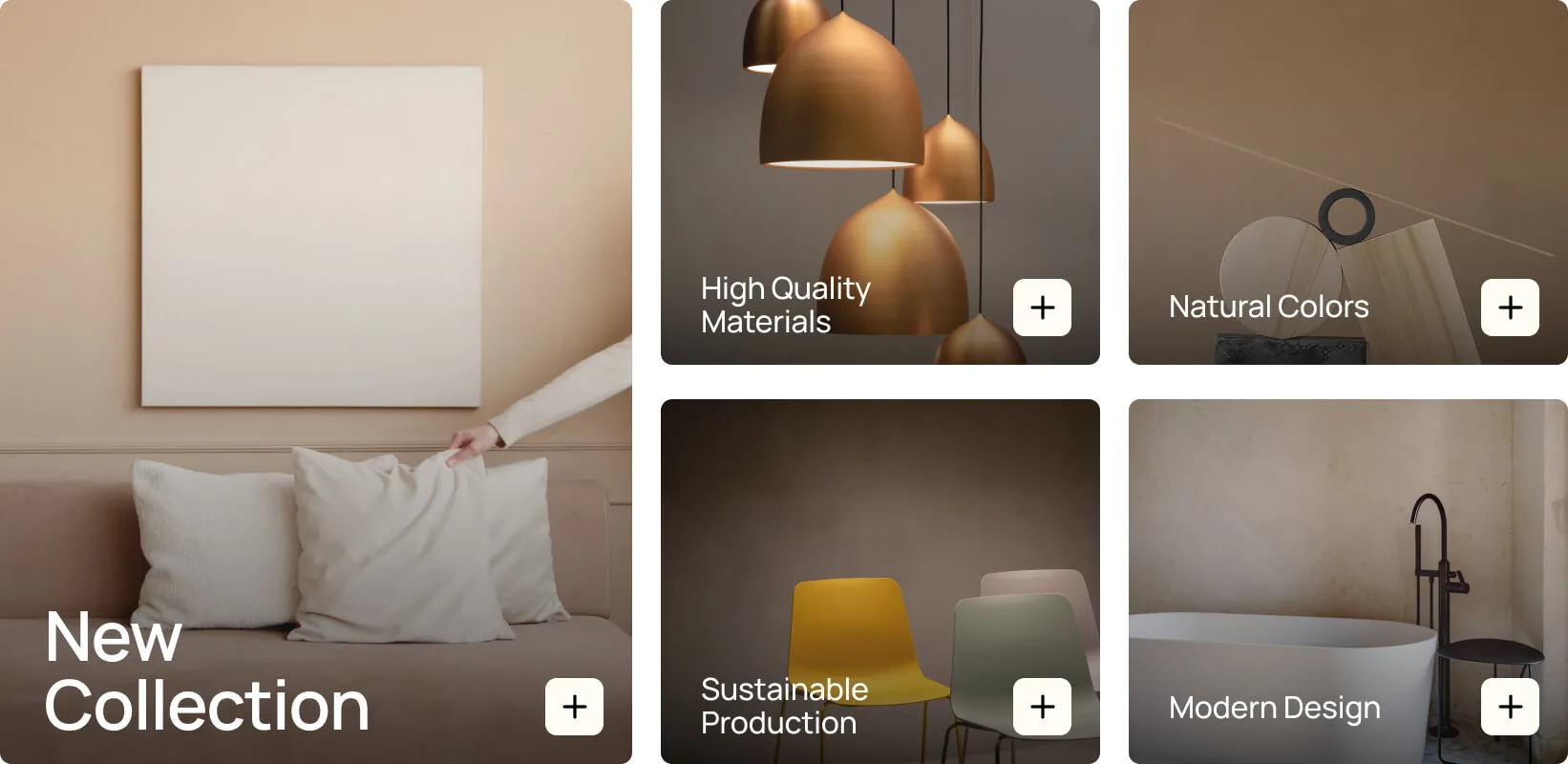
A collection of modern design items.
Webflow All-in-One Beginner Course

Is this course right for you?

For you if…

  • You have little or no experience with Webflow and want to learn the complete workflow.
  • You're a designer who wants to build websites yourself, without depending on developers.
  • You want to take websites from first idea to professional client hand-off, entirely on your own.
  • You work at an agency or company and want to build websites in-house.
  • You'd rather learn through realistic project workflows than isolated tutorials.

Not for you if…

  • You've already completed the Expert Course or the GSAP Masterclass and are specifically looking for advanced content.
  • You want to code exclusively and aren't looking for a visual workflow.
  • You're just looking for a quick fix for a single problem.
  • You're not ready to invest time in a complete learning program.
Your instructor

Built on experience, not theory.

Jonas Arleth
.
.
Founder &
Instructor

FORMBURG was founded by Jonas Arleth, a Webflow designer, developer, and educator with years of practical experience. All content is based on real projects, proven workflows, and insights from daily work with Webflow.

For years, Jonas has been sharing his knowledge through tutorials, resources, cloneables, and an established Webflow podcast.

  • Winner of the Webflow × Contra Challenge 2025.
  • Featured twice on the main stage at Webflow Conf.
  • Awarded GSAP Site of the Day.
  • FORMBURG community templates have been cloned over 60,000 times.
  • Since 2018, I have been sharing Webflow knowledge publicly through hundreds of free YouTube tutorials.

From the community

Real results from Webflow powerusers, freelancers, and developers.

Sven
Sven
Designer & Web Designer
Web Designer
Clean, scalable and ready for real client work.

The courses go far beyond learning tools. They focus on how to build Webflow projects properly — not just how to copy techniques.

Nikolaus K.
Nikolaus K.
Web designer and Founder of KolbaMedia
Agency Owner
Investing in the course was the smartest shortcut

After watching many tutorials, FORMBURG was the first place where everything made sense. I now approach Webflow projects with a clear structure instead of trial and error.

Alexander Sprogis
Alexander Sprogis
Product Engineer & Mitgründer von VisualMakers
Product Engineer
FORMBURG helped us bring structure into our Webflow projects.

The focus on real workflows and clean systems made a noticeable difference in our day-to-day agency work.

Recently
joined

.
.
Eduard
Webdesigner


.
.
.

GSAP Coder
Recently
joined

.
.
Alexandra
UI/UX Designer


.
.
.

UI/UX Design
Recently
joined

.
.
Sven
Designer & Web Designer


.
.
.

Web Designer
Recently
joined

.
.
Nikolaus K.
Web designer and Founder of KolbaMedia


.
.
.

Agency Owner
Recently
joined

.
.
Sebastian G.
Web Designer in Healthcare
Recently
joined

.
.
Aleks
Web Designer
Recently
joined

.
.
Miriam K.
Communication Designer
Recently
joined

.
.
Doris P.
Communication Designer
982
Professionals
.

1.302
More than 928 professionals use FORMBURG courses to take their skills to the next level.
Read all 50+ reviews
Recently
joined

.
.
Alexander Sprogis
Product Engineer & Mitgründer von VisualMakers


.
.
.
.

Product Engineer
Recently
joined

.
.
Alex W.
Web Designer
Recently
joined

.
.
Elmira R.
UX/UI Designer
Recently
joined

.
.
Sabine R.
Marketing Automation Expert
Recently
joined

.
.
Ben M.
Student / Web Design
Recently
joined

.
.
Mika H.
Web Designer
Recently
joined

.
.
Nils D.
Student, Intermedia Design
Recently
joined

.
.
Chris G.
Web Designer
.
.


If you're not satisfied, you don't pay
If you're not happy, just send me an email within the first 14 days and I'll give you a 100% refund. No questions asked. Guaranteed!
Pricing

Start building at a different level.

Pay once. Lifetime access. No subscription.
English Version

Webflow All-in-One Beginner Course

499€
Or 3 payments of 183€
Included
Webflow project template
for free use in client projects
Direct support
Via the course comment function or chat
  • 100+ video lessons – 25 hours of video content
  • Lifetime access including all future updates
  • Resolve questions and issues directly via chat
  • Webflow project template with everything we build
  • Certificate of completion
Buy course
🔒 14-day money-back guarantee
Bundle
Save 30% on every additional course
English Version
Bundle deal -30%

Webflow Expert Course

315€
449€
Or 3 payments of 116€ instead of 165€
Inclusive
Webflow project template
for free use in client projects
Figma design file
Included
Direct support
Via the course comment function or chat
  • 70+ video lessons – 10 hours of video content
  • Lifetime access including all future updates
  • Resolve questions & issues directly via chat
  • Figma design file included
  • Webflow project template with everything we build
  • Bonus downloads
  • Certificate of completion
🔒 14-day money-back guarantee
English Version
Bundle deal -30%

Webflow GSAP Interactions Masterclass

140€
199€
Or 3 payments of 52€ instead of 72€
Inclusive
Webflow project template
for free use in client projects
Figma design file
Included
Direct support
Via the course comment function or chat
  • 23 practical video lessons – 3 hours of focused content
  • Lifetime access including all future updates
  • Resolve questions and issues directly via chat
  • Quiz after every lesson
  • Certificate of completion
🔒 14-day money-back guarantee
Bundle deal -30%

Master Web Design Proposals with 3 Pricing Options

252€
359€
Or 3 payments of 93€ instead of 132€
Inclusive
Direct support
Via the course comment function or chat
  • 10-page template that you can edit in Pages or Word
  • 3 real proposals from me: a €50,000 project, a €16,000 project, and a €6,000 project
  • 25 explanatory videos
  • Includes terms and legal protection (vetted by a lawyer)
  • Bonus material
FAQ

Frequently Asked Questions

Still unsure?
Jonas answers questions directly within the course lessons and is even happy to help before you make a purchase.
Questions

Nein. Der komplette Kurs funktioniert ohne Programmierkenntnisse. Webflow arbeitet visuell, du siehst sofort das Ergebnis deiner Änderungen. Ein technisches Grundverständnis hilft, ist aber keine Voraussetzung.

Ja. Nach Abschluss von 80% des Kurses bekommst du ein personalisiertes Zertifikat als PDF, melde dich dafür einfach mit Namen und Bestellnummer.

Ja, 14 Tage, ohne Wenn und Aber.

Ja, 25%. Schick dafür einfach eine Mail mit Infos zu deinem Studiengang oder deiner Ausbildung an meine Assistentin Lisa.

Jede Lektion hat eine Kommentarfunktion, die ich regelmäßig beantworte. Bei größeren Problemen kannst du mich auch direkt per Chat erreichen.

Die Webflow University zeigt dir einzelne Funktionen isoliert. Dieser Kurs zeigt dir, wie du sie in echten Kundenprojekten kombinierst, inklusive Themen, die woanders fehlen: DSGVO, Cookie-Banner, Preisgestaltung und die Übergabe an Kunden.

Wenn du bereits mit Webflow-Grundlagen vertraut bist, lohnt sich eher der Profi-Kurs. Kommst du aus dem Programmieren oder einem anderen Tool, zeigt dir dieser Kurs den kompletten Webflow-Workflow von Grund auf, inklusive der Punkte, die für Kundenprojekte in Deutschland wichtig sind.

Ich habe den Client-First-Styleguide an meine Bedürfnisse angepasst, die Struktur ist aber sehr ähnlich und kompatibel. Verstehst du den Ansatz aus dem Kurs, kannst du problemlos auch komplett nach Client First arbeiten.

Für den Kurs selbst nicht. Für eine eigene Domain und mehr Funktionen brauchst du später einen kostenpflichtigen Webflow-Site-Plan, es gibt aber auch einen kostenlosen Plan zum Lernen und Ausprobieren.

Ja, der exportierte Code läuft auf jedem Hoster. Eine Einschränkung: CMS-Inhalte werden beim Export nicht mitgenommen. Nutzt du das Webflow CMS, brauchst du dafür Webflow-Hosting.

Der Komplettkurs enthält kein eigenes E-Commerce-Modul, du lernst aber alle Grundlagen, um einen Onlineshop selbst zu gestalten. Für Warenkorb, Checkout und Stripe-Integration empfehle ich den Profi-Kurs.

Lebenslang, inklusive aller zukünftigen Updates und neuen Module. Einmal zahlen, für immer dabei.

Die meisten Lektionen sind kurz und fokussiert. Zwei Lektionen am Tag reichen, um in wenigen Wochen durchzukommen. Mit lebenslangem Zugang kannst du aber auch komplett in deinem eigenen Tempo lernen.
01
350+
Already on it
02
25
Stundeni
03
100+
Lessons
04
14 Tage
Money-back guarantee
05
No prior experience needed

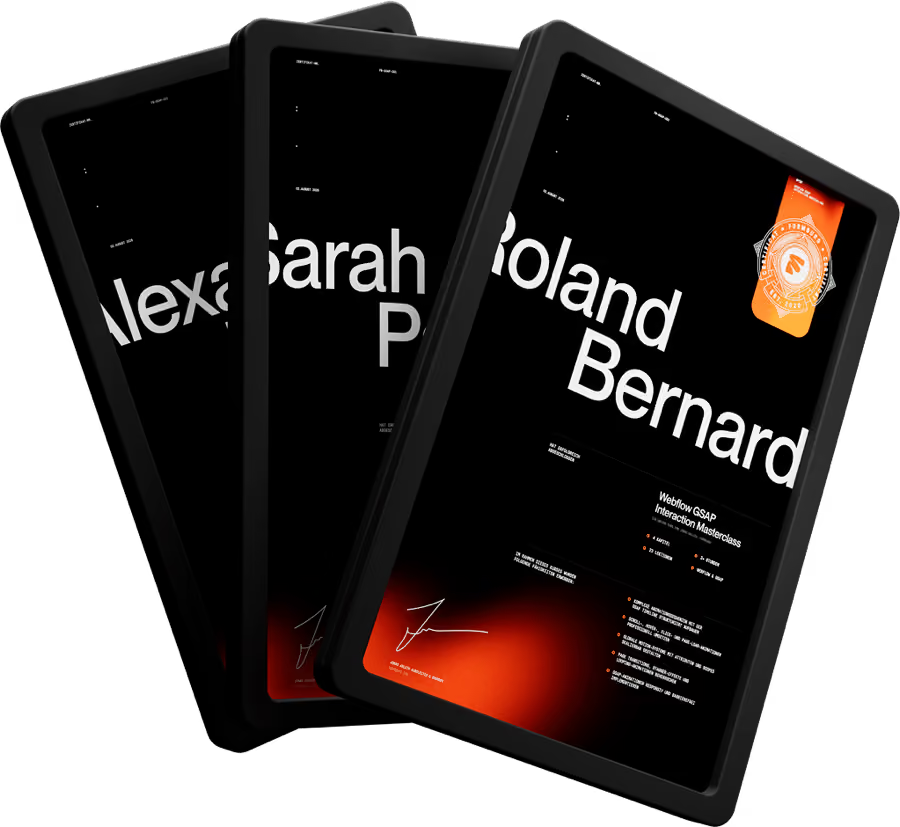
Certificate of Completion

Proof that you did the work.

Request after 80% completion by email with your order number.
  • Issued as a personalized PDF with your name
  • Share on LinkedIn, upload to your portfolio, or send to clients as proof of your skills
  • Request via email with your order number after completing 80% of the course
Ready?

Ready to build your first website yourself?

Join hundreds of participants who use Webflow professionally today.

Buy course
One-time payment • Lifetime access • No subscription
 • 14-day money-back guarantee