Webflow GSAP Interactions Masterclass






Arleth
.
.
.

The course explains in a clear and practical way how easily GSAP animations can now be built directly in Webflow. A strong recommendation for anyone who wants to quickly understand how GSAP works in Webflow.
You know Webflow. But your animations give it away.
- You bookmark sites on Awwwards thinking "How is everything moving like that?" Then you open Webflow and don't know where to start.
- Native Webflow Interactions take you far. But the animations that make a site feel truly premium stay just out of reach.
- Every GSAP tutorial you find is code-based. Nobody shows you how to use it visually with the new timeline inside Webflow without writing a single line.
- Your animations work. But they don't feel the way the sites you admire feel. And you can't quite put your finger on why.
- You know the result you want. You just don't have a system to get there.
This masterclass closes exactly that gap. The new GSAP Timeline in Webflow changes everything and this is the only course that teaches it properly, from scratch, in one place.

Your websites are about to play in a different league.
Not someday. Starting with the next project you deliver.
Studio-level quality on every project
Your Webflow projects will reach the level of the best studios out there, not eventually, but starting with the very next one.
Charge more. Take on bigger projects.
You'll confidently say yes to high-end motion projects and charge accordingly, because you can deliver what others can't.
Make clients speechless. Then watch them talk.
Create the kind of animations that make clients go quiet for a moment, in the best possible way.
Stand out. Clearly.
Premium, alive, and unmistakably professional. Your website animations will feel like references, not like another Webflow build.
Build complex animations confidently, no more trial and error eating up your time.
Close projects faster and free up time for the next one.
A preview of the course
Every technique is taught using a real-world layout. You watch, then you build it yourself.
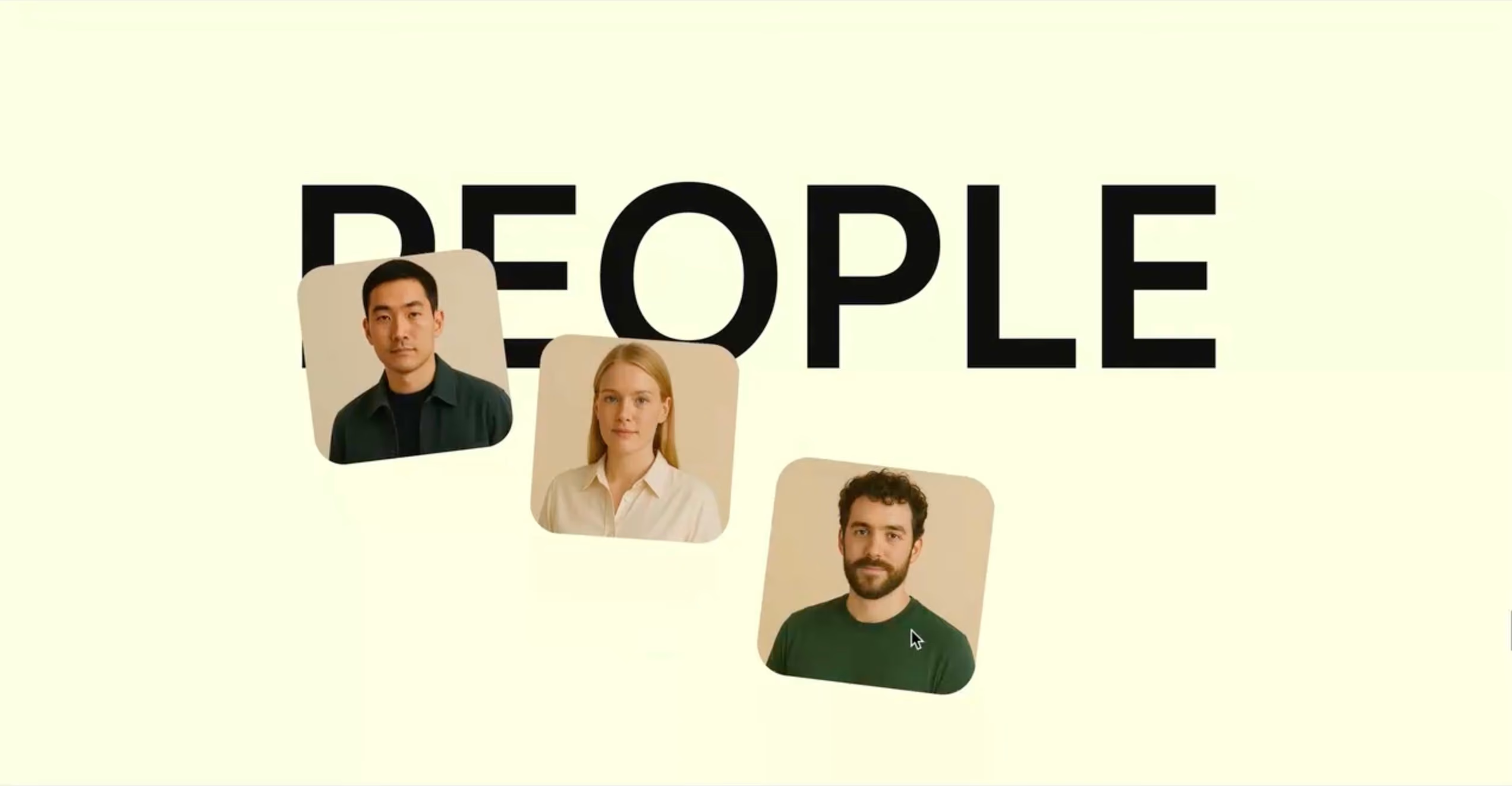
Layered Multi-Stage Hero Reveal Scroll Animation
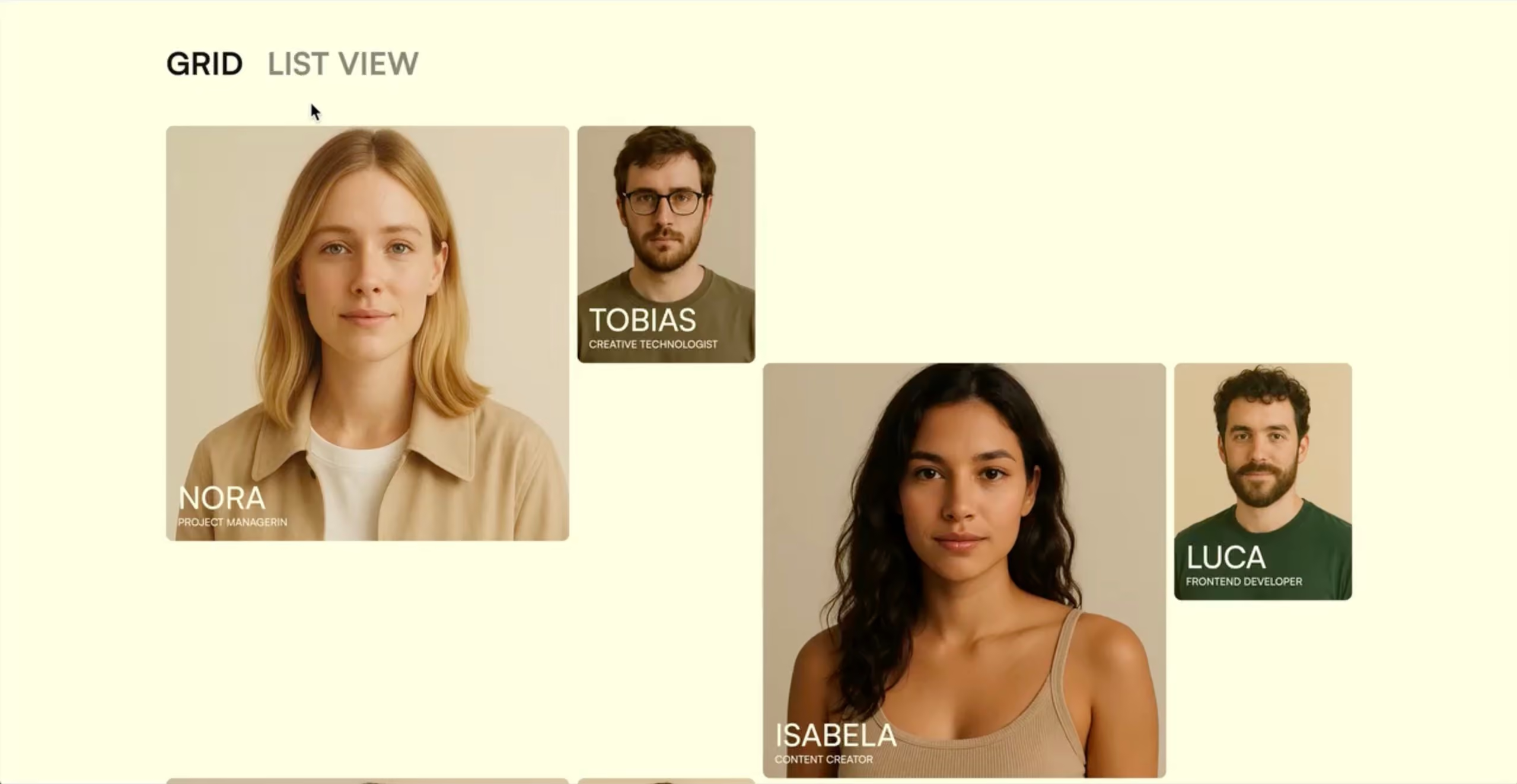
Add Class Animations
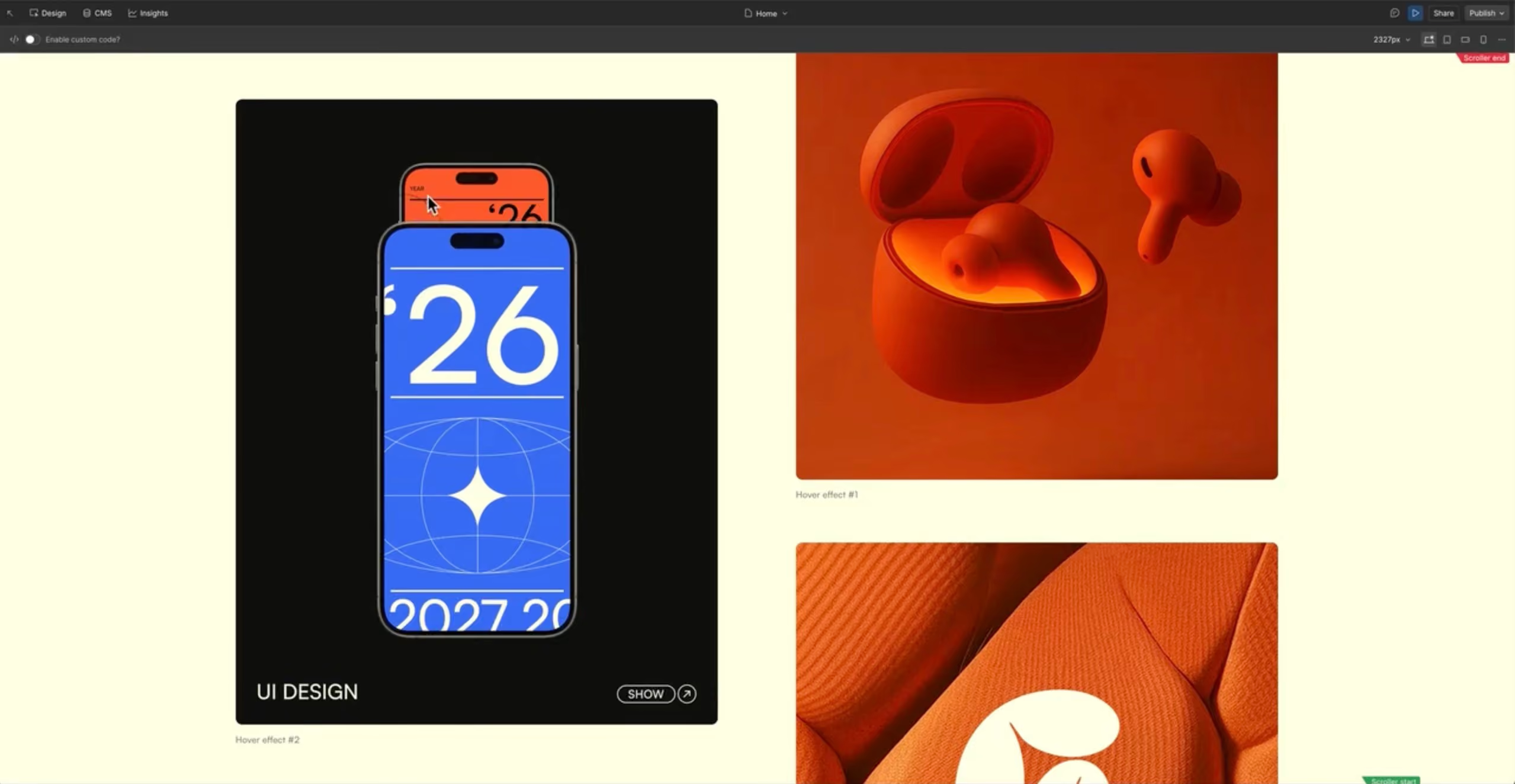
Everything you need to know about hover interactions
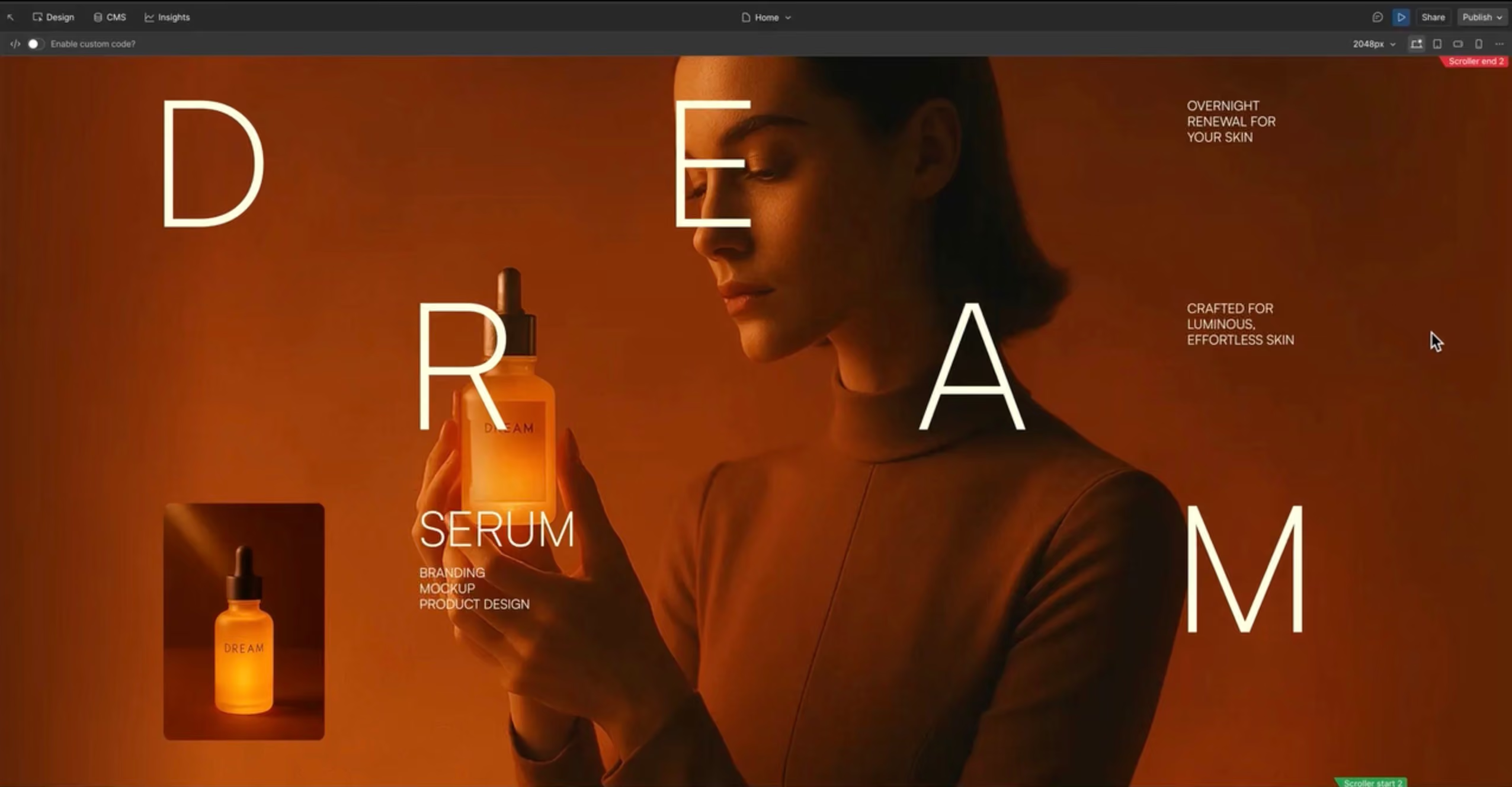
Mastering looping animations and timing
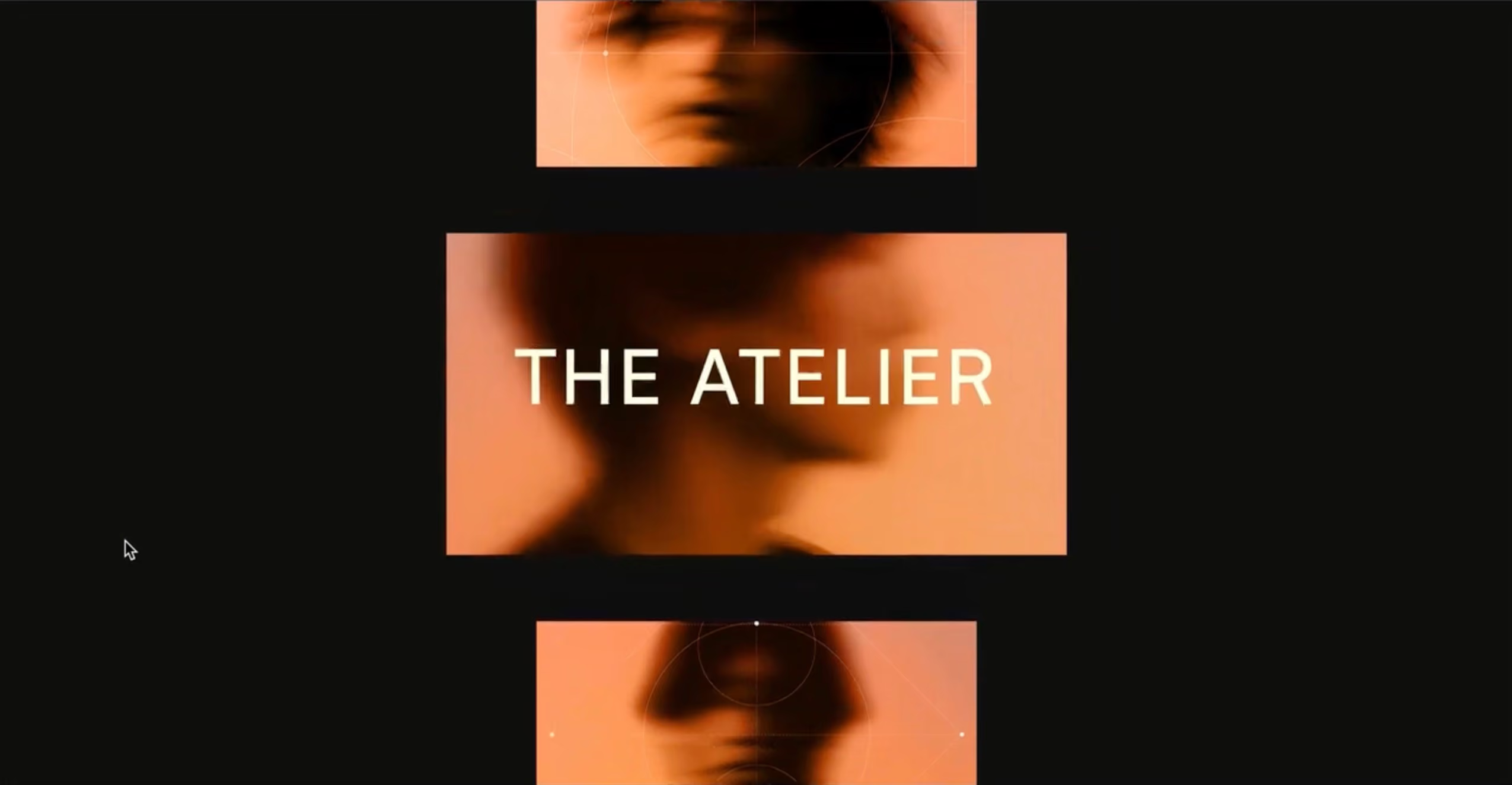
Mastering page load animations with the new GSAP timeline

Animating native Webflow navigation with GSAP – Open and Close
Free lessons from the course


From fundamentals to pro techniques. Together we animate a modern studio layout with vibrant motion design.
Modul 013 Videos
Modul 029 Videos
Modul 039 Videos
Modul 042 Videos


Is this course right for you?
For you if…
- You already know your way around Webflow and want to take your animations to the next level
- You've been working with Webflow IX2 and know it's time to switch to the GSAP Timeline, but want to learn everything that matters in a few hours, not months
- You already use GSAP in code and want to build scroll and interaction animations visually, faster, without writing a line
- You come from motion design or After Effects and want Webflow as your output channel
- You build client projects and want your animation skills to visibly level up
Not for you if…
- You're new to Webflow. Start with the FORMBURG Webflow Beginner Course first
- You're looking for a pure code-based GSAP solution
- You're not actively building Webflow projects right now

Built on experience, not theory.
.
.

Instructor
FORMBURG was founded by Jonas Arleth, a Webflow designer, developer, and educator with years of practical experience. All content is based on real projects, proven workflows, and insights from daily work with Webflow.
For years, Jonas has been sharing his knowledge through tutorials, resources, cloneables, and an established Webflow podcast.
- Winner of the Webflow × Contra Challenge 2025.
- Featured twice on the main stage at Webflow Conf.
- Awarded GSAP Site of the Day.
- FORMBURG community templates have been cloned over 60,000 times.
- Since 2018, I have been sharing Webflow knowledge publicly through hundreds of free YouTube tutorials.
Real results from Webflow powerusers, freelancers, and developers.
Jonas announces a course and I just buy blindly. Why Because I know that the course has a depth and quality that I've only found in a few other courses. Of course, I also bought and worked through “competing products”. But with Jonas, I learned everything much more clearly and easily.
What surprised me myself: After completing his 50% complete Webflow course, I was not even aware of how much I had already learned about Webflow. Sure, you can also learn with Webflow Academy. But if you really want to take your webflow and design skills to the next level, you should definitely pick up Jonas' courses — whether for inspiration, looking up specific content, or working through them completely from A to Z.
I have just completed the GSAP Masterclass and am extremely satisfied with the quality of this course. The detailed explanations of the GSAP tools and how to use them in the new horizontal timeline were extremely helpful to me. As someone who originally comes from motion design with Adobe After Effects, I've had difficulty implementing complex animations with the native Webflow features so far. I often found the workflows to be unintuitive and difficult to understand.
Jonas' excellently prepared GSAP course has fundamentally changed this. After just the first four to five lessons, I was able to create more sophisticated and high-quality animations much faster. Jonas conveys the content using real use cases and dives deep into how the individual tools work. The videos contain a variety of specific tips and proven workflows, which I am already integrating into my existing projects.
Jonas' course came at just the right time because I wanted to finally redesign my own website — with cool interactions. With Jonas, someone finally explains in detail and comprehensibly how the new GSAP works in Webflow. Before, I've usually only found short, incomplete videos online that didn't really help me. Thanks to the course, I now have an excellent overview of how it works and can hardly wait to try out the first real implementation. Thank you Jonas for your patience, your sense of design, and your focus on details!
joined
.
.
.
.
.

joined
.
.
.
.
.

joined
.
.
.
.
.

joined
.
.
.
.
.

joined
.
.

joined
.
.

joined
.
.

joined
.
.
Professionals
.
joined
.
.
.
.
.
.

joined
.
.

joined
.
.

joined
.
.

joined
.
.

joined
.
.

joined
.
.

joined
.
.

.
Start building at a different level.

Webflow GSAP Interaction Masterclass
A client project with motion design earns €3,000–6,500. This course costs a fraction of that – one-time.
- 23 practical video lessons – 3 hours of focused content
- Lifetime access including all future updates
- Quiz after every lesson
- Certificate of completion
Frequently Asked Questions

No. This course shows you how to use GSAP entirely visually within the Webflow interface — without writing a single line of JavaScript. One lesson covers Custom JS Events as optional deep-dive material, but it's not a prerequisite for the course.
Yes. This masterclass assumes you already know your way around Webflow. If you're just getting started, I recommend taking the Webflow Complete Course first — then come back for this one.
Yes — and developers with coding experience are often the most surprised. Scroll animations can be built visually much faster than in code. Eduard Bodak, an experienced GSAP developer, called it “an extremely valuable addition — and an absolute no-brainer for the price.”
No. You can use both systems side by side. One of the first lessons covers exactly this — how to avoid conflicts and decide which system works best for which type of animation.
Lifetime. All future updates are included at no extra cost — when Webflow releases new GSAP features, the course will be updated and you'll get access automatically.
The course includes over 3 hours of focused video content across 23 lessons. Most people complete it over a weekend or spread it across a week alongside client projects.
Yes. The Webflow project built in the course is yours to use freely — including for paid client projects. No attribution required.
Every lesson has a comment section. Jonas answers questions once a week. For bigger issues, you can reach out directly via chat.
Yes. 14 days, no questions asked. If the course isn't right for you, send an email and you'll get a full refund.

Proof that you did the work.
- Issued as a personalized PDF with your name
- Share on LinkedIn, upload to your portfolio, or send to clients as proof of your skills
- Request via email with your order number after completing 80% of the course
Your websites are about to play in a different league.
250+ Webflow professionals have already made the switch. The only complete GSAP Timeline course. Start today.