Website Page Transitions with 2 Lines of CSS Code

Level: Beginner
Animation
ressourcen
Free Cloneable
Live Vorschau
* AFFILIATE LINK
Details
Level
Beginner
Date
July 12, 2026
Author
Lächelnder Mann mit kurzem braunem Haar und Bart vor orangem Hintergrund.
Jonas Arleth
Blog Post

This Webflow tutorial is about page transitions. Page transitions can give a website an app feel and are easy to implement. It shows how to use cross-document view transitions, which are currently supported by Chromium browsers. It is emphasized that CSS animations are used to implement page transitions and that the page continues to work even without support for the animations. A sample project is shown in which various elements such as navigation, images, and headlines are animated. It is also shown that the animations work with CMS content.

View Transitions Chrome documentation:
https://developer.chrome.com/docs/web-platform/view-transitions

Browser support:
https://caniuse.com/?search=view-transition

More content

Blog Archiv

Claude Code Turned My Brand Design into a Stunning 3D Website!

Can Claude Code build a 3D product website without 3D software? See how Three.js, the Figma MCP and smart prompts create a fast, animated 3D product slider.
Video
​
Skill
Intermediate
Kategorie
AI

Anschauen
Beitrag anschauen

I Gave Claude Code My Hardest Animation Challenge Yet

Can Claude Code build an infinite slider with a seamless FLIP overlay transition? I tested it with GSAP, Smooothy and my Figma design for a fictional artist agency.
Video
​
Skill
Beginner
Kategorie
AI

Anschauen
Beitrag anschauen

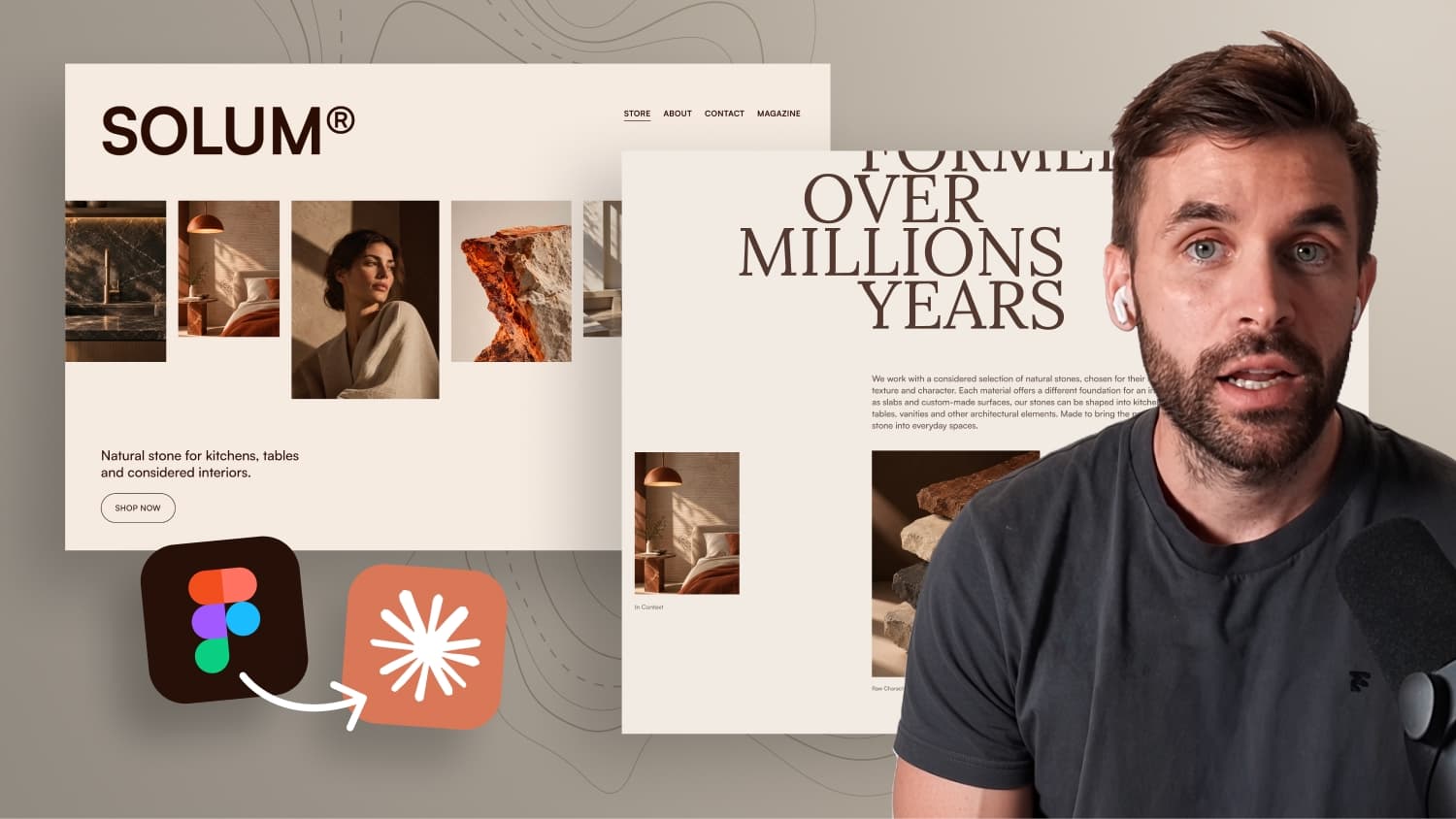
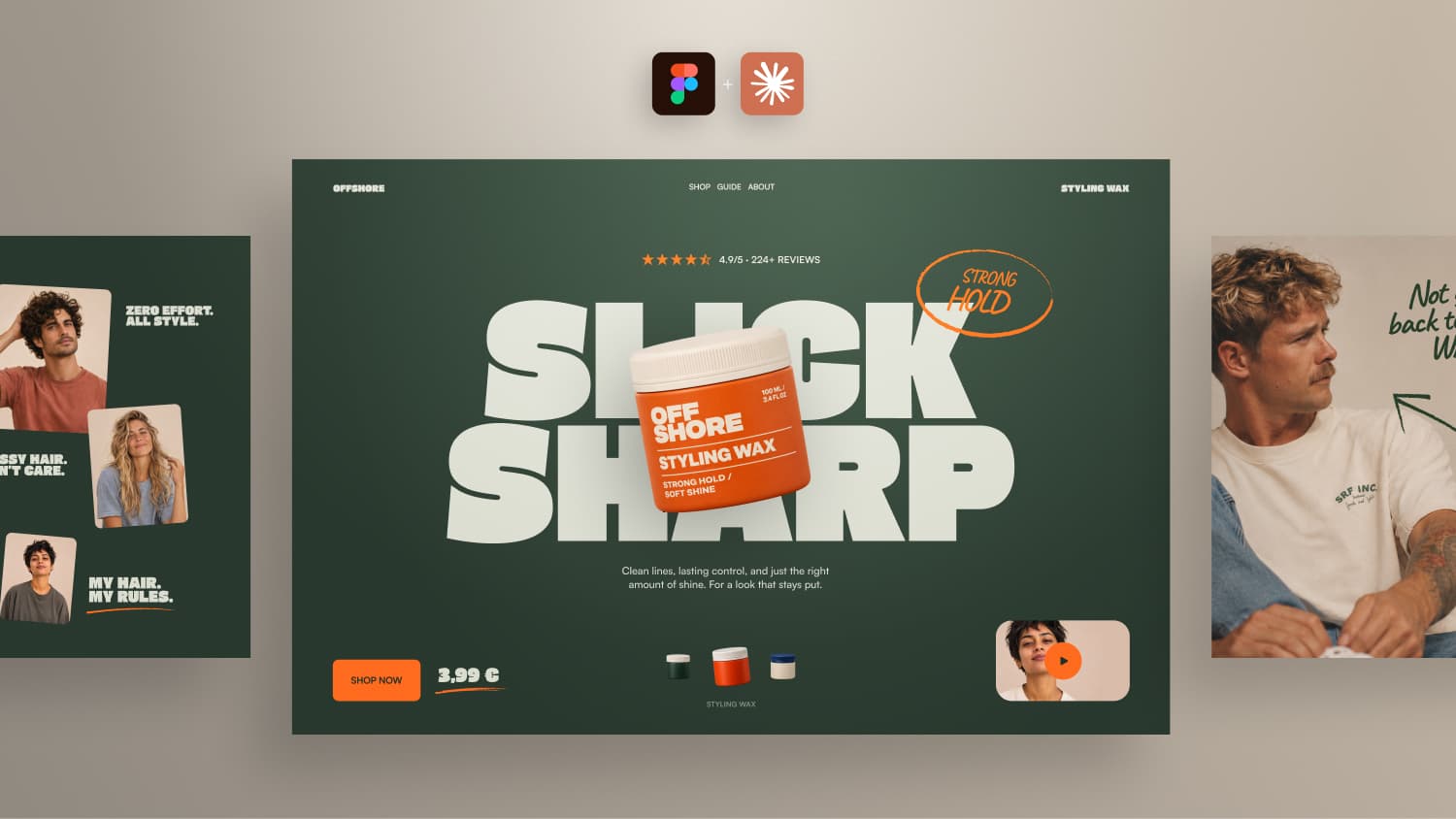
I Designed This in Figma. Can Claude Build It?

I designed a website in Figma and gave Claude only a screenshot, fonts, images and one prompt. See how close AI gets to an individual animated design.
Video
​
Skill
Beginner
Kategorie
AI

Anschauen
Beitrag anschauen

Make a Boring List Impressive with This Simple GSAP Effect

Build a simple typo scroll animation in Webflow with GSAP. Names scale in the center and animated brackets appear, powered by the CMS.
Video
​
Skill
Beginner
Kategorie
GSAP

Anschauen
Beitrag anschauen

Kreative GSAP Hero Animation mit einem 3D Card Loop-Effekt

Learn step-by-step how to animate a premium hero section in Webflow using GSAP, including scroll triggers, staggers, and loop effects.
Video
​
Skill
Intermediate
Kategorie
Animation

Anschauen
Beitrag anschauen

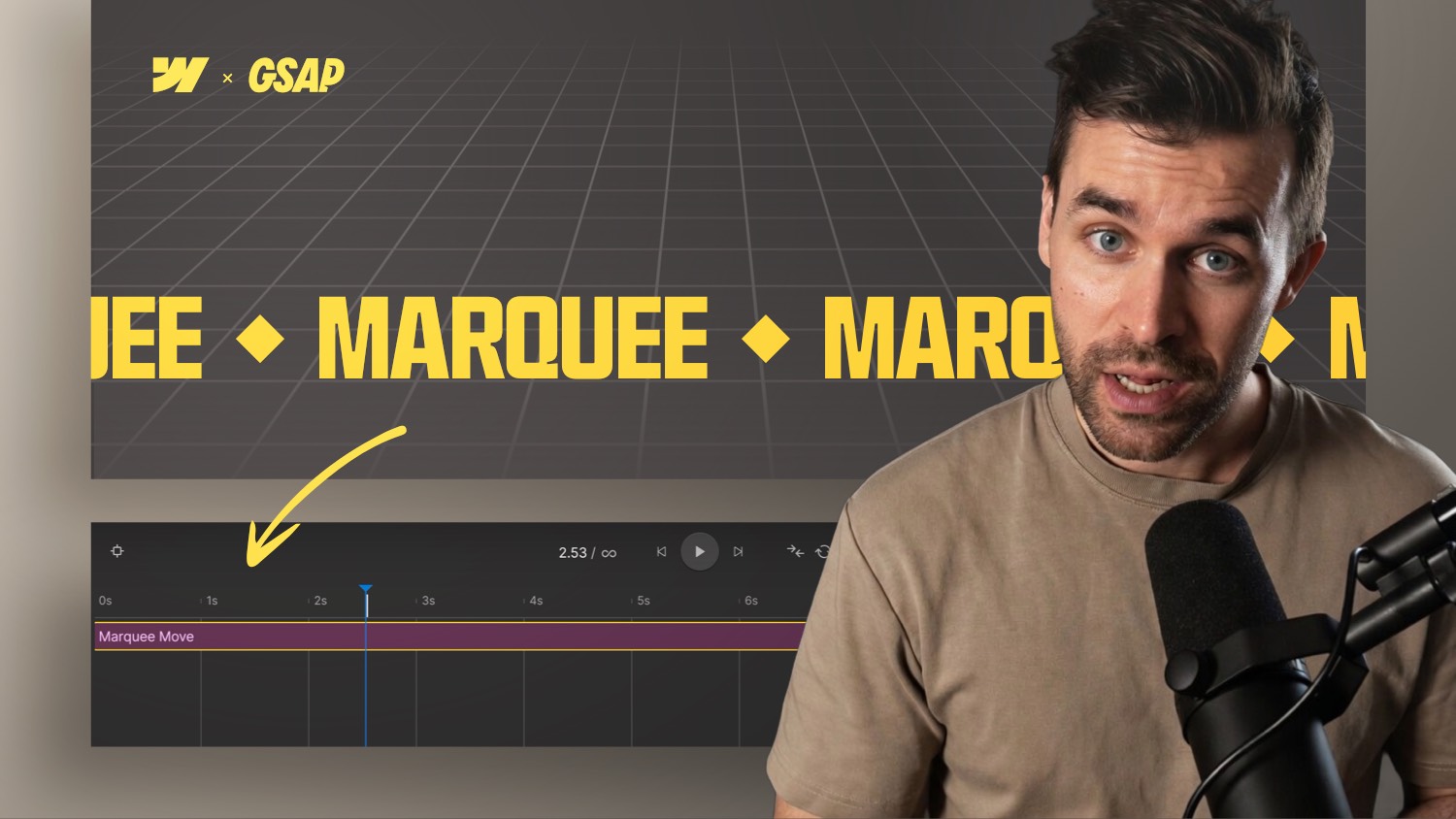
Webflow Text Marquee Animation with the new GSAP Timeline

Learn how to build a looping marquee in Webflow using the GSAP Timeline. No custom code needed scroll-triggered and performance-friendly.
Video
​
Skill
Beginner
Kategorie
GSAP

Anschauen
Beitrag anschauen