Create Website Lottie Files – Best Practices & How to Avoid Mistakes
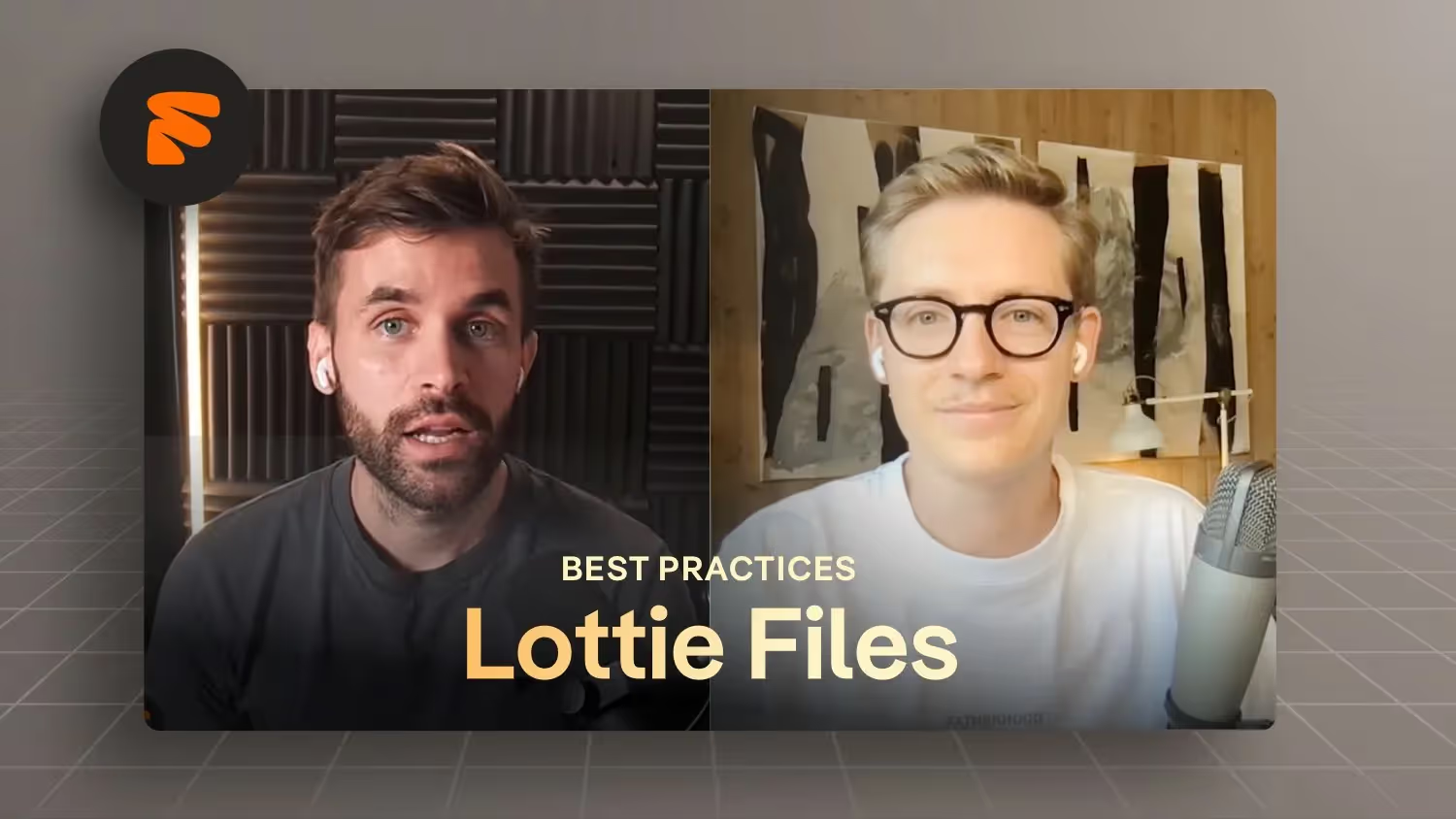

In this episode of the Formburg podcast, Jonas Arleth and Lorenz Töpfer discuss the use of lottery files and 3D animations in web design. Lorenz shares his experiences and challenges when working with Lottifiles, explains how it works and integrates with Webflow, and compares the advantages and disadvantages of Lottifiles and 3D animations. Techniques for optimizing lottery files and video integration are also covered. It covers various aspects of video and animation creation, in particular how to optimize video quality and file size, the use of Lottie files, and the challenges of integrating 3D animations into Webflow. Attendees share their experiences with various tools and techniques for compressing and exporting animations, including using Handbrake and creating Lottie files from animations with transparent backgrounds.
Lorenz Töpfer from Lorbeer Media online
Tools:
- Lotties Compress to Dotlottie File: https://lottiefiles.com/tools/lottie-to-dotlottie
- Powerful tool to compress video files for free: https://handbrake.fr
- Compress PNG images with transparent backgrounds to WEBP: https://picflow.com/convert/png-to-webp
- Test transparencies in videos online: https://rotato.app/tools/transparent-video
- Rotato — free converter to create transparent videos for all browsers (source must be transparent): https://rotato.app/tools/converter
Takeaways
- Lottie files are an innovative way to integrate animations on the web.
- Lottie files make it easy to integrate animations into Webflow.
- 3D animations offer a modern approach but require more technical knowledge.
- The file size of Lottie files can be optimized to improve loading times.
- Videos can be converted into Lottie files
- Selecting the right frame rate is crucial for animation effects.
- Using tools such as After Effects and Media Encoder can make the workflow easier.
- Integrating Lottie files can pose challenges, particularly when it comes to compression.
- Choosing the right format for animations is important for website performance.
- The bit rate affects the file size and quality of videos.
- Choosing the right compression is crucial for web use.
- Handbrake is a useful video compression tool.
- Lottie files provide a flexible way to animate.
- Transparent backgrounds in Lottie animations require special techniques.
- Integrating Lottie files into Webflow is easy.
- 3D animations can have a negative impact on a website's load times.
- Optimizing animations can improve the user experience.
- The choice between video and Lottie animations depends on the project requirements.
- The use of vector lotties allows adjustments to CI colors.
Questions I asked during the interview
- What are Lottie animations?
- Difference to 3D animations?
- I'm showing the 3D animation that I started from first
- I'm showing the video animation that I've integrated for optimization
- Why did I choose video animation?
- Lottie's advantages over videos
- Lorenz shows his process of turning videos into Lottie files
- Theme to compress videos and codecs (options, advantages, disadvantages)
- Create an image sequence
- We discuss when lotties make sense/when not. Which videos work well, which don't.
- Compress Lotties theme to dotlottie file
- How does the process differ from vector-based 2D lottery file animations → Lorenz shows what in After Effects
-blog.jpg)