Animate Webflow Tabs (Guide with Template)
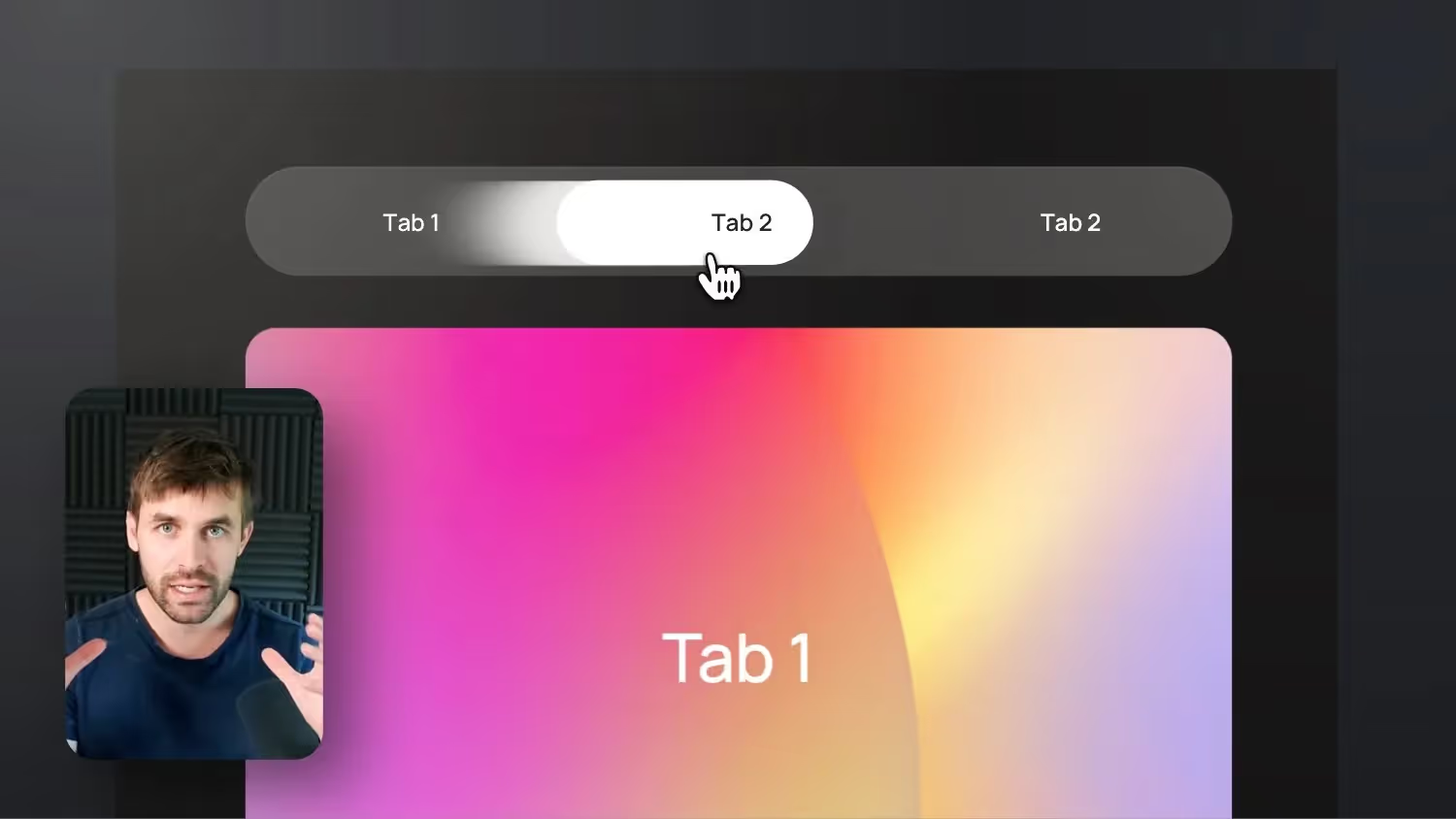

Together, we're rebuilding the native Webflow tab component so that we have a moving navigation background that moves from one tab navigation point to the next when clicked. This type of animation is also often seen in Google's Material Design with a moving underline.
In the tutorial, we build the interaction with a button area. In the Webflow template (Cloneable), however, I also included the underlined variant as in Google Material Design.
Important as a note: If you need to add more tabs for your job, you must also add another interaction for each tab accordingly so that the background also moves there.
Webflow Tabs animate content — 4 tricks to make it work
With the Webflow Tabs component, there are ways to animate the content as soon as someone changes the tab. As a standard, Webflow has set a fade in/out here, but in fact it can be used to integrate much more exciting animations. However, this didn't work out right away for me and you'll probably run into the same problems during implementation. So here is my guide for you with the 4 rules that you should follow if you want to animate Webflow tabs.


-blog.jpg)