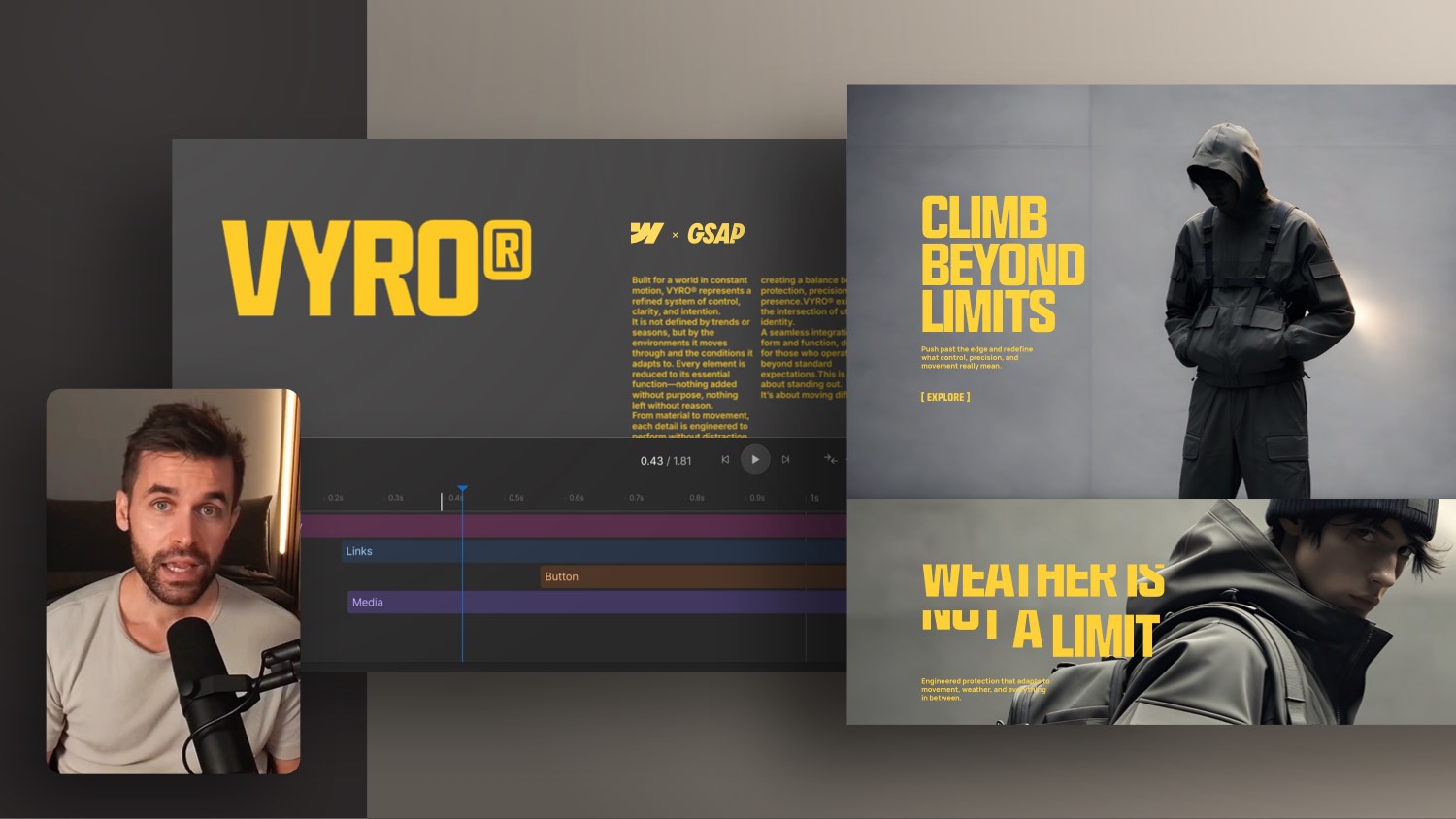
Circle That Follows the Cursor – Webflow Tutorial


In this web design tutorial, I'll show you how you can create a circle or, in my case, a lighting effect with a gradient that follows the cursor/mouse pointer in a specific area.
I've subtly integrated the interaction into my price table in the background. In the tutorial itself, you can see such funny circle artifacts that, of course, are not there in real life. That crept in as a result of the screen recording.
Small details make a website special and, above all, set it apart from many other “normal” website templates. With Webflow, you can implement a wonderful number of effects very easily and quickly on your website. And if you don't want to use Webflow's CMS, simply export the code with one click and integrate it into your Wordpress project, for example.
chapters
00:00 — Intro
01:04 — Apply light spot effect
06:07 — The effect problem
06:54 — Solution to the problem
10:45 — Optimize the speed of the effect
13:52 — Final score
13:59 — Webflow online course


-blog.jpg)