Create a Table Hover Effect with Image Preview in Webflow
Author

Jonas Arleth
Blog Post
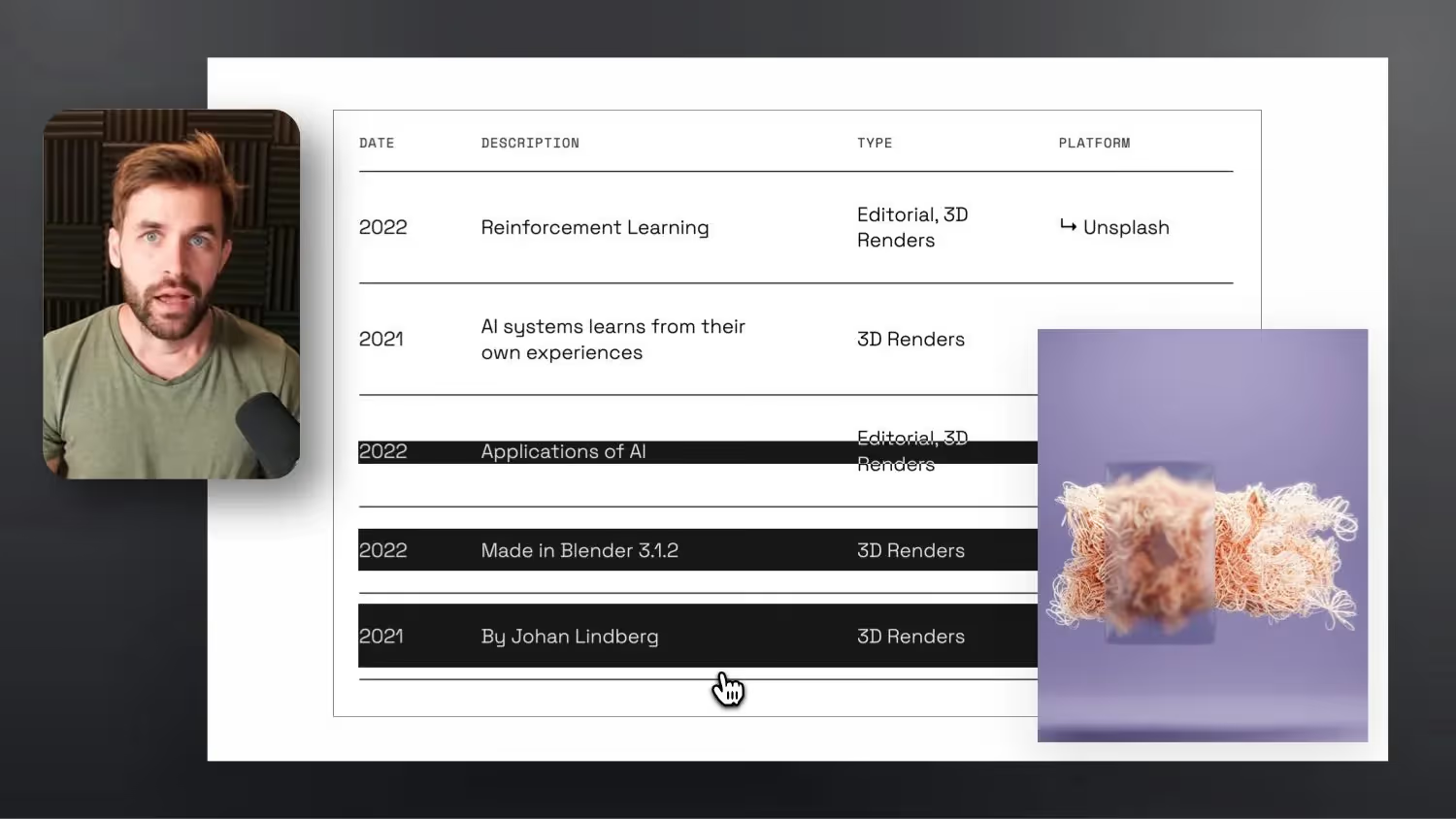
Today we're building a table hover effect in Webflow together. As soon as the cursor moves over a line in the table, the background appears, which fills the table line from the middle. At the same time, an image is visible for each line, which scrolls to a fixed position on the edge of the browser and could provide a preview of the content, so to speak. You can also add a background video here.
I've also added a line of custom code so that the effect still takes place, even if you hover over the image and there is a table row below it. The image is ignored by the mouse, so to speak (pointer-events:none)
Seen on this page: https://neodlx.io
If you are interested in such a table menu hover effect, feel free to watch this video from me:



-blog.jpg)