Animating a Dropdown Border in Webflow
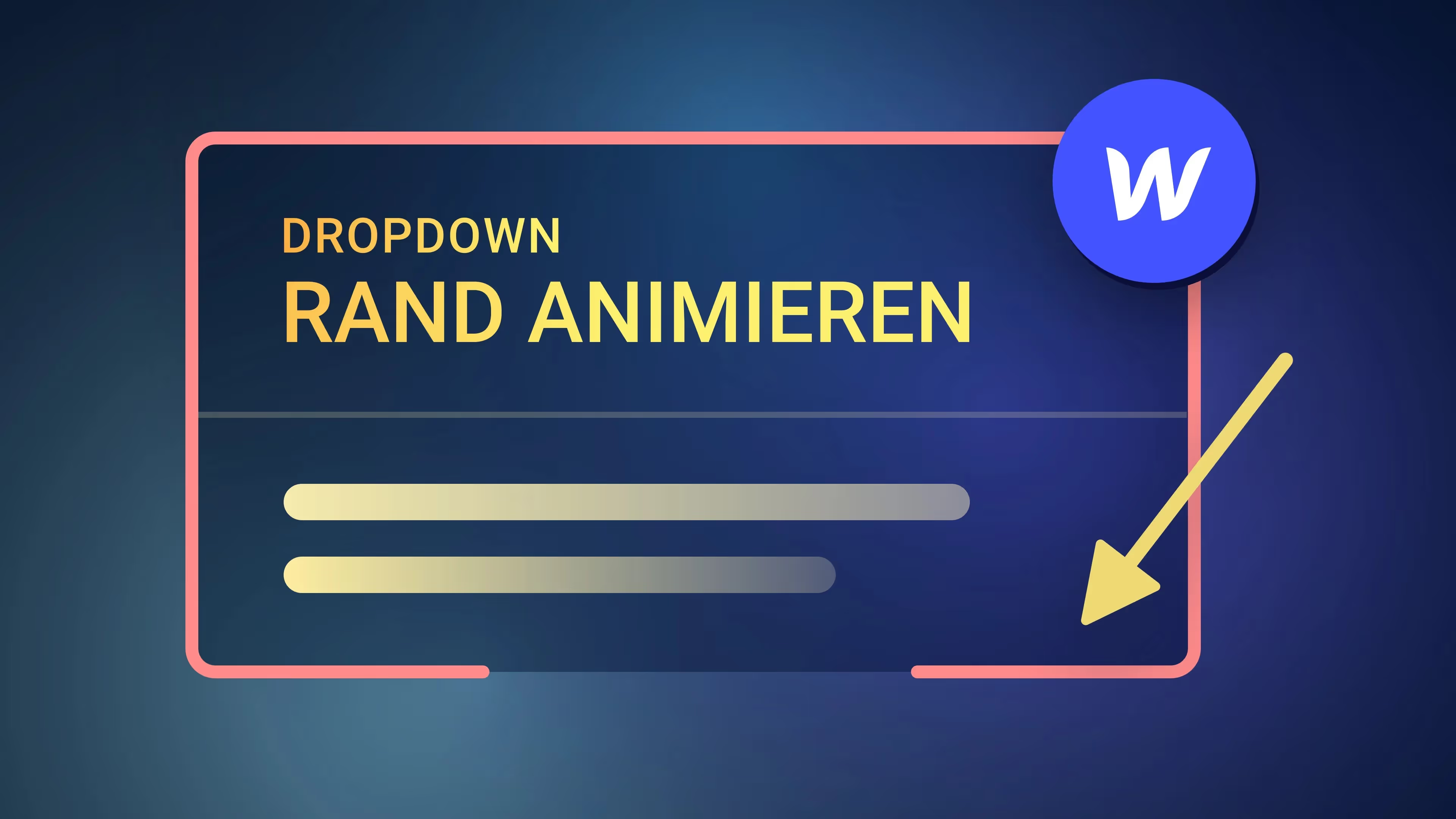

Maximilian asked me in the comments how to animate a border in Webflow. For example, with a dropdown that is integrated into the main navigation. In principle, however, you can use this technique for any element where you want to animate the border or outline.
Maximilian's question is:
How do you animate a border? I want that when you go over an element (hover), the edge of the element should be animated, i.e. the border should not be shown completely, but should run from top to bottom, for example. I want to do this with a drop-down menu that when you open, the right and left edges go from top to bottom and when they are down, they then meet with an animation at the bottom in the middle.
Chapter:
00:00 — Intro
00:37 — Dropdown structure
05:17 — Create animation
10:49 — final score


-blog.jpg)