5 Things I Learned Working with 3D in Webflow
Level: Beginner
Animation
ressourcen
Live Vorschau
* AFFILIATE LINK
Details
Level
Beginner
Date
July 12, 2026
Author
Lächelnder Mann mit kurzem braunem Haar und Bart vor orangem Hintergrund.
Jonas Arleth
Blog Post

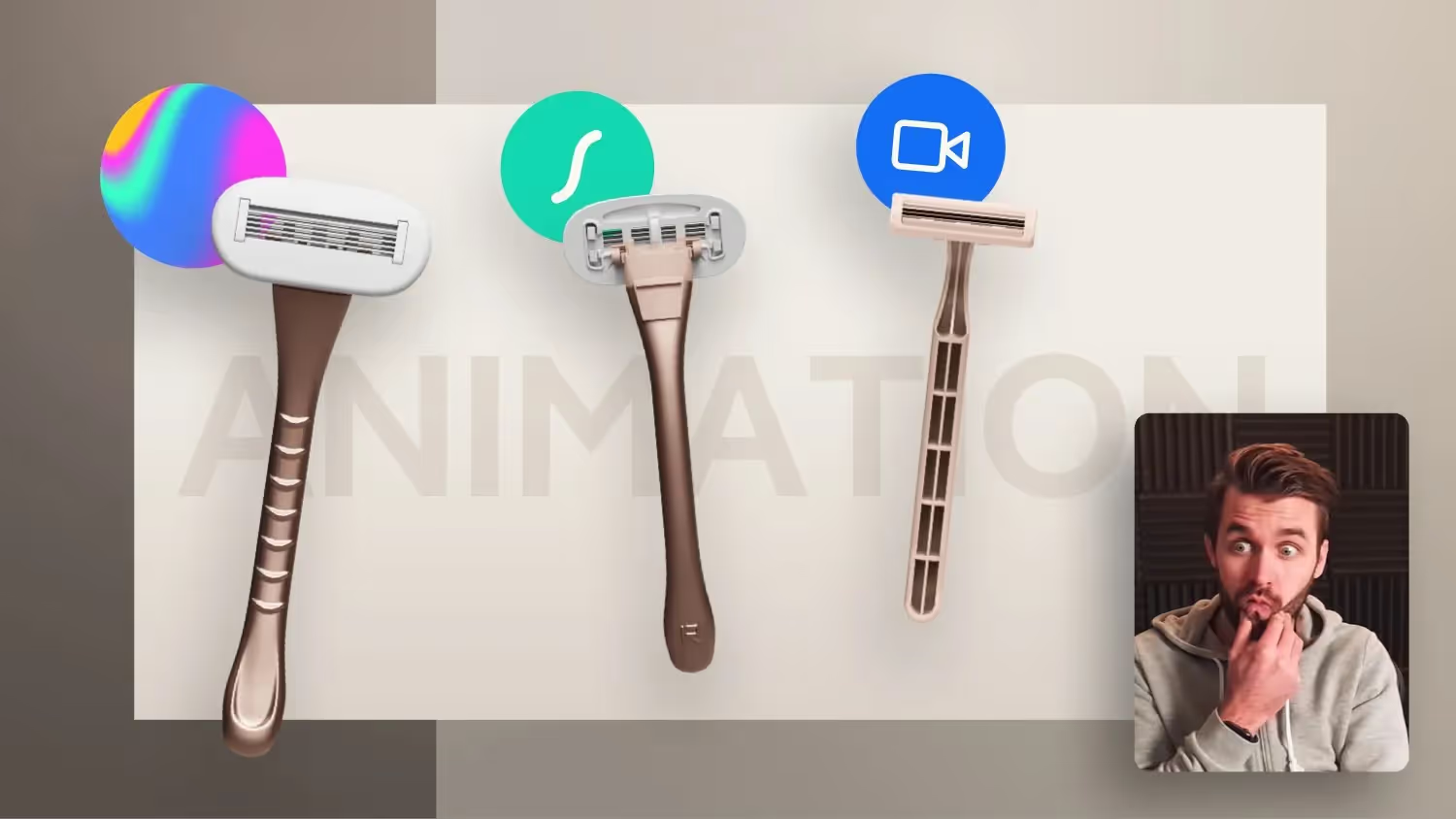
Which performs better? 3D spline objects, lottery files or a video animation?
In this conversation, Jonas Arleth shares his experiences with integrating 3D spline objects into Webflow. He explains the challenges associated with loading time and performance of 3D models and provides recommendations on when and how to use 3D elements effectively. He also discusses alternatives such as videos and Lottie animations to improve the user experience.

Takeaways

  • The integration of 3D models can significantly influence load times.
  • It's important to keep an eye on the page's performance.
  • 3D models should not be integrated into the first viewport.
  • Alternatives such as videos or Lottie animations can be more effective.
  • The size of the 3D model has a direct effect on the loading speed.
  • Customers should be informed about the need for 3D elements.
  • Using Spline can be complex and requires experience from a 3D designer.
  • The animations in Webflow offer many ways to interact.
  • The lighting and design of 3D models are decisive for the quality.
  • The integration of 3D elements should always be considered in the context of user experience.
More content

Blog Archiv

Make a Boring List Impressive with This Simple GSAP Effect

Build a simple typo scroll animation in Webflow with GSAP. Names scale in the center and animated brackets appear, powered by the CMS.
Video
​
Kategorie
GSAP
Skill
Beginner

Anschauen
Beitrag anschauen

Kreative GSAP Hero Animation mit einem 3D Card Loop-Effekt

Learn step-by-step how to animate a premium hero section in Webflow using GSAP, including scroll triggers, staggers, and loop effects.
Video
​
Kategorie
Animation
Skill
Intermediate

Anschauen
Beitrag anschauen

Webflow Text Marquee Animation with the new GSAP Timeline

Learn how to build a looping marquee in Webflow using the GSAP Timeline. No custom code needed scroll-triggered and performance-friendly.
Video
​
Kategorie
GSAP
Skill
Beginner

Anschauen
Beitrag anschauen

Turn Any Product Hero Into a Premium Showcase (No 3D)

Build a 360° rotating product hero in Webflow with AI-generated video, blend modes & container queries. Free cloneable included.
Video
​
Kategorie
Animation
Skill
Beginner

Anschauen
Beitrag anschauen

This GSAP Scroll Effect Makes Every Hero Section Feel Premium

Build a premium GSAP hero scroll effect in Webflow. Learn scale, parallax & stagger animations step by step free cloneable included.
Video
​
Kategorie
GSAP
Skill
Beginner

Anschauen
Beitrag anschauen

3 Hero Section Mistakes Most Webflow Designers Make

3 hero section mistakes most web designers make and how to fix them in Webflow. From min-height to clip-path tricks explained for beginners.
Video
​
Kategorie
Beginner Tutorial
Skill
Beginner

Anschauen
Beitrag anschauen