Webflow Case Study: How I Built This Client Website
Author

Jonas Arleth
Blog Post
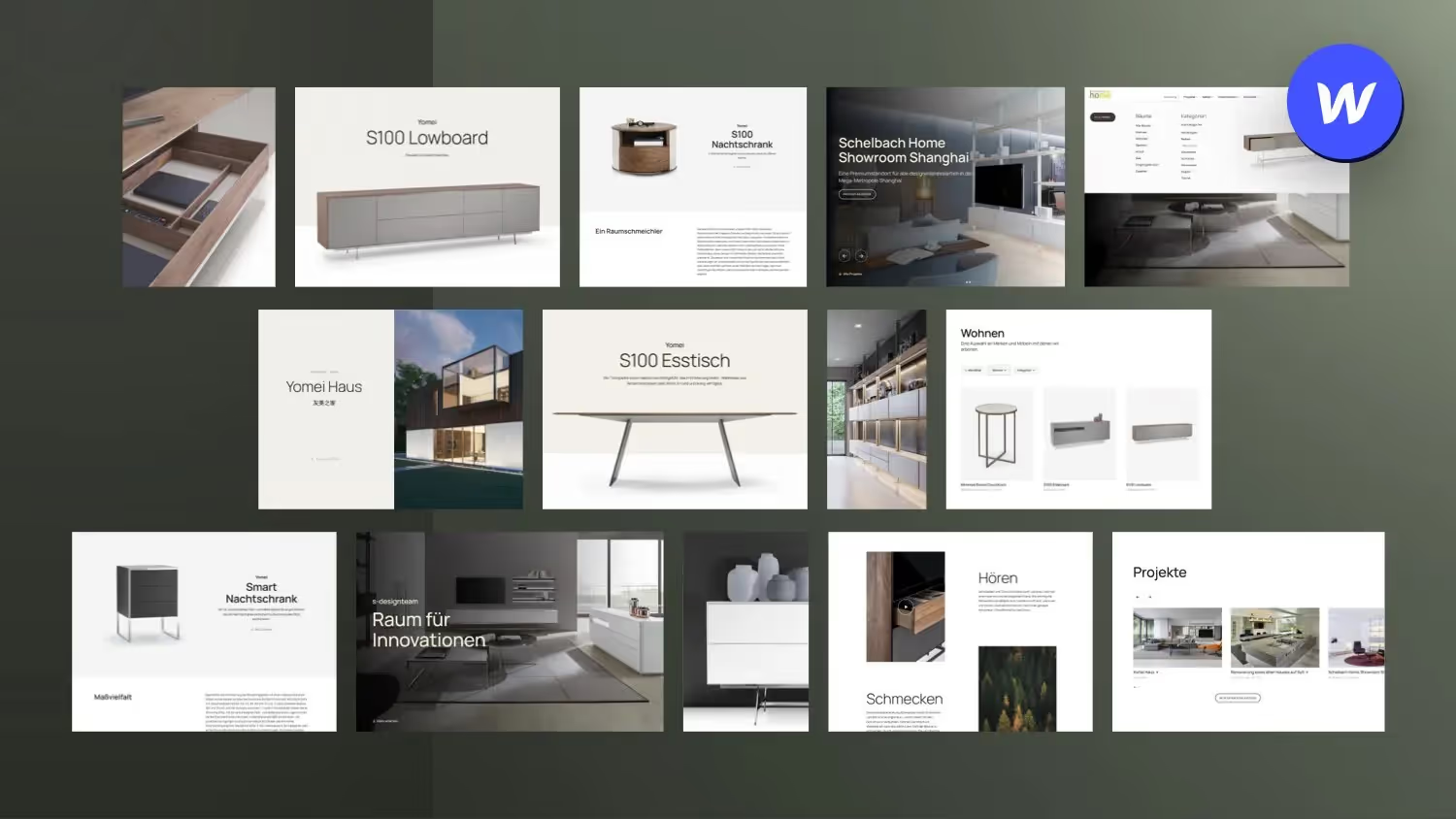
Today we have a Webflow case study for web designers! I had a lot of fun implementing this customer website with Webflow and gained some experience. That's why I'll go through a few areas of the website with you that were also new to me and show you in the background how I built certain things in Webflow.
It is not so much about the customer's requirements, but more about the technical implementation, which is interesting for web designers like us.
If you would like to see an extensive case study about the project, feel free to have a look in my portfolio past.
Based on the timestamps, you can easily see the topics that I go through in the video:
- 00:00 — Intro
- 00:54 — Background
- 01:19 — Main navigation structure with different dropdowns
- 03:56 — Mobile navigation
- 05:41 — Replace navigation image on Hover
- 10:10 — Product recommendations based on what can be seen in the image
- 13:10 — Working a lot with symbols
- 16:08 — Fill Webflow Slider with CMS data → Finsweet Attributes
- 18:09 — Trick: Center Webflow Slider images vertically
- 20:10 — Maintain an interactive open street map via the CMS
- 24:02 — Change the layout of the product detail page based on the height or width of the image stored in the CMS
- 26:48 — Another


%2520unno%25CC%2588tig-blog.avif)