Is This the End of Webflow? What Conf 2026 Means for Us

Webflow rethought its target audience at Conf 2026, and many long-time users are asking themselves: do I still belong here at all? This honest discussion is about why Webflow is now putting marketers, companies and AI agents front and centre, and what that means for designers, developers and agencies.
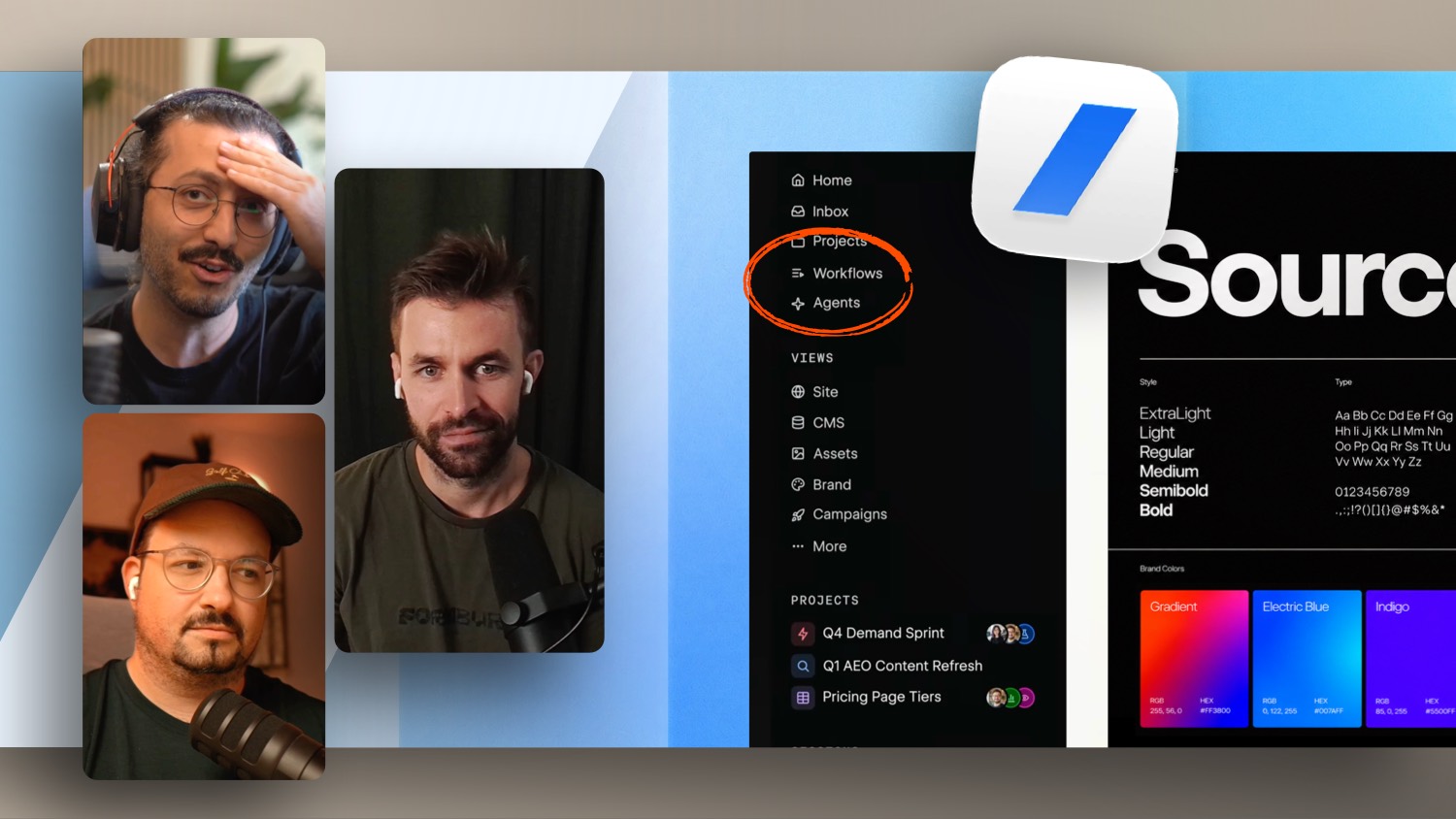
We talk about how pure website building is turning into a side stage, why design and development are merging again, and where real value will come from in the future: building design systems, supporting brands on a retainer basis, and creating your own brand-accurate tools for clients. We also make sense of Source, the new Webflow Designer features, localization, style props and the open question of pricing.
If you want to know where Webflow is heading and how to position yourself as a designer or developer, this episode is for you.
Learn Webflow quickly and easily: https://formburg.com/tutorials
Create a free Webflow account: https://formburg.com/webflow-kostenlos
Is This the End of Webflow? What Conf 2026 Means for Us
Webflow Conf 2026 left many of us with a strange feeling. For the first 45 minutes, the main keynote did not feel like it was made for designers, developers or agencies. Instead it was all about marketers, corporate and enterprise. Only later, when Source was introduced and more sessions followed, did the feeling come back: we are still included. Yet the question everyone is asking remains. Do we even belong to Webflow's core audience anymore?
Webflow is rethinking its audience
Webflow now describes its own platform more openly. It is no longer just about designers, developers and agencies, but increasingly about marketers, companies and AI agents that are meant to be integrated directly. For much of the community this feels like a break. We made Webflow big, and we often decided for our clients that their website would be built in Webflow. Now the stage speaks more to large firms with their own marketing departments.
You can see this critically. But you can also acknowledge that it makes strategic sense. Webflow cannot simply stay the best no-code website builder of yesterday when AI and agents keep making pure website building cheaper.
Value is shifting beyond website building
This is the real core. Pure implementation is increasingly taken over by agents. Many steps we did manually over the past years will run automatically in the future. As a result, the value of only offering implementation drops in the long run.
What does not disappear is the company behind the website. It still needs to win clients, launch campaigns, publish landing pages, produce content, get found, run ads, localize content and optimize conversions. All of that happens after the pure build. A large part of the website will probably be built by agents in the future, and we take over the fine-tuning and the setup of the system around it.
Building at scale is the real problem
One point keeps coming up in the discussion: current AI tools are strong at building, but weak at building at scale. A brand is very specific by definition, AI agents are not. You do not want to pull a website out of the chat window fresh every month with completely different colours. You need a scalable system that can be managed: 404 pages, password-protected pages, 301 redirects, voice and tone, consistent brand colours.
This is exactly where the new role emerges. Pure website builders turn into WebOps or growth teams. We build agent routines, optimize skill files, manage connections and permissions, and support clients on a lasting retainer basis instead of delivering a website once.
Design comes back into focus
As much as AI changes implementation, one thing stays clear: design becomes more important, not less. Defining a design system around everything, setting the rules for brand and motion, and developing your own design language is exactly the unique selling point that companies are looking for.
A large part of design was never truly accessible to classic tools. A moodboard in Figma shows colour and look and feel, but motion belongs to it just as much. The S-curve of an animation, the timing, how snappy something feels, none of that can really be captured in a static medium. WebGL, 3D and interactive effects that you do not just look at but feel, you build directly in code. And you no longer have to type it yourself, you can hand your ideas to an agent and shape them in code. Code is a part of design, design is a part of code. For me that is exactly design engineering.
Your own tools for your clients' brands
An exciting idea from the conversation: you can build your own small tools for a brand that fit it exactly. Imagine an image pipeline where a client uploads images and they are automatically processed in the brand's look, whether for social media, website or print. A small brand tool with the right effects and brand colours, delivered through a password-protected page on the client's own domain. We would never have built tools like that before. Today they are possible in a few prompts and deliver real value.
GSAP, animations and the faster path to a result
A concrete learning from practice: with an animation in Webflow using GSAP and the timeline, it pays to ask the AI up front whether an idea even works. Instead of having a single variant built the way you pictured it, it is much stronger to have ten alternatives for a transition built right away. Not all of them will be good, but you immediately see which direction to go, and you save yourself later deleting and reworking.
The new features and the open pricing question
Alongside Source there were also updates for the Webflow Designer: AI code components that can be edited visually, components inside rich-text elements, a breakpoint canvas for desktop, tablet and mobile at the same time, native popovers and slot components. On top of that comes localization, which lets you translate the whole website automatically, though only from a higher plan onwards. And the announced style props for components, which let you simply switch colour variables for a button, for example, without building a separate component for every variant.
On pricing a lot stays open. Analytics, localization and other add-ons cost extra, which further underlines the focus on larger clients. For smaller websites Webflow will not automatically remain the best choice, especially when AI and cheap hosting offer good alternatives.
%2520unno%25CC%2588tig-blog.avif)