How to build flexible web layouts without a grid (Webflow Workflow)
%2520unno%25CC%2588tig-blog.avif)

In this webflow tutorial, I'll use a Typo website layout to show you why I rarely work with fixed 12 or 24 column grids in my customer projects. You'll learn which alternatives I use, how I efficiently implement 50/50 layouts and how I work with individual design decisions without setting up complex grid systems. Ideal for anyone who wants to use Webflow more flexibly.
🎁 With the code “FORMBURG” you get 15% discount on Oliver's course 👉 https://www.typomonday.com/course
Note: I may receive a commission if you use the code.
When grids make sense and when they don't
At first glance, many layouts look like they need a grid. However, a fixed grid is unnecessary, especially with typical 50/50 or 30/70 distributions as well as with centered text areas. These can be implemented just as cleanly with simple percentage distribution or max-width values.
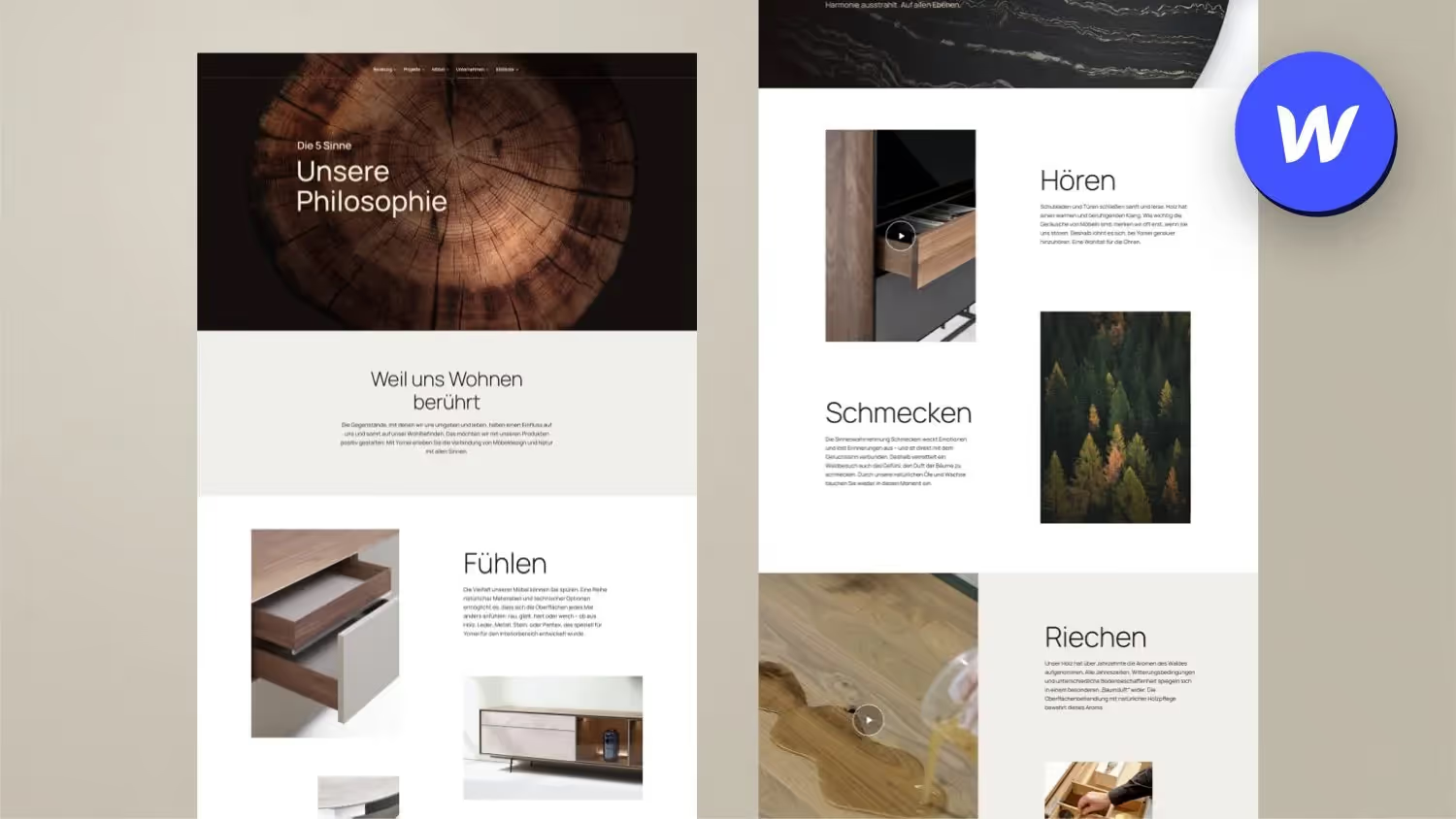
Example: feature section from the Oliver Gareis project
Using an example of an area of the TypoMonday website, I will explain how I did without a 24-column grid. Instead, I create content visually using a sense of proportion, padding and flexible positioning such as Absolute position, to place design elements independent of normal content flow.
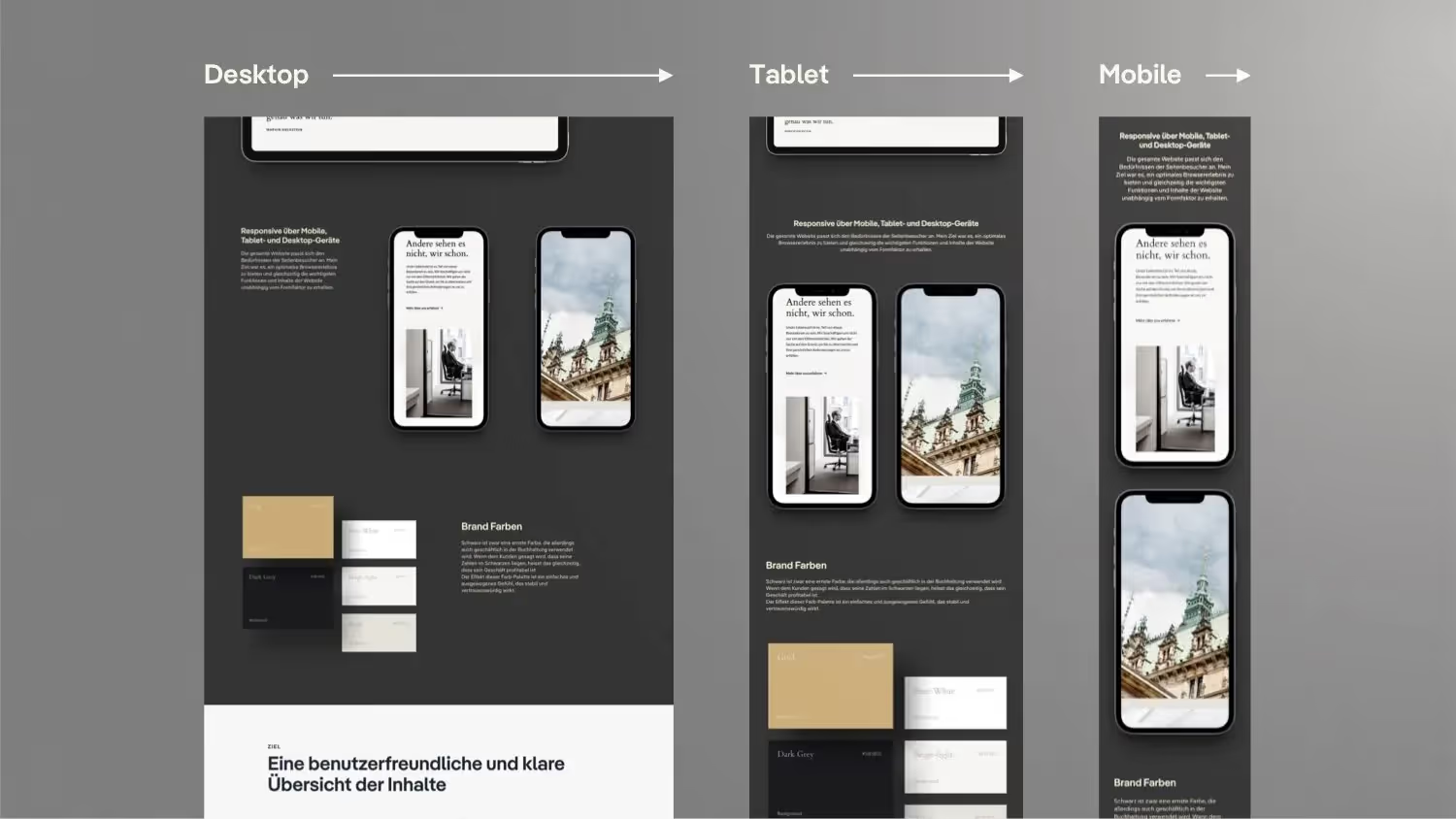
Mobile first thinking — without additional effort
An exciting point: How can you place an image under the title on mobile without having to include it twice? I'll explain how to solve this with conditional visibility without sacrificing performance or maintenance.
Use components cleverly
For reusable elements such as quotations or typo sections, I rely on components that can be flexibly adapted via design variants. In this way, the layout remains consistent even when changes are made.
conclusion
You don't need an elaborate grid system for every design. With a clear eye for design and a few pragmatic tricks, you can implement even complex layouts quickly and flexibly without first setting up a grid.
Nevertheless, frameworks such as MAST already offer a quick-to-use column grid solution in Webflow, which you can use quickly once you have learned how to spell them.