25 Webflow Updates and New Features in Q2 2024
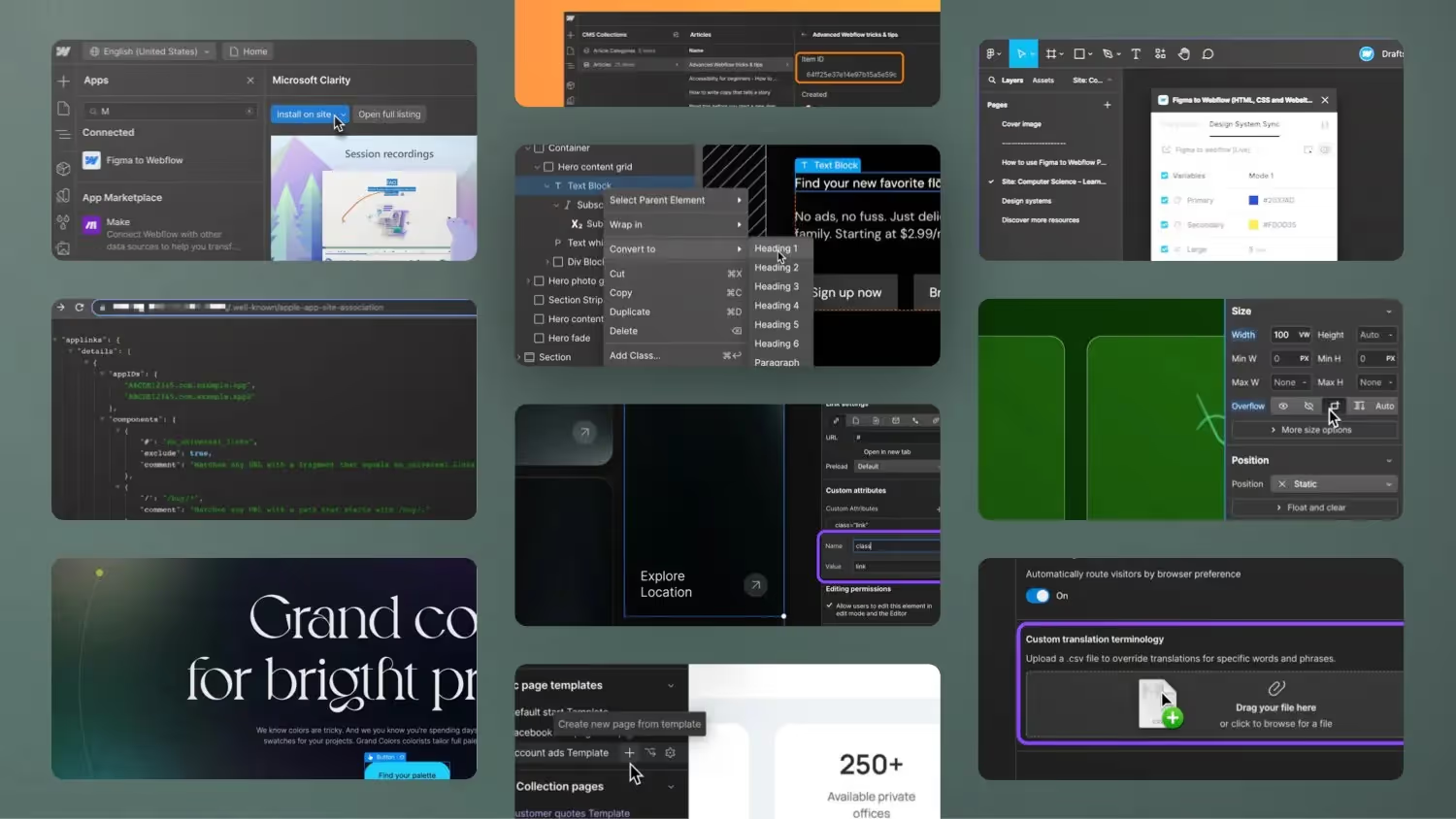

In this video, Jonas Arleth presents over 25 new updates and features that Webflow added in the second quarter of 2024. He goes through the updates one by one and explains where they can be found in the Webflow Designer. Updates include improvements to the backup system, the ability to install Webflow apps directly in the apps panel, new features for team collaboration, the ability to add custom CSS classes as attributes, support for REM and EM units in the Figma to Webflow plugin, the ability to upload an Apple App Site Association file, improvements to the Lightbox element, support for WebP images in the CMS, extended character limits in the custom embed field and the conversion of items to other elements, improvements to the CMS API, the use of the 'Important Flag' in custom CSS commands, the addition of page templates, the editing of CMS content in edit mode, a learning assistant, the ability to import HTML and embed code via CSV, the duplication of components, analytics display of website usage data and the improvement of marketplace search.
1. Improved backup functionalities
Webflow now creates backups without changing the CMS IDs. This is particularly useful for those who use automated workflows with APIs. As a result of this change, the IDs of the CMS elements remain consistent, which makes integration and synchronization much easier.
2. Install Webflow apps directly in the designer
One of the most useful new features is the ability to install Webflow apps directly in the designer's apps panel. This saves time and makes the process much more intuitive. The plus icon on the left allows you to search for apps and install them directly on the page or across the entire workspace.
3. Page branching for enterprise customers
Enterprise customers can now use page branching to have page changes reviewed and approved by a project manager or creative director. This is particularly useful for larger teams and agencies working on large projects.
4. Custom attributes for CSS classes
CSS classes can now be added as custom attributes. This allows you to manage style and animation classes more flexibly without having to integrate them into the combo classes.
5. Improved multi-language support
Enterprise customers can now upload CSV files to retain specific terms in different languages. This is particularly useful for company-specific terms or names.
6th Lightbox element update
The lightbox element has been improved and can now be filled directly with a multi-image field from the CMS. This makes it easier to create galleries and saves time when working with CMS content, as it no longer requires a nested collection list.
7. Support for REM and EM units in the Figma to Webflow plugin
The Figma to Webflow plugin now supports REM and EM units. This makes it easy to synchronize design systems and work with scalable units in Webflow.
8. Apple Well-Known Files
Webflow now supports Apple Well-Known Files, which can be used to verify websites in the App Store.
9. Auxiliary lines in the designer
The Webflow Designer now supports guidelines that can be activated with the Shift+R shortcut. This makes it easier to precisely align elements.
10. New CSS Features
Overflow Clip and Vertical Alignment are now available directly in the designer. These features provide more control over the layout and presentation of items.
11. WebP Support for CMS Assets
Images uploaded via the CMS can now be converted to WebP format. This improves website loading speed as WebP images are often smaller than other formats.
12. Expanded number of characters in custom embeds
The maximum number of characters for custom embeds has been increased to 50,000 characters. This is particularly useful for large scripts or complex embeds.
13. Converting elements
Elements can now be converted to other element types, such as from a text block to a heading, by right-clicking. This saves time and makes it easy to customize layouts.
14. Improved CMS API
The CMS API has been extended and now offers additional parameters such as name, slug and last publish. This makes it easy to integrate and automate CMS content.
15. Importing HTML via CSV
The CSV import now also supports HTML and embed code. This enables seamless integration of complex content directly from CSV files.
16. Inline CMS editing
CMS content can now be edited directly in editing mode. This makes editing content faster and more intuitive.
17. learning assistant with AI support
Webflow has introduced an AI-powered learning assistant that helps with questions directly in the designer and shows relevant instructions and videos.
18. Duplicate components
Components can now be easily duplicated, making it easy to reuse elements.
19. Site Usage Dashboard
A new dashboard shows bandwidth usage and helps to monitor and optimize the website's resource consumption.
20. Import 301 redirects as CSV
301 redirects can now be imported as a CSV file, making it easy to manage and migrate URLs.
21. Advanced search in the marketplace
The Webflow marketplace now offers an advanced search function to find apps and use cases more quickly.
conclusion
In the second quarter of 2024, Webflow introduced numerous useful updates and features that make the platform even more powerful. Whether you're an individual designer, part of a larger team, or an enterprise customer, there are plenty of new tools and improvements to streamline your workflow. Stay tuned and subscribe to my channel to stay up to date with future updates!



%2520unno%25CC%2588tig-blog.avif)