Conflicts When Working with Webflow Libraries
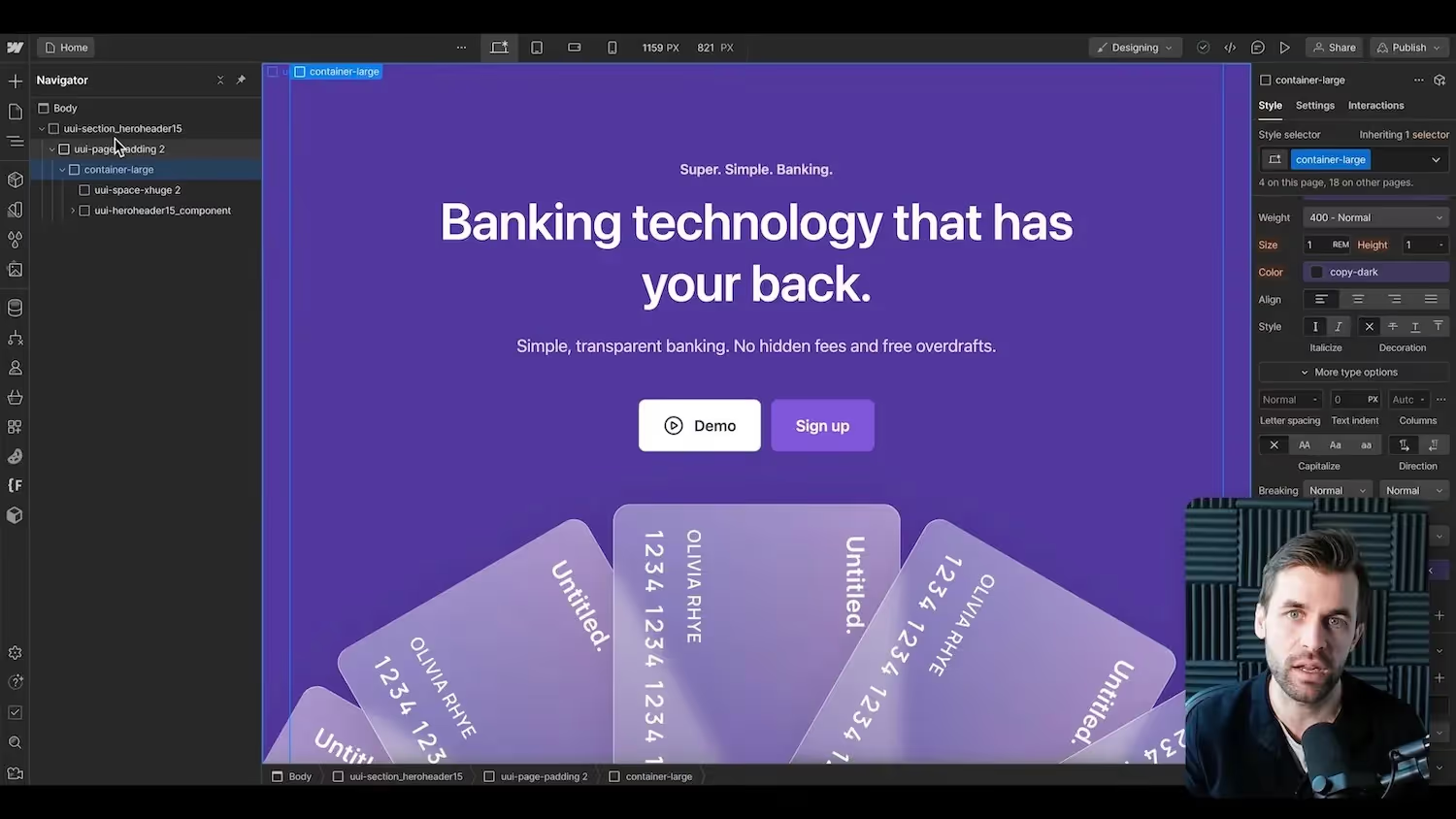

Do Webflow libraries overwrite your classes? What other conflicts can arise?
About the Webflow Libraries:
https://webflow.partnerlinks.io/libraries-kostenlos (affiliate link)
When you install a library, nothing happens for now. Only when you drag an element from a library into your existing project. But even existing class names are never changed or overwritten. That doesn't exist in Webflow. If you already have a class in your project, such as “button”, Webflow will automatically turn it into “button-2" for the element from the library.
Personally, I usually go through the component from the library and smooth out the names and possibly enter my global classes from the style guide.
One problem I see is that some libraries work with color variables and these are then created automatically. This may also bring new variables to your project, which you then have to delete again.
Of course, you can also only work with the components from the library right from the start and take over everything from them. That's quick, of course. But if you just want to read one section, I'd rather go through it again so that everything fits the classes of my project.



%2520unno%25CC%2588tig-blog.avif)