Learn Webflow for Free: 42 Ways & Accounts


In this post, I'll introduce you to various ways and accounts with which you can learn Webflow for free. English-language and German sources.
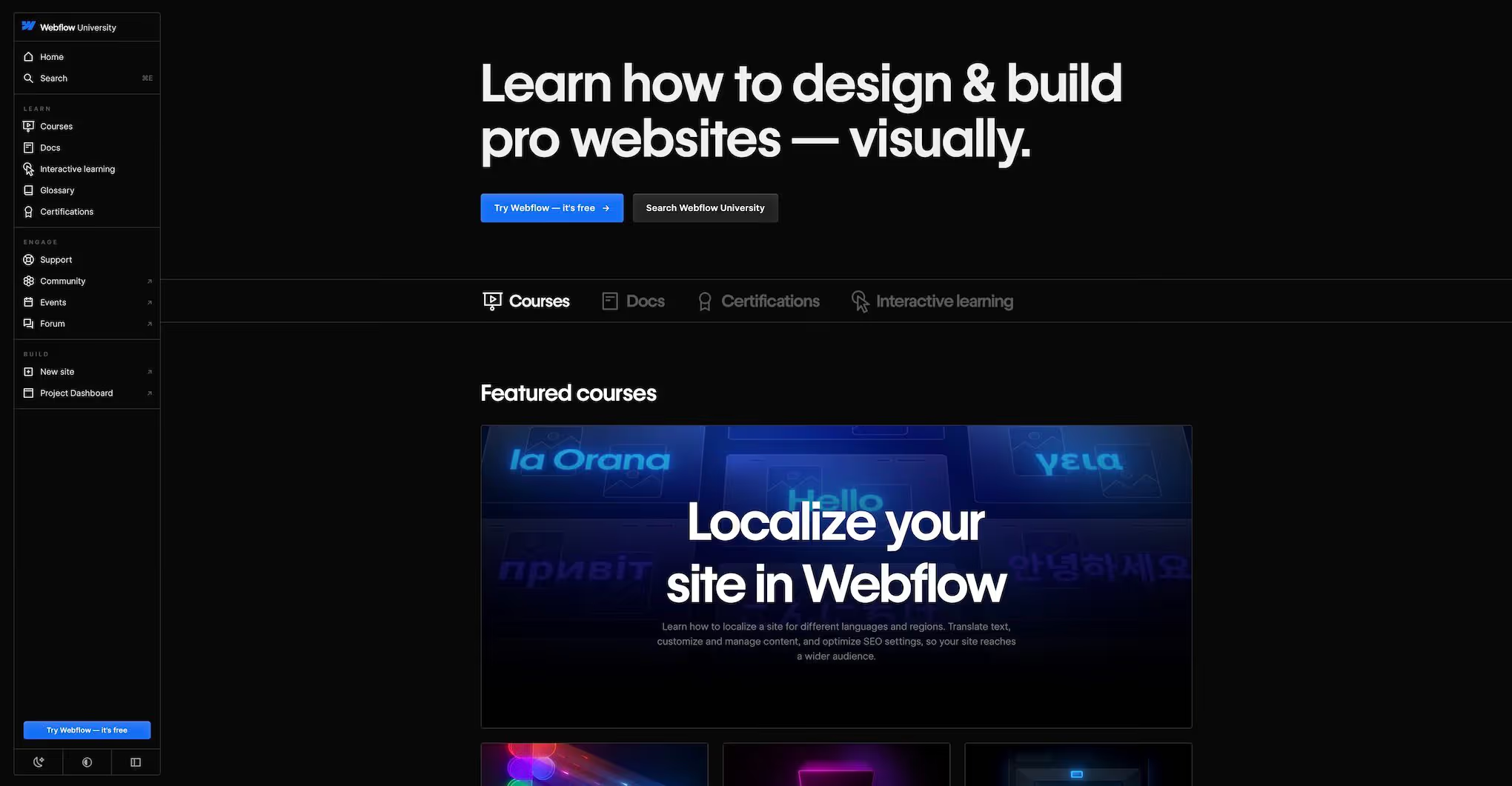
Webflow University
English
https://university.webflow.com
Webflow University is THE source for Webflow tutorials. Which is also not surprising — it comes from Webflow itself. Almost all topics related to Visual Website Builder are covered here. And all tutorials and courses are free. The only drawback: All videos are in English. And sometimes there is something missing in professional seriousness.
Jonas Arleth
German
https://www.youtube.com/@jonasarleth
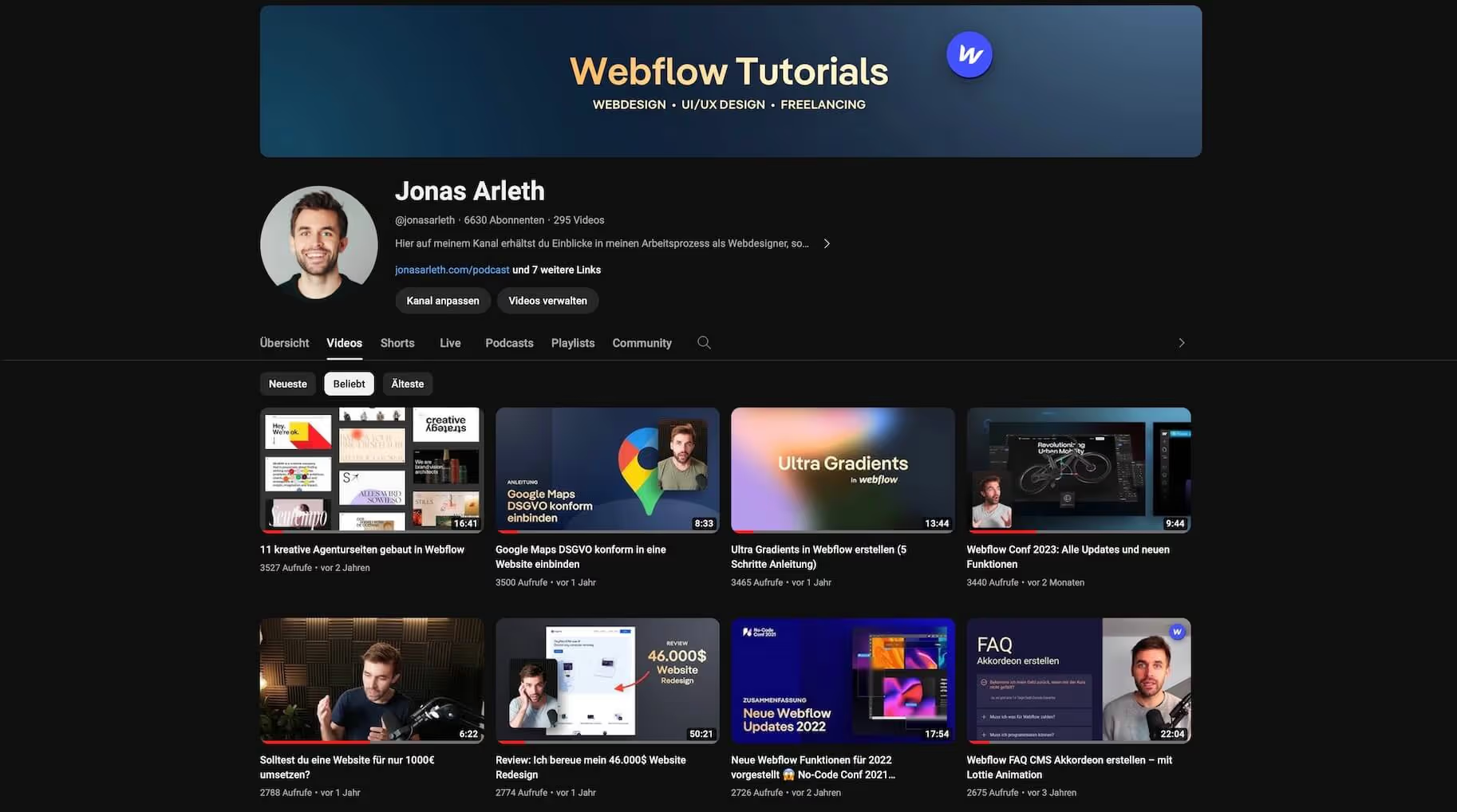
A little advertising on my own behalf must be allowed;) But seriously: As a Webflow professional, I am happy to share my know-how with you. And that on YouTube. Here are 50 free tutorials to help you implement concrete effects in Webflow and solve problems. Among other things, I'll show you how to create a drop-down menu, implement scroll animations or make a portfolio grid a reality.
Dirk Lach
German and English
https://www.youtube.com/@dirklach
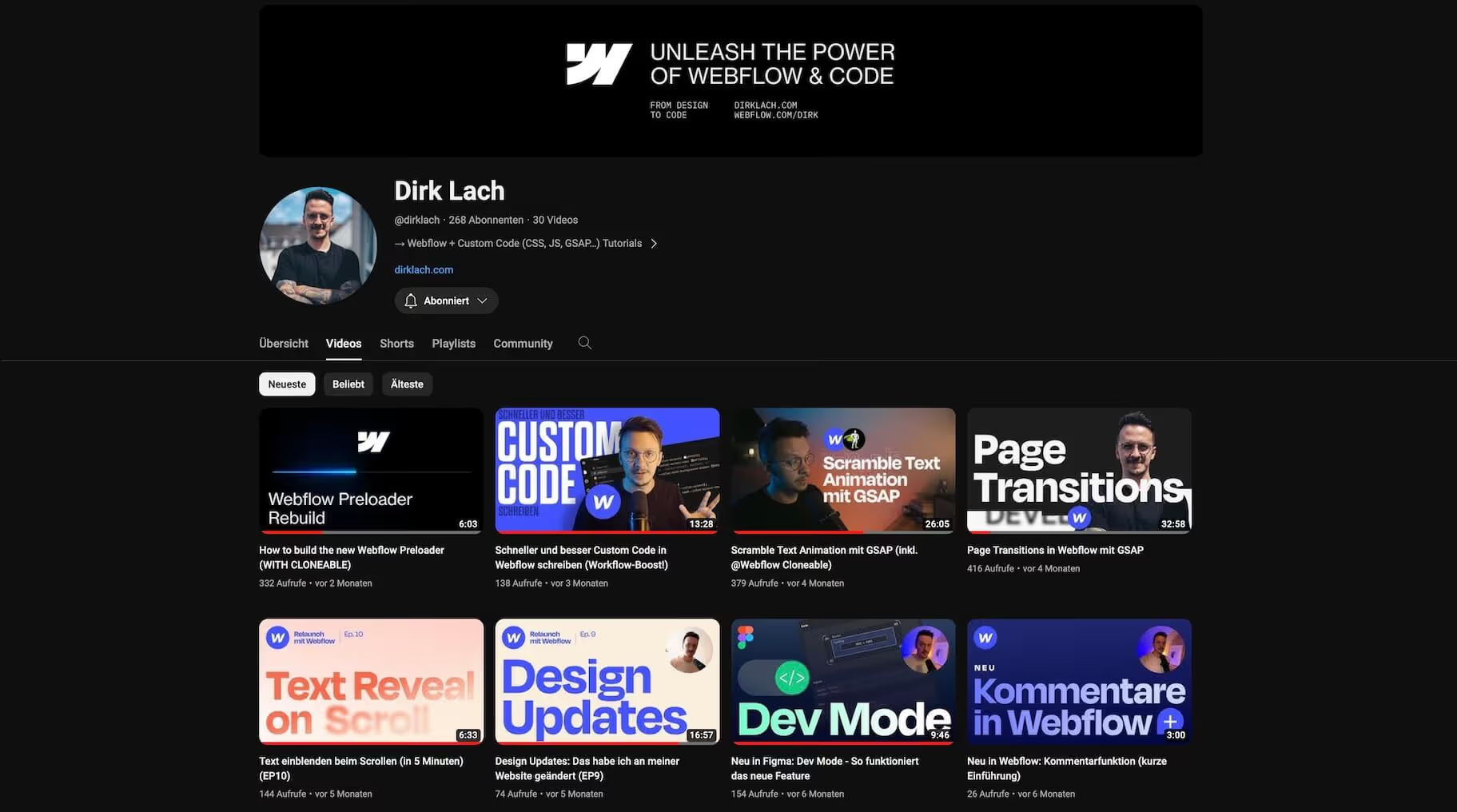
My colleague Dirk has a German and also an English one (https://www.youtube.com/@design2code) Channel where he provides informative Webflow tutorials. And also explains the latest functions of the software. Particularly cool: His explanations of specific implementations of design layouts in Webflow. Attention: The animations are usually programmed with GSAP.
Webflow friends
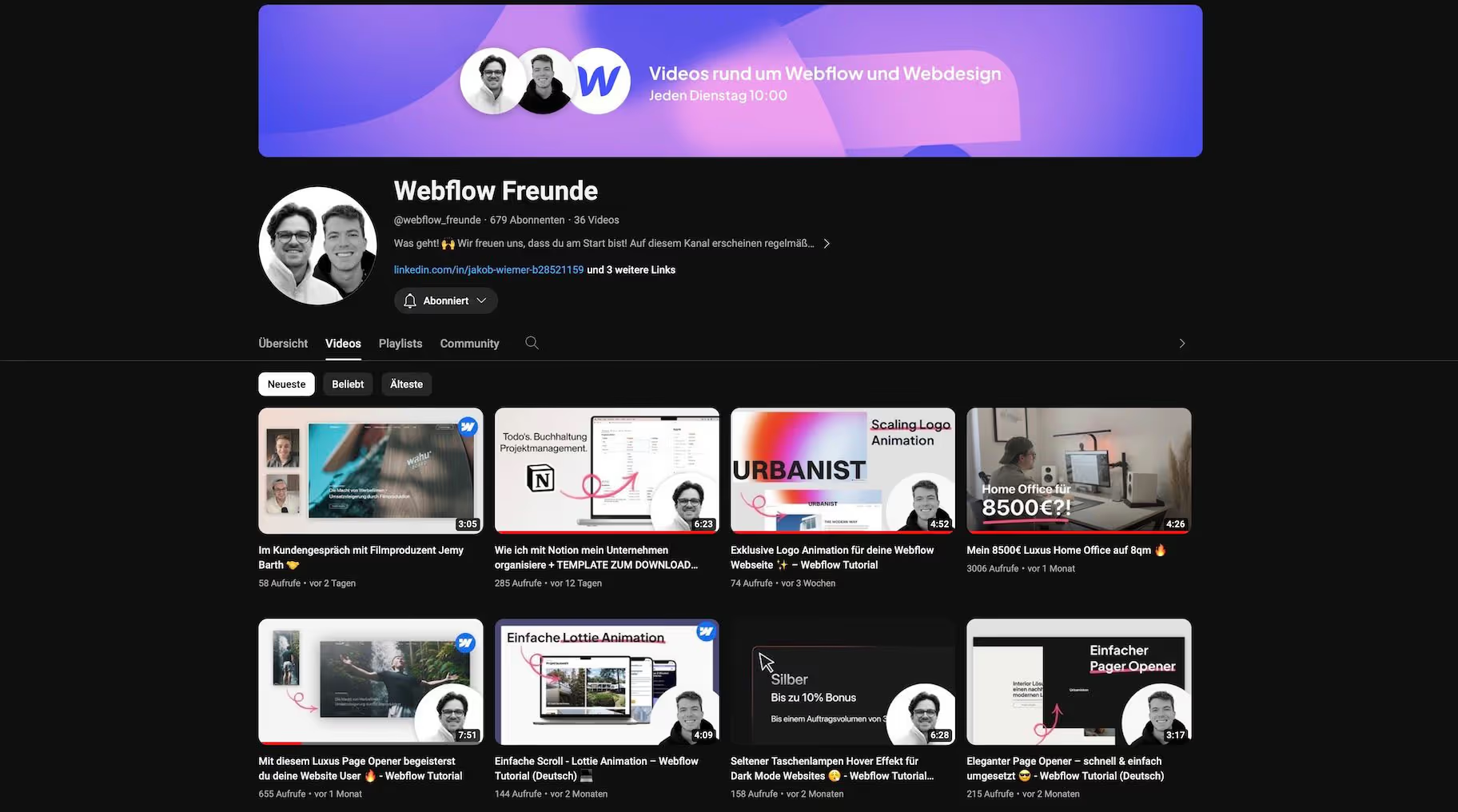
German
https://www.youtube.com/@webflow_freunde
Short and concise tutorials as well as general videos about Webflow can be found on the Webflow Friends YouTube channel. Managed by my esteemed colleagues Jakob Wiemer and Lennart Brauer. By the way: Here you can often find free goodies such as templates etc.
Timothy Ricks
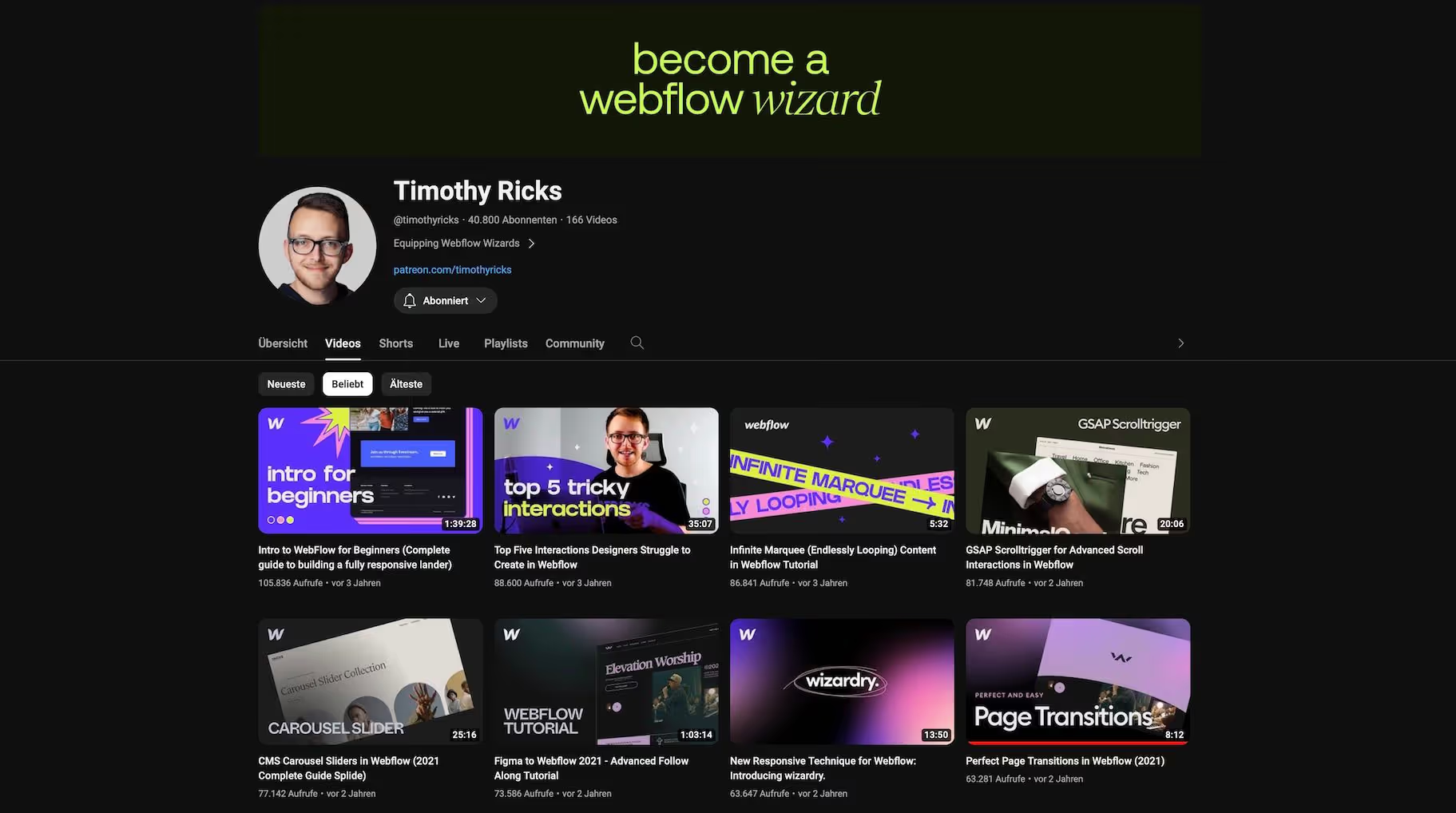
English
https://www.youtube.com/c/timothyricks
If you visit my blog more often, Timothy will look familiar to you. He is a well-known name in the community and repeatedly implements brilliant websites with Webflow. How does he do that? By combining programming and webflow. And he shows how to do that in his tutorials - but more for advanced users. There are also tons of free high-quality cloneables here.
Web Bae
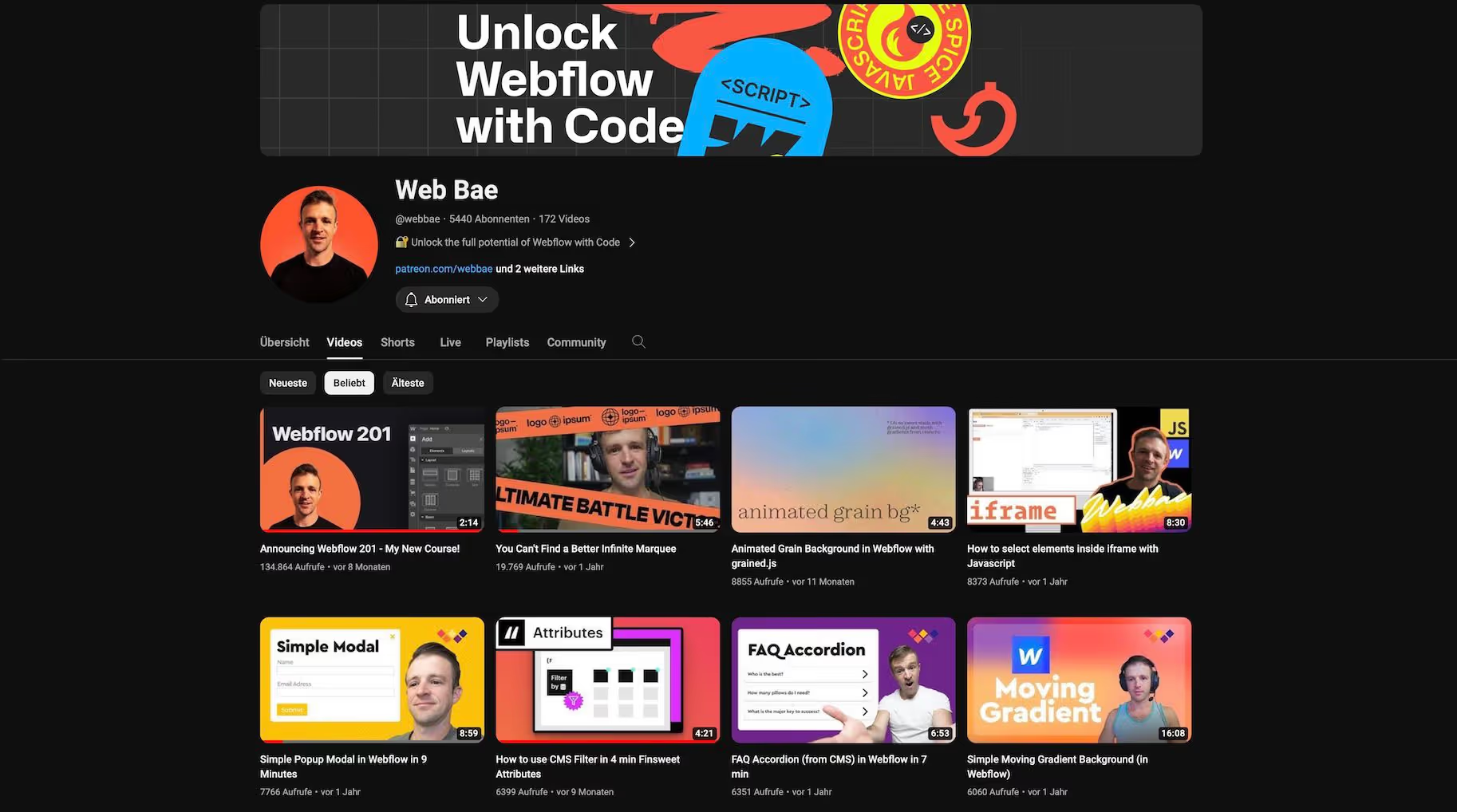
English
https://www.youtube.com/@webbae
Coding Meets Webflow — that is the motto on the Web Bae YouTube channel. That's great, then you can create impressive animations and extensions. However, using JavaScript requires advanced knowledge. In addition to Webflow tutorials, there are also GSAP tutorials.
Mike Pecha
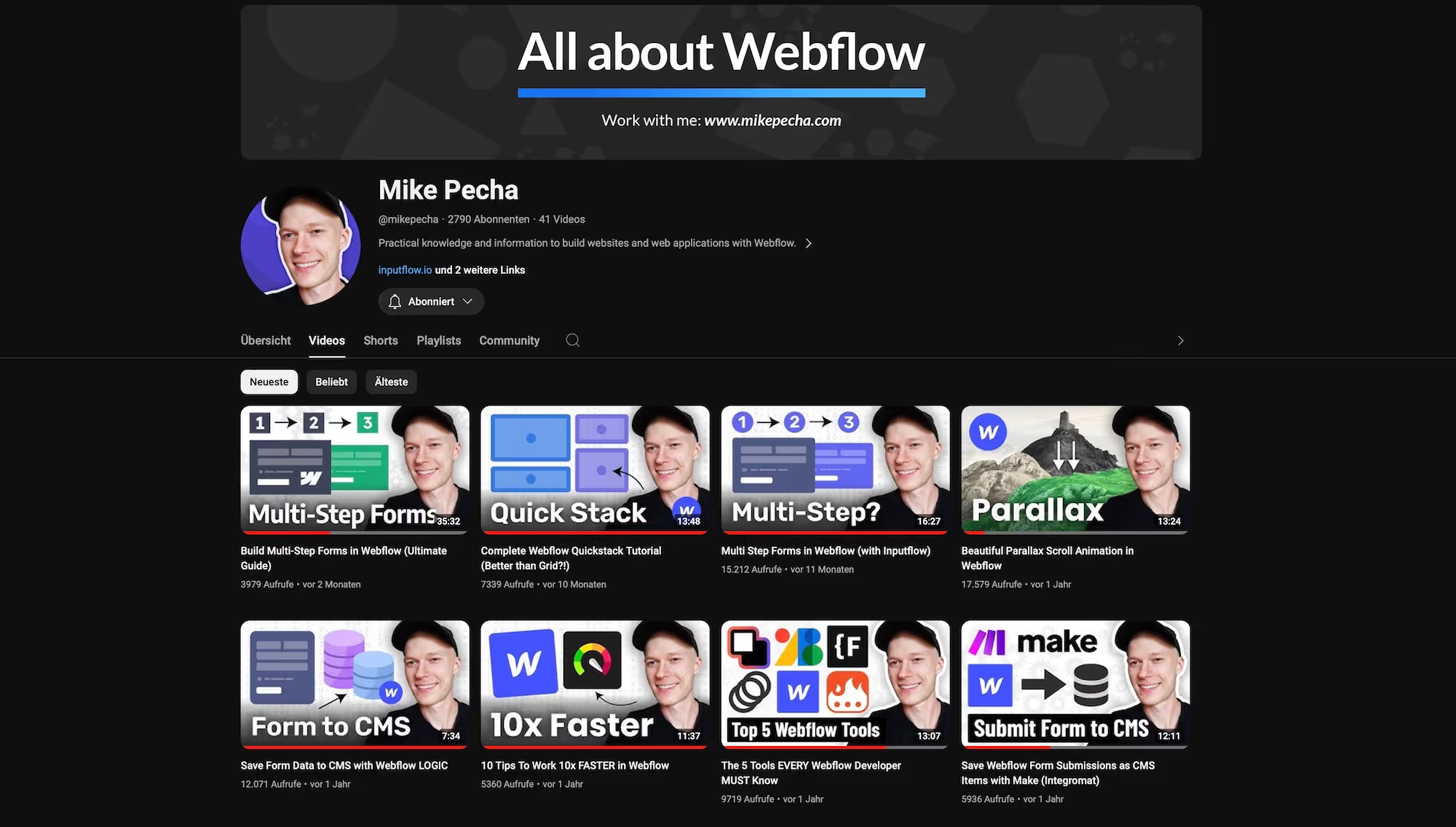
English
https://www.youtube.com/@mikepecha
On his YouTube channel, Mike provides good, clear explanations of how to create animations and more in Webflow. He is more of a programmer's corner - the technical tutorials are still easy to implement. It also provides general tips - such as how to work faster in Webflow. Very convenient And a very cool guy. I've also been a guest on the channel: https://youtu.be/Tg5vOGDUvZQ?si=H1U6bV8abSk3gOK0
Hannes Haderer
German
https://www.youtube.com/@HannesHaderer
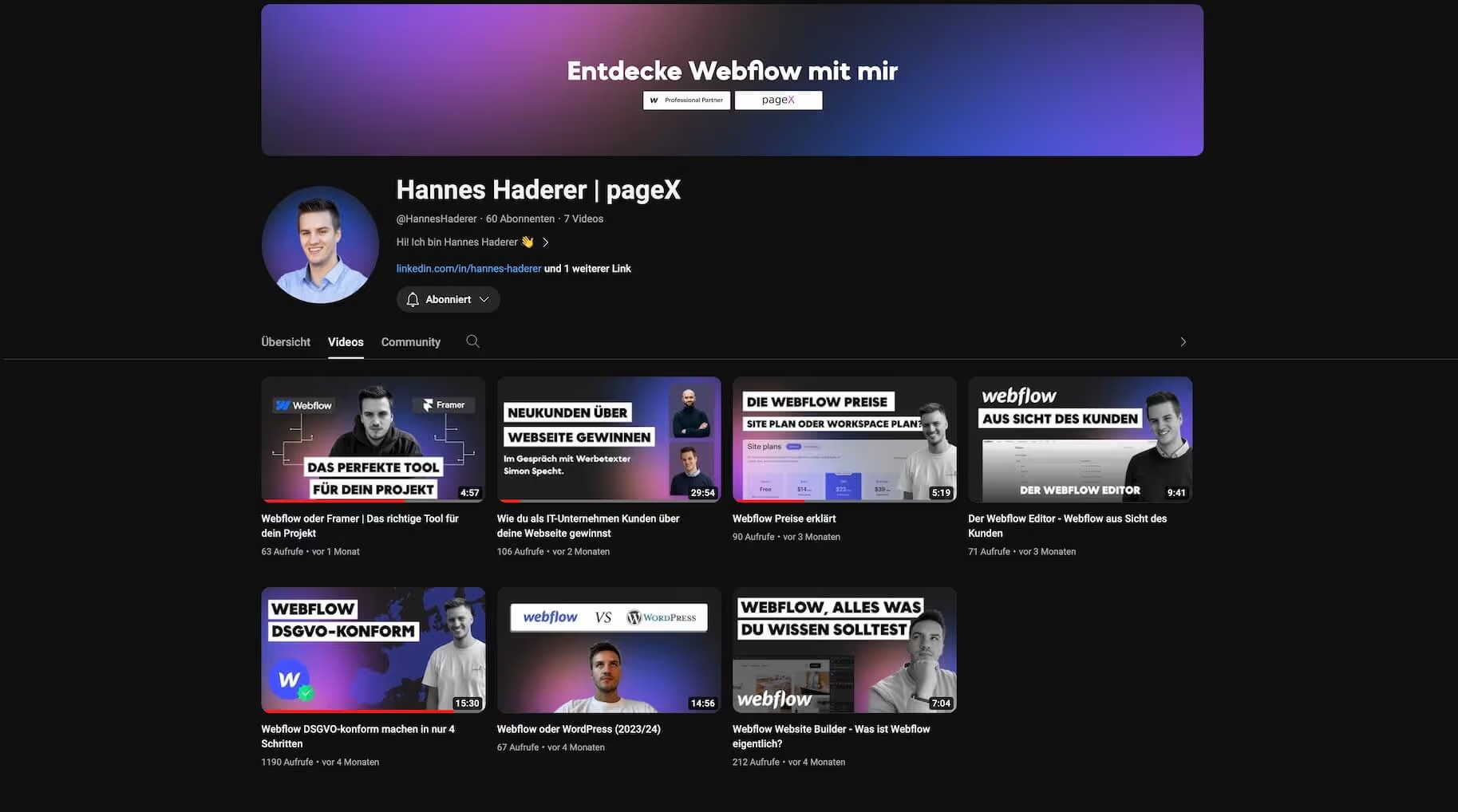
With his YouTube channel on Webflow, Hannes covers fewer design layout tutorials. On the other hand, it provides other important information and logical explanations on specific general Webflow topics. For example, how to “make Webflow GDPR-compliant.”
Chris T.
English
https://www.youtube.com/@archwebdesign
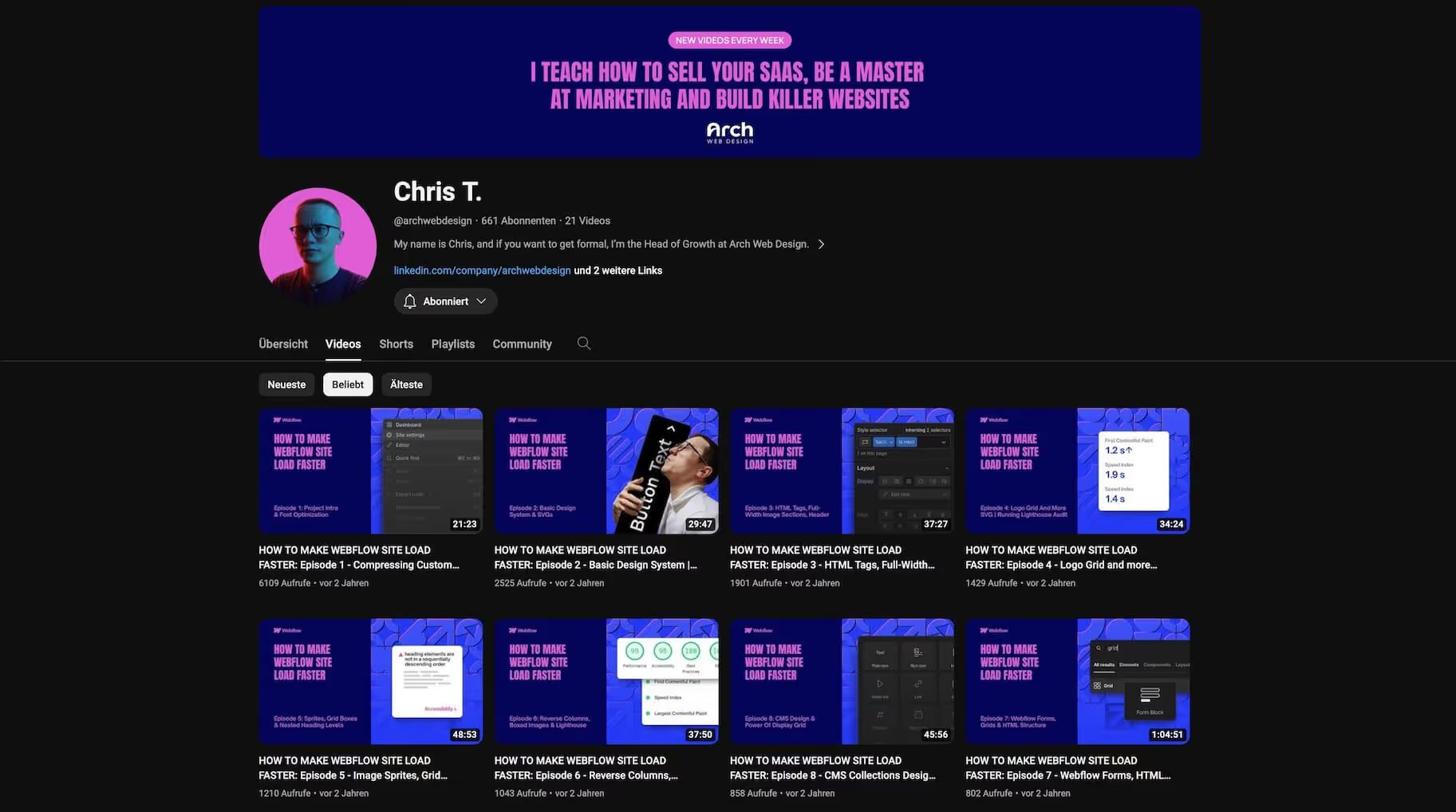
Like Hannes, Chris T. provides fewer Webflow design tutorials. In return, he comes with other practical tips - such as how to improve the loading time of his Webflow website. And that's super important from an SEO perspective.
Ilja van Eck
English
https://www.youtube.com/@iljavaneck
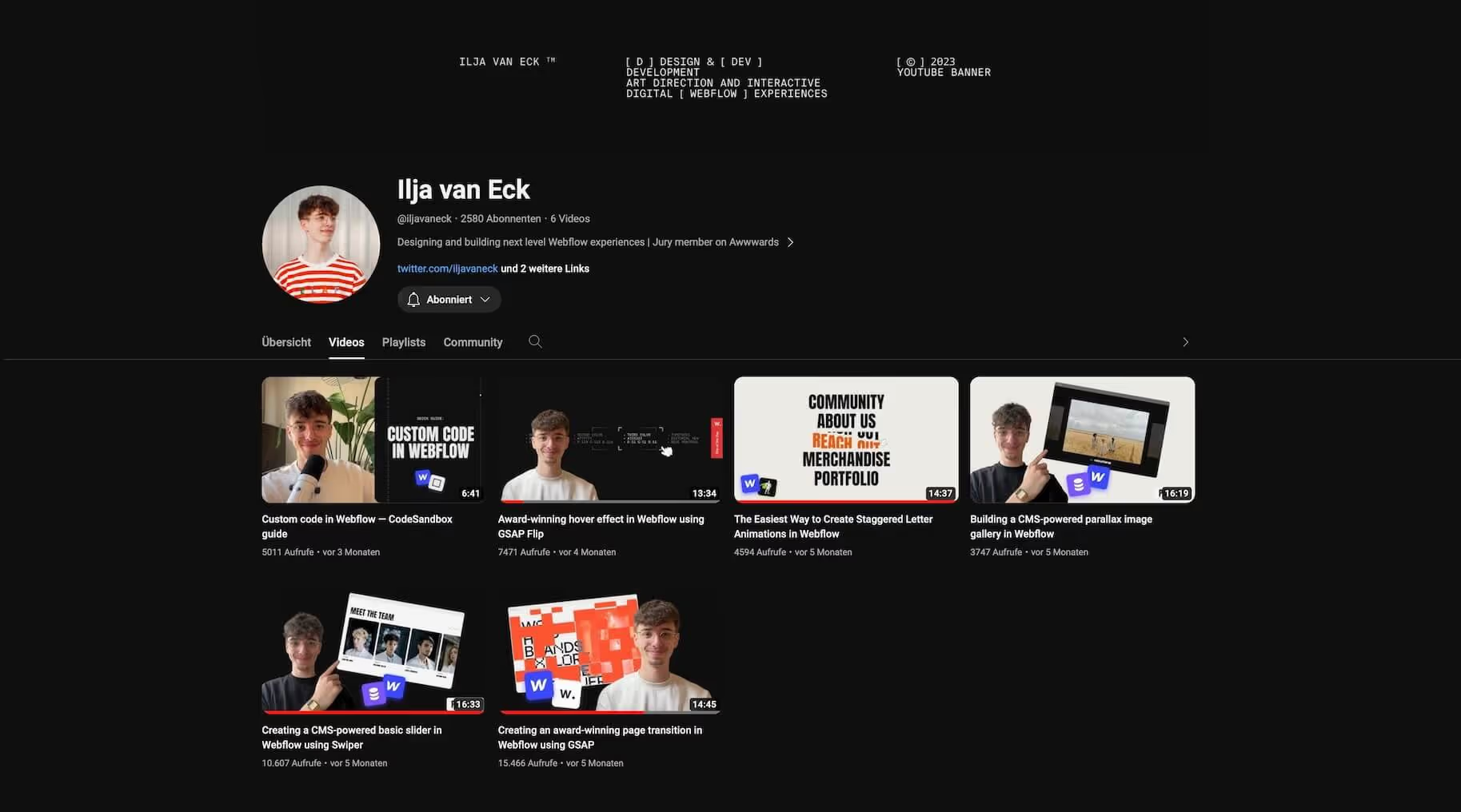
Are you looking for tutorials for high-quality layouts? Then you're in good hands with Ilja. Although the layouts are really awesome, they can be implemented. Thanks to his good explanations. His animation examples work with GSAP.
Diego Toda de Oliveira
English
https://www.youtube.com/@dieg0liv
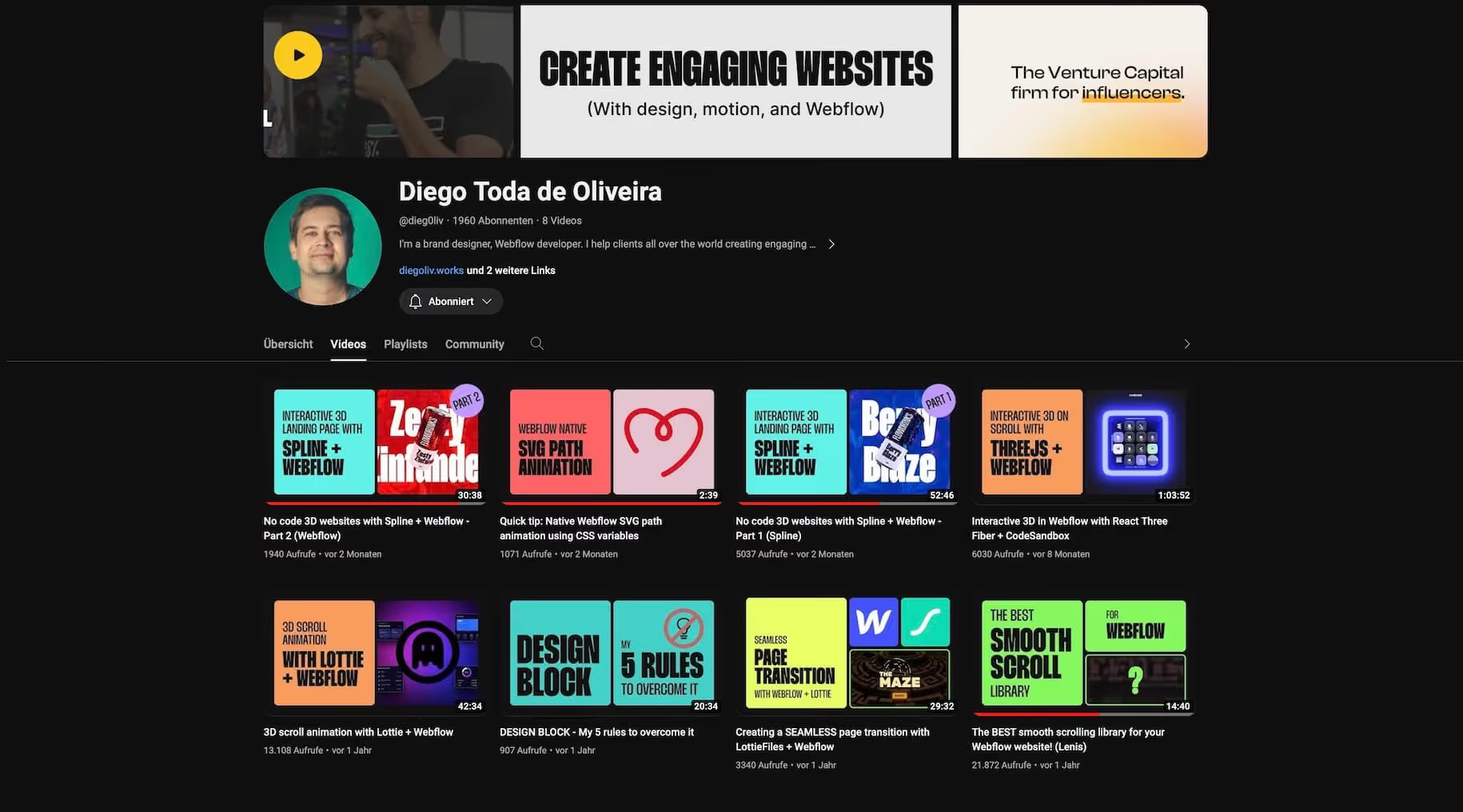
Do you have a little more time? Then take a look at a Webflow tutorial from Diego. He has a lot of experience and is happy to share it with you. Here you'll learn from a real professional who has already released his own Webflow apps and does a lot for the Webflow community.
Flux Academy
English
https://www.youtube.com/@FluxAcademy
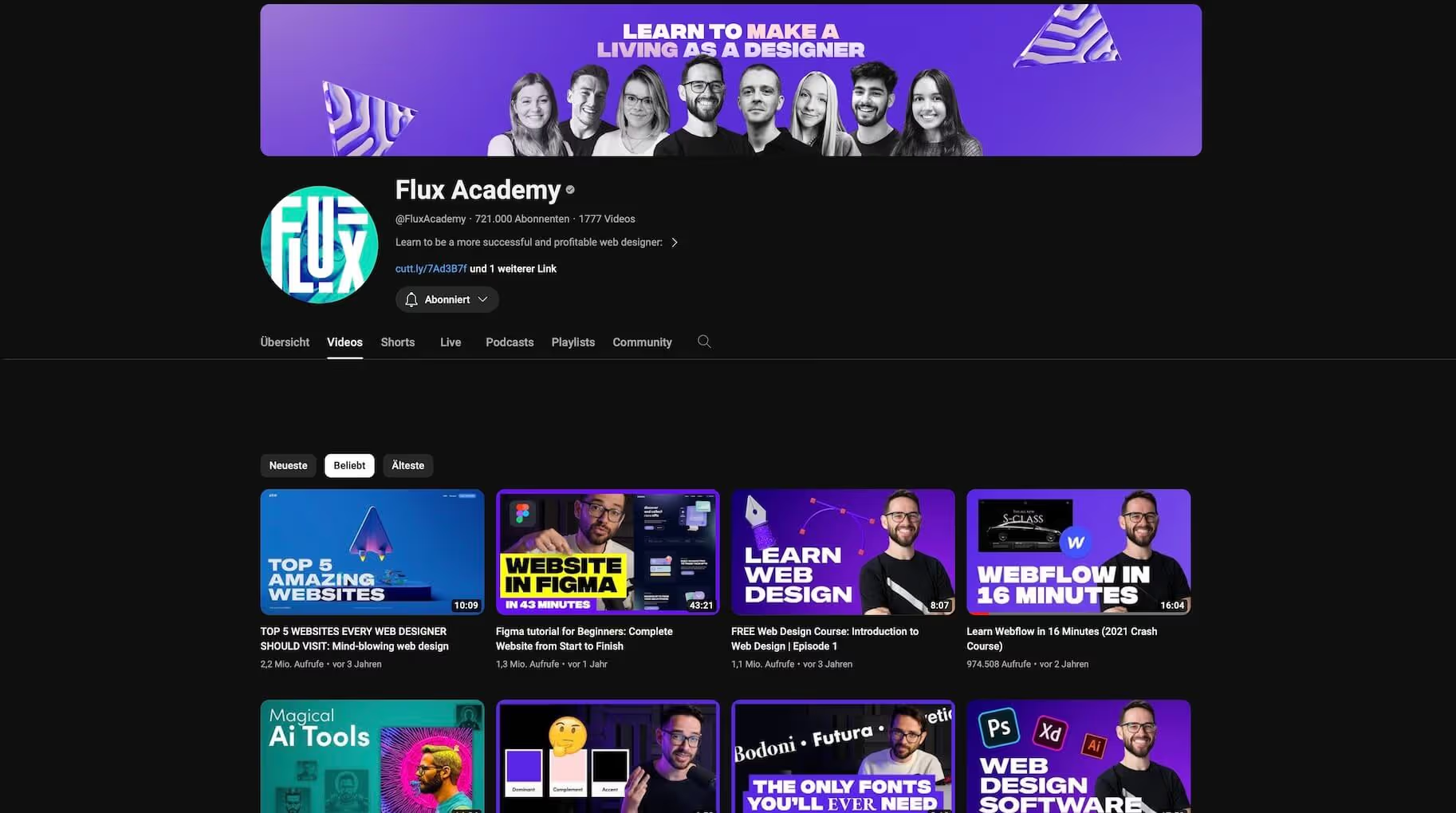
One of the biggest channels in web design - not just for Webflow topics. At Flux Academy, we also teach about design topics and web design in general. But don't get too used to your tutor: The teachers change.
KC Katalbas
English
https://www.youtube.com/@Artscistudio
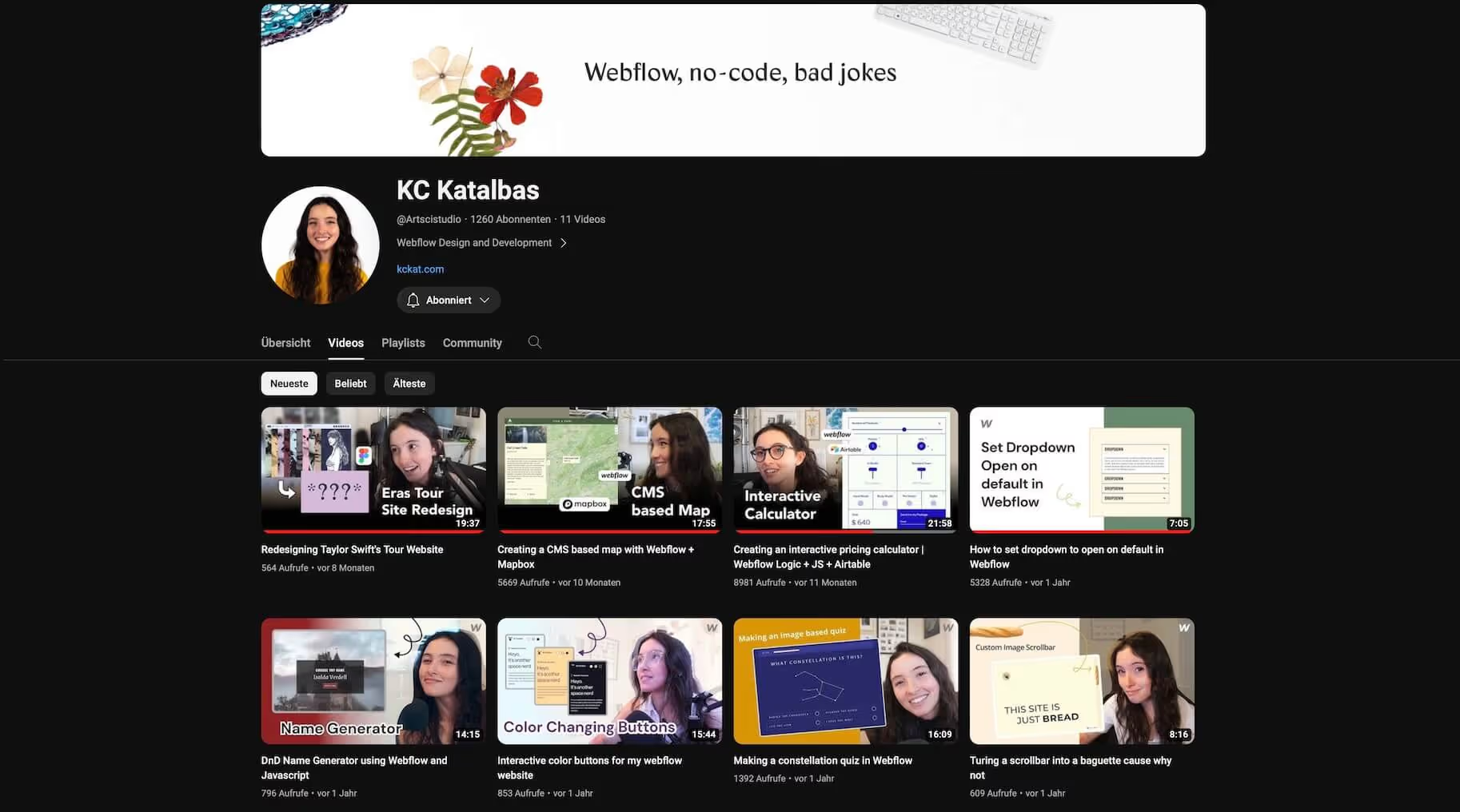
One of the few women who share their Webflow knowledge. And all the more brilliant for that. KC Katalbas tutorials are usually a bit more technical and may require additional JavaScript. But that is then kept at an easy level.
Designbase
English
https://www.youtube.com/@designbasestudio
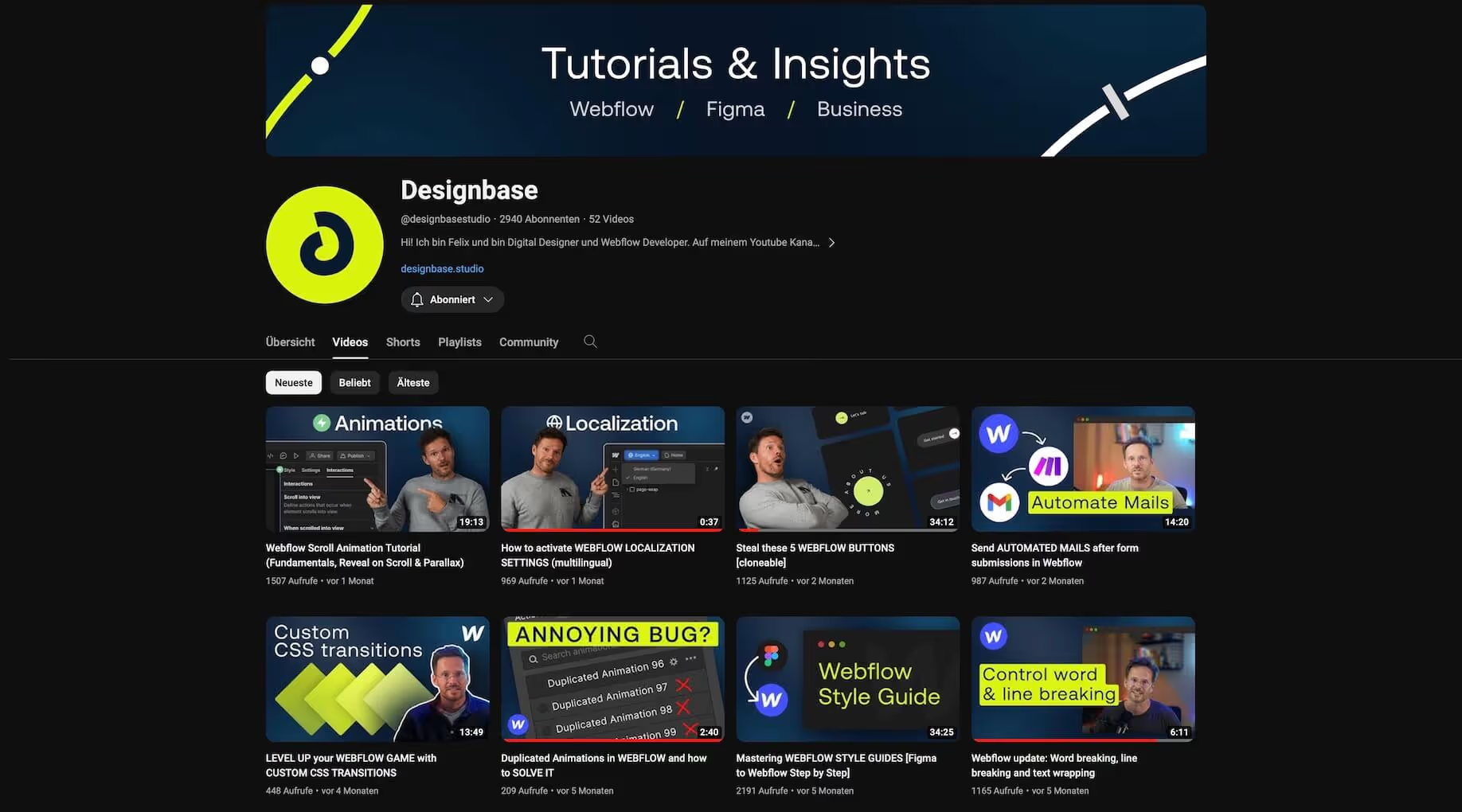
Felix makes the Designbase videos. Although he comes from Germany, his free Webflow tutorials are in English. Every Webflow user should read his Webflow tips. It provides information about Webflow updates, but also shows how to implement scroll animations and delivers cool cloneables. His basic tutorials can also be divided into several videos.
Nikolai Bain
English
https://www.youtube.com/@NikolaiBain
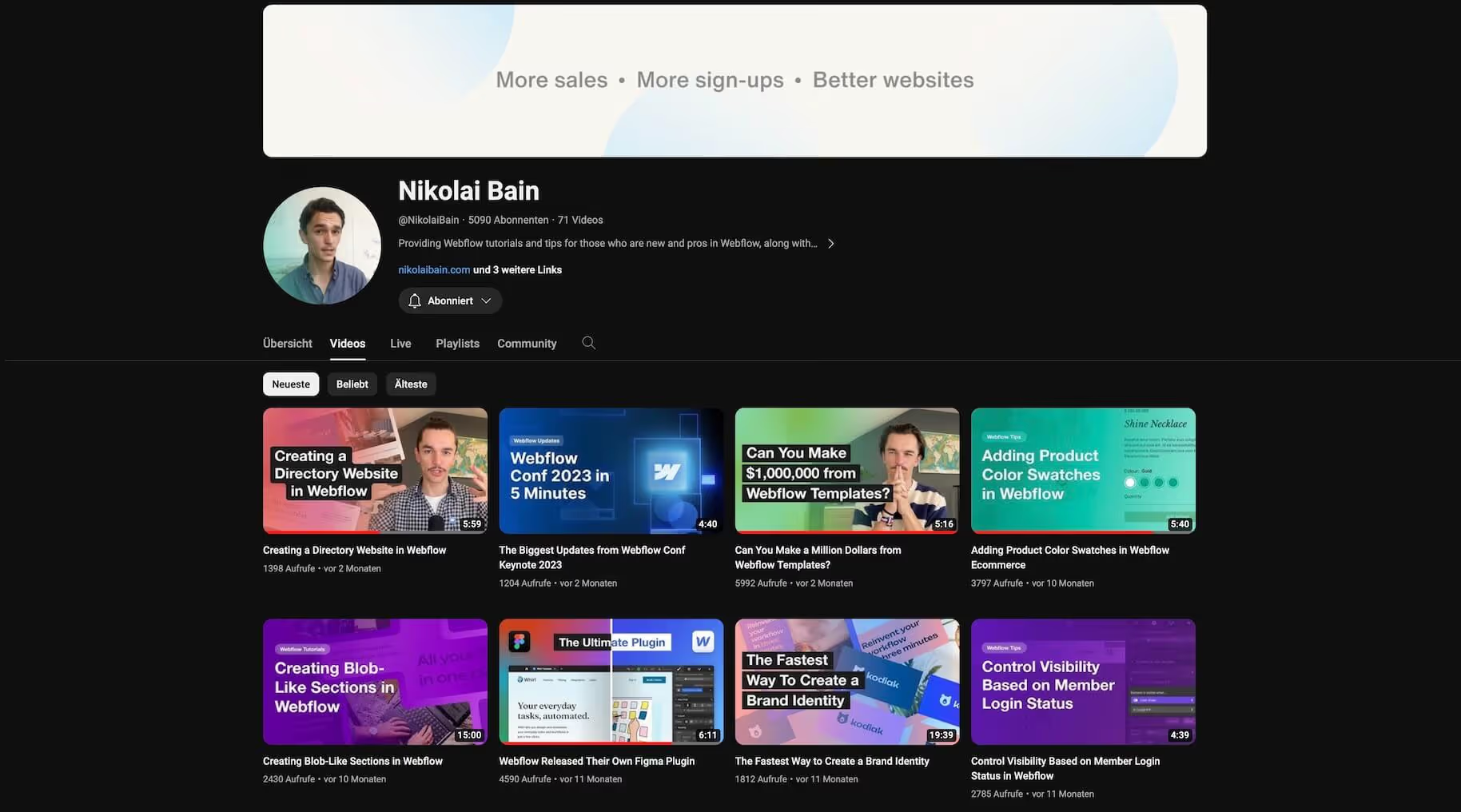
Are you looking for short and concise Webflow tutorials with a bit of humor? Then stop by Nikolai Bain. If you like his work: He also sells his own Webflow templates.
Arnau Ros
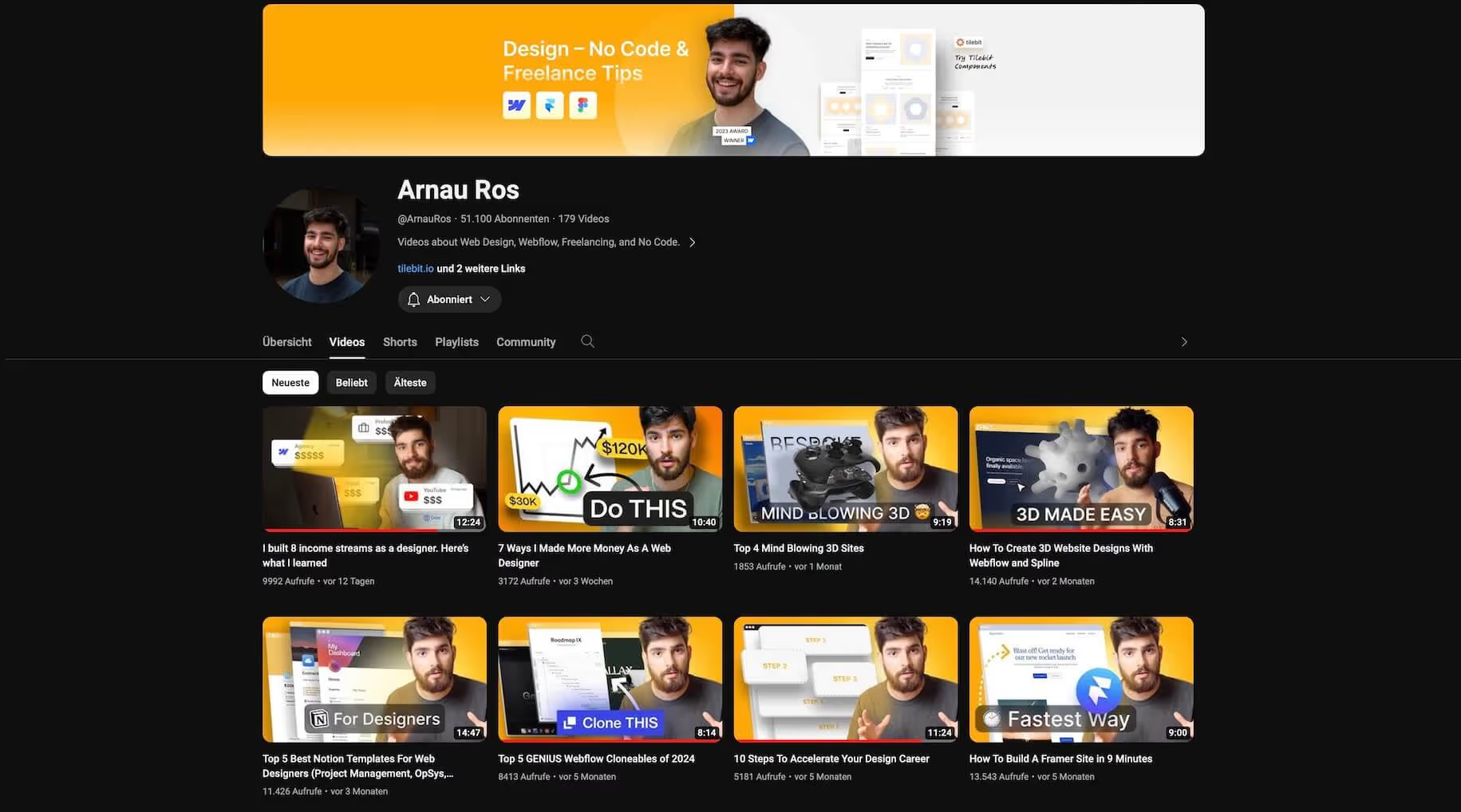
English
https://www.youtube.com/@ArnauRos
Arnau was Webflow Educator Of The Year 2023. You love to learn from such a professional for free. But he also introduces other software and makes more general videos about web design, freelancing and no code overall. But he also provides Webflow design tutorials
Thelazygod
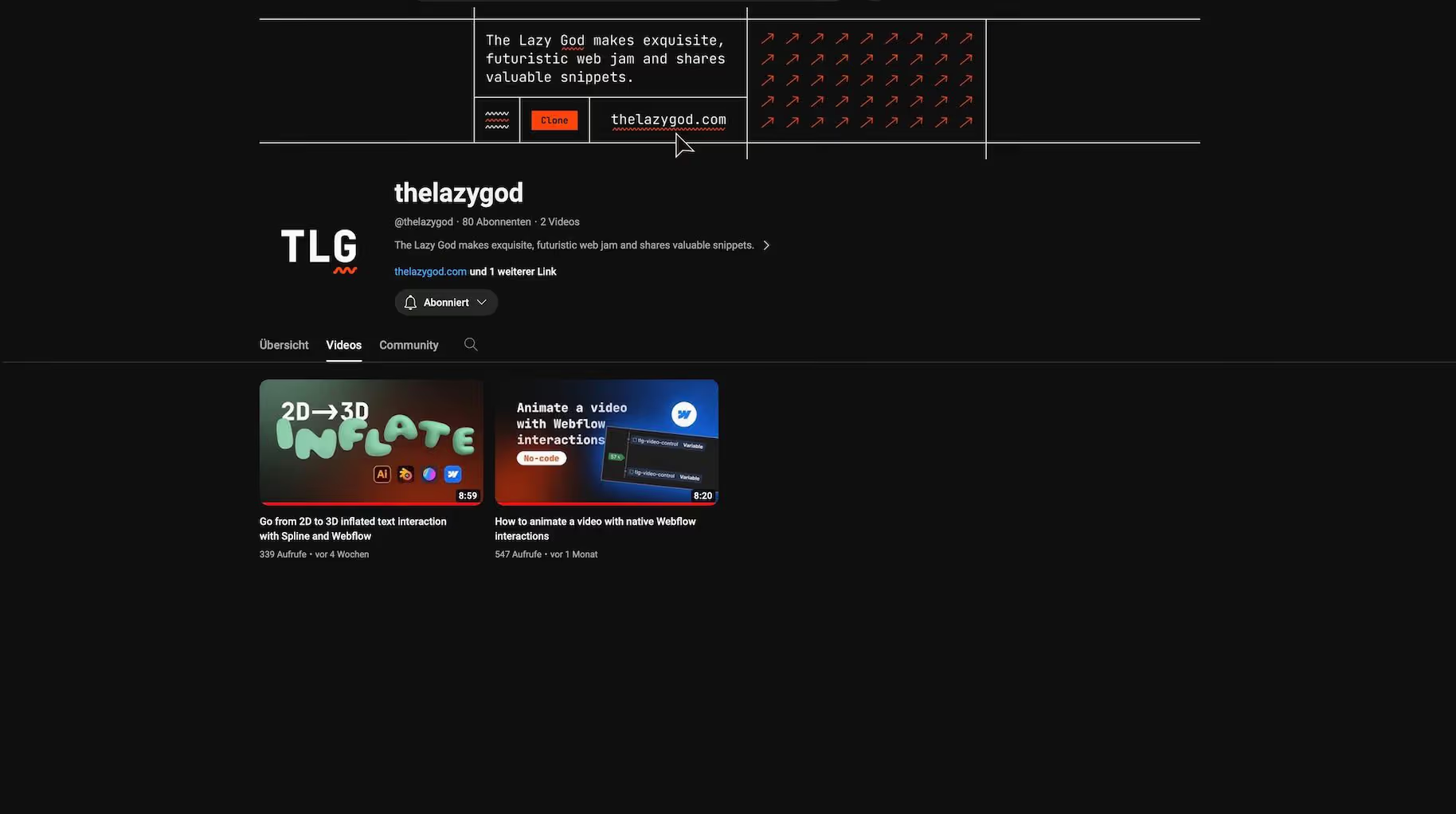
English
https://www.youtube.com/@thelazygod
Currently (January 2024), there are only two videos on the thelazygod channel. Whether more is coming - you don't know. It's to be hoped though, because the first two videos are very cool. For example, you'll learn how to fast-forward a video with Webfow interactions.
Miles Roxas
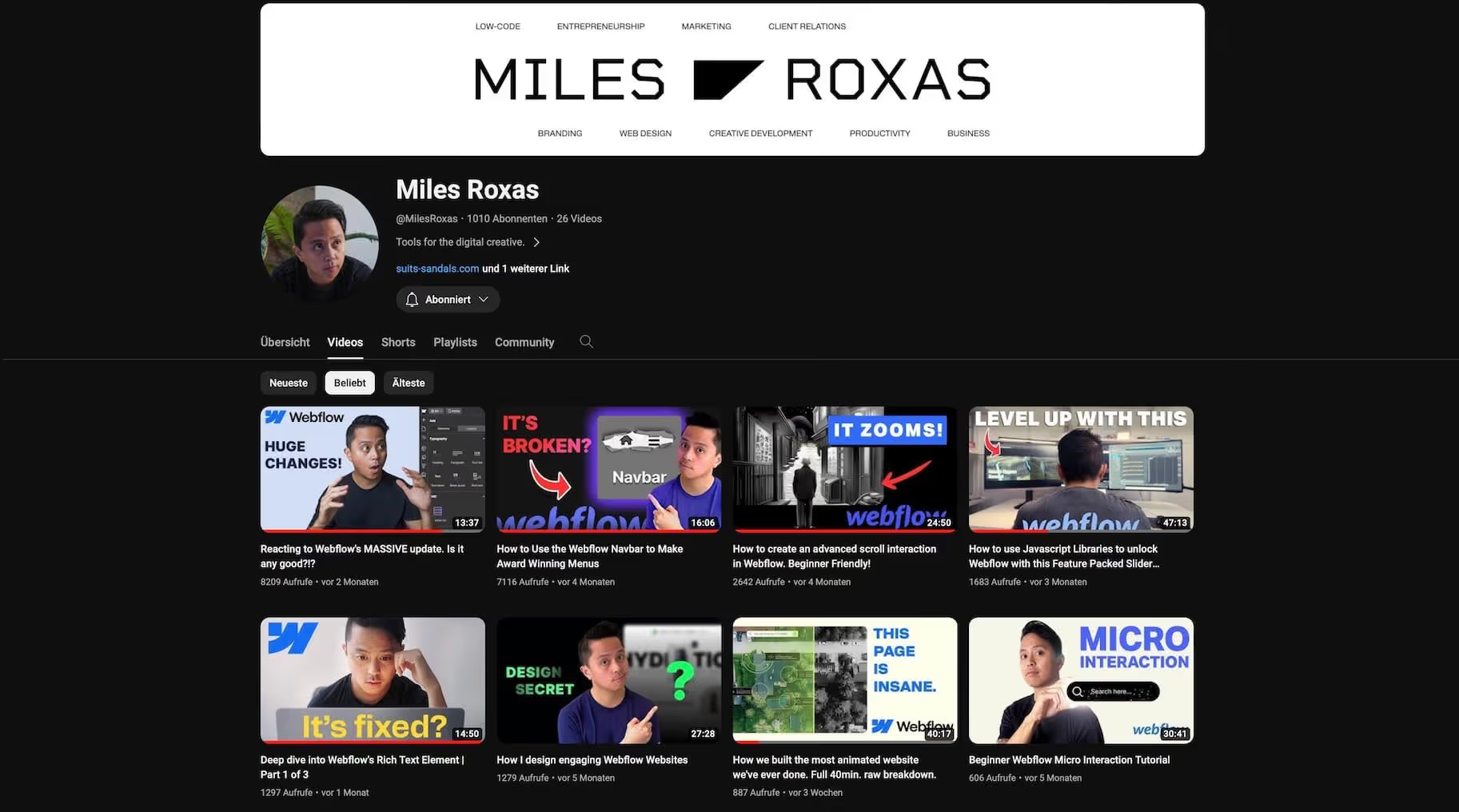
English
https://www.youtube.com/@MilesRoxas
If you're a Webflow beginner, Miles has some good beginner tutorials for you. On his YouTue channel, you can also find web design project tips from time to time.
Finsweet
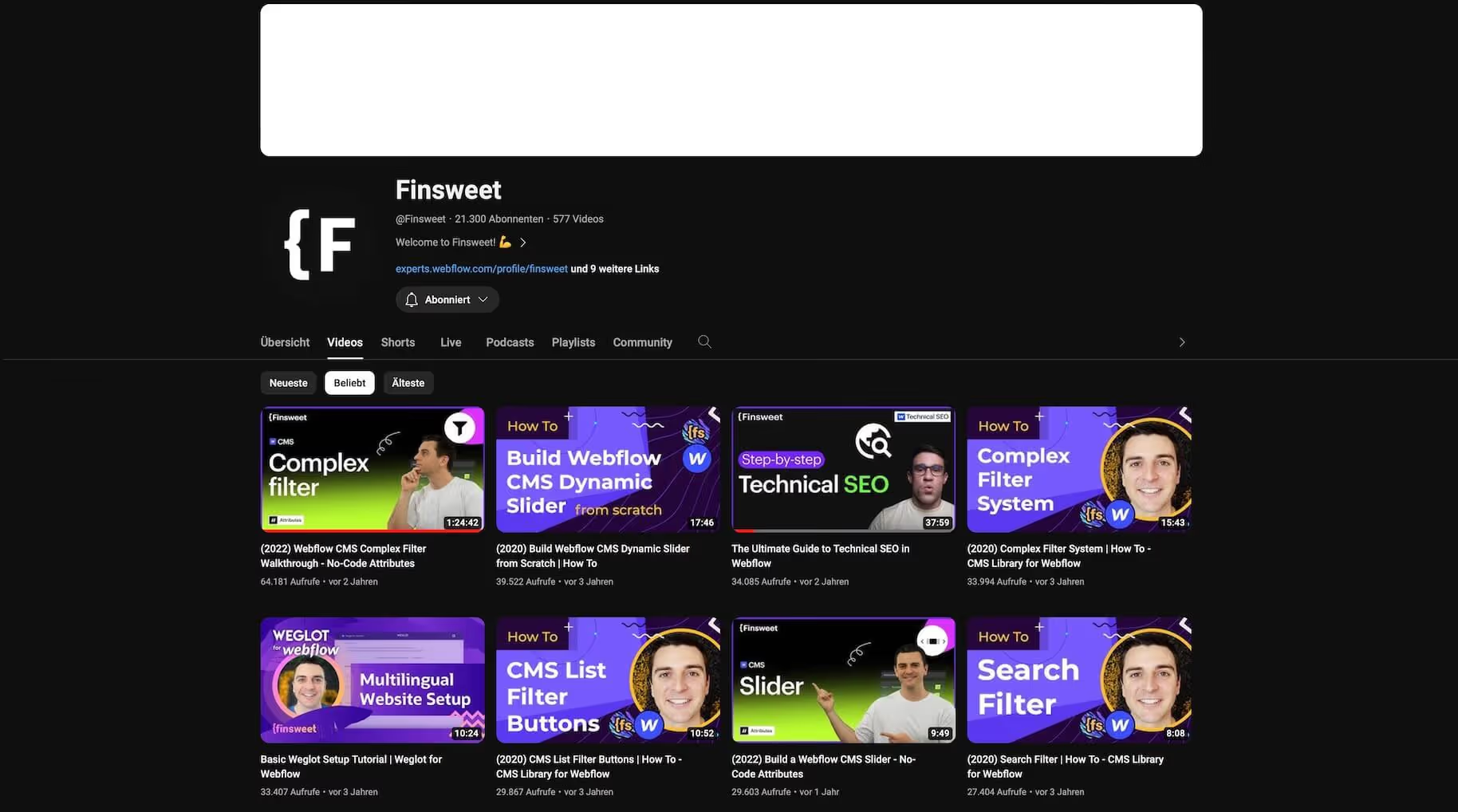
English
https://www.youtube.com/@Finsweet
Finsweet is a well-known name in the Webflow community. On his YouTube channel, he shows you how to implement sliders with Webfow, install search filters and many other practical tutorials. It also provides many free apps and JavaScript extensions for Webflow. The most popular library is Finsweet Attributes.
Marvin Aziz
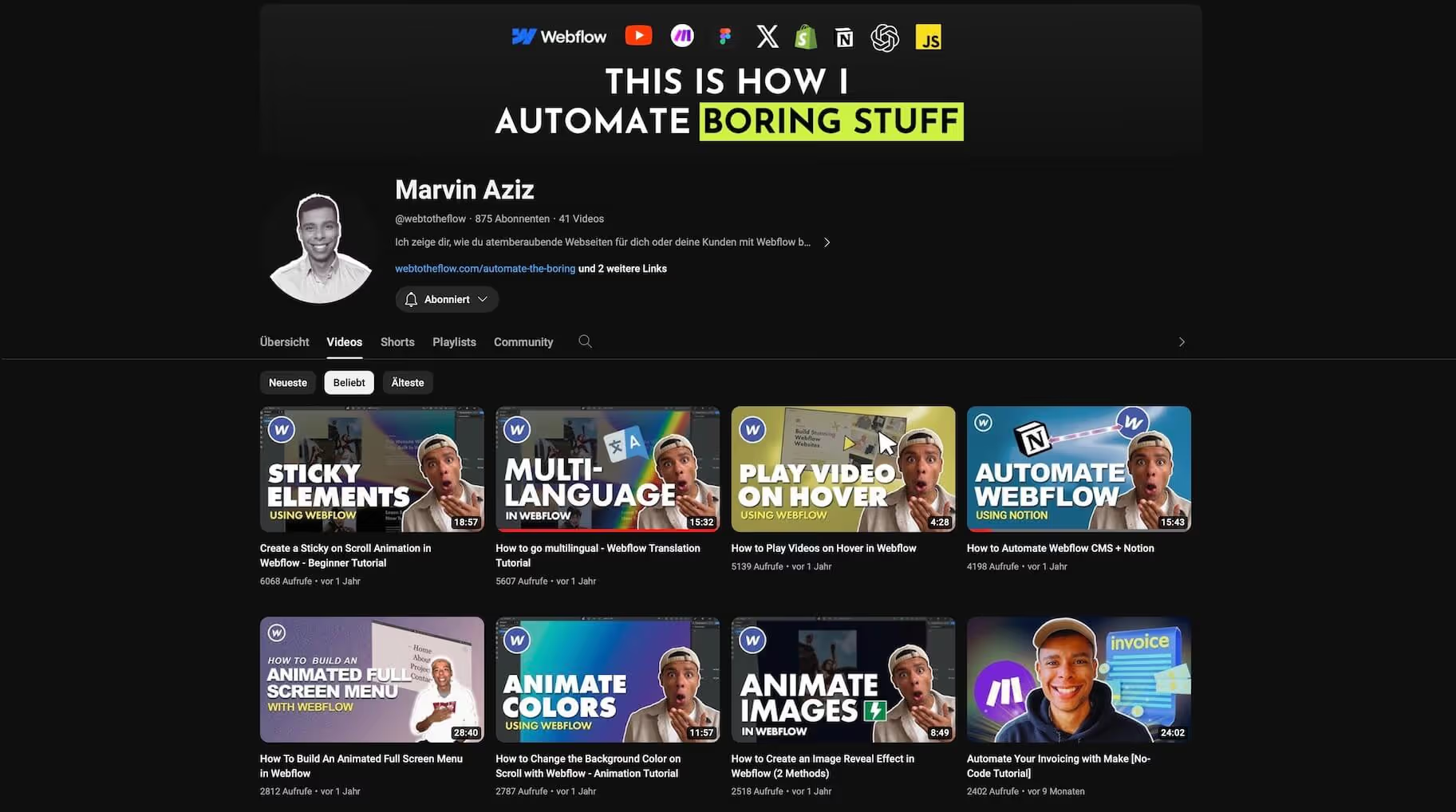
English
https://www.youtube.com/@webtotheflow
A must for all no-coders. And not just for Webflow users. In his No Code tutorials, Marvin shows how to automate platforms with MAKE. But also how to use various Webflow functions for your purposes.
Kabarza
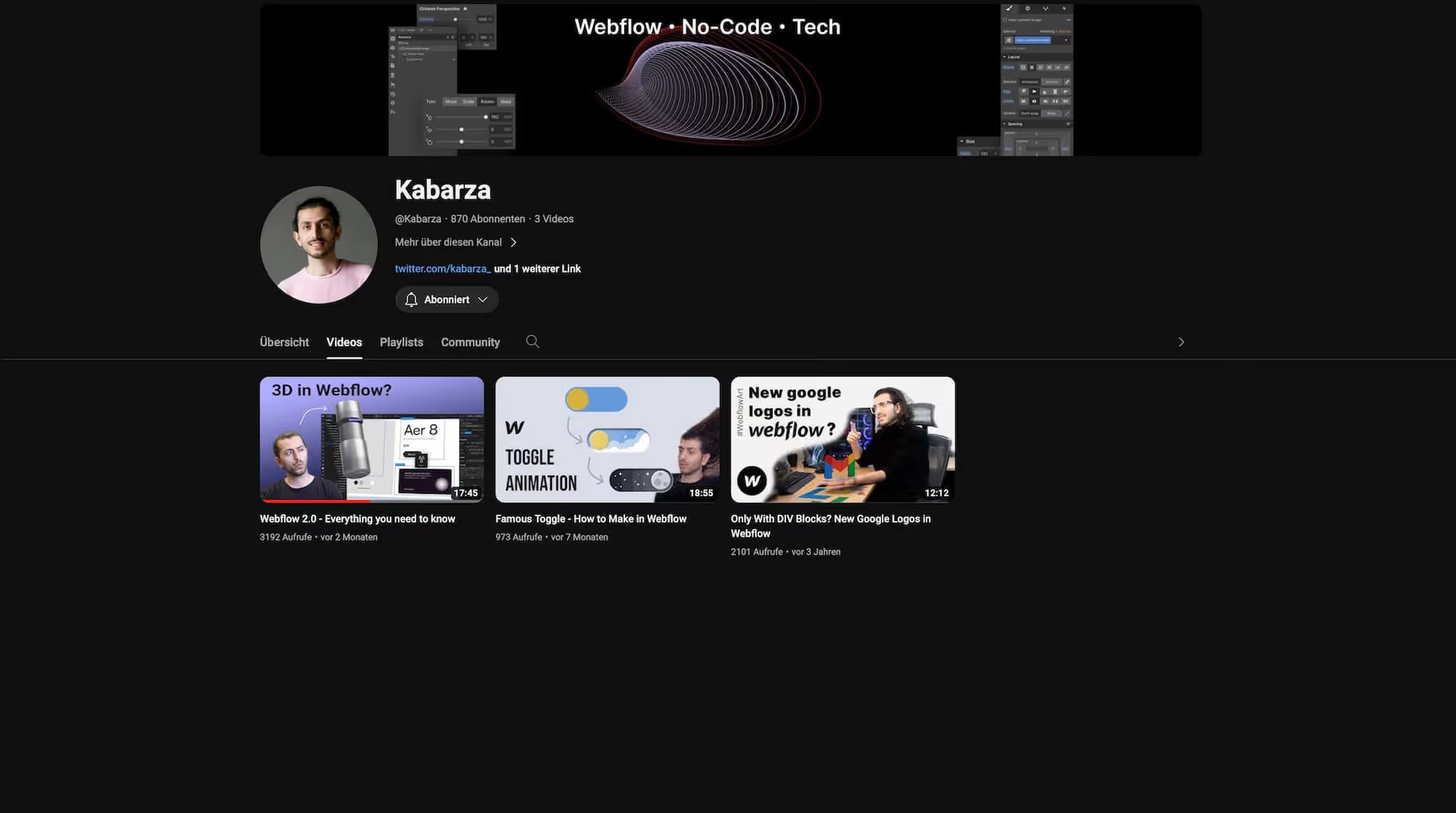
English
https://www.youtube.com/@Kabarza
Kabarza is a highly valued colleague of mine. I work with his agency from Germany on many of my own client orders. And yes, the good guy is familiar with Webflow. There aren't many videos on his channel right now. But there is more to come.
Tambien
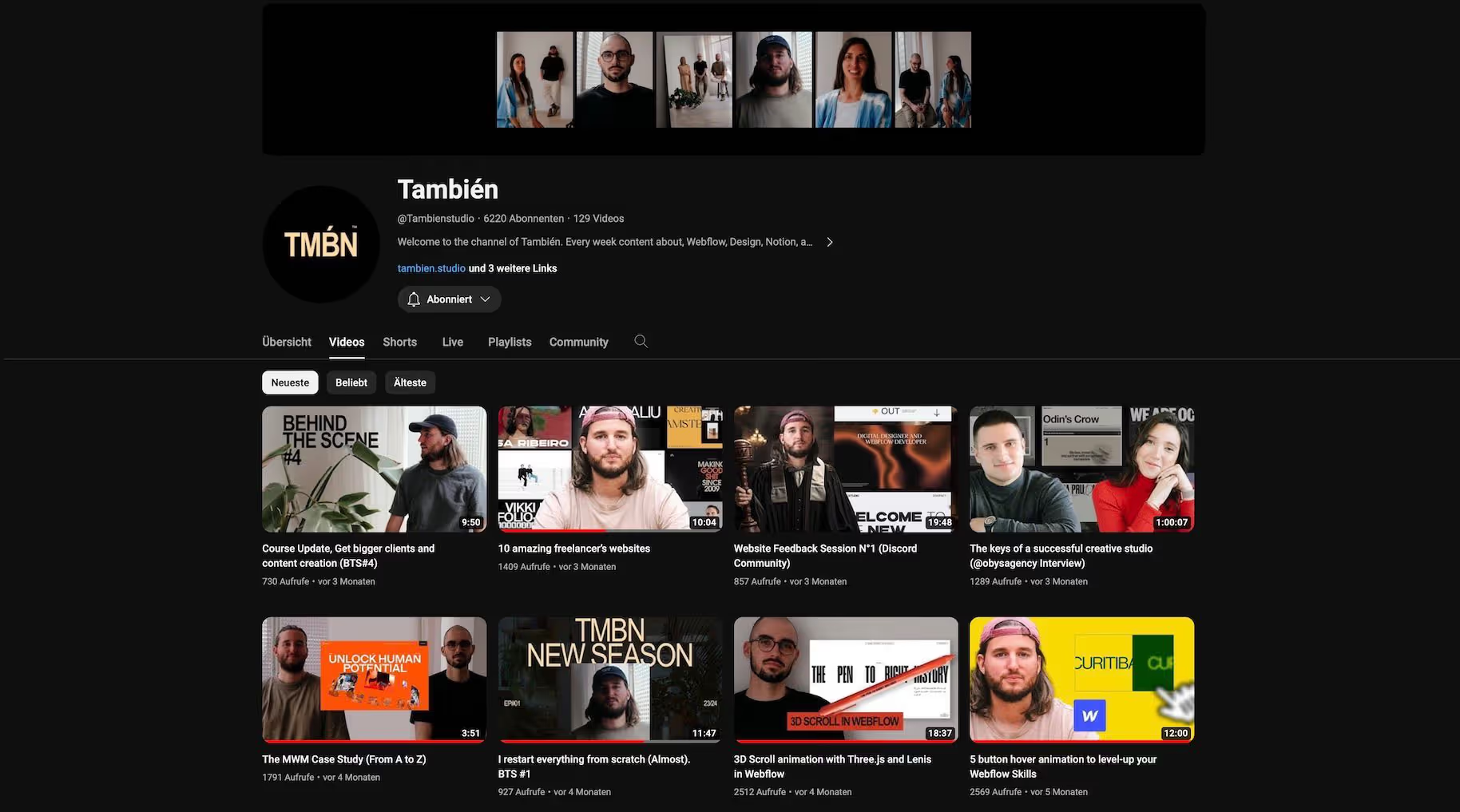
English
https://www.youtube.com/@Tambienstudio
The YouTube channel of a French studio. También impresses with high-quality layouts that take you more to the technical Webflow side. And require lots of custom code. But there are also nice simple cloneables that are shown as a tutorial.
Unfinished
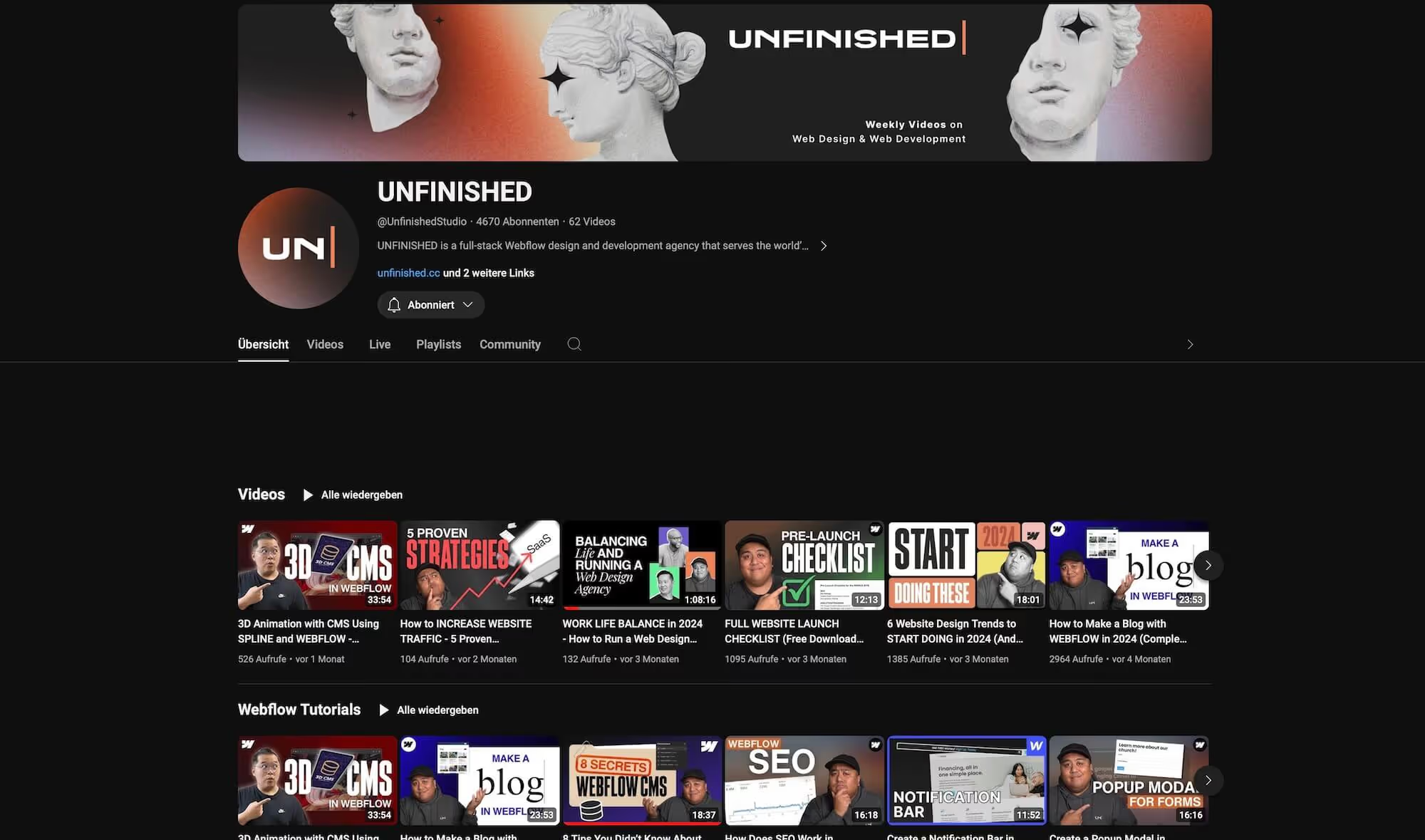
English
https://youtube.com/@UnfinishedStudio? si=6m7k4UoekwdgCssc
This YouTube channel isn't just about Webflow. But if so, you'll learn how to implement pop-ups, incorporate a notification bar, or create a scrolling text animation. But it's also about SEO topics or how you can tell whether freelancing is something for you.
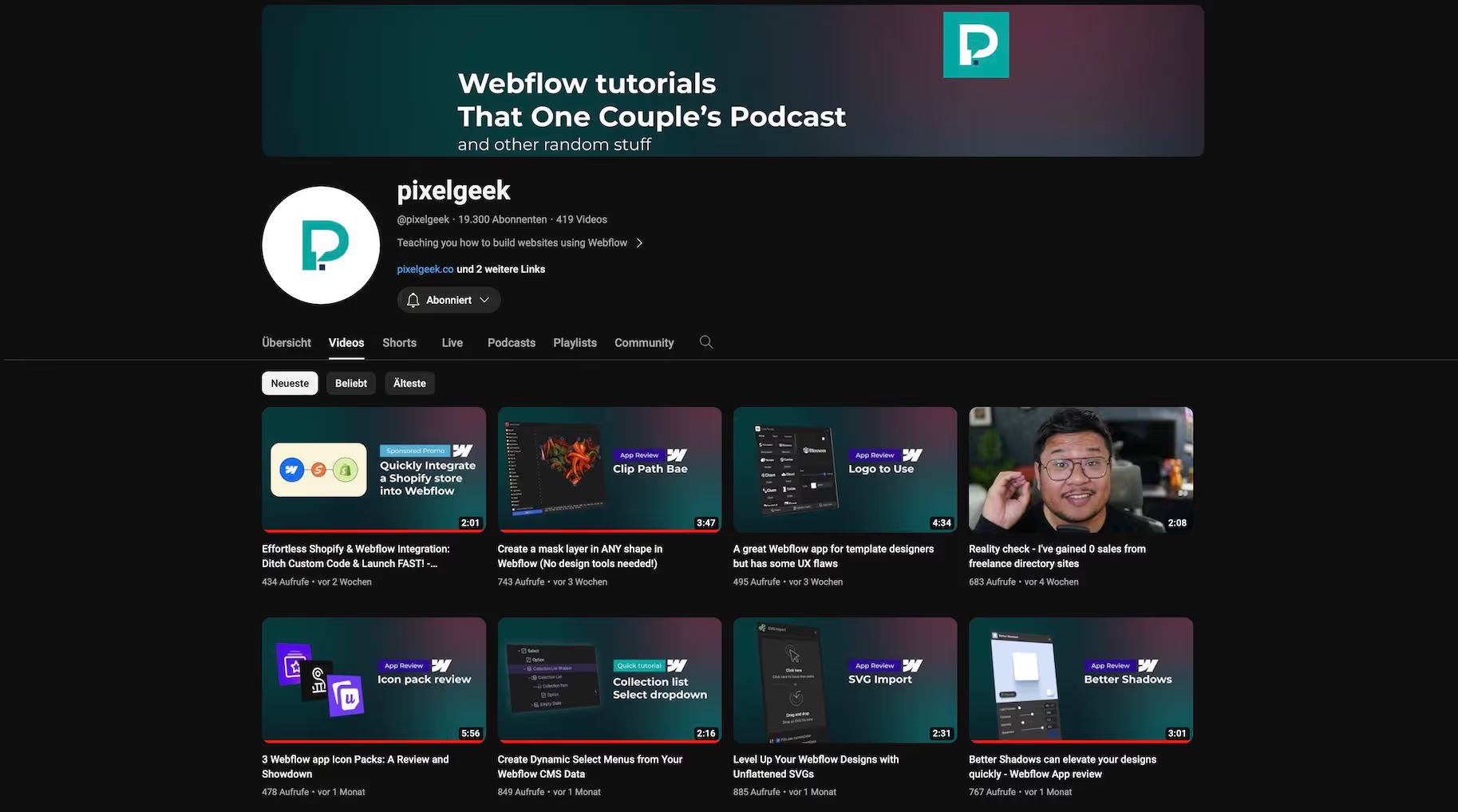
Pixelgeek
English
https://www.youtube.com/@pixelgeek
Pixelgeek has been a Webflow user from the very beginning - and he has even worked at Webflow. His tutorials are sometimes a bit lengthy - but they're worth it. Not as high-quality in terms of design, but in terms of content.
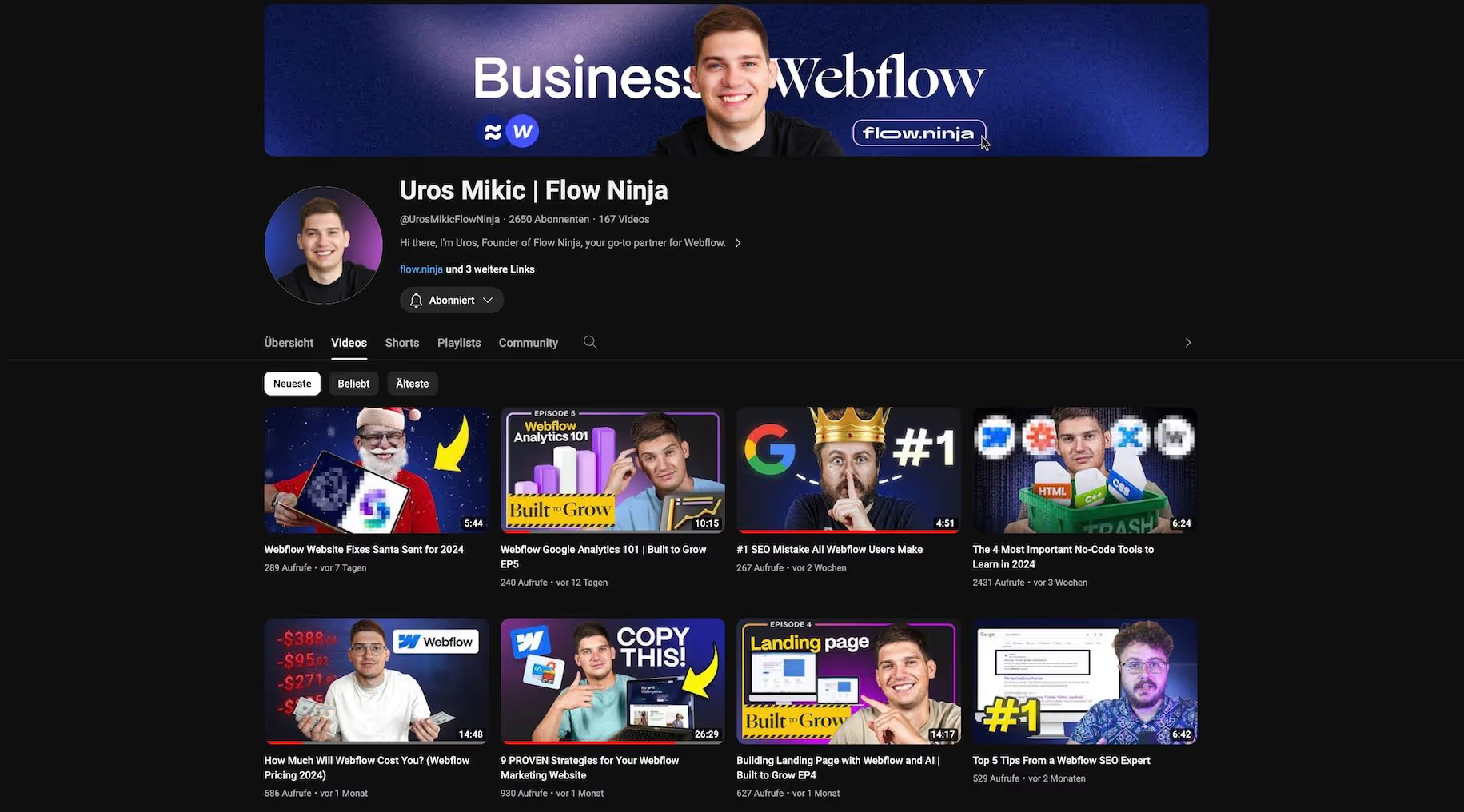
Uros Mikic | Flow Ninja
English
https://www.youtube.com/@UrosMikicFlowNinja
You won't find Webflow Designer tutorials at Uros. In return, the ninja covers all relevant topics related to Webflow. For example SEO, web design business or analytics.
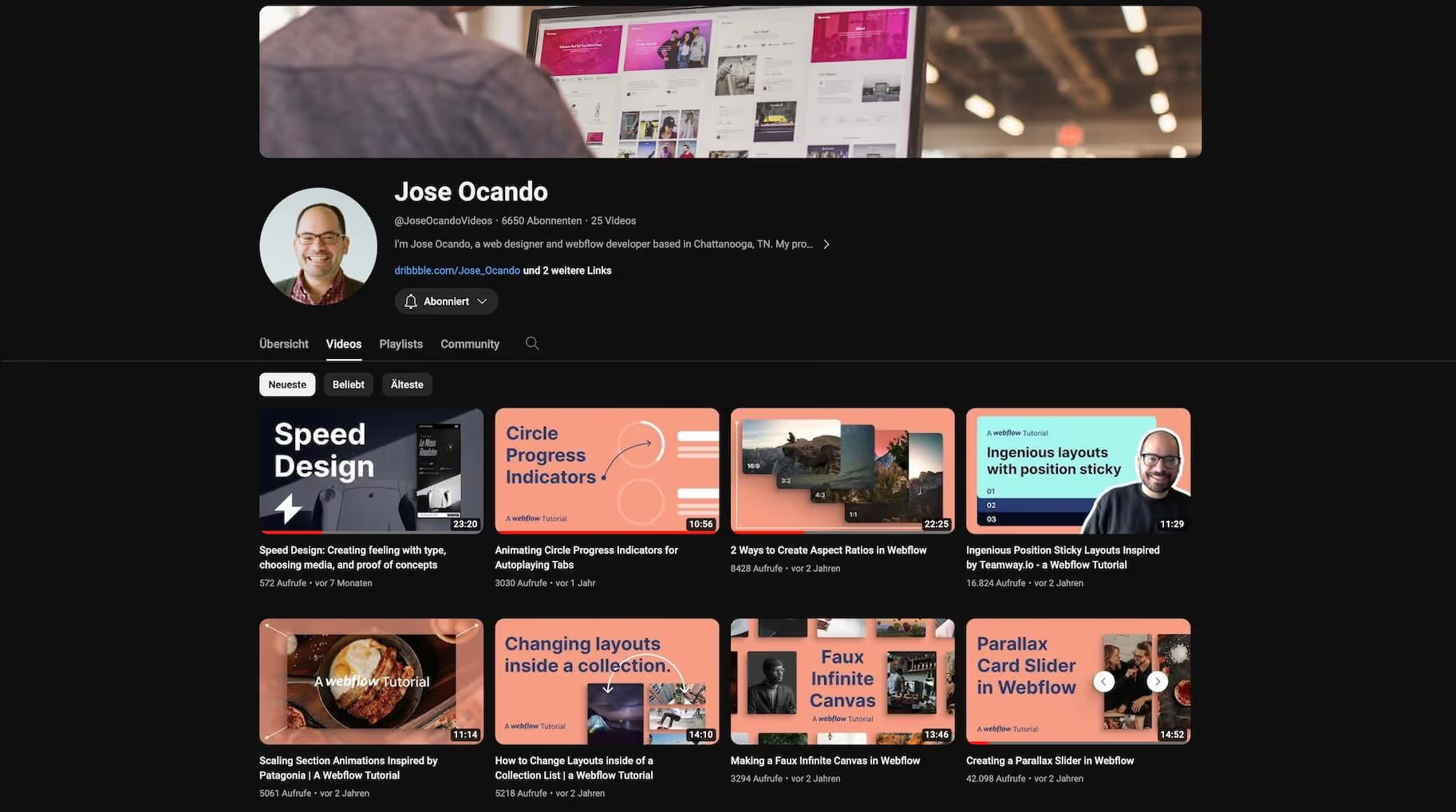
José Ocando
English
https://www.youtube.com/@JoseOcandoVideos
Jose's channel is great for Webflow beginners. His simple explanations and practical layouts make newbie hearts beat faster.
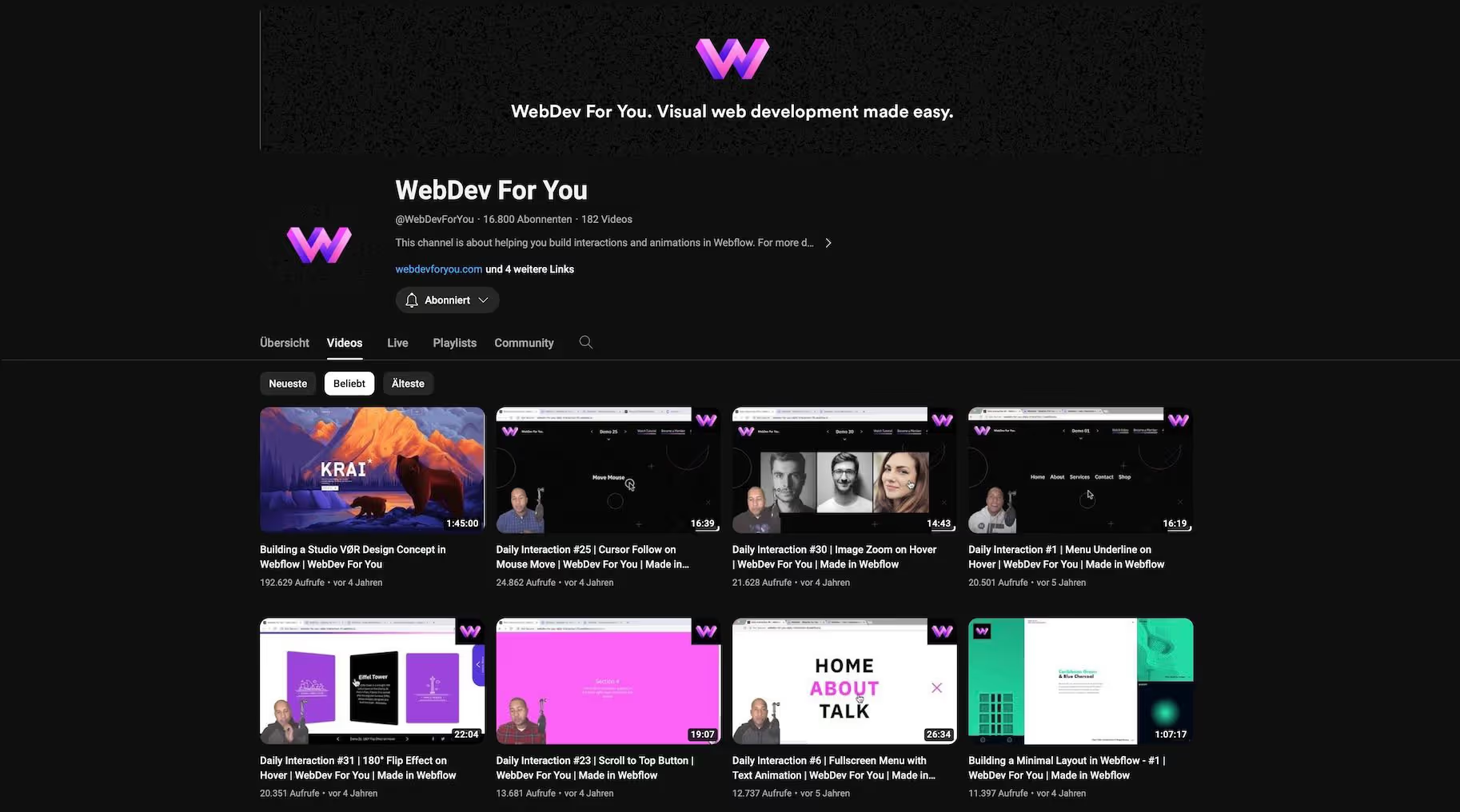
WebDev For You
English
https://www.youtube.com/@WebDevForYou
Here you'll find a large archive of tutorials and numerous Webflow cloneables. John has already built all sorts of website elements.
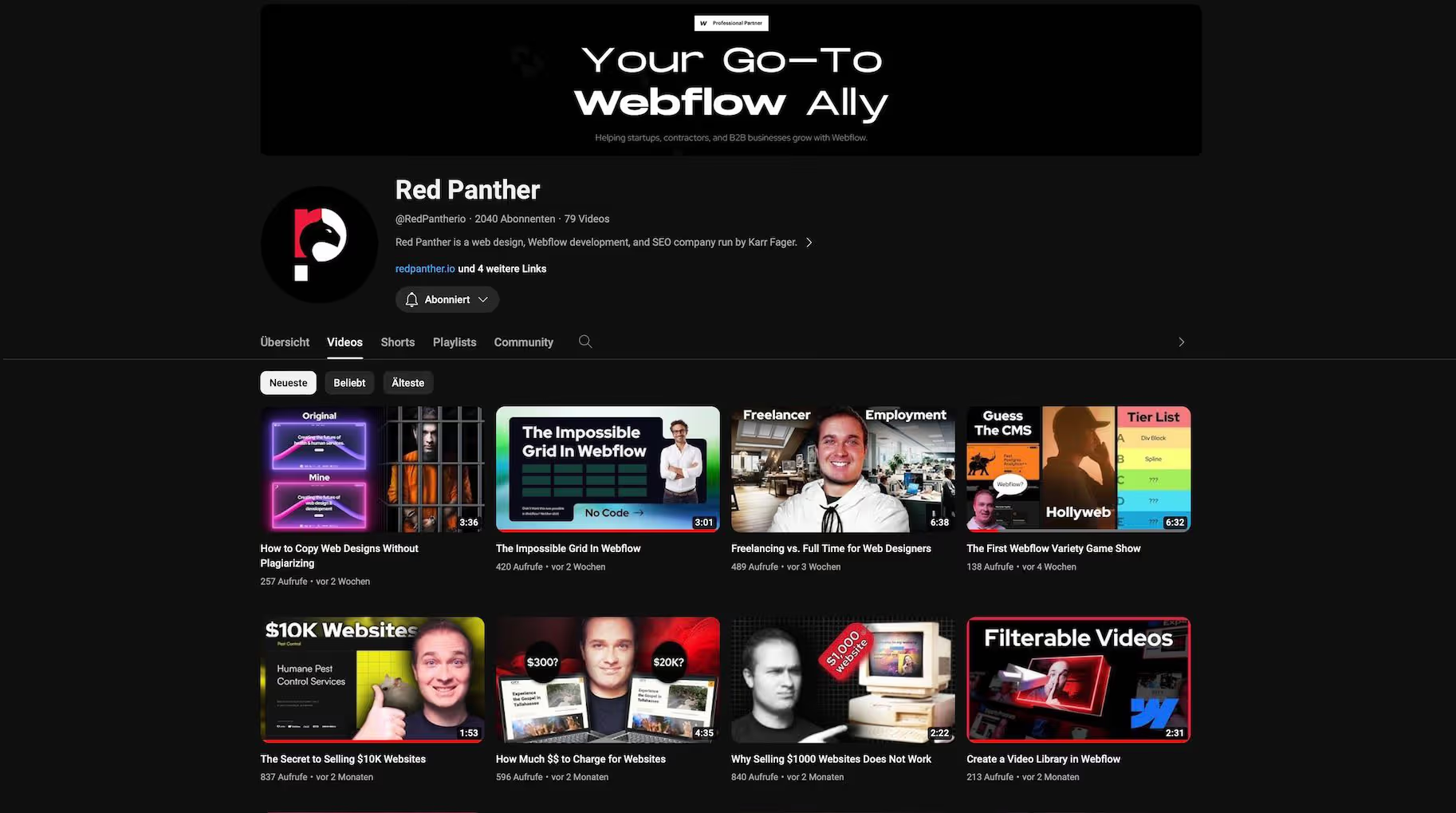
Red Panther
English
https://www.youtube.com/@RedPantherio
And another YouTube channel with short and concise Webflwo tutorials. But also with inspiring videos about life as a freelancer and working as a web designer. Red Panther also provides examples directly in the Webflow Designer.
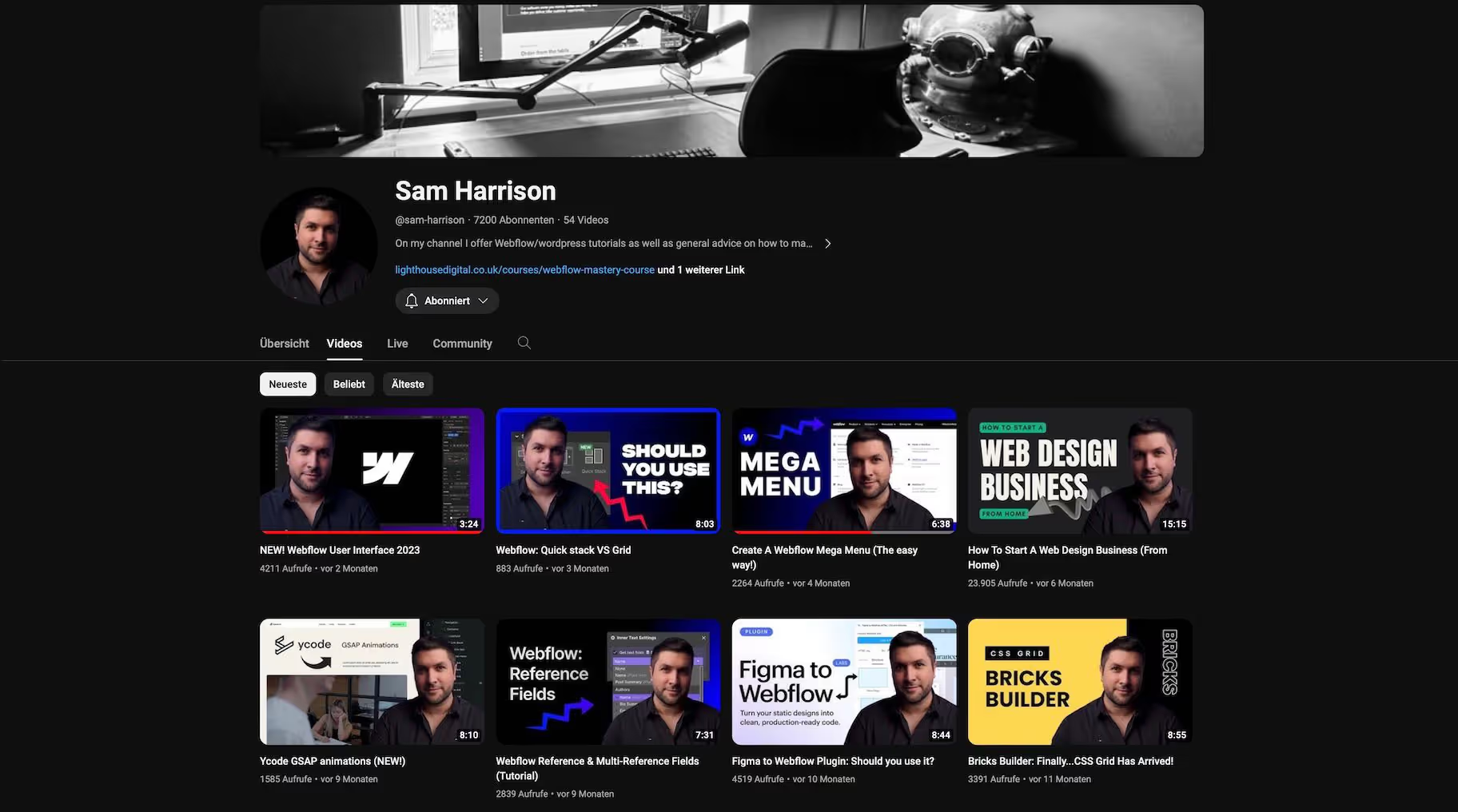
Sam Harrison
English
https://www.youtube.com/@sam-harrison
It shouldn't be a secret that I love Webflow. But I've also been a WordPress user once - and I know that the CMS has real benefits. All the more exciting to see Sam's perspective. He works with Wordpress and Webflow - this makes it easy to compare both solutions on his channel. By the way, his Webflow tutorials are very well structured and understandable.
Relume
English
https://www.youtube.com/@Relume_io
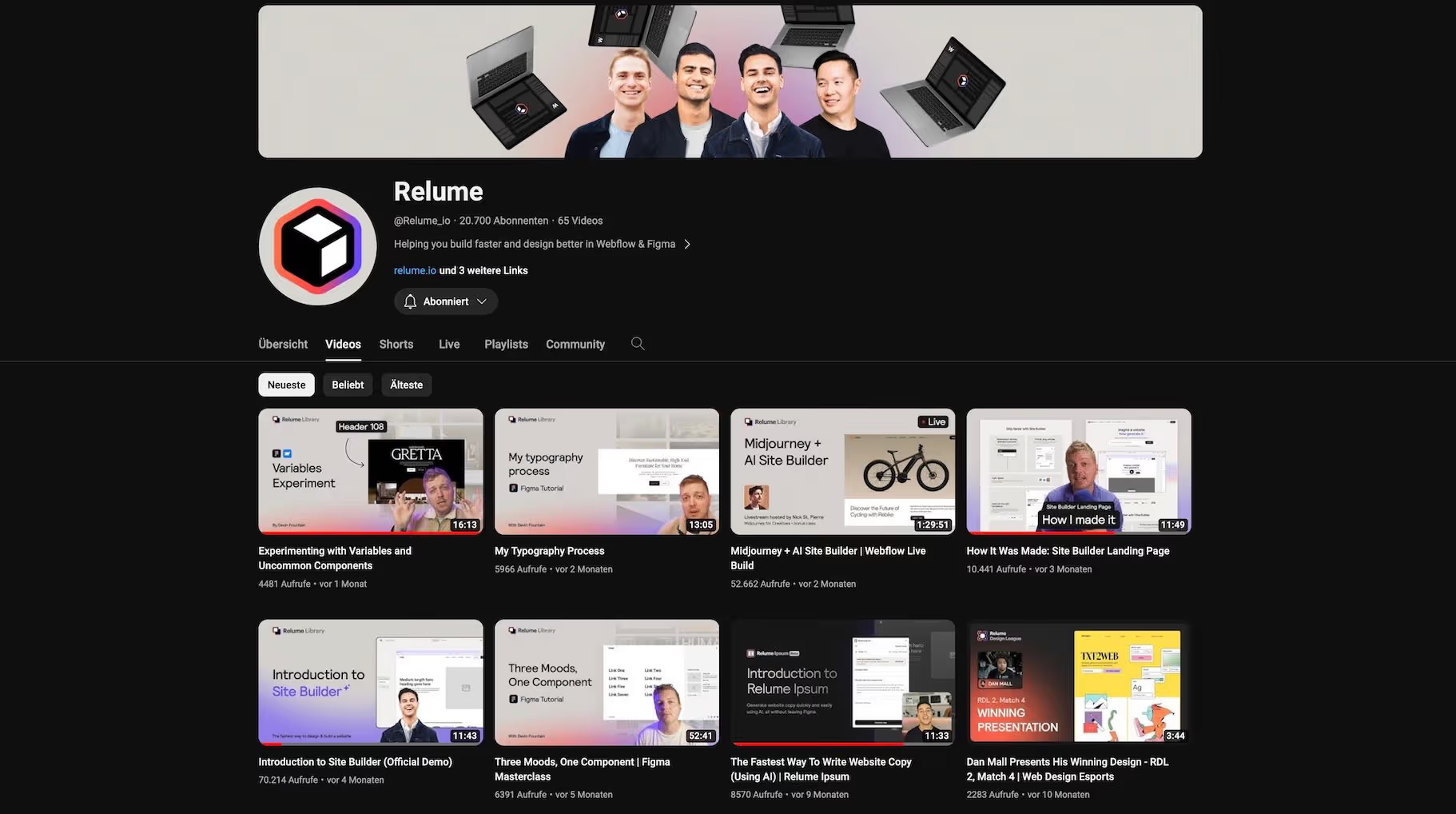
Perhaps the Relume Library tells you something? She is fairly well-known — especially in Figma and Webflow circles. The guys from Relume also have a YouTube channel with lots of tips on how to make the most of their library. Great for anyone who uses Relume. Particularly exciting: Every now and then, there are challenges on the web design e-sports channel, in which two web designers build a layout in a speed build challenge.
Ailin Tobin Webflow Development
English
https://www.youtube.com/@ailintobinwebflowdevelopment
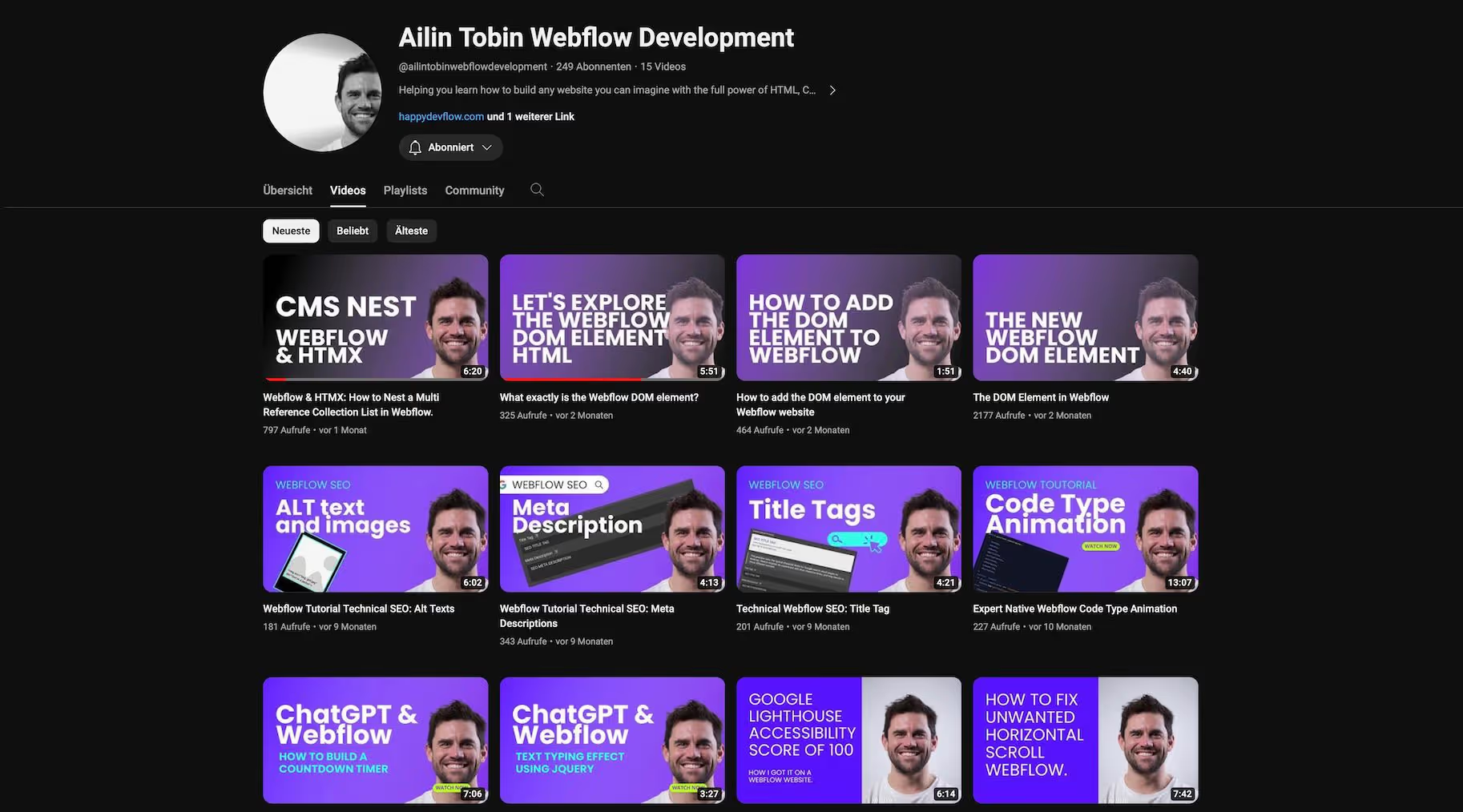
If you're looking for specific Webflow tips on specific topics, Ailin's channel is your place to be. He gives tips on SEO in Webflow, explains the new DOM element, reveals how to deal with alt tags or shows how ChatGPT and Webflow become a dream team.
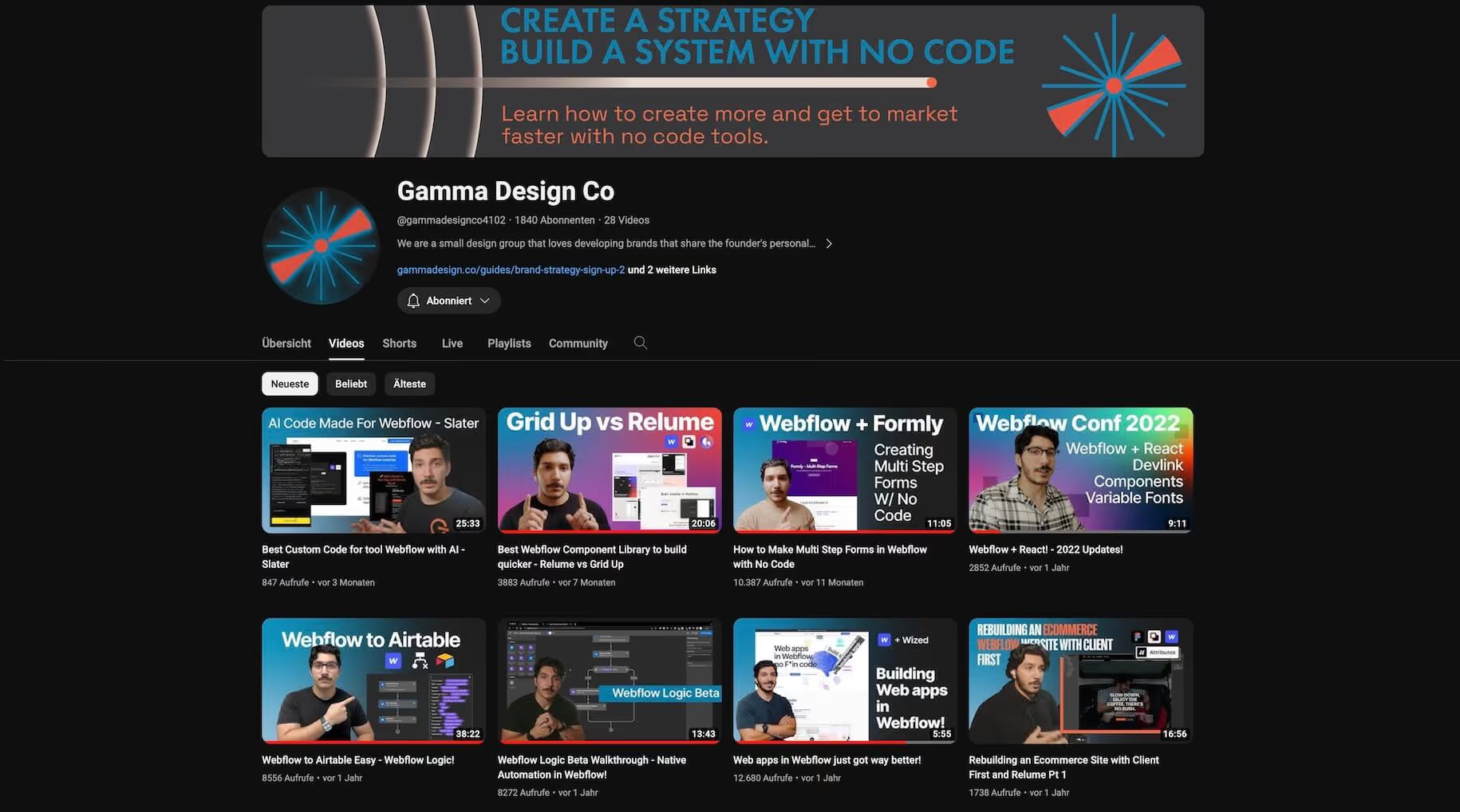
Gamma Design Co
English
https://www.youtube.com/@gammadesignco4102
Isaiah and his team show how to move your brand forward with Nocode solutions. Not only with Webflow, but also with other no-code tools that can be used in conjunction with Webflow.
Al Vision
English
https://www.youtube.com/@AlVision
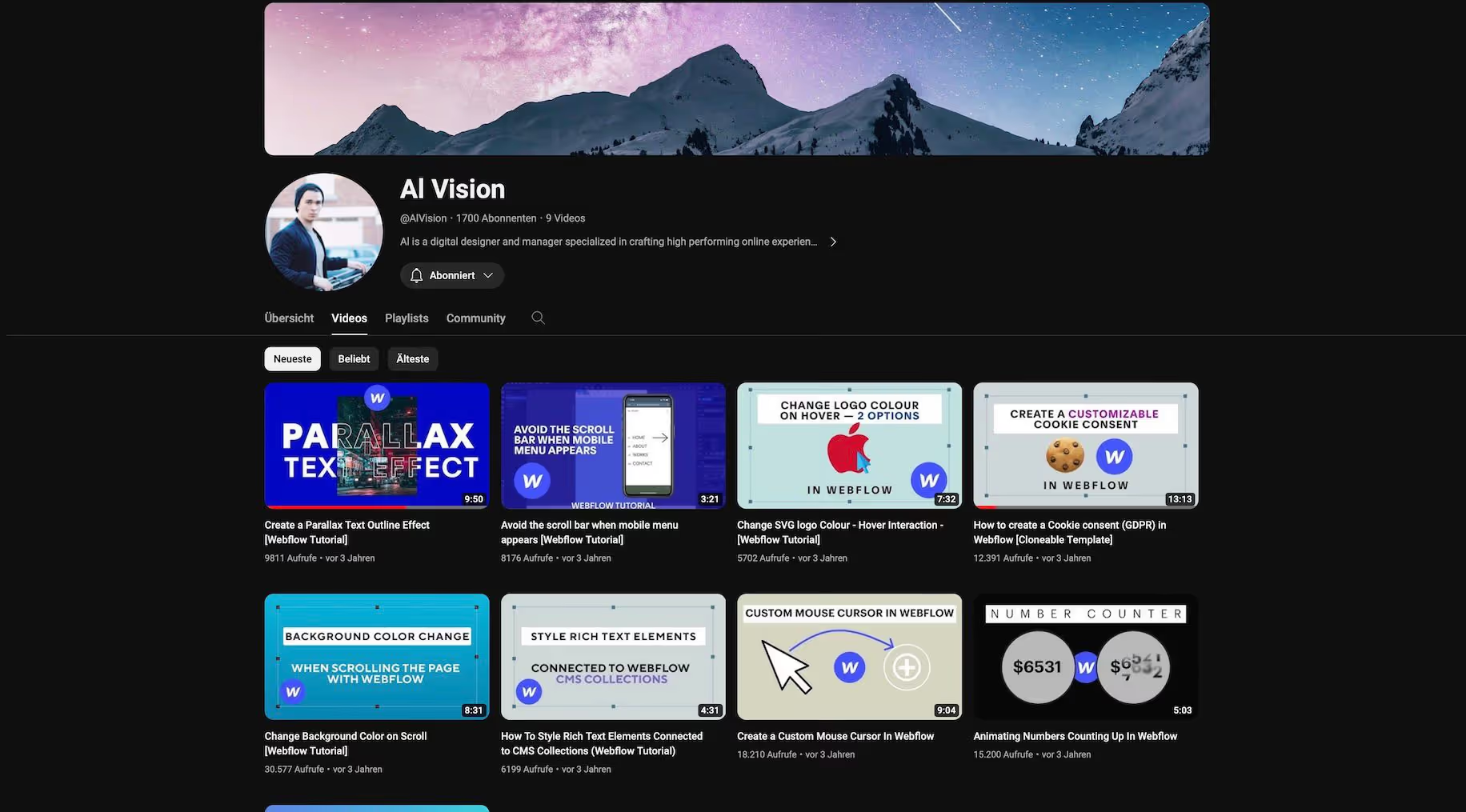
Nothing has been published on the YouTube channel AI Vision for three years (as of January 2024). The Webflow tutorials there are still old but gold. Among other things, it is clearly explained how a parallax outline effect is realized. Or even simpler things. Like how to create a custom mouse pointer in Webflow.
Payton Clark Smith
English
https://www.youtube.com/@PaytonClarkSmith
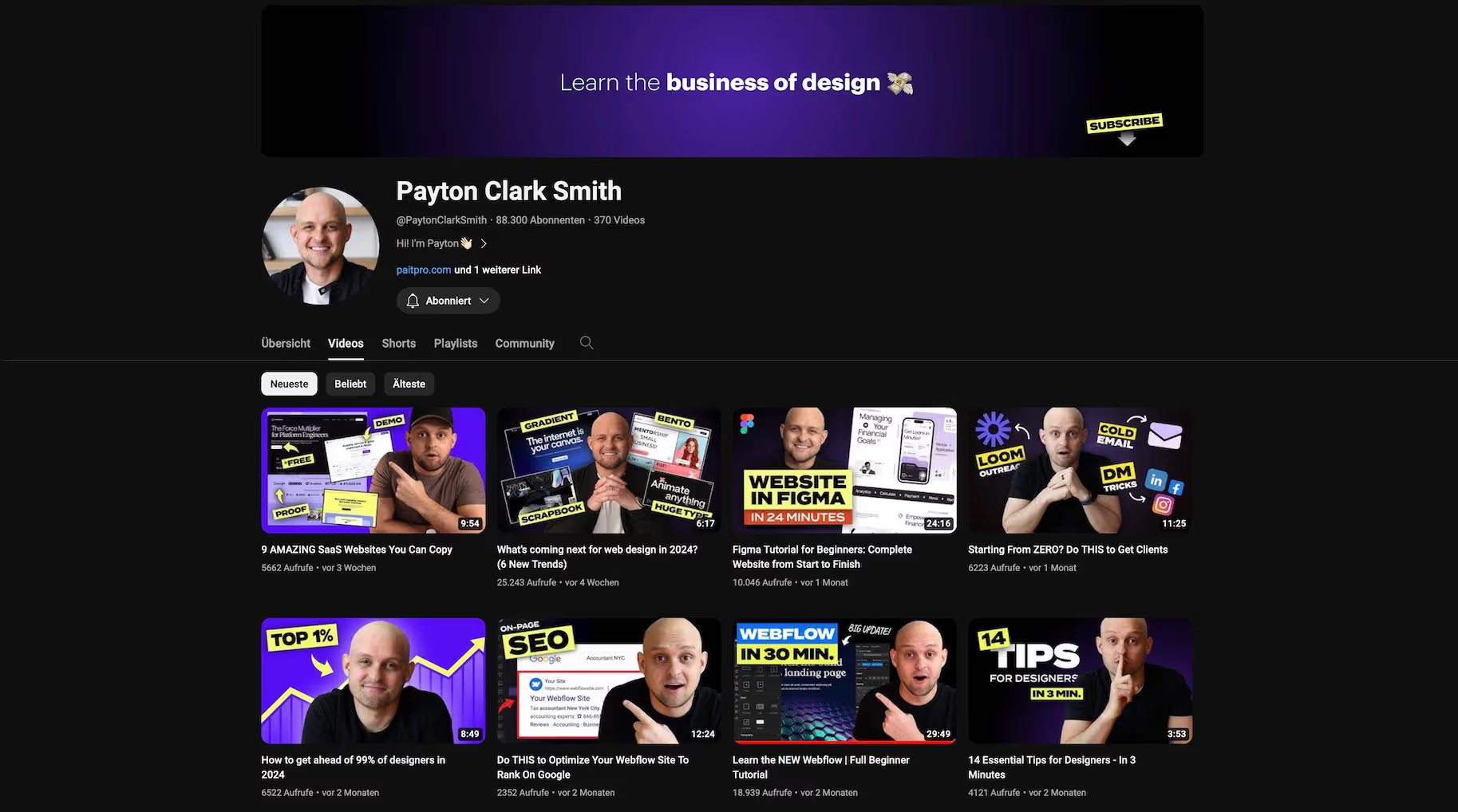
Payton doesn't just deal with Webflow on YouTube. It also highlights many topics related to web design business and SEO. Nevertheless, there is a connection to Webflow in many contributions. And the other topics are also definitely relevant for web designers.
ProTeen
English
https://www.youtube.com/@proTeen_me
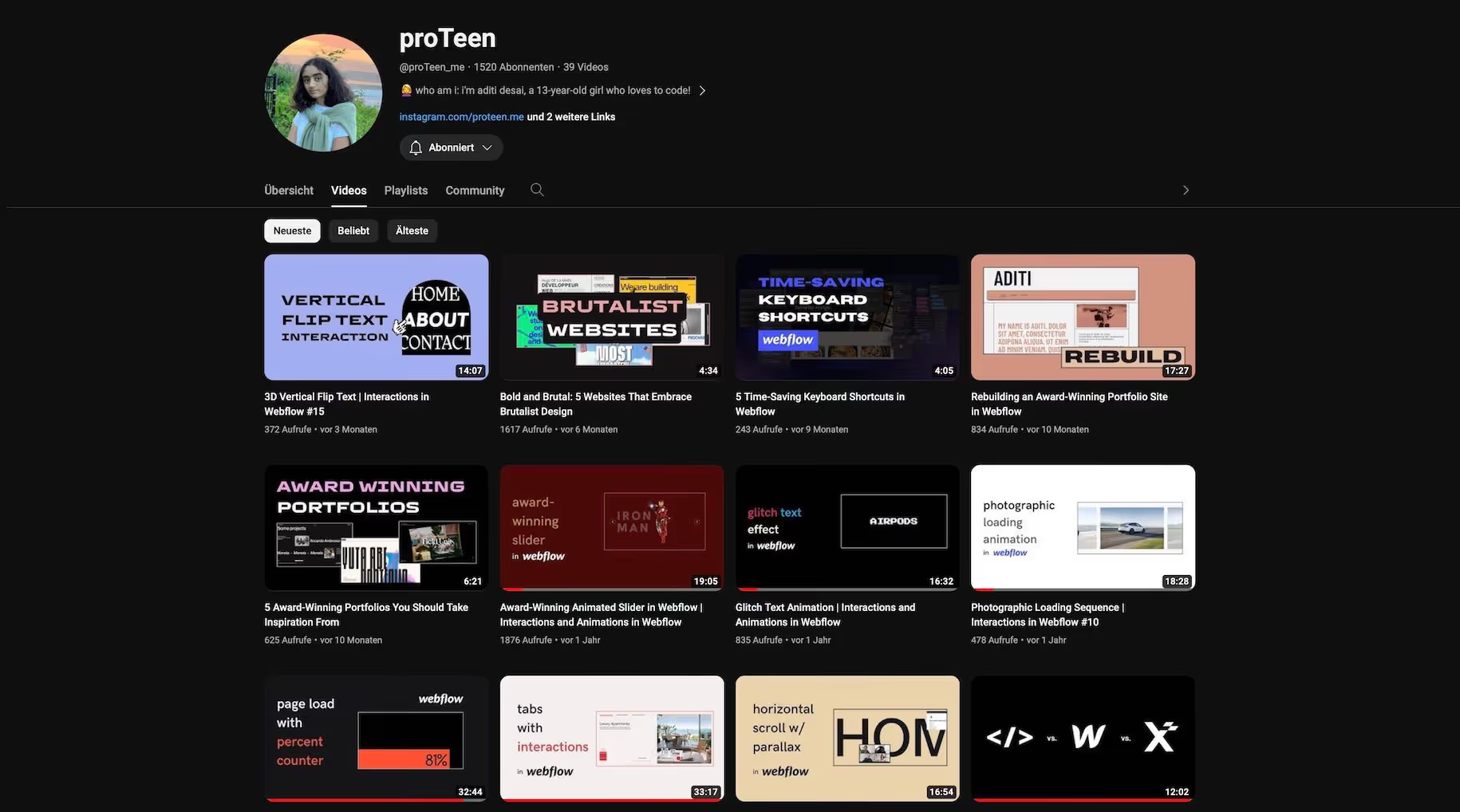
Let me say again that today's youth are no longer achieving anything. Aditi is just 13 years old and loves to code. On her channel, the young Webflow designer presents complex layouts and how you can recreate them. I'm excited to see what's next!
Slava Solovyev
English
https://www.youtube.com/@slavasolovyev6433
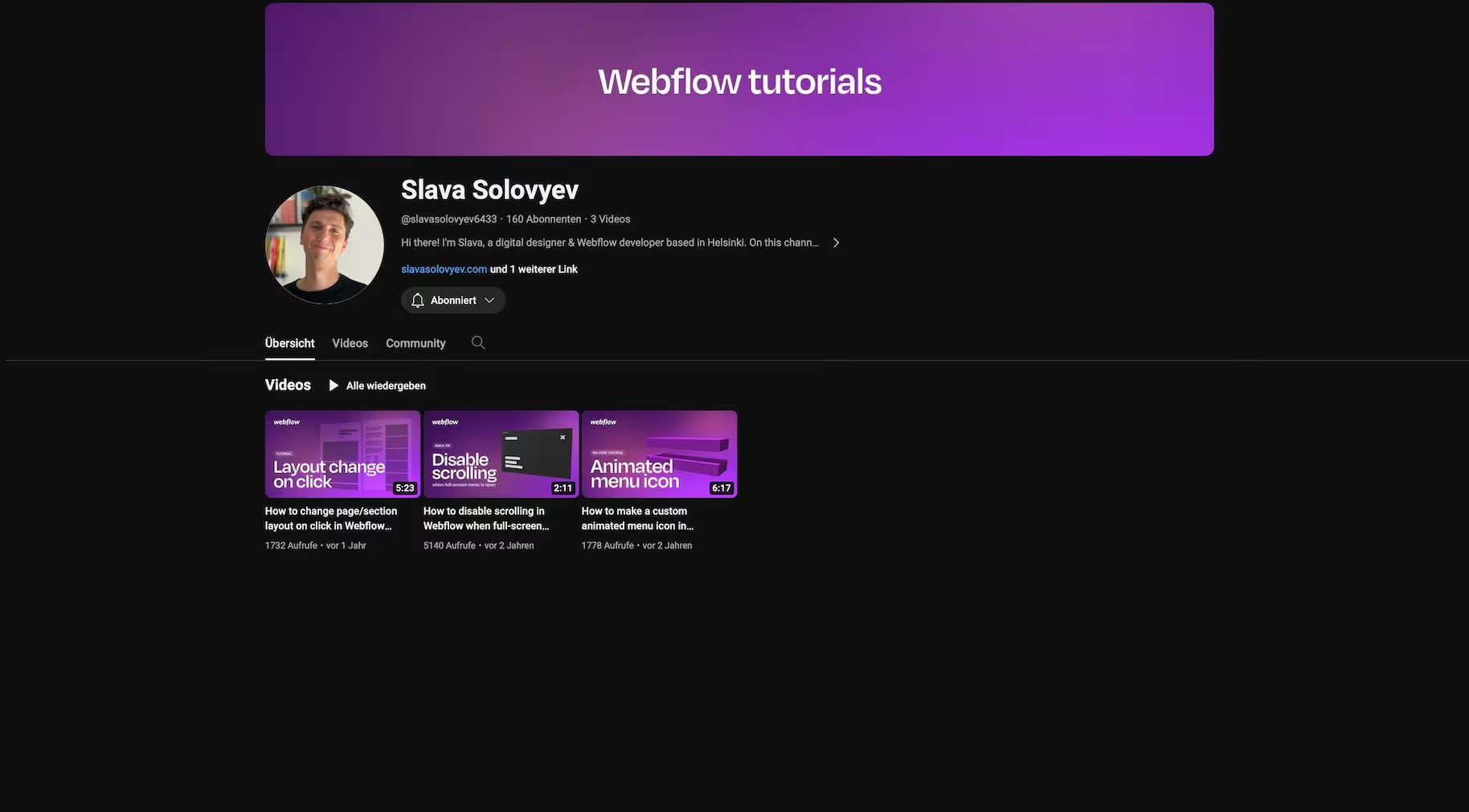
On Slava's YouTube channel, you'll find Webflow tutorials that help you - even if you're a Webflow beginner - create websites according to your ideas. In doing so, it completely dispenses with code. However, after three videos, the channel seems to be over. It's a shame.
Mackenzie Child
English
https://www.youtube.com/@mackenziechild
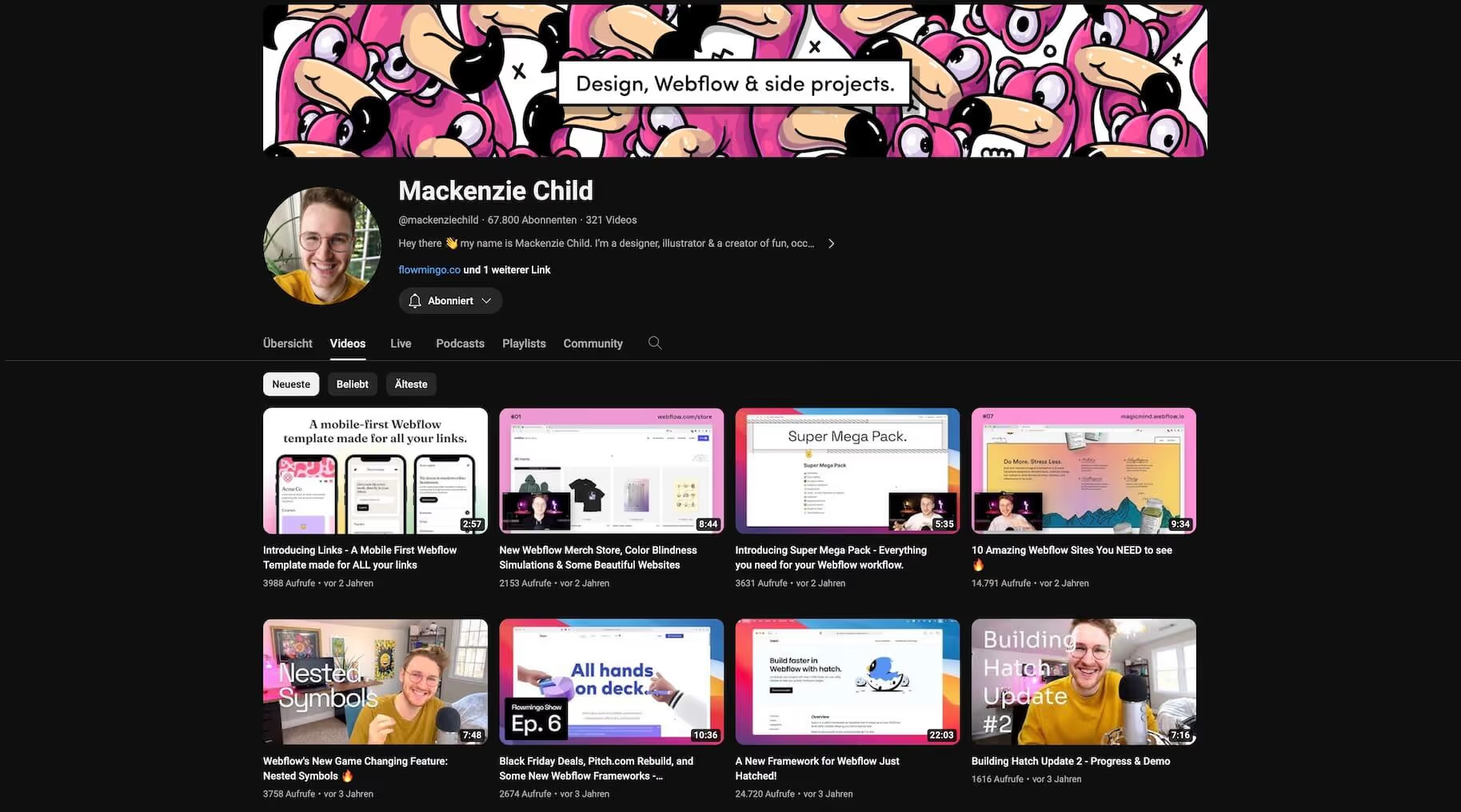
On his YouTube channel, Mackenzie inspires with the presentation of awesome Webflow pages, presents new Webflow features and provides understandable automation instructions. Overall, he deals exclusively with NoCode topics.
Simon Lampert
English
https://www.youtube.com/@simonlampert2774
Simon must not be forgotten here. The Webflow expert from Vienna was already Visiting me . On his YouTube channel, he provides Webflow tutorials for beginners but also videos for advanced users. He hasn't published anything for a long time, but there's bound to be something else to come.
MAM Management
English
https://www.youtube.com/@BlogItIn
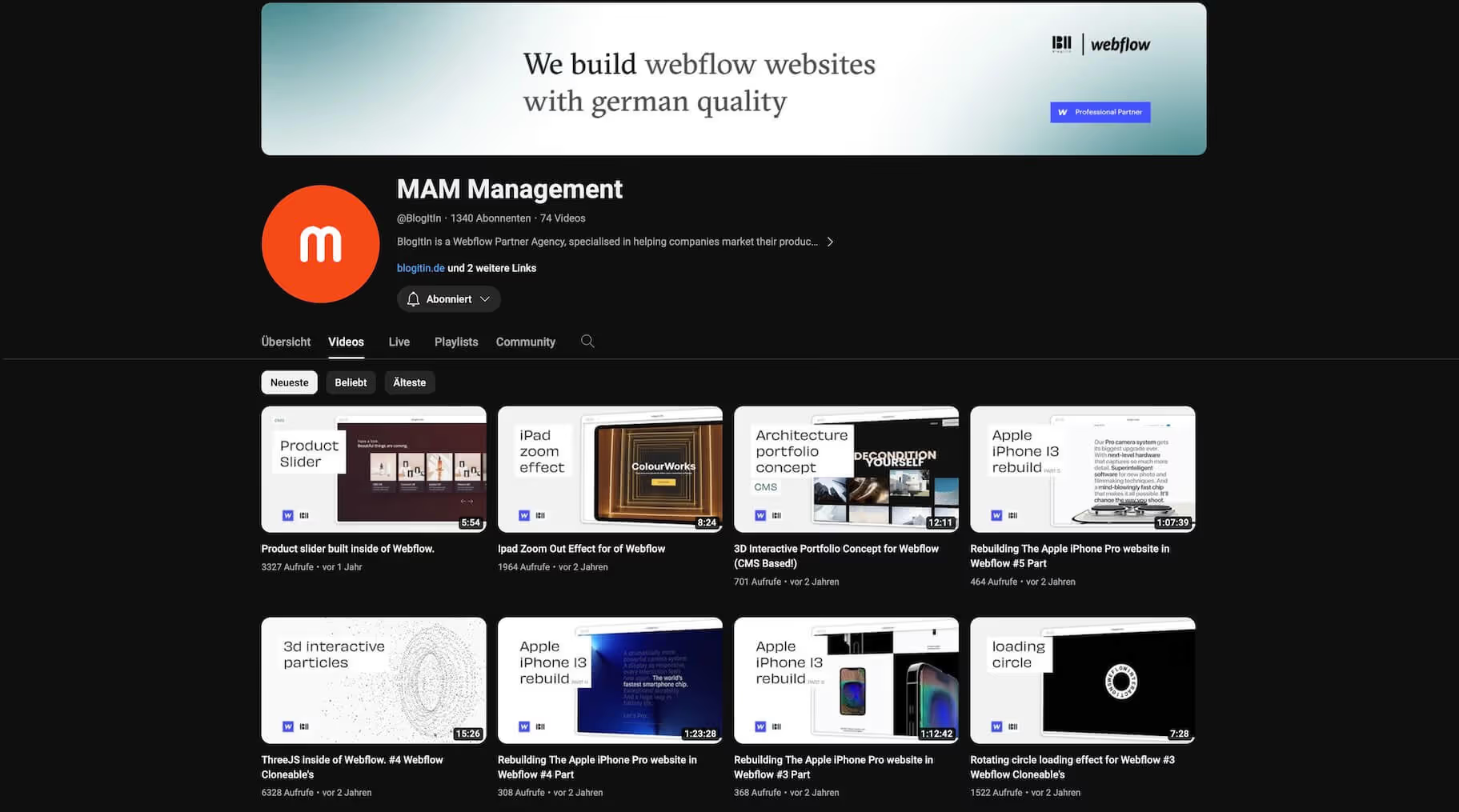
Once again a German web designer with English-language tutorials. And with a strong Apple cover. In his tutorials, he shows how to recreate elements of the Apple website. But it also offers Cloneable's and more.
Connor Finlayson
English
https://www.youtube.com/@connorfinlayson
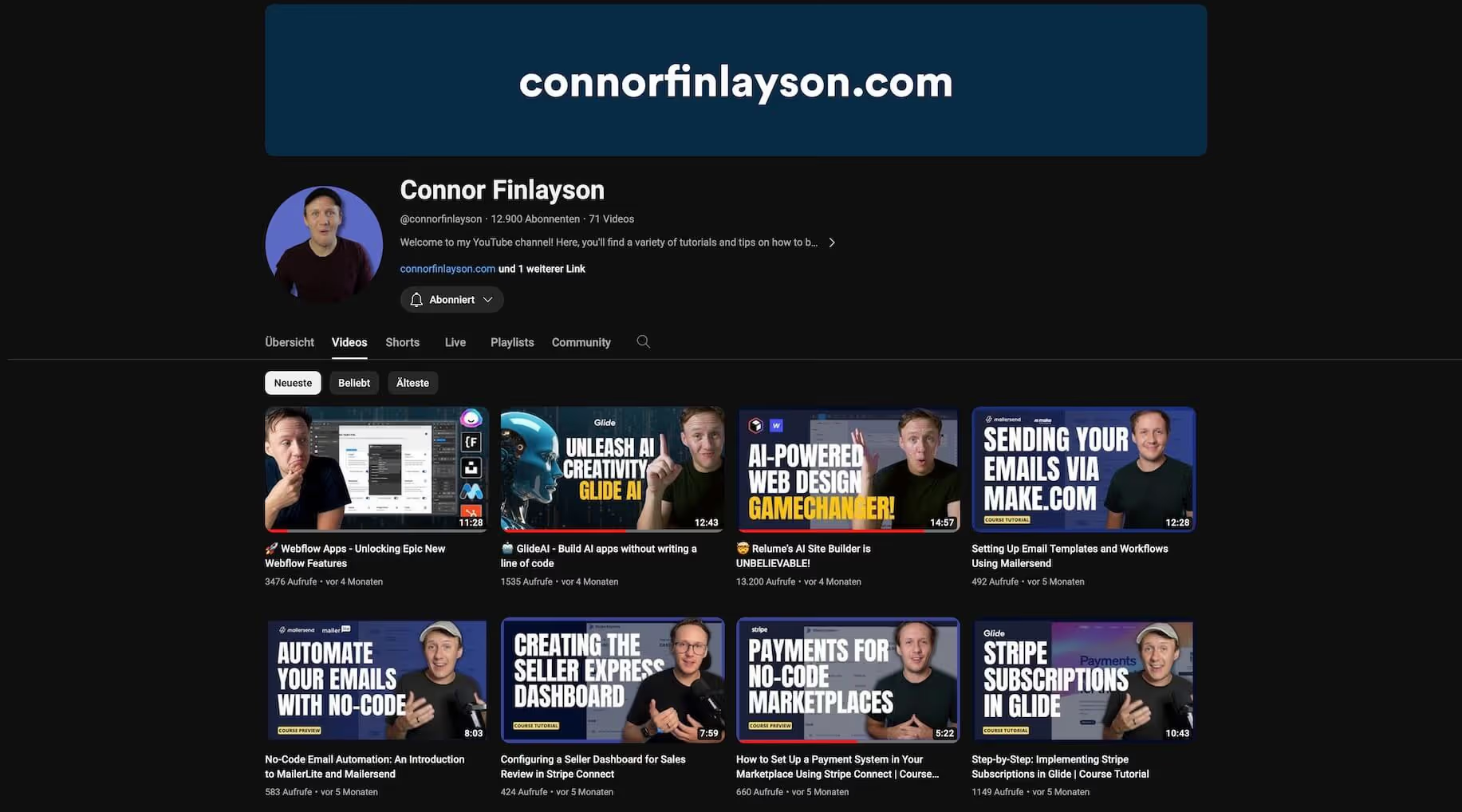
Are you using Webflow completely without code? And are you interested in automation? Then Connor is your man. Or his channel is your source of inspiration. Learn how to automate your emails, for example. Or how to make AI work for you.
Robin G.
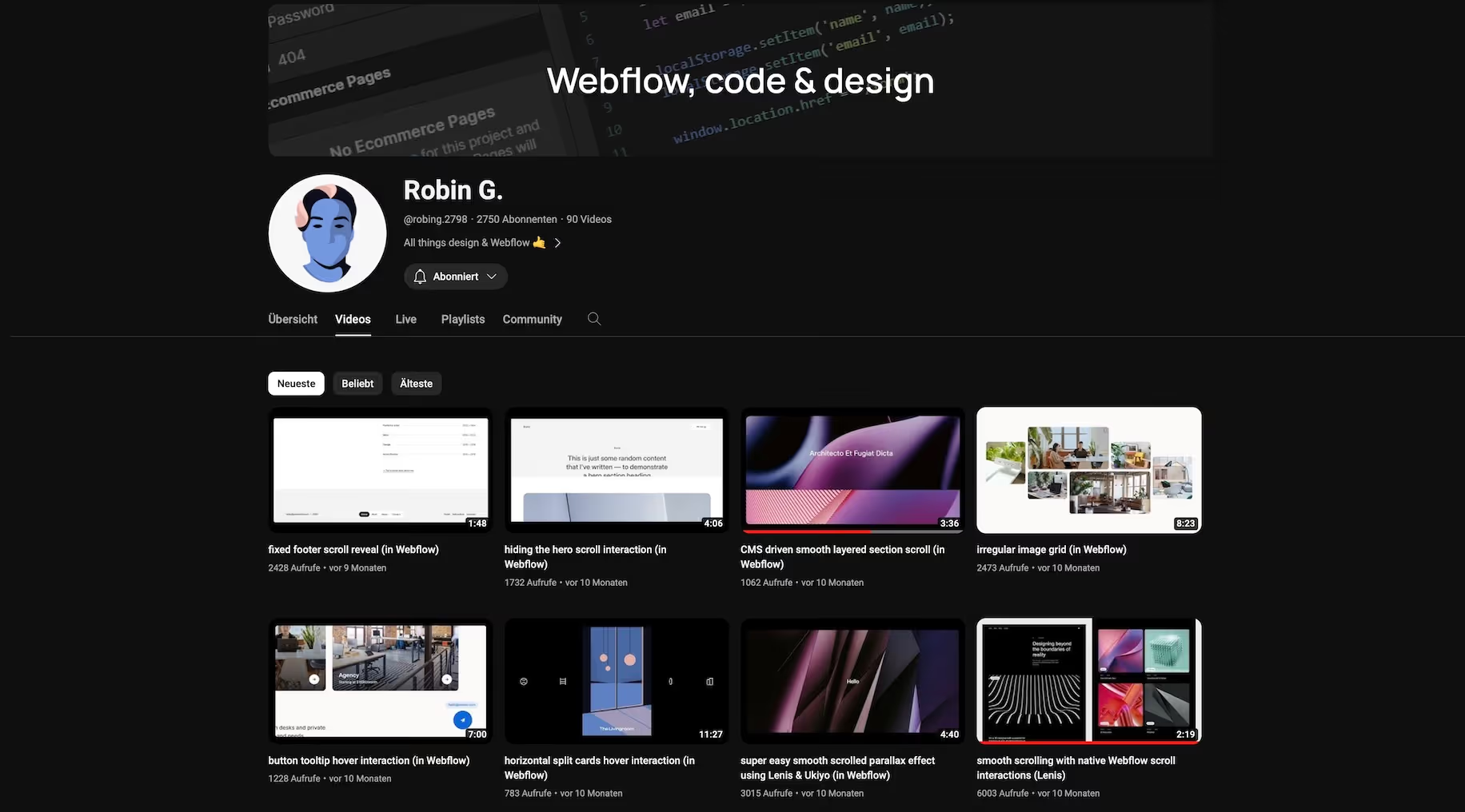
Without language
https://www.youtube.com/channel/UCVoJEix5kcqo3fQ05W-OXyA
Sometimes words don't need to be said. Showing is enough. This is what Robin does on his YouTube channel with Webflow Tutorials. At the beginning of each video, the English subtitle tells you what is being done (and of course in the video title). That's when it starts. Great approach, because it makes his videos very easy to understand.
Other accounts I've added after I created the post
- Sönke Sproll Webflow Development
%2520unno%25CC%2588tig-blog.avif)