Webflow 2.0: The Beginning of a New Chapter – Our Complete Analysis


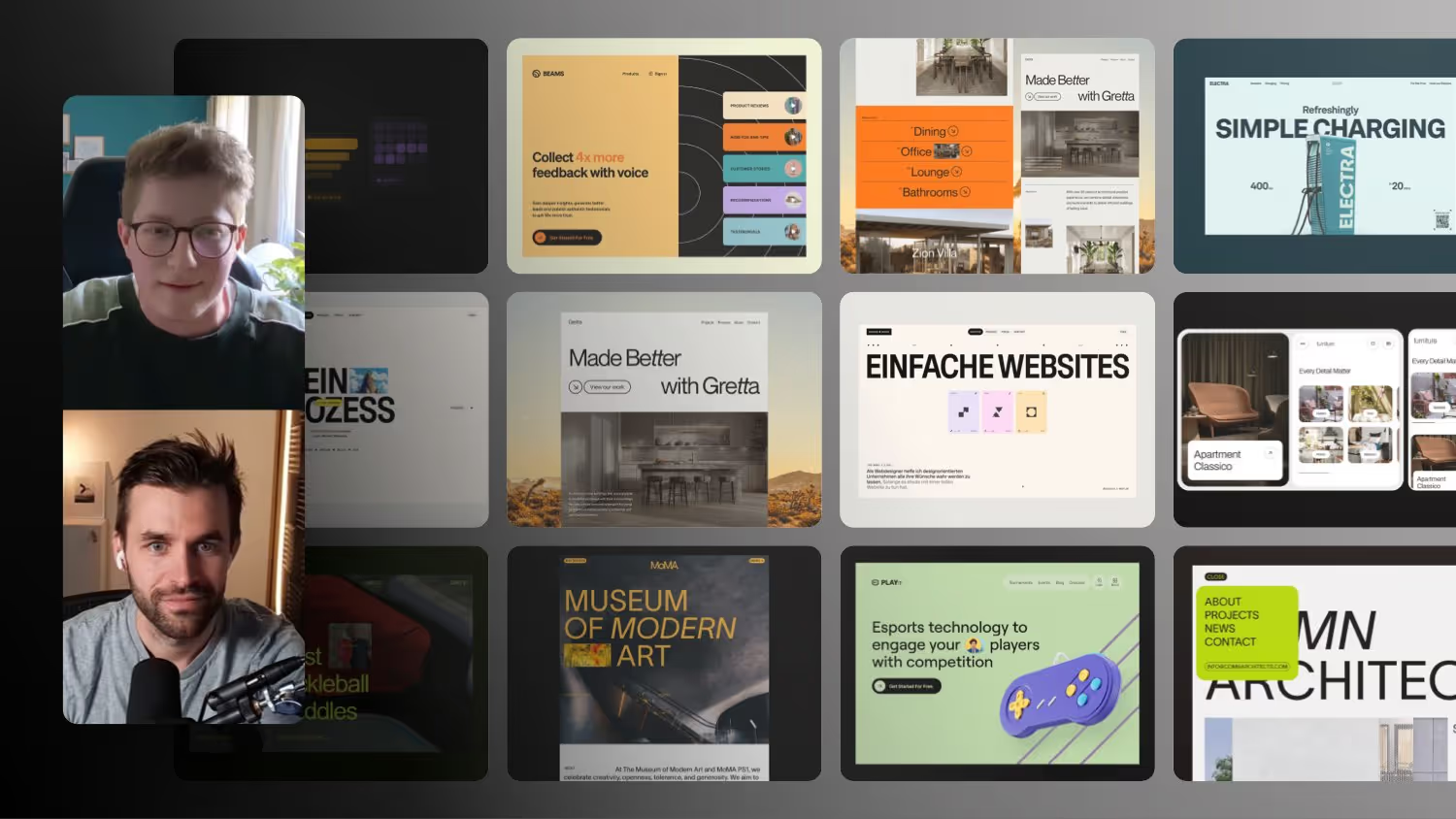
Right before the conf, Webflow is deliberately keeping us in suspense: a native desktop app, a possible Webflow 2.0 and plenty of open questions. In this talk, Christian Schmitt and I break down what is really happening behind the scenes, why MCP 2.0 is the turning point and who the next step is aimed at.
Webflow 2.0: This Changes Everything Soon
Just before the Webflow Conf, the signals are getting stronger that Webflow is facing a bigger shift. A native desktop app, a possible Webflow 2.0 and many open questions are currently sparking a lot of discussion. In this talk, Christian Schmitt and I tried to give an honest take without getting swept up in the marketing hype. It is less about a single feature and more about the question of how we will build websites at all in the future.
AI and Webflow: An Honest Transition Phase
Almost everyone working professionally with Webflow today also uses AI. The overlap has long been part of everyday work. Still, it is completely open how web design will actually look in a few years. Right now everything feels like a transition phase.
For me, AI is an extremely strong assistant that does not yet replace the actual workflow. I have things coded for me every day and enjoy working with an AI as a partner. Building an entire website from start to finish through a chat window alone is still something I do not do. Individual control in the Designer matters too much to me.
Why the Loud Voices Are Not the Majority
Online, the impression quickly forms that in future everyone will only work in chat. My assessment is different. Most Webflow users still move elements around in the Designer, have code generated here and there, and do not work exclusively with AI.
Christian adds a strong argument from practice. Anyone managing client projects with more than 100 pages needs to be able to control visually, down to the smallest detail, where and how things happen. One example: images above the fold should load eager, everything below lazy. Keeping track of such details in a pure chat window is extremely hard. This is exactly where the Designer remains unbeatable for larger projects.
The Real Challenge: A Grown Codebase
A large part of the conversation revolves around the technical foundation. Many of the interfaces we now use to talk to Webflow via API or code did not exist for a long time. Webflow had to build these connections afterwards. In the process, it apparently became clear how much old code sits inside a huge codebase that has grown over years.
A good example is jQuery. Back then, including it was a reasonable decision, but today it can hardly be removed cleanly in the current version. Even though the script is small, it remains a symbol of technical legacy that cannot simply be cleared away. That is exactly why the community has been asking for a real fresh start for years.
Why Components Cannot Simply Be Copied
In the talk, Christian also explains why certain things in Webflow still do not work. In the Designer, structured JSON code is generated in the background. Only when you hit Publish is the actual HTML, CSS and JavaScript created from it. On large sites this step takes noticeably longer because everything has to be assembled first.
This also explains why you cannot simply copy components from one project into another. Each project builds its own construct with its own IDs. As soon as something with identical IDs comes in from outside, chaos quickly follows. A newly rethought Webflow could work here with clean, directly visible code that an AI can read and change without a detour.
MCP 2.0 as the First Real Turning Point
For me, MCP 2.0 was the first sign that something is shifting internally in their thinking. Instead of building everything into Webflow itself, Webflow connects to the AI tools we use every day anyway. This feels much more natural than the internal AI assistant, which previously felt more like an extra feature.
In practice this now works really well. You can hand a Figma design or a screenshot to the MCP connection and the structure gets rebuilt. After that you can turn it into a component that adapts to your existing design system. The decisive advantage is the context Webflow already brings in the background, meaning your variables, CSS styles and the entire structure. This is exactly the context that pure code approaches lack.
The Most Surprising Signal: A Native Desktop App
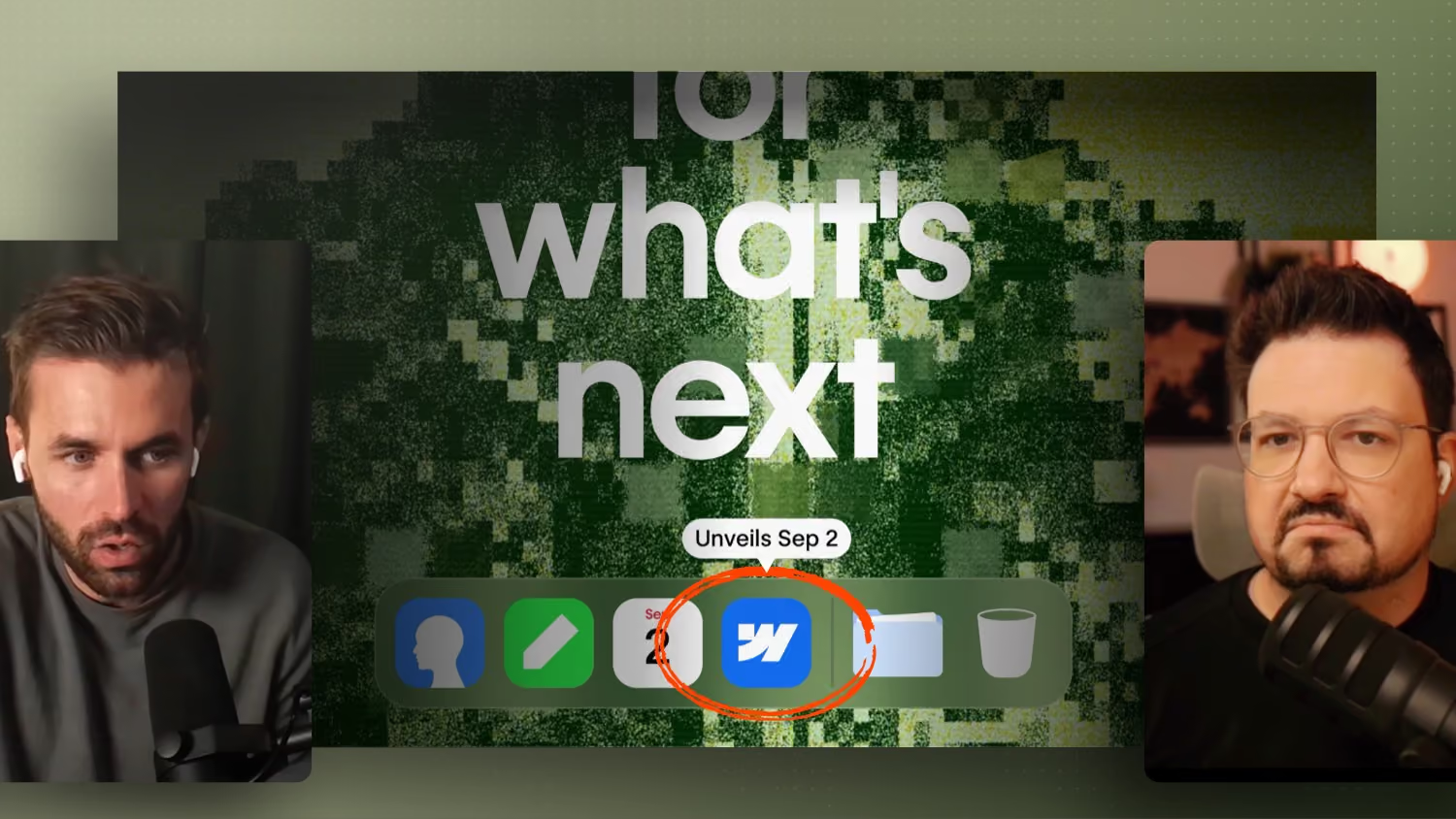
What hardly anyone expected a month ago is a native Mac app. On the teaser page for the Webflow Conf you clearly see a Mac desktop with icons, folders and a few hidden Easter eggs. The Webflow icon links to September 2 as the date.
The possible benefits of a native app are very concrete for me. Better performance is at the top. Anyone who works a lot with components knows the problem that the browser eventually gives up under high memory load and a reload becomes necessary. A clean desktop app on the Mac could address the hardware much more directly. On top of that come things like an integrated local code editor, more convenient asset management via drag and drop, local AI agents with direct project access and deeper integration into the operating system. The update logic would also be interesting, because like with other programs you could decide yourself when to update.
Working Offline: Appealing but Difficult
A local app immediately raises the question of an offline mode. In theory, working without a permanent internet connection would be conceivable, and in some situations that would be handy. However, I am skeptical about whether Webflow would really allow it.
The reason is simple: hosting is a core part of the business model. Pure export and offline projects could weaken this model in the long run. On top of that, syncing CMS, assets, localization and real collaboration offline is technically extremely demanding. As soon as several local project states exist, versioning and conflict resolution quickly get complicated. So it is quite possible that the app runs locally but still needs a connection for many features.
A Possible Theory About the Business Model
An interesting thought from the talk: perhaps the desktop app is not just another way into webflow.com, but a more standalone product. A classic software subscription would be conceivable, where the application itself is the product, similar to what you know from other tools. If revenue came more from the software than from hosting, Webflow would have more freedom for local files and later syncing.
Christian even plays through the idea that Webflow positions itself closer to a kind of IDE, with access to different AI models via a subscription. None of this is certain. But it shows how wide the range of possibilities currently is.
Who Is Webflow 2.0 Actually For?
In the end, the question of the target group remains. A native app that has to be approved and installed on a company machine fits rather poorly with large enterprise marketing teams. They will probably stay in the browser and keep using features like the MCP to have text or images changed without having to log in.
This suggests that this step is aimed mainly at developers and the classic community, meaning people like us who enjoy building themselves. For a target group that has been somewhat neglected lately, that would be a strong signal. What remains open is whether existing projects can be used in the new environment or whether this only applies to new websites. A slow onboarding is more likely, where today's Webflow stays around for now and is eventually replaced.
My Expectation for the Webflow Conf
I do not expect a finished Webflow 2.0 to download. More realistic is a vision with first insights and a clear hint about the direction. The real practical test will come later, when we can actually use all of this in everyday work. Marketing videos always look strong, what matters is the actual implementation in the tool.
Watch the Conf Together With Us
If you find this topic just as exciting, do not watch the Webflow Conf alone. For the DACH watch party we meet on September 1 in Munich, on September 2 there are three talks, among others on code components and on server side tracking with Cloudflare, and in the evening we watch the conf together. A good occasion to meet the community in person again and talk about the future of Webflow.