23 Updates Webflow Added in Q1 2024
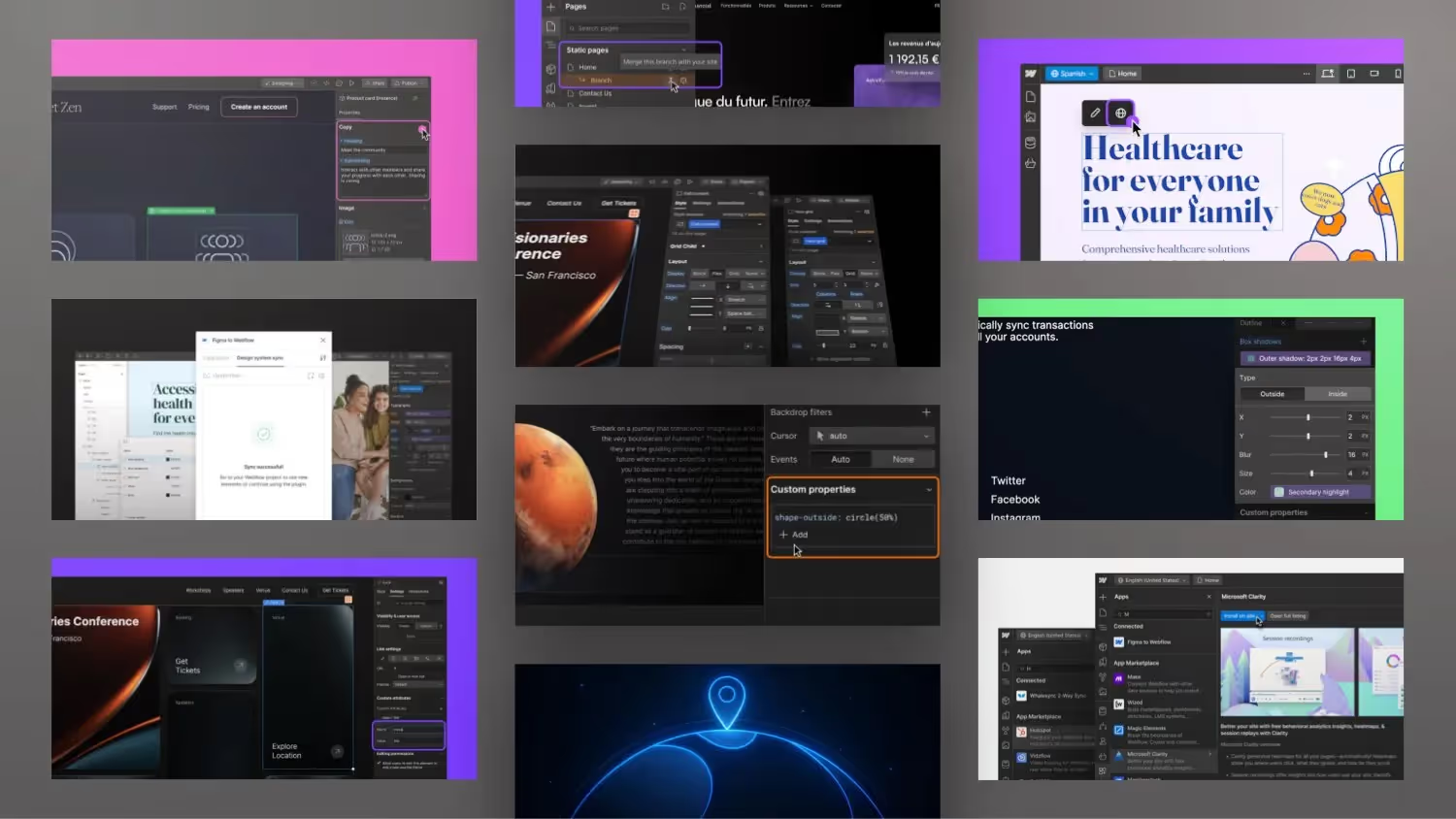

This post is about various updates and features that Webflow released in Q1 2024. Such as creating groups in components, using Markdown, automatically translating CMS content, adding code blocks, improvements to box shadows, using CSS variables, integrating Figma, styling code blocks in the rich text element, adding images and icons to the switcher, working with branching and localization, sharing pages with specific users, restoring backups, retaining ITEM IDs in backups, the installation of apps and plugins, the Reviewing changes, adding attributes to components, and the upcoming Webflow conference in London.
All updates in detail: https://webflow.com/updates
What's new in Webflow
- groups in component props: Users can now create groups in component props. This makes it possible to group settings to better organize and manage them.
- Markdown support in the rich text element: The rich text element now supports Markdown. Markdown allows you to write and format texts faster. For example, headings can be formatted by prefixing them with a hash sign (#).
- Improved translation features: A new feature called “Translate All Fields” makes it easier to translate content into CMS items.
- Code block element in rich text: A new code block element has been added, which makes it possible to better format and display code within texts.
- AI translation in Webflow Designer: Editor users can now use the AI translation feature to automatically translate content into the selected language.
- Box Shadow Advanced Units: Users can now use various units such as EM or REM for the x and y axes in Box Shadow, which provides more flexibility.
- Grouping component settings: Component settings can now be grouped to improve clarity and make administration easier.
- Staging environment for enterprise customers: Enterprise customers can now set up a staging environment to review changes before publishing.
- Branches for pages: Enterprise customers can now create branches from existing sites to test and verify changes before they go live.
- API access to project activities: Enterprise customers can access project activities via an API to track and analyze changes.
- Custom CSS Properties: Users can now use custom CSS properties directly in Webflow, giving more design flexibility.
- Figma on Webflow integration: Improved integration with Figma, including synchronization of design systems and layouts.
- Redesigned styles panel: The styles panel has been redesigned to make frequently used settings more quickly accessible.
- Text formatting in the rich text element: Users can now mark text in the rich text element as code to format it differently.
- Custom images for language switchers: Users can now add individual language switcher images for each language on their website.
- Individual page approval: Users can now share individual pages with specific users, making collaboration easier.
- Retention of CMS item IDs in backups: The retention of CMS item IDs in backups has been improved, which makes integration with external tools easier.
- Easy installation of apps in the apps panel: Users can now search for and install new apps directly from the Apps Panel.
- Improved summary of page changes: An improved summary shows users the changes made to branches.
This list summarizes the key updates and new features introduced by Webflow in the first quarter of 2024.


%2520unno%25CC%2588tig-blog.avif)