Fathom: The Google Analytics Alternative | Review & Setup Guide
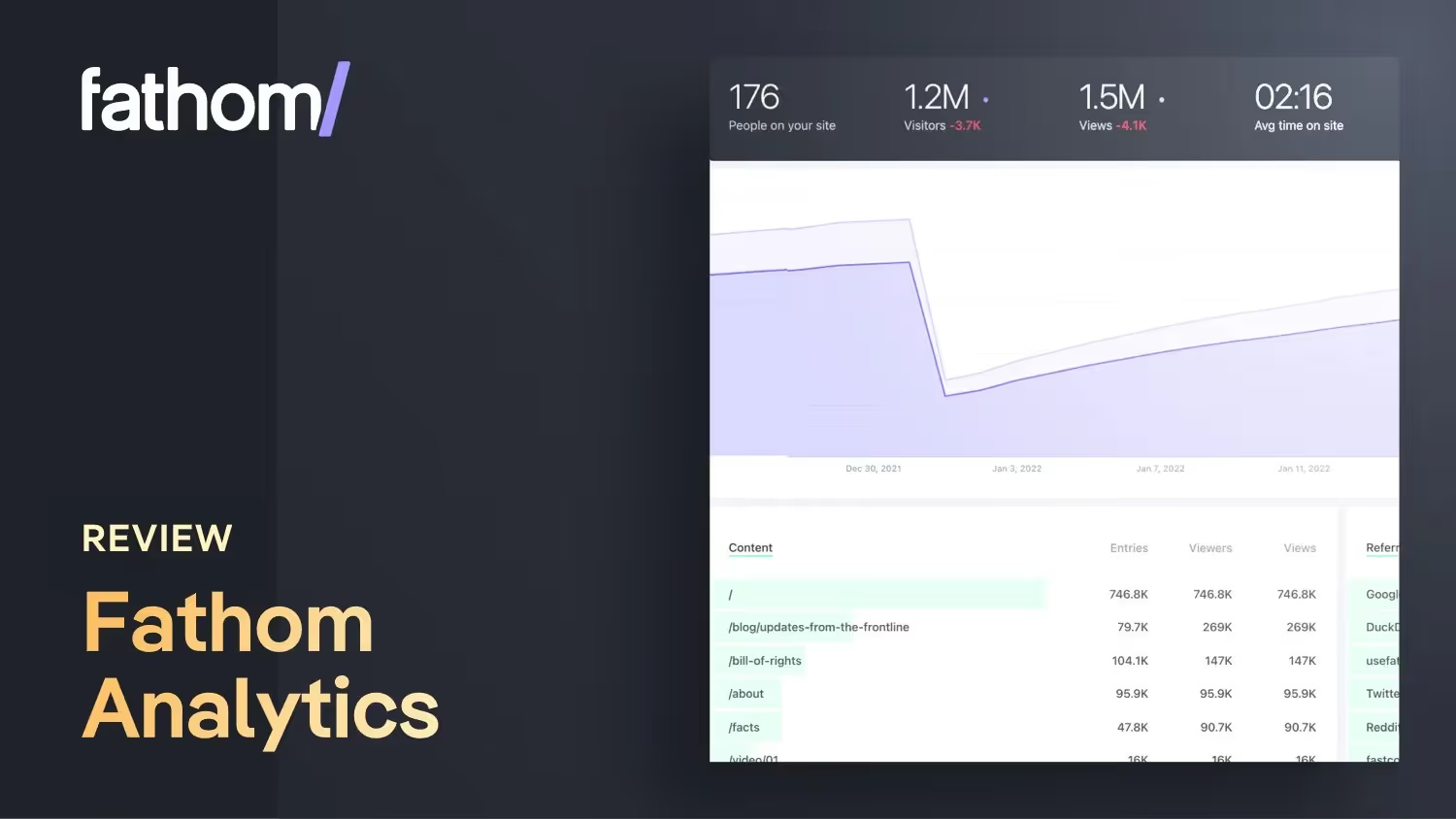

A Google Analytics alternative without cookies
If a product doesn't cost anything, you're most likely the product. Google Analytics has been free for years and there's a reason for that: You benefit from the data from your site visitors.
Save $10 and try out Fathom
I haven't regretted it to this day and I also recommend it to all my customers: https://usefathom.com/ref/VGKLXX (affiliate link)
Disadvantages of Google Analytics
- Google Analytics uses cookies, which is why you need to integrate a cookie banner into your website.If your customer needs statistics for his website analysis but has not otherwise integrated any services with cookies on the website, he only needs to integrate a cookie banner because of Google Analytics. This results in longer loading time due to more code, costs extra and is bad for the user experience of the website.
- If your site visitors don't agree to cookies on your website, Google Analytics won't be able to collect statistics.
- The analysis data is usually falsified by ad blockers.
- It is not a GDPR-compliant analytics tool, as it is based in the USA. The EU GDPR even declares Google Analytics illegalbecause it runs through US cloud providers. Fathom, on the other hand, is a Canadian company, and all of your EU data traffic never leaves servers located in Germany.
- Google Analytics is complicated to use. The UX in the browser and in the app is not good. Way too much at once and it takes forever to find simple insights into your website data.
- Google Analytics has more code and a longer load time. The Fathom Embed Code loads faster and is therefore better for search engine optimization.
Benefits of Fathom Analytics
- You can use Fathom with a paid account for up to 50 websites/domains. So you could also run customer websites via your account (and charge for this).
- A clear dashboard with the most important information, so you don't have to search around for long.
- 100% GDPR-compliant
- Does not require a cookie banner
- You can create your own email reports for your customers
- Website statistics in 100% real time.
- Ways to bypass ad blockers (provides more accurate analytics data)
- Support answers super fast
- Loads faster than Google Analytics and is therefore better for SEO
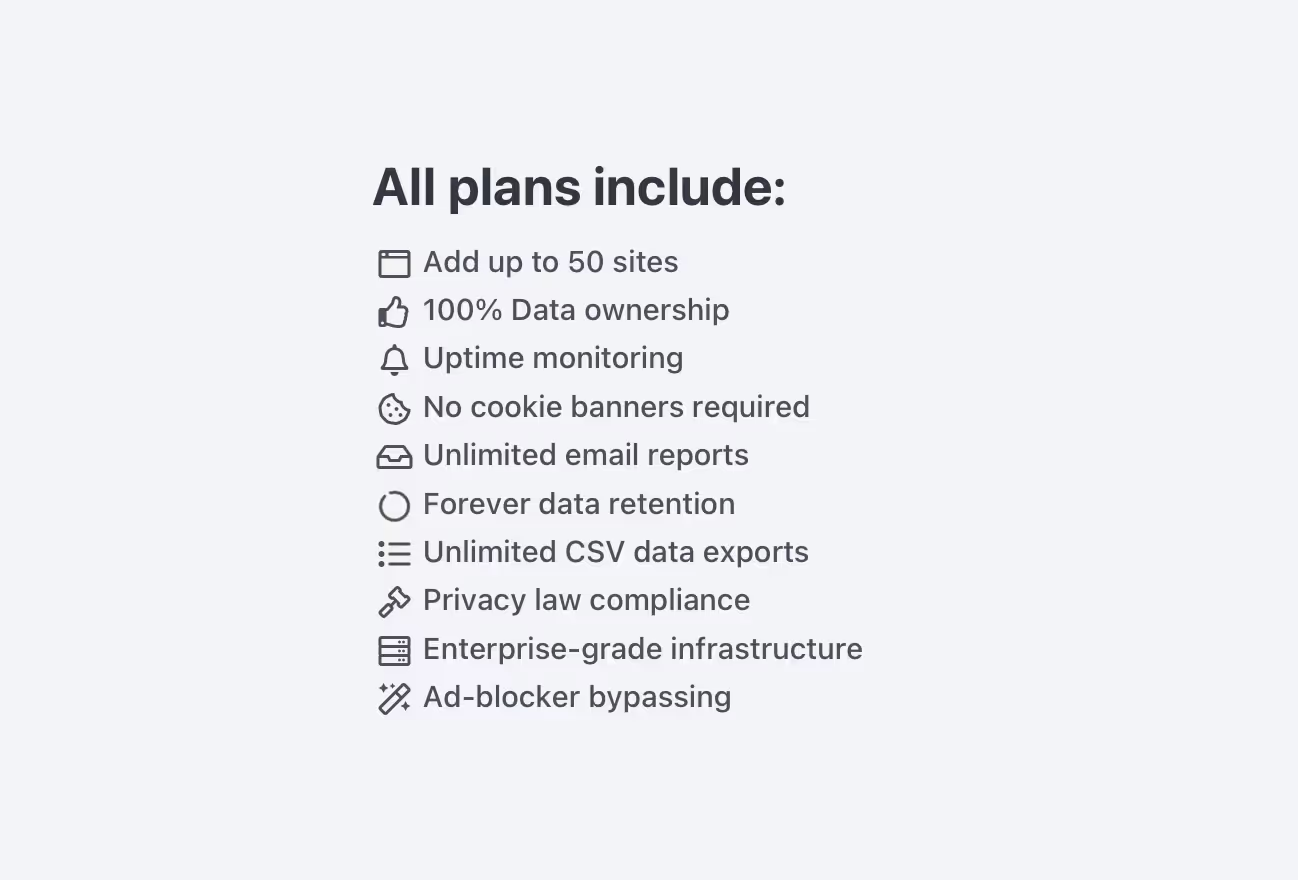
There is certainly much less information in Fathom than in Google Analytics. But that doesn't bother me at all. On the contrary, Fathom shows me exactly what I've only used in Google Analytics anyway.
“For us, digital privacy isn't a marketing gimmick or a get-rich-quick scheme — that's how we've run and built our business from day one. We're asking a fair price for Fathom because our business model is selling software, not data.”
From the Fathom Analytics About Page translated into German.
How much does Fathom Analytics cost
Fathom isn't free. But the pricing structure In my opinion, it is fair and costs around 10€/month (with an annual plan).
You can test Fathom free of charge for 7 days and even get $10 off: https://usefathom.com/ref/VGKLXX
If you sign up for Fathom via this affiliate link, I'll receive a referral commission — the price stays the same for you or you'll even get a $10 discount on your first month!
Tutorial: How to work with Fathom in Webflow
In this video, I'll show you step by step how to connect Fathom Analytics to Webflow and then run it via your own domain (this avoids ad blockers that falsify your analytics data). We also create special click events and page load events together. This also allows you to track forms or newsletter subscriptions and display them on your dashboard.
How to integrate Fathom with Webflow in just a few seconds
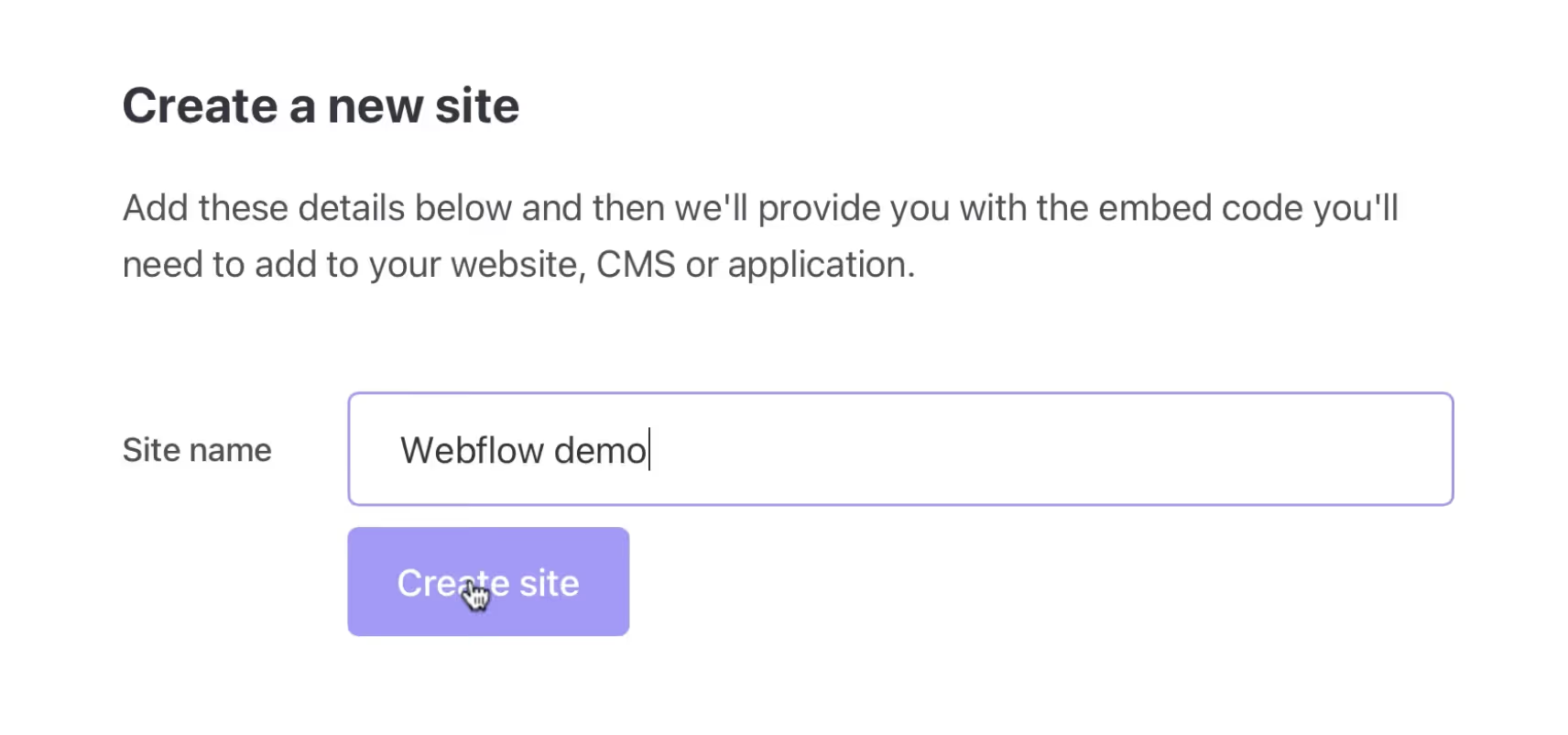
1. Create a new page in Fathom
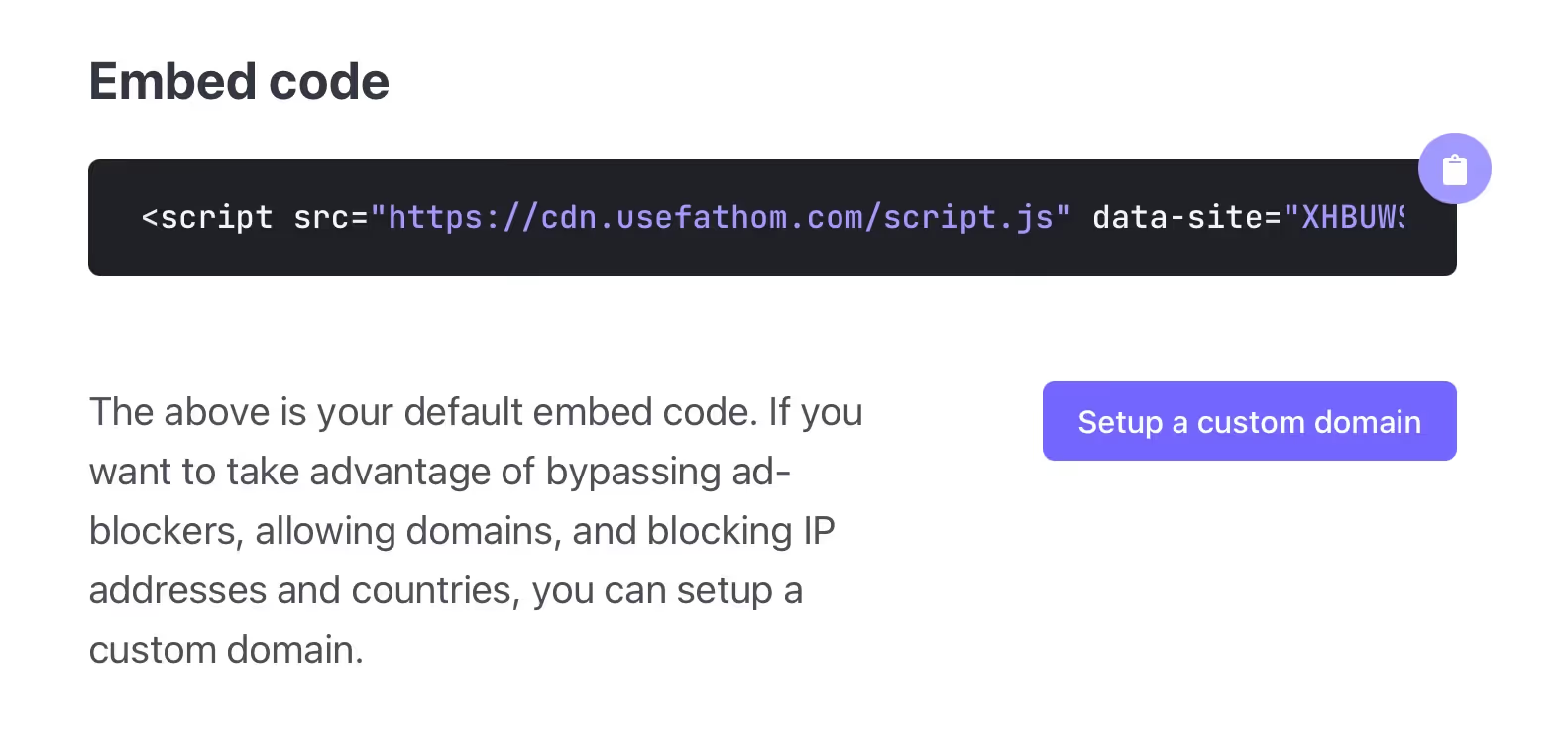
2. Copy Webflow HTML embed code
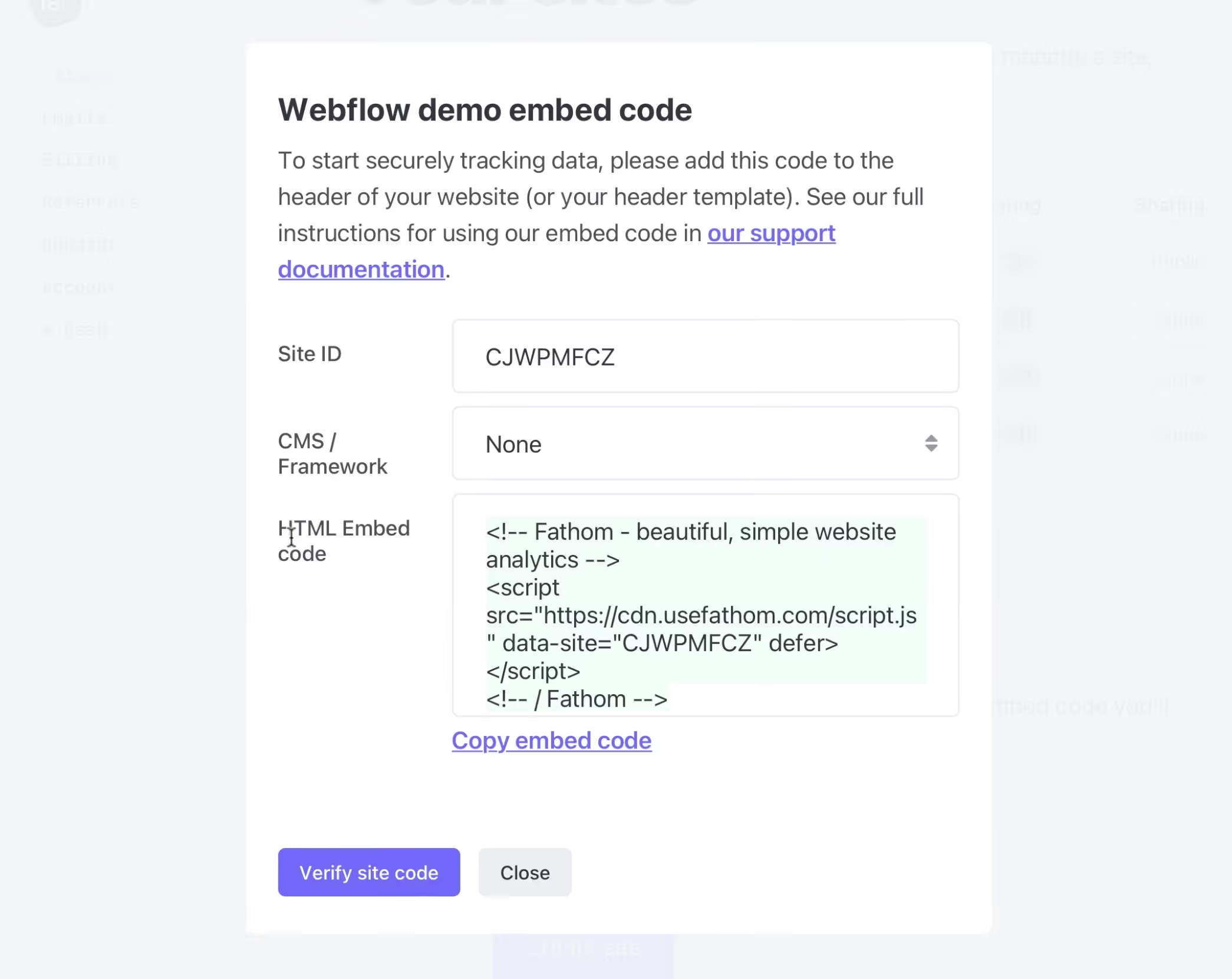
Later, I would recommend creating your own domain in the Fathom site settings for your domain so that no installed ad blockers block your analysis.
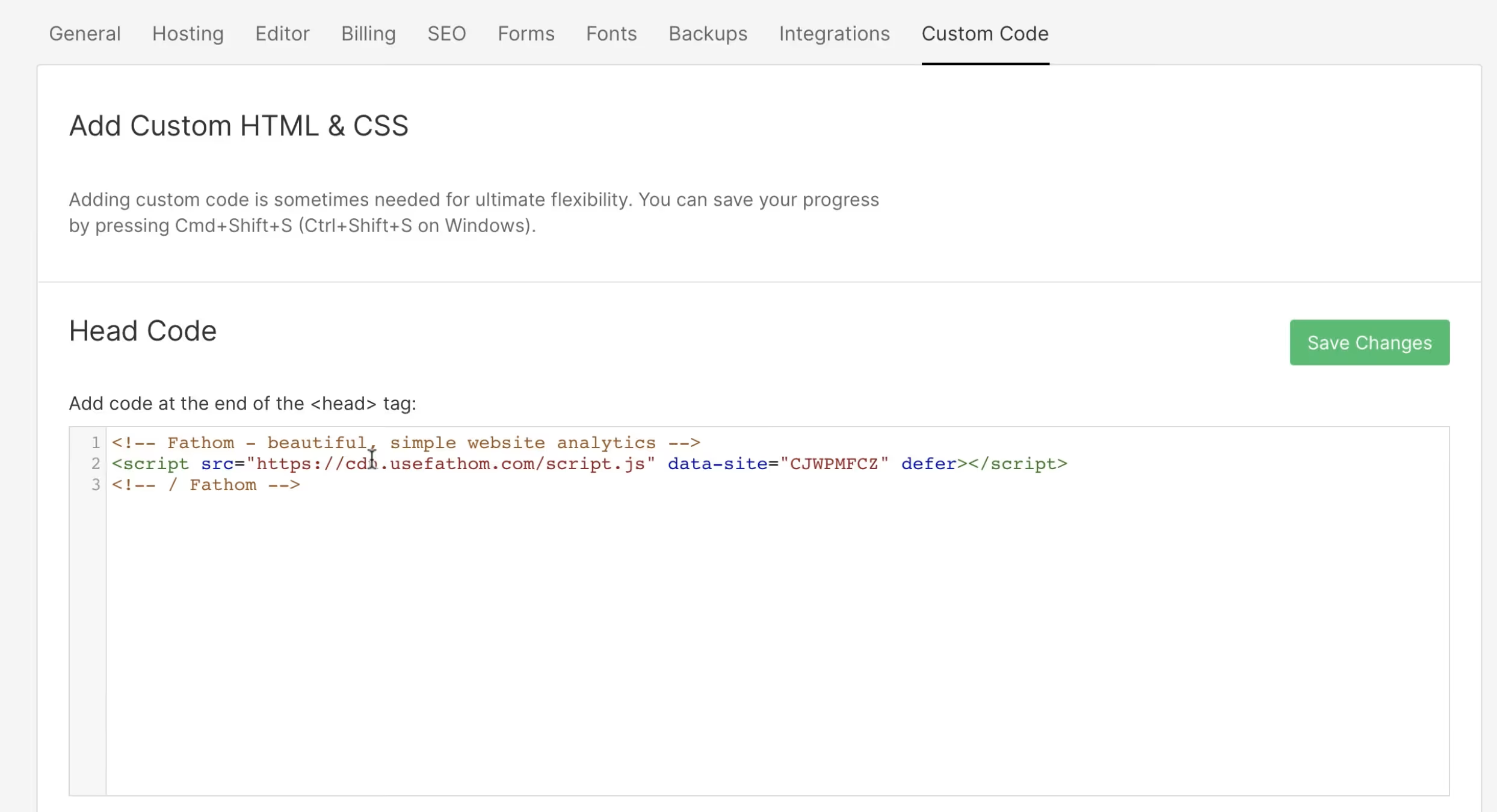
3. In your Webflow project, add settings under “Custom Code” to the project
4. Go back to Fathom and verify the website code
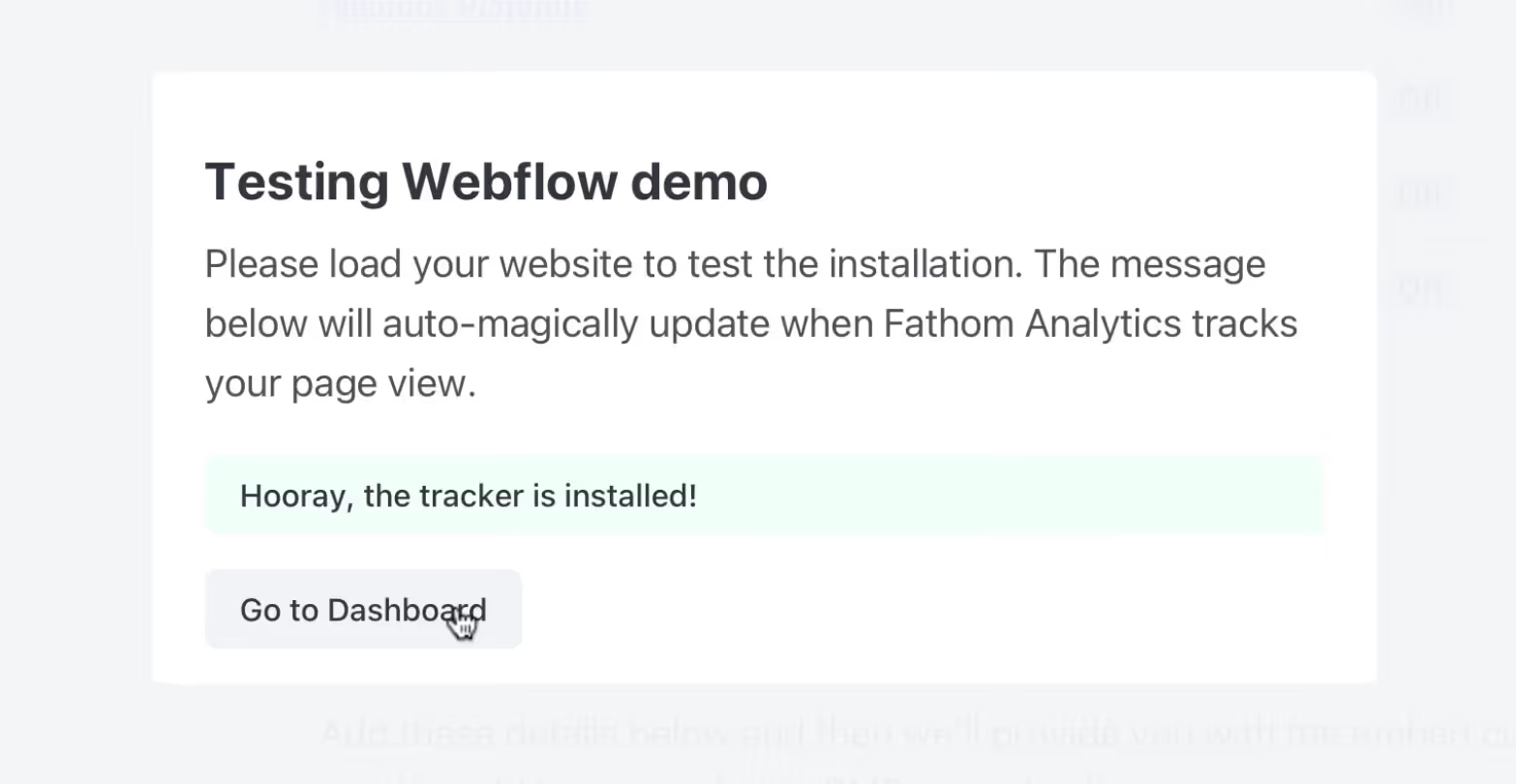
Ready!
Exclude yourself from Fathom Analytics
Since Fathom is GDPR compliant and does not automatically set cookies, you have to do this to exclude yourself from the statistics. By using this feature, you agree that Fathom uses local storage to save this setting for you, indefinitely. You can disable this by running the enable function (and then nothing is saved locally anymore.
To allow this, you'll need to run a function from your console on the website where your Fathom script is installed:
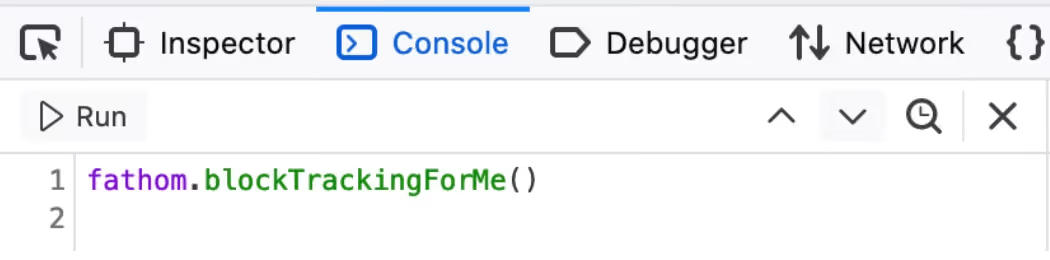
The code to exclude yourself:
fathom.blockTrackingForMe ();
to track yourself again:
fathom.enableTrackingForMe ();
Save $10 and try out Fathom
I haven't regretted it to this day and I also recommend it to all my customers: https://usefathom.com/ref/VGKLXX (affiliate link)


%2520unno%25CC%2588tig-blog.avif)