
Finally: The new GSAP Animation UI in Webflow! First real preview
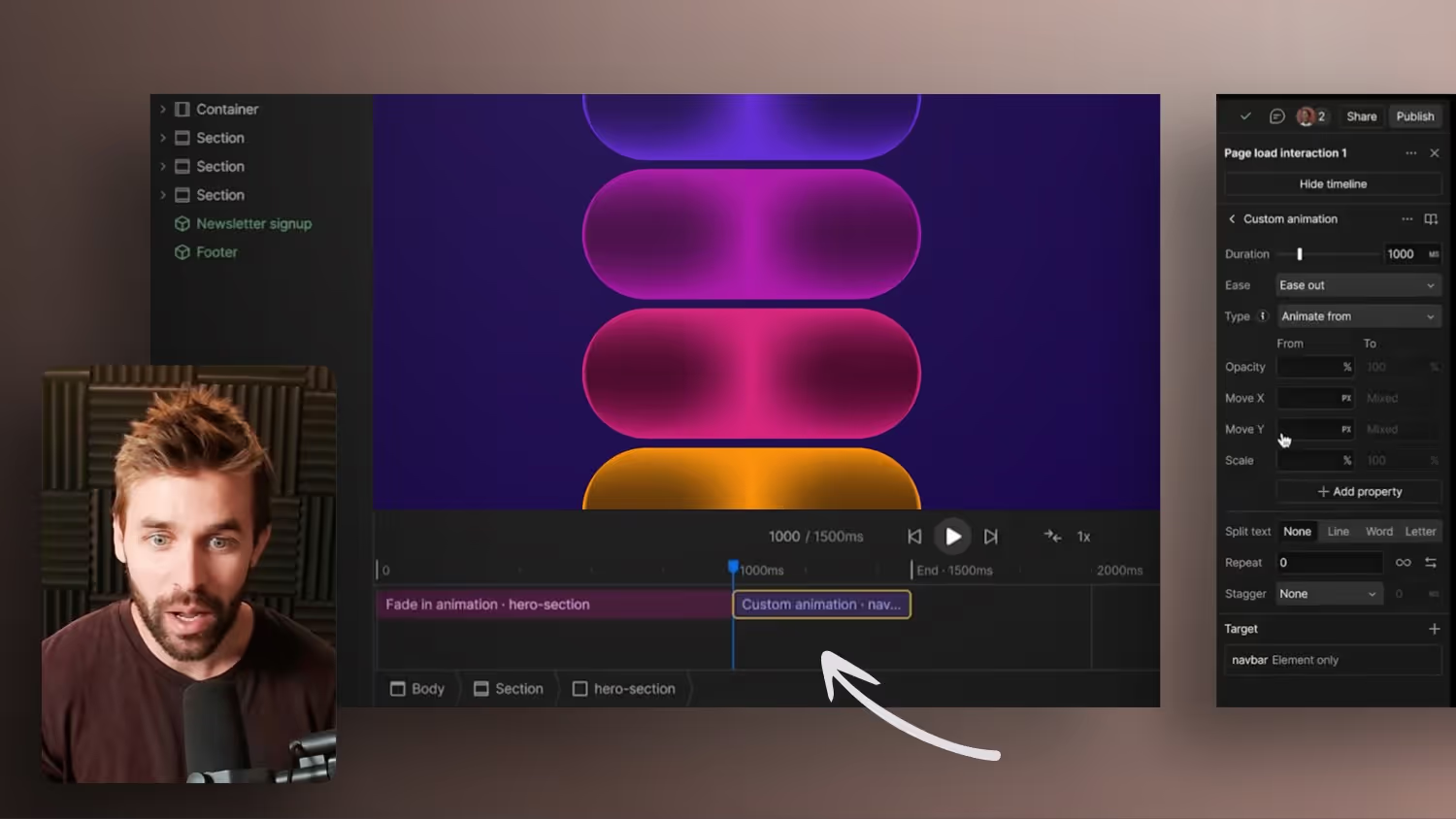

Guys, it's finally here! The first glimpses of the brand-new Webflow GSAP Animation UI are here — and it's changing EVERYTHING.
The previous Webflow Interactions are being completely redesigned and replaced by a modern, powerful GSAP-based solution.
With:
✅ Even more features
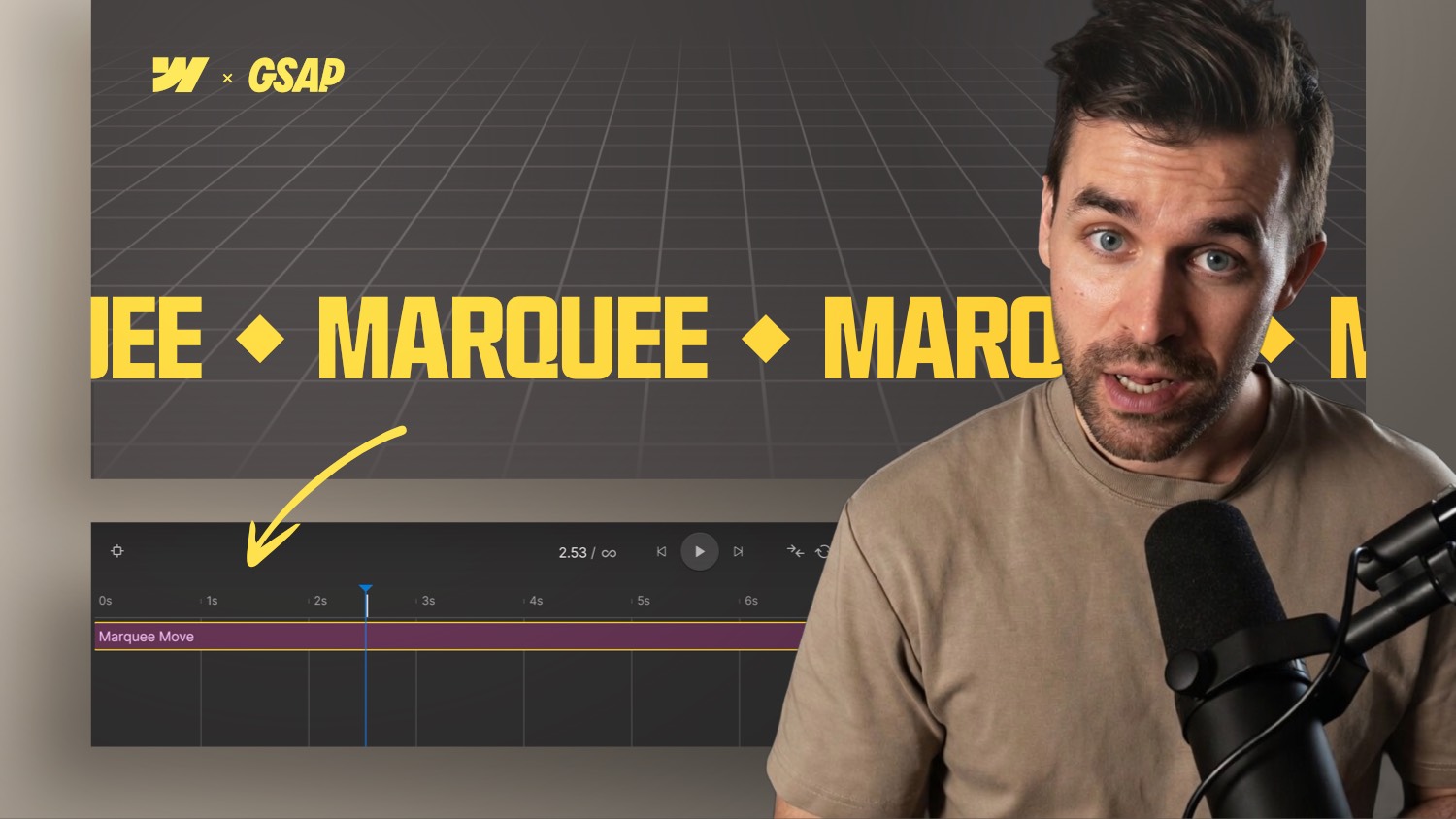
✅ An optimized timeline
✅ And finally: a horizontal UI for your animations!
Watch the video for the first real preview — including my assessment and a look behind the scenes.
Webflow Interactions 2.0: New opportunities for web designers
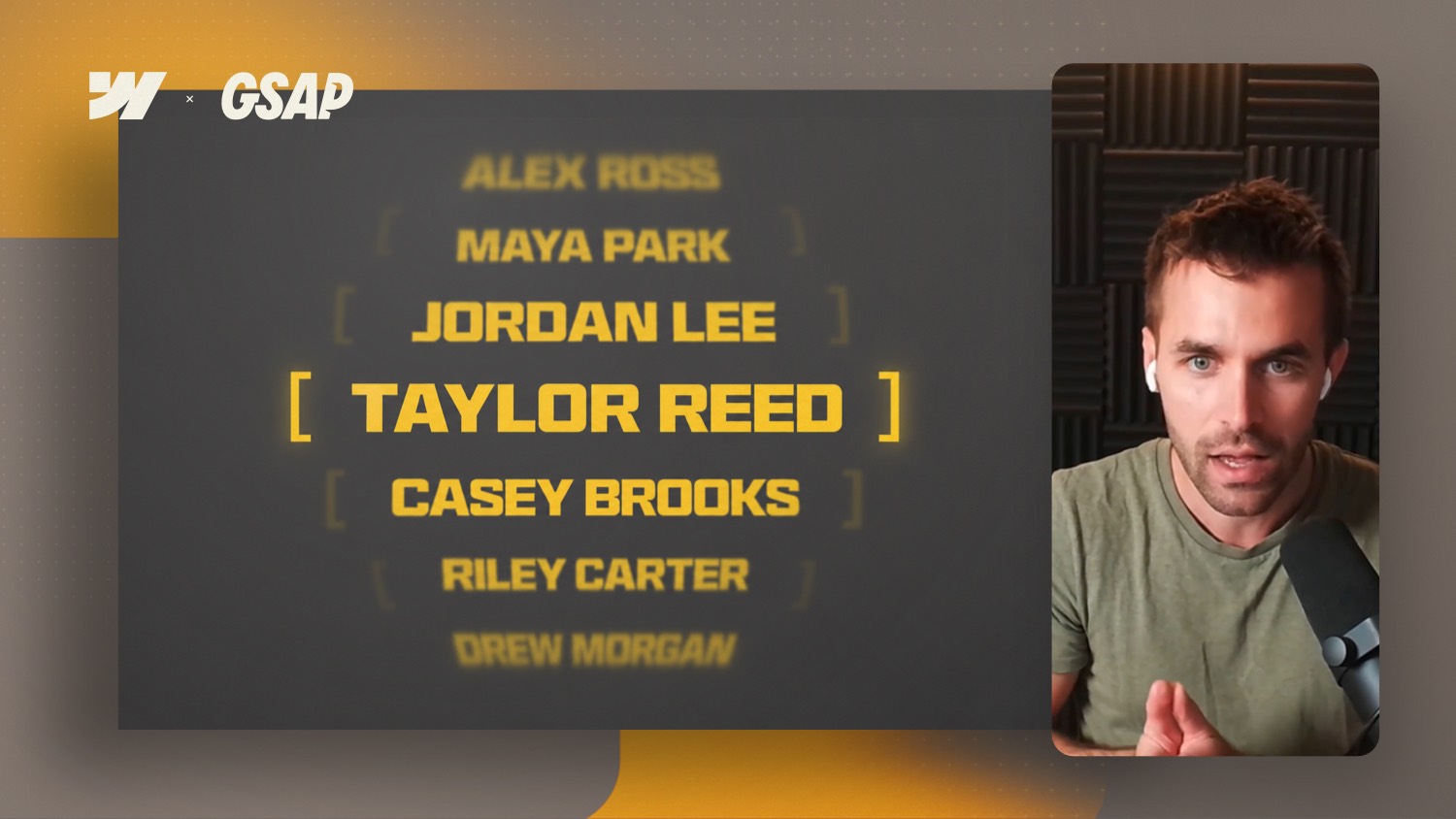
Webflow recently released a preview of a major update: the full integration of GSAP, the leading JavaScript animation library. This means that all GSAP plugins, including previously paid club plugins, are now available for free.
What's new?
Interactions 2.0 brings a variety of new features:
- Horizontal timeline: Enables intuitive control of complex animations.
- Advanced triggers: In addition to the well-known triggers, there are now also Key Press and Hold.
- Reusable animations: Save animations as components and use them across projects.
- Improved SplitText feature: More efficient, barrier-free and with new features such as DeepSlice and responsive re-splitting.
Why is that relevant?
These new features enable web designers to create complex animations directly in Webflow — without additional code. This saves time and opens up creative freedom.
conclusion
The integration of GSAP into Webflow and the new interactions are a big step forward. They provide web designers with powerful tools to create impressive animations. Now is the perfect time to familiarise yourself with the new options and use them in your own projects.
-blog.jpg)