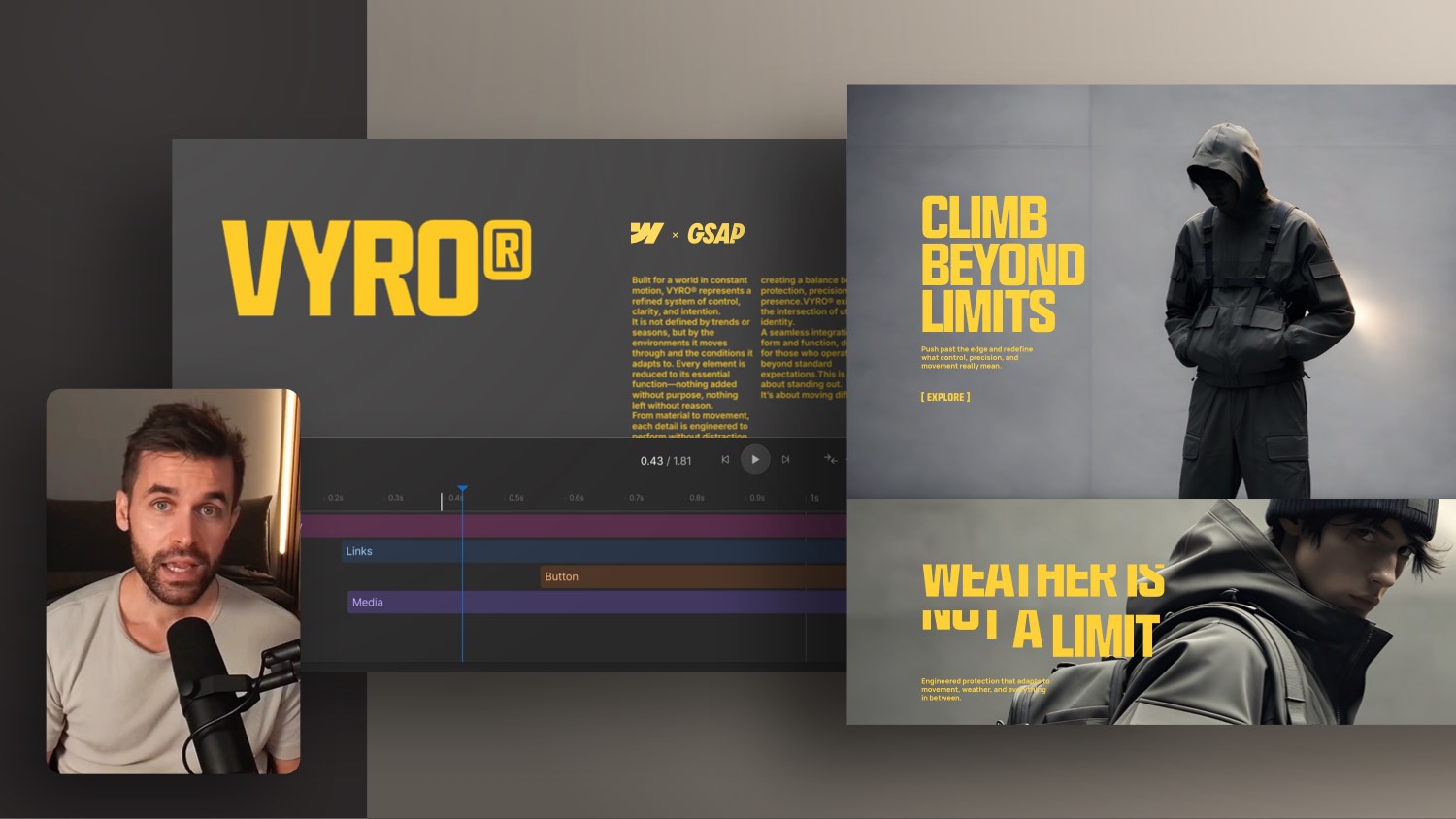
Create a Custom Website Page Load Animation in Webflow


A page load animation (an animation that fires as soon as a page starts loading) is a very good way to make your website slowly animated and not make it look too “hard.” In this Webflow tutorial, I'll show you how you can individually load elements one after the other and thus determine the first impression of your website.
The start page or other main pages in particular often have a stage that appears first in the visible area of the page visitor after loading a page. To do this, I actually create an individual page load animation for each project in Webflow to determine for myself how the elements appear first. This is also a very good way to bridge longer charging times.
The only disadvantage that can unfortunately happen these days is that the page load interaction may not be visible due to the annoying cookie banners that you now have to integrate into every website. Nevertheless, the site visitor may return to the main page after selecting a subpage and then see the full page load animation.
chapters
00:00 — Intro
01:13 — Create animation for video
04:52 — Create animation for texts
10:04 — Optimize animation
12:10 — Tip: Add an overflow hidden box
15:50 — final score
16:16 — Webflow online course


-blog.jpg)