Button Hover Effect: Background Slides In from Left, Out to Right

Level: Beginner
Animation
ressourcen
Live Vorschau
* AFFILIATE LINK
Details
Level
Beginner
Date
July 12, 2026
Author
Lächelnder Mann mit kurzem braunem Haar und Bart vor orangem Hintergrund.
Jonas Arleth
Blog Post

In this Webflow tutorial, I'll show you another cool button hover effect. An oval second background moves in from the left into the button on hover and out to the right again on hover out. Super easy to create with Webflow Interactions.

Chapter:

00:00 — Intro
00:26 — Create button
03:47 — Create hover effect
07:26 — Final score
07:57 — Webflow online course
More content

Blog Archiv

I Gave Claude Code My Hardest Animation Challenge Yet

Can Claude Code build an infinite slider with a seamless FLIP overlay transition? I tested it with GSAP, Smooothy and my Figma design for a fictional artist agency.
Video
​
Skill
Beginner
Kategorie
AI

Anschauen
Beitrag anschauen

I Designed This in Figma. Can Claude Build It?

I designed a website in Figma and gave Claude only a screenshot, fonts, images and one prompt. See how close AI gets to an individual animated design.
Video
​
Skill
Beginner
Kategorie
AI

Anschauen
Beitrag anschauen

Make a Boring List Impressive with This Simple GSAP Effect

Build a simple typo scroll animation in Webflow with GSAP. Names scale in the center and animated brackets appear, powered by the CMS.
Video
​
Skill
Beginner
Kategorie
GSAP

Anschauen
Beitrag anschauen

Kreative GSAP Hero Animation mit einem 3D Card Loop-Effekt

Learn step-by-step how to animate a premium hero section in Webflow using GSAP, including scroll triggers, staggers, and loop effects.
Video
​
Skill
Intermediate
Kategorie
Animation

Anschauen
Beitrag anschauen

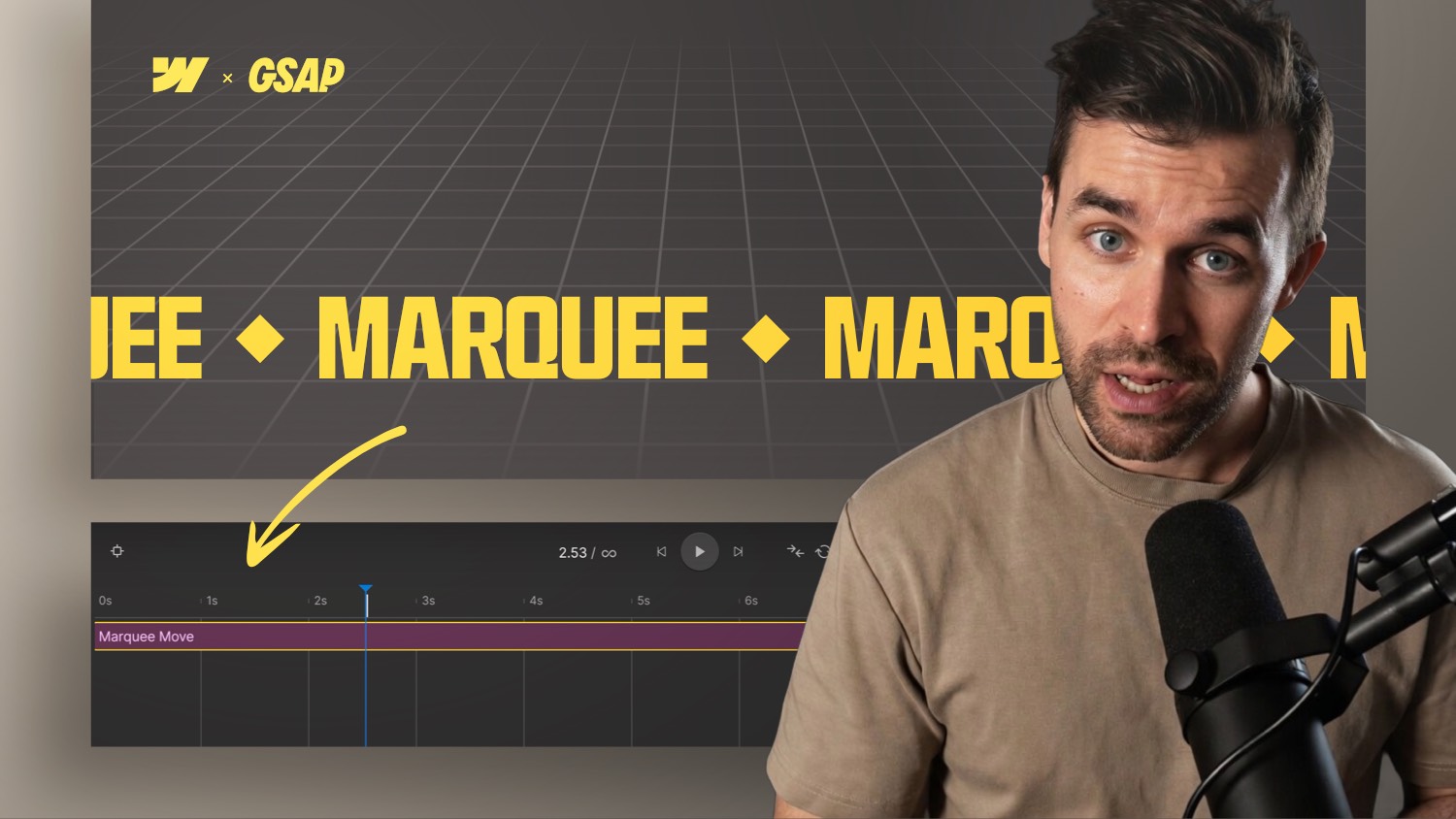
Webflow Text Marquee Animation with the new GSAP Timeline

Learn how to build a looping marquee in Webflow using the GSAP Timeline. No custom code needed scroll-triggered and performance-friendly.
Video
​
Skill
Beginner
Kategorie
GSAP

Anschauen
Beitrag anschauen

Turn Any Product Hero Into a Premium Showcase (No 3D)

Build a 360° rotating product hero in Webflow with AI-generated video, blend modes & container queries. Free cloneable included.
Video
​
Skill
Beginner
Kategorie
Animation

Anschauen
Beitrag anschauen