Image Peephole Effect: Using CSS Masking in Webflow
Author

Jonas Arleth
Blog Post
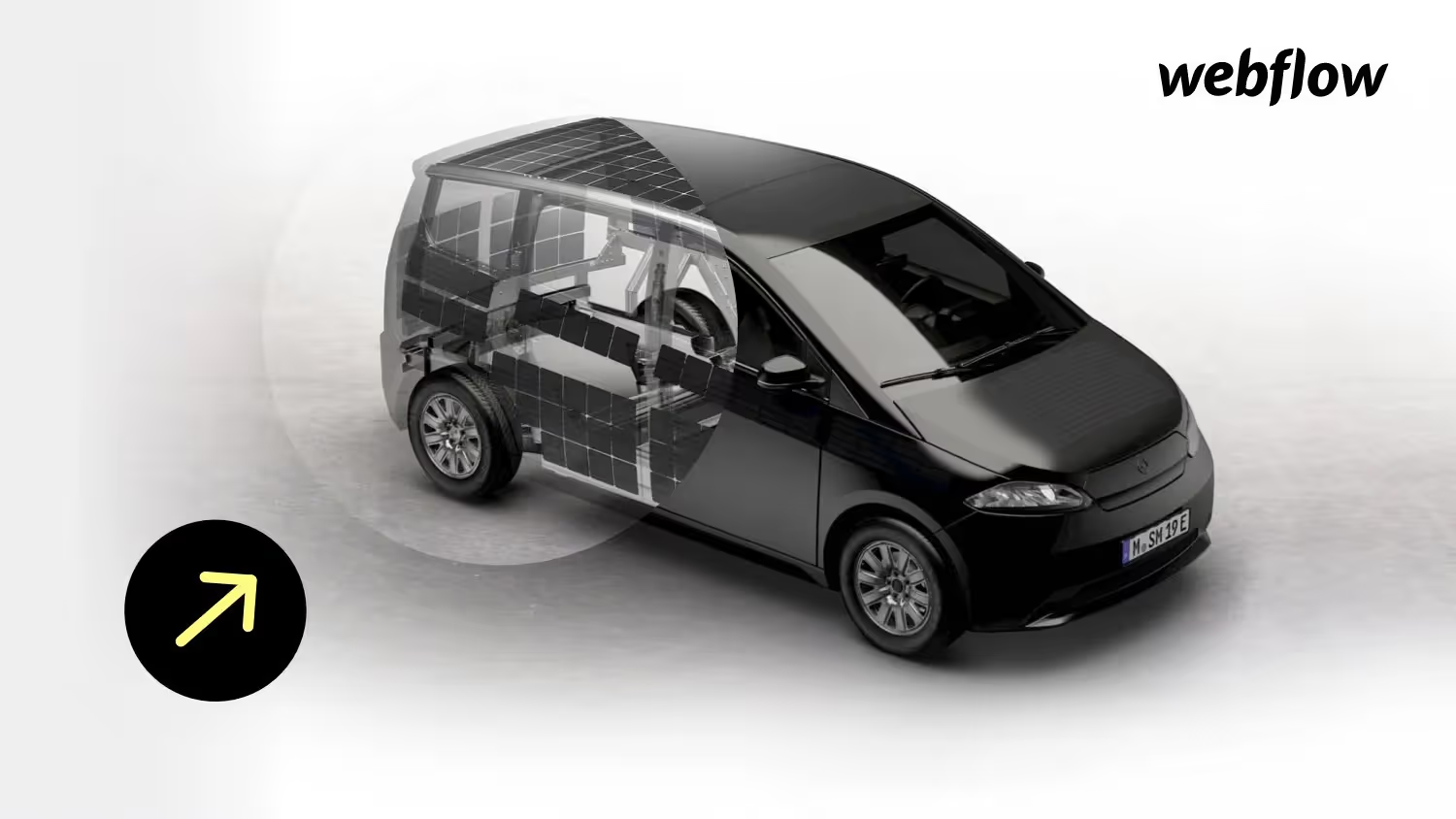
I was looking for a solution to make a circle move across an image as a peephole so that the underlying image was visible. The circle moves on mouse movement — i.e. magnetically tracks the mouse pointer.
Since you can't influence top/left position or CSS masks in Webflow Animation, a bit of custom code must be added. I used the following external code for this: https://stackoverflow.com/questions/63227926/move-clip-path-position-to-mouse-cursor
Another useful article about CSS tricks about mask position helped me understand the whole thing:
https://css-tricks.com/almanac/properties/m/mask-position
The effect is similar to that of Vanmoof:
https://www.vanmoof.com/de-DE/s3?color=dark or on https://www.canoo.com/canoo


-blog.jpg)