Publishing Web Design Prices on Your Website – Real Example
Author

Jonas Arleth
Blog Post
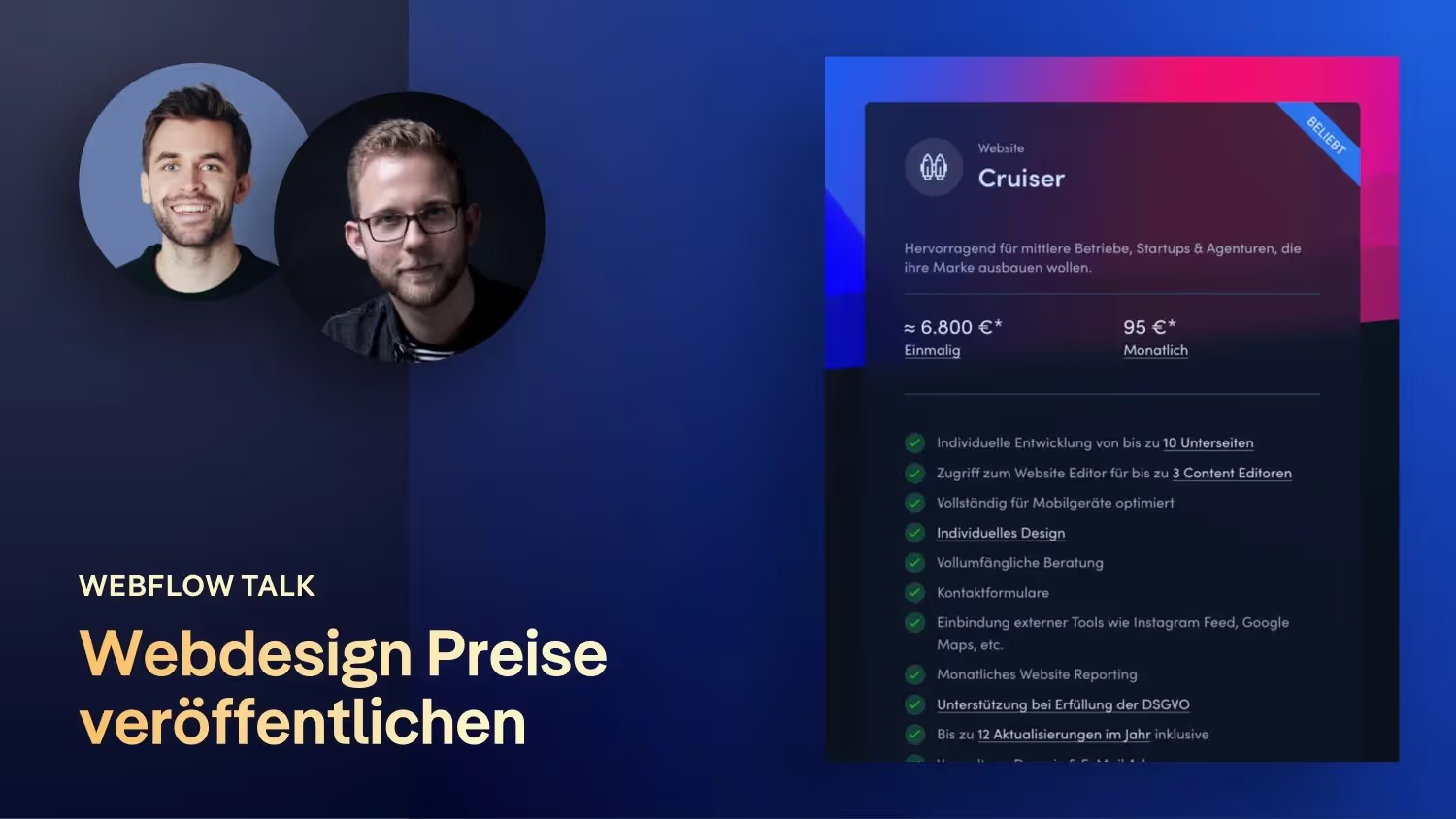
I have Lucas Pätschke from Vibrand Design as a guest on the podcast today. We mainly talk about the topic of publicly posting your web design prices on the site in order to show the customer in advance how much a website costs for them. With Vibrand Design, in addition to a fixed project fee, the customer pays a monthly fee, which includes Webflow costs and changes to the website. In the following, Lucas tells us whether this is worthwhile, how it is received by customers and how the process works.
Questions and topics that I discuss with Lucas spoke
- How did you/ her come across Webflow?
- Have you been following Webflow Conf? What was your highlight?
- How did you become a Webflow partner and is it worth it?
- You're traveling as a team of two. What is your role in all this?
- Your website is great! I'll ask a few questions about this in the screen share.
- You go into the topic of pricing pretty directly on your website. Many only communicate this with the first customer phone call. Can you tell me a bit about why you chose this path and how your pricing is structured?
- The customer also pays you monthly or annually. What are your experiences there? How is that received?
- Are Webflow costs also included?
- Are you working at full capacity right now? Is it stressful? What if a customer doesn't have any adjustments per month?
- Do you run all customer projects via your account?
- You've probably also noticed the little hype about the Webflow subscription pricing model. Why did you decide against that?
- Is there any type of on-boarding that you do with customers regarding Webflow? What is your process there?
- What is the question you hear most about Webflow?
links
- Vibrand Design website: vibranddesign.com
- Your Discord forum for the German Webflow community: https://discord.gg/eve7Gq6Sz7