Build a Beautiful Grid Layout in Webflow | Beginner Tutorial
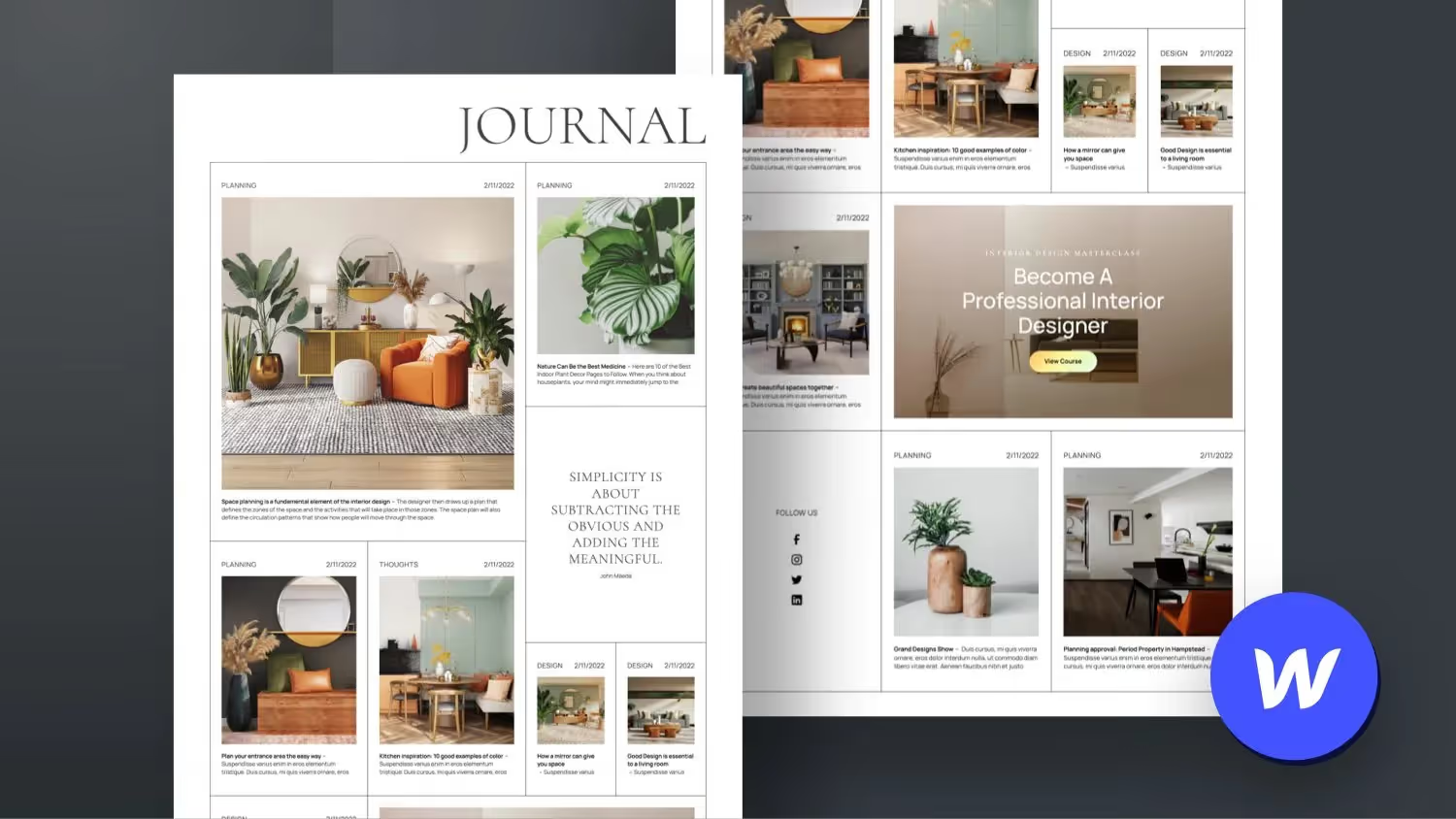

In this Webflow tutorial for beginners, we build a nice grid layout together. Especially with a variable magazine-like design, you can use the CSS Grid very well and build it visually thanks to Webflow without having to write the complicated code in the background.
The blog layout is completely connected to the Webflow CMS and is available as a free template in my Webflow account.
As a responsive solution on desktop, I have integrated the Wizardry method from Timothy Ricks. Of course, the design also scales down wonderfully on tablets and mobile phones.
Webflow Grid Design Animation
In this second part, we'll animate the grid layout directly in Webflow. We create a 3D page-load animation for the lettering, animate the lines and the border of the grid and give the images a nice effect as soon as they scroll into the visible area of the page visitor.
I wrote a bit of my own CSS code for the image hover effect.
You can find the entire project free of charge as a cloneable in my Webflow account.


-blog.avif)