Build a course bundle system in Webflow & Ablefy (including checkout)
-blog.avif)

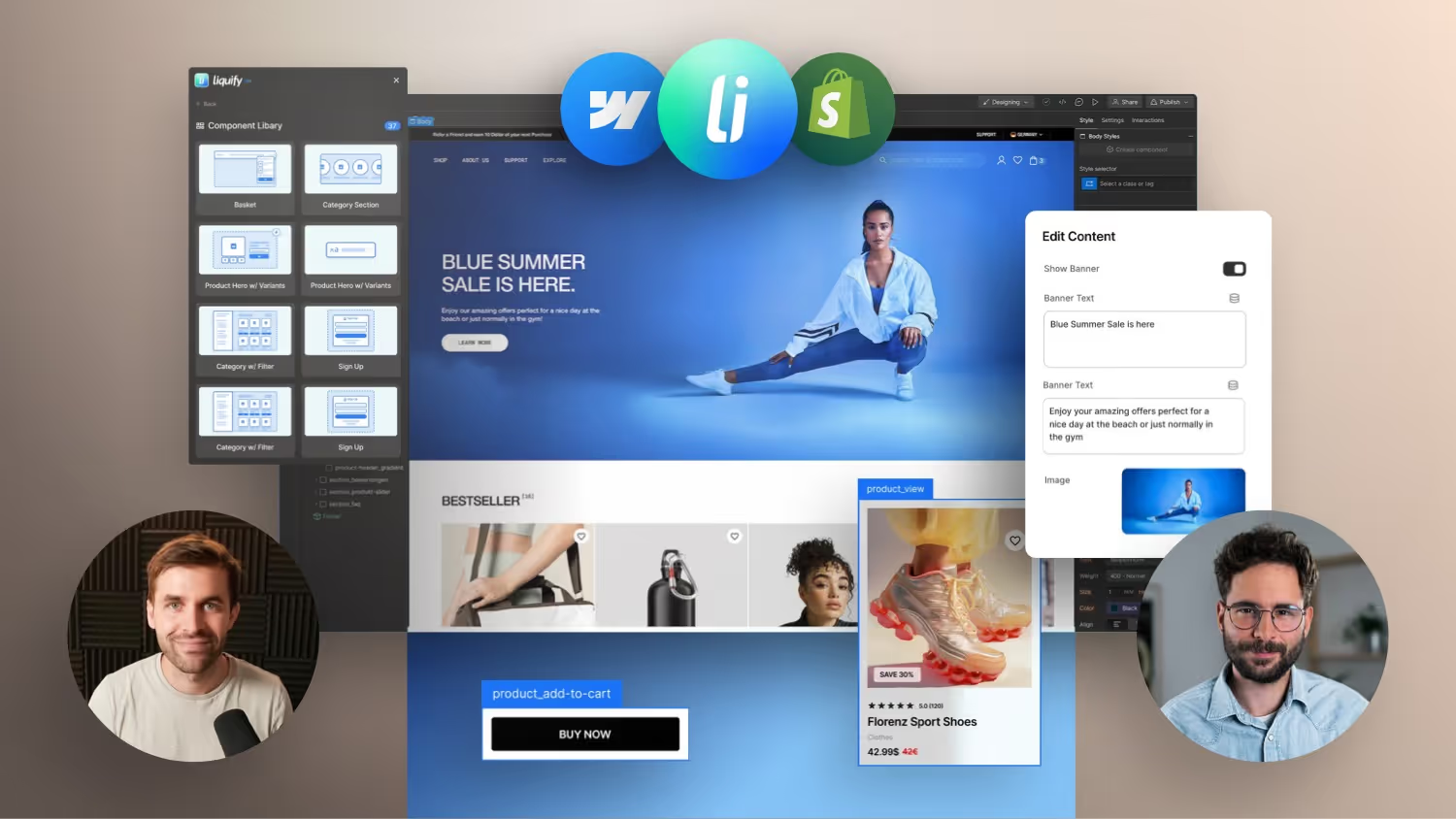
In this video, I'll show you how I built a flexible course bundle and shopping cart system in Webflow completely without Shopify, without plugins and without classic e-commerce. I use Ablefy for courses and checkout, and Webflow for the website.
I had the problem that I wanted to offer several products (online courses) that can be individually combined — as a bundle, add-on or upgrade — including automatic discounts.
So I built my own system:
a small mini configurator with CMS logic, custom JavaScript, modal shopping cart and dynamic price calculation.
Tools I use:
- Ablefy — Create, host, and sell online courses — including video streaming, content, and certificates *
- Webflow — visual frontend and CMS, which is used to design product pages, manage course offerings and design user interaction right through to checkout *
Learn to build shop systems in Webflow (for advanced users) with my Webflow Expert Course.
Dynamic course bundles and checkout logic in Webflow with Ablefy
Many web designers who use Webflow face the challenge of selling digital products such as online courses flexibly. The classic method with rigid bundles and fixed product combinations is often too inflexible. In this post, I'll show you how you can use Webflow, Ablefy and a bit of JavaScript to implement a dynamic bundle system with order bumps, price adjustments and a customized checkout process.
Starting point: Static bundles slow down scaling
Until now, it was necessary to manually create a separate bundle for every conceivable combination of courses — both in Webflow CMS and in Ablefy. This method is not only prone to errors, but also inflexible as soon as new courses are added or prices change.
Goal: Flexible combination of products in the checkout
The solution: A system that allows users to put together their desired combination directly on the product page — including dynamic price calculation, discount logic and transfer to the Ablefy checkout with pre-selected products (via URL parameters).
Step 1: Product structure in Webflow CMS
In Webflow CMS, all courses are created as individual products — including all relevant information:
- One time and installment prices
- Ablefy product IDs
- Optional: reduced prices for bundles
- Checklists, cover images and feature texts
Instead of creating bundles as separate products, these combinations are dynamically configured in the frontend.
Step 2: Order bumps in the checkout
The additional products (order bumps) are set up in the Ablefy backend and receive individual IDs and pricing models there. These IDs are stored in the Webflow CMS and then dynamically transferred in the checkout.
Step 3: Dynamic logic with JavaScript
An individual JavaScript code dynamically generates the URL with the Ablefy IDs and ensures that:
- Pre-selected products appear in the checkout
- The logic applies even when removing products
- The selection is saved in session storage (shopping cart is retained when navigating back)
Step 4: UI and UX in Webflow Design
The price overview is modular. The order bumps are displayed via a collection list when the user wants to add further courses. A modal window allows configuration directly on the product page without leaving the context.
A highlight: The selected courses are visually highlighted, and a dynamic button leads directly to the configured checkout.
Step 5: Discount calculation and CMS sync
The price calculation (e.g. 30% discount for bundles) is first carried out in Notion — there the final prices are calculated and then manually transferred to the Webflow CMS. It is important that all pricing models remain consistent — even with future price changes.
Flexibility and scalability through a combination of CMS, JS and Ablefy
This solution creates a scalable, flexible system for digital products in Webflow. Users can freely combine courses, the checkout remains clear and the administrative workload in the backend is significantly reduced. If you want to use Webflow professionally for course sales, you can hardly avoid such a solution.
Especially with the help of tools such as Ablefy and AI-supported JavaScript, you can relieve yourself of a lot of complexity and still create an individual, high-quality user experience.
If you're selling your own courses or digital products on Webflow, think about how you can make your checkout more flexible.