Display the Number of CMS Items on Your Website (MAKE & Webflow)
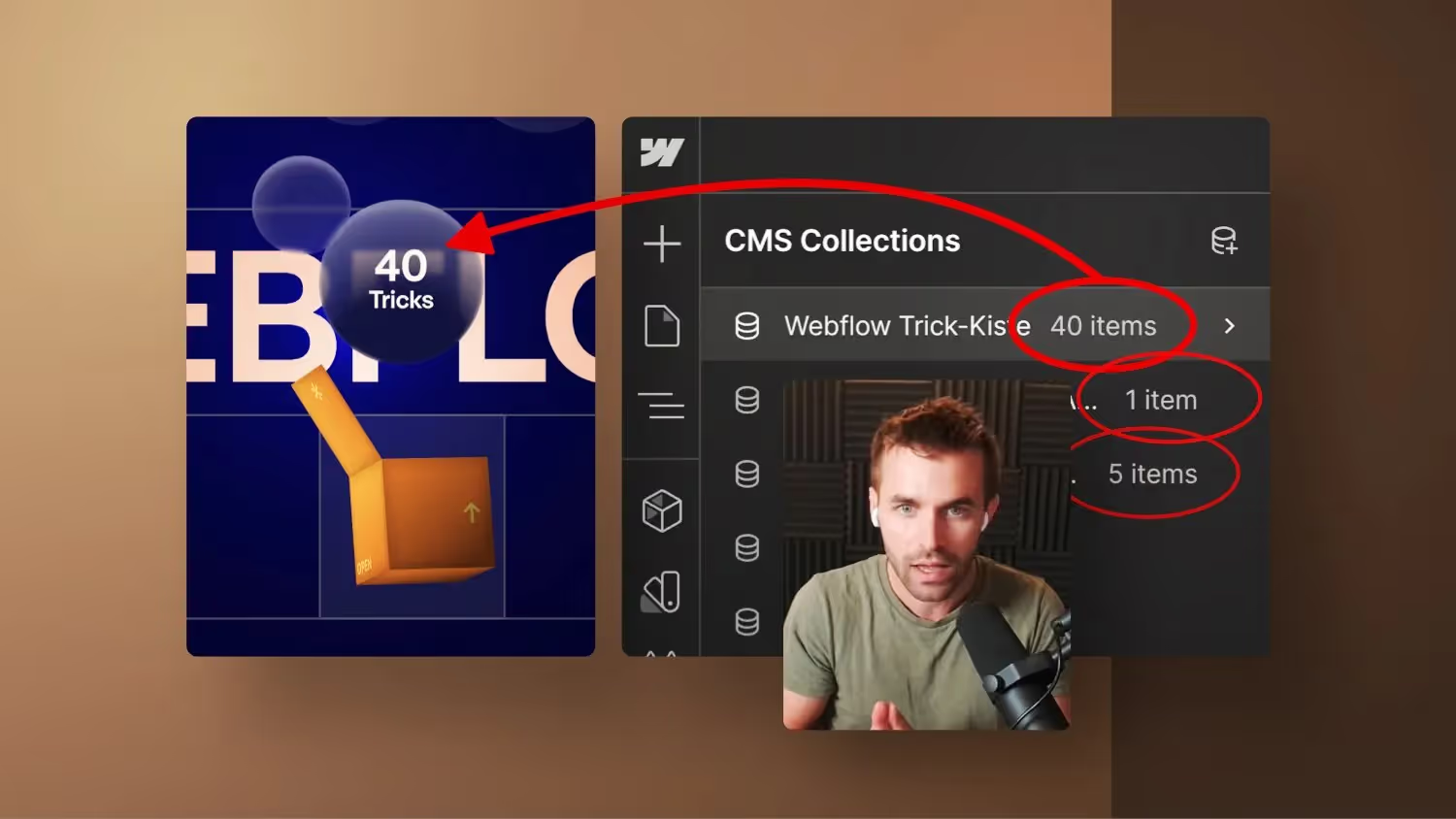

Webflow does not provide a direct way to read the number of CMS collection items. In this tutorial, I'll show you how to solve this automatically using Make.
Start with MAKE for free:
https://www.make.com/en/register?pc=jonas *
* Affiliate link, which supports the channel There is no additional cost to you.
Automating Webflow with MAKE: A step-by-step tutorial
Welcome to a new Webflow tutorial! In this post, I'll show you how to implement automation in Webflow using Make. Specifically, it's about reading out the number of a CMS collection and automatically updating it on your site without having to manually intervene each time.
background
On my Webflow Trickkisten landing page and my online course page, I would like to regularly update the number of tricks and sales figures. This would be very time-consuming manually, which is why we are looking for an automated solution.
problem statement
Webflow does not directly allow us to read out the number of CMS items. There are third-party solutions such as “count list items” from Finsweet, but this Attributes solution requires a lot of code and does not allow integration in multiple places.
The solution with Make
Step 1: Create a new CMS collection
To automatically update the number, we first create a new CMS collection called “Number of Tricks.” In it, we add a numeric field “Count”, which will later contain the number. Then you have to create a new entry in this CMS collection and simply write 0 in the number.
Step 2: Create a Make Scenario
We're using Make to create a scenario. This scenario runs daily to update the count.
- Select Webflow as a trigger.
- Select the item from the “Number” collection as a starting point.
- Set the trigger to daily and limit the frequency to save bandwidth.
Step 3: Retrieve and update the Webflow list
In the Make scenario, we retrieve the list of tricks from Webflow that we also want to query. We then update the item in the “Count” collection with the total number of tricks list.
Step 4: Filter for efficient update
To avoid unnecessary updates, we set a filter. The scenario only continues if the number of tricks in the list is greater than the number already saved.
Integrate with Webflow
Now that the make scenario is set up, we integrate the updated number into our webflow page.
- Add a collection list to the desired location.
- Link the collection list to the “number” collection.
- Limit the display to 1 item to get the current number.
- Use a text element to display the count.
conclusion
Thanks to Make, we can now automatically update the number of tricks without tedious manual intervention. This automation saves time and ensures that information is always up to date.
Try it out for yourself and make your life easier with Webflow and Make's automation feature!


-blog.avif)