Create a Custom Dropdown Navigation Animation in Webflow

Author

Jonas Arleth
Blog Post
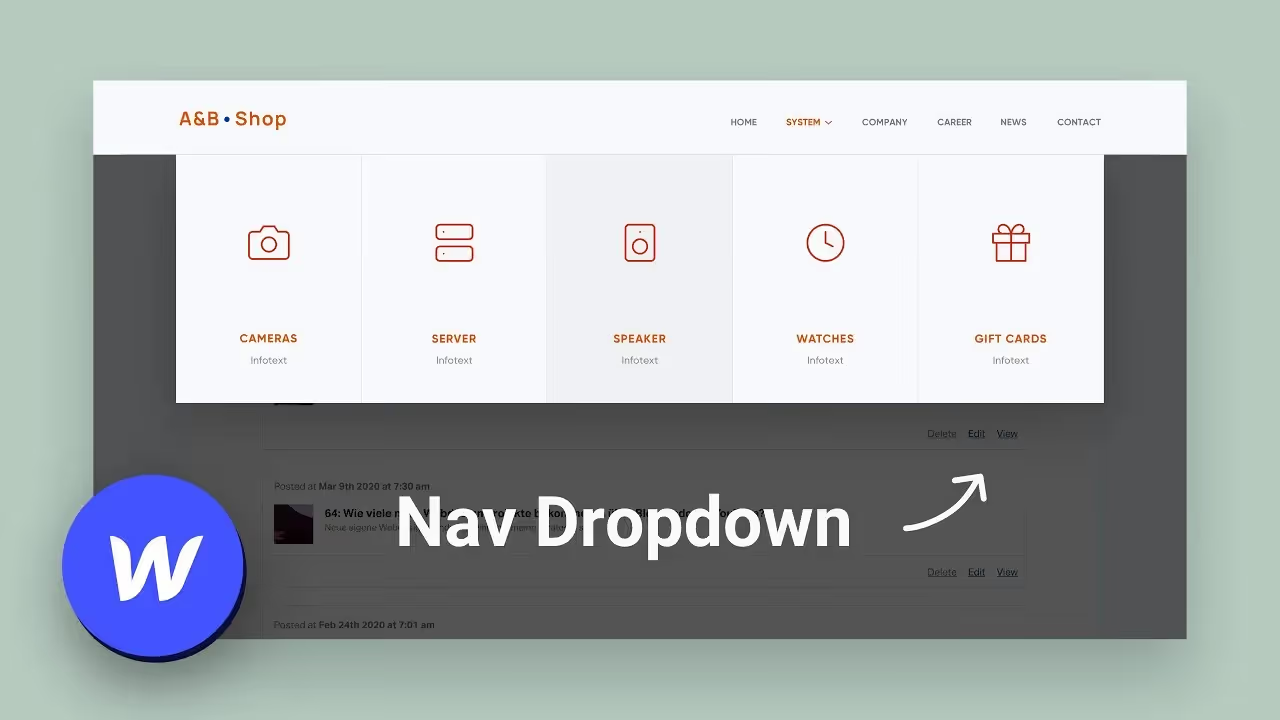
In this Webflow tutorial, I'll show you how you can easily and quickly build an individual animation for your website navigation.
As a web designer, “Webflow Interaction” allows you to add additional individual animations and interactions to all areas of your layout. As in my example here, the drop-down navigation. And since Webflow is a visual editor, you'll immediately see your settings and animations. Also great as a prototyping tool!
Chapter:
0:00 — Intro
0:29 — Current state and inspirations
1:36 — set a fixed height
2:52 — Create an on-hover interaction
4:30 — Create a fade-in for elements
5:20 — Set fade-in delay
7:56 — Create Hover Out
10:42 — final score