15 Button Effects as Templates for Your Webflow Project – Cloneables

When it comes to effects, Webflow is incredibly powerful! And the best part: You don't have to be able to code a piece of code to add impressive animations and effects to your website.
Anyone who takes a closer look at the topic of animations in Webflow will quickly come across the great button effects that can be implemented with Webflow. And the best part: Thanks to the constantly growing Webflow community, there are lots of great templates out there and lots of inspiration for your button effects.
These include numerous free cloneables that you can add directly to your project. Today I'd like to introduce you to 15 of these button effects. They are all available free of charge for you to copy or clone into your own Webflow project.
Button effects are a great way to upgrade your website and generate even more attention for your CTAs. But it is also worthwhile to use button effects to “simply” submit a form or click on the shopping cart icon in an online shop.
Cool Webflow button effects that I've already published tutorials about
Button hover effect to move background from left to right
A very classic hover effect: The button background of a button is animated from left to right. It looks cool without unnecessarily distracting from other important details.

Button zoom hover effect
Hover effects have been tried and tested. Here is a hover effect with an impressive zoom in. A button that enhances every user interaction on your website.

Button background left-in-right out
Really cool and mega modern: With this hover effect, the background of the animated button moves in from the left. As soon as you leave the button with the mouse pointer, the background moves out to the right.

Fancy button text animation
Attention, it will be fancy;) With this button animation, the text in the button is visually turned upwards and space is made for a second text element, which, however, remains identical.

Exchange text on hover button
Similar to the fancy button text animation - except that here the text is actually replaced on hover. The button thus predicts what happens when you click.

More brilliant button animations for you to copy for free
Simply click on “Clone project” on the respective pages and then copy directly from the Webflow project. I've created a “clone project” myself in my dashboard, where I copy great Webflow components that other web designers have created so that I can have them handy when I get the chance.
A simple Button animation with wave effectas soon as the user clicks on the button.

A sophisticated button animation in which the Background fill arrow will.

A colorful button effect in which the Star background will (rainbow effect).

A button that to melt when moving the cursor seems.

A Button with Lottie animationas soon as you touch it with the cursor.

How brilliant can a button be? With these two buttons Does the indicated border widen to form a complete border.

A cleaner and simpler Button with hover interaction.

Just a whole Button set made by a German Webflow user :) They go together wonderfully stylistically.


And directly a Another button set by the same designer afterwards. Clean, playful & brilliant!


A button link that expands. Super cool for portfolios of all types.

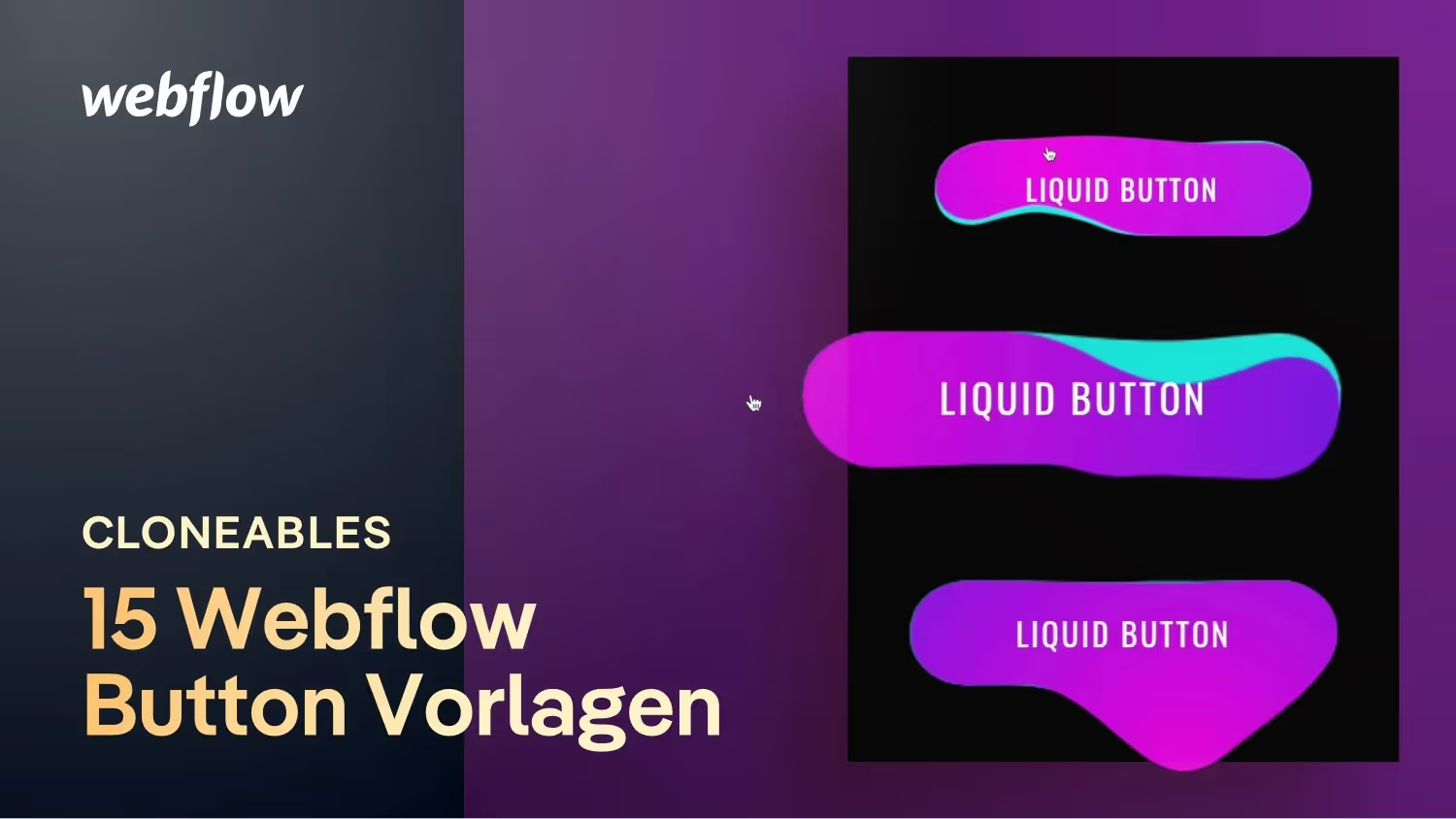
Last but not least a simple and clean liquid button animation.

Of course, you can also clone and use all of these buttons as you like for your Webflow project. Have fun trying it out!