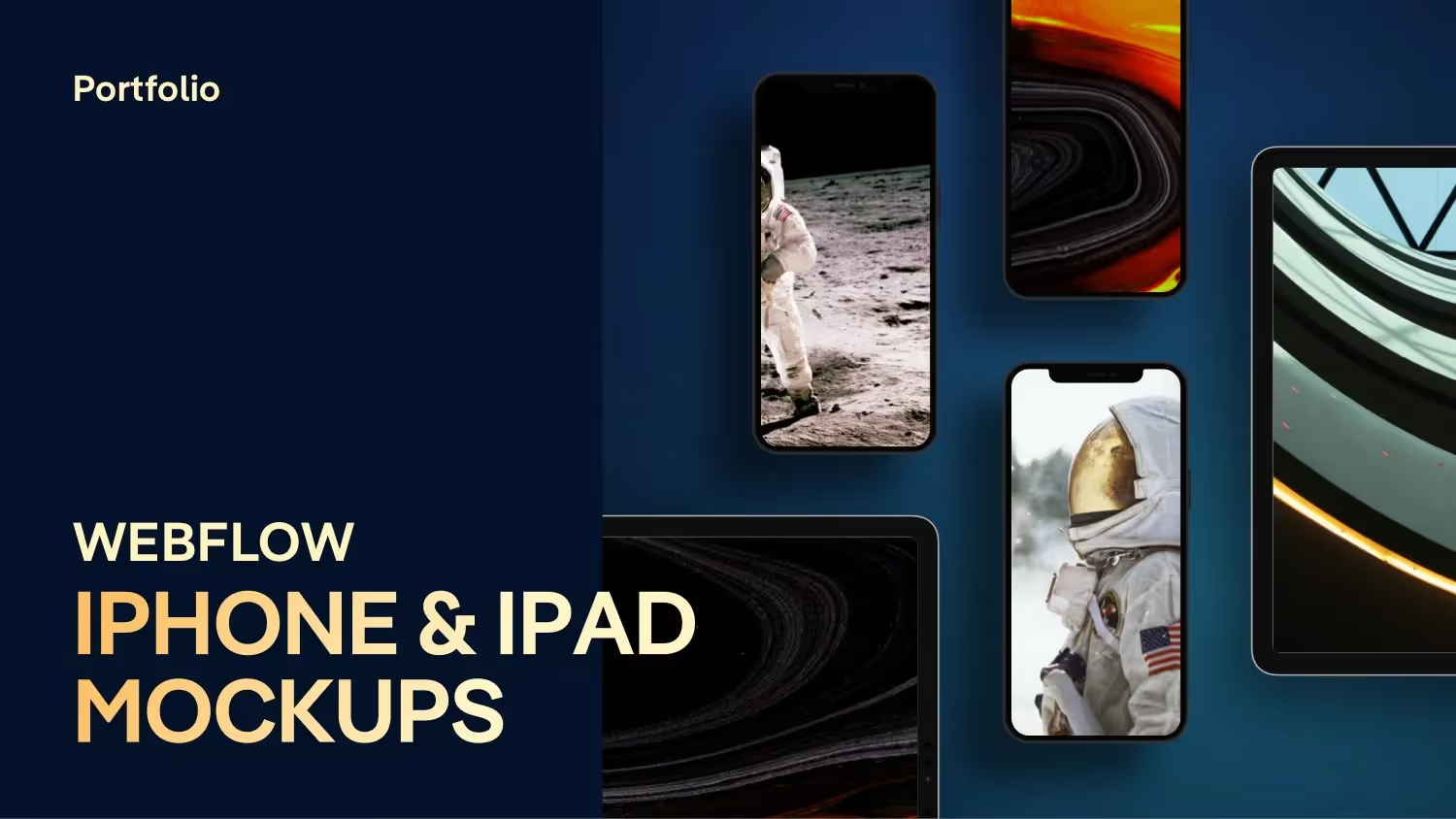
Webflow iPhone & iPad Mockups | Free Template
Author

Jonas Arleth
Blog Post
I've prepared a few free iPhone and iPad mockups for you, which you can easily copy into your Webflow project and customize with a click. The advantage? The browser only loads the device (SVG) once and you virtually only replace the screen with a JPG. Especially for image-heavy pages like your portfolio, this improves the loading time and since it is created as an icon in Webflow, you can easily replace the image with a new iPhone design in the future. This way, your portfolio is always up to date.
chapters
00:00 — Intro
00:33 — Mockups vs. screenshots
01:43 — Benefits of templates
03:03 — Export settings for your screens
03:37 — How you can use the templates
05:15 — Template structure
10:23 — Integrate shadows