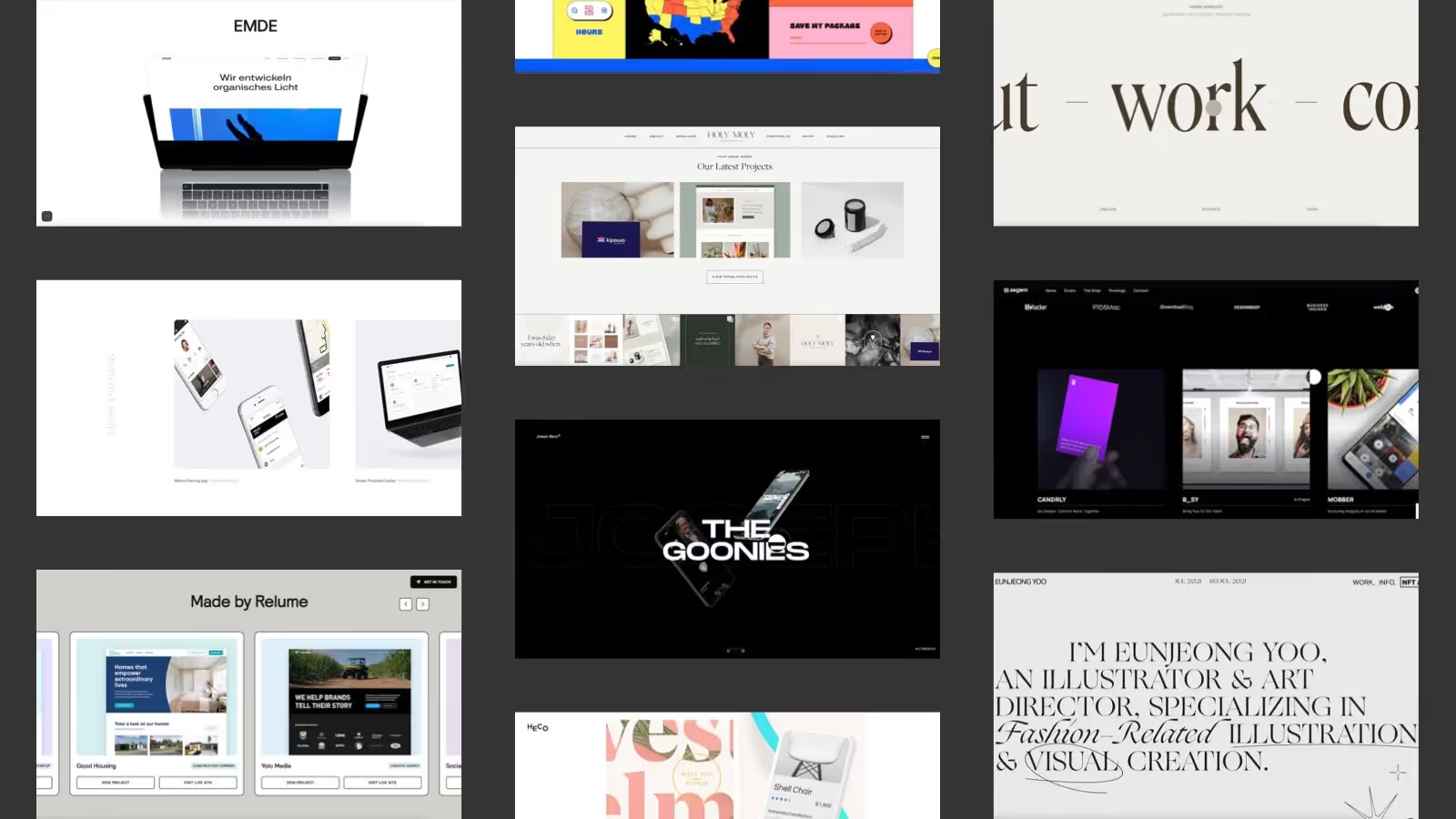
10 Great Free Webflow Sliders to Clone


Webflow Sliders are among the simplest and most powerful components in Webflow Designer. They can be used to generate impressive slideshows that meet your exact requirements in style and design.
As always with Webflow, you can - but you don't have to - assemble every slider yourself. There are some great Webflow sliders out there that can be duplicated and opened in Webflow for free.
Today I'm going to show you ten of my favorite Webflow sliders. Get inspired and clone your favorites for your Webflow projects. Lots of fun
Single slider that rotates automatically (without custom code)
In my opinion, the perfect silver for photography portfolios. The single slider focuses on a medium and rotates automatically. This is rather untypical with Webflow - normally the slider stops the automatic playback as soon as you interact with it (which is also desired). However, this slider continues to rotate after the interaction.
https://webflow.com/website/MM006-Timed-Automatic-Slider

Carousel slider collection (with custom code)
A classic carousel slider in which you jump from one image to the next by clicking on the arrow buttons on the PC and on the arrows below the slider. This slider was built with Splide.
https://webflow.com/website/Carousel-Slider-Collection

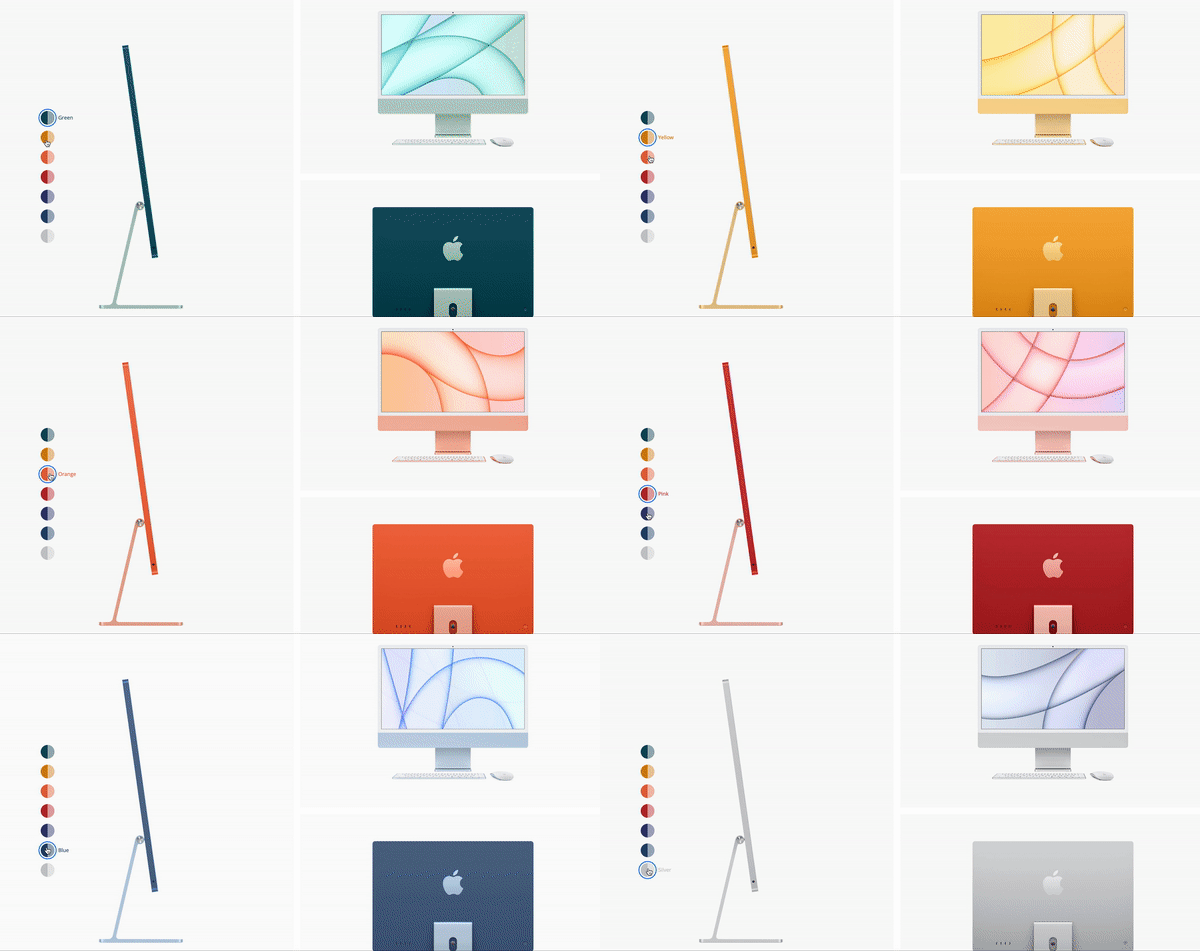
Apple-like product slideshow (with custom code)
Not quite what you think of as a slideshow in the classic sense. But it's a great way to display products in different colors. A slider that presents content in different colors at the click of a button.
https://webflow.com/website/CMS-Dynamic-Gallery
Classic slideshow with the Webflow slider and cropped images (without custom code)
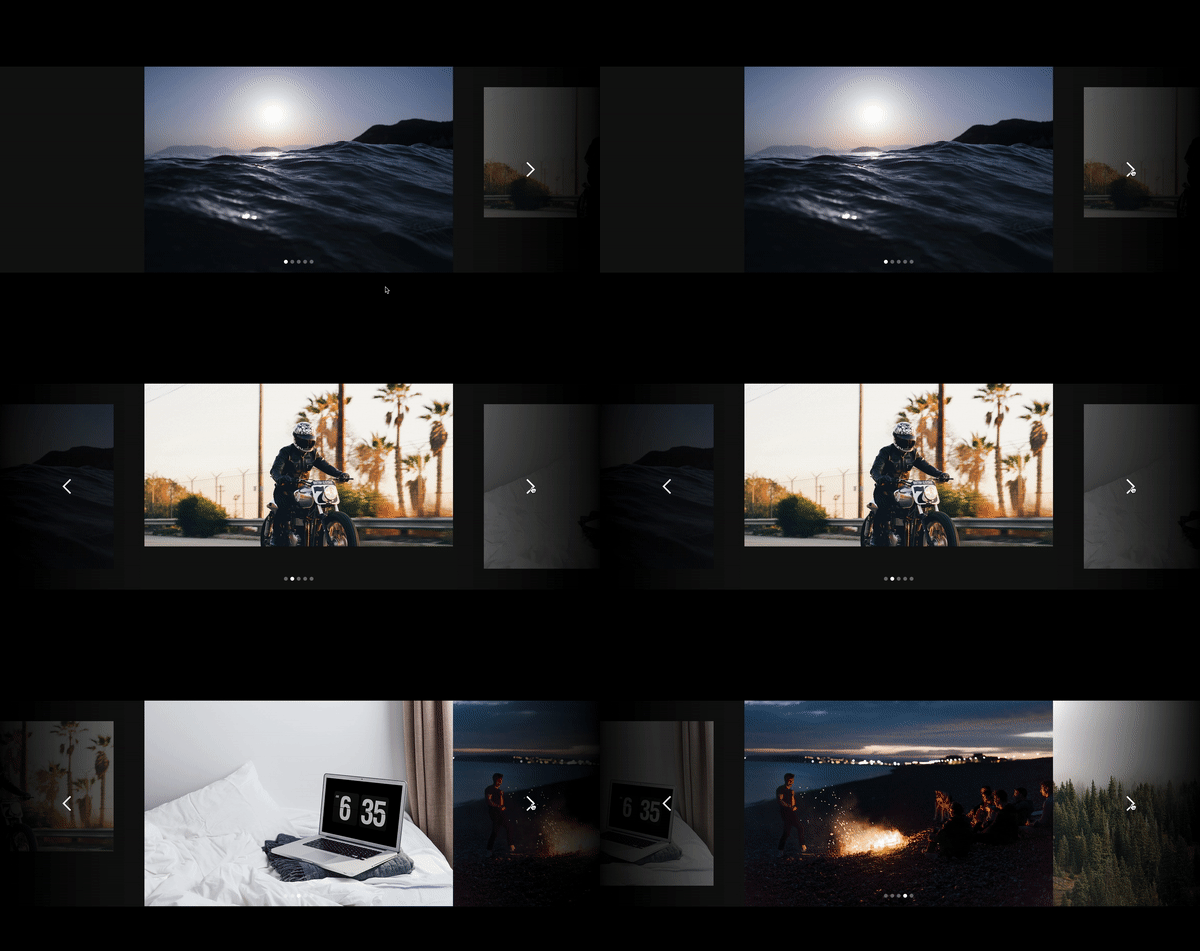
If you want to present your photographs - or other works - in full size, this slider is the right choice. A content element is always in focus here - the following image is cut and teased.
https://webflow.com/website/fullwidthslider
Slideshow that rotates in circles when cut (without custom code)
A circular slider with animated panels in the background. The panels were created in After Effects and triggered via a slider element in Webflow. Particularly smart: The main slider was linked to a second slider using user-defined code.
https://webflow.com/website/WebDev-For-You-Interaction-143

Responsive slider with multi-column cards (without custom code)
A multi-column, card-style slider that is smooth and responsive. The slider starts with the first card aligned with the left and ends with the last card aligned with the right. The slider mask is set to a percentage width. The number of cards displayed can be controlled depending on the screen size.
https://webflow.com/website/Responsive-Card-Slider

Horizontal scroll slider animation with scroll bars (with custom code)
Slider triggered by scrolling and dragging — supplemented with animations. However, the slider doesn't work on mobile devices. Clean, modern and intuitive.
https://webflow.com/website/Bouncing-Scroll

Two Webflow sliders displayed in parallel
This slider was created with the native Webflow slider and a bit of custom code (for the slider toggle). The user-defined double slider is therefore based on two slider elements, which change together with a single click on the button.
https://webflow.com/website/custom-double-slider

Image carousel slider with Swiper JS (with custom code)
This carousel slider in full screen layout was created with Swiper JS, is played in an endless loop and operated via navigation arrows or the keyboard. Scroll control is also possible. In my opinion, this slider is a good choice for displaying different categories on a website.
https://webflow.com/website/SwipeflowSwiper-JS-and-Webflow-Integration

Vertical full screen slider (with custom code)
Super modern and appealing. This full-screen slider uses the entire width and height of the screen. Two navigation arrows are used to tilt. Images, colors, and texts change with every click.
https://webflow.com/website/Vertical-Slider-kpzfb61g

Bonus: Create your own slider animation directly in Webflow
Finally, a small bonus. If you want to create your own slider animation directly in Webflow, check out my How to build a gallery slider tutorial on. Have fun trying out, cloning and implementing.