Webflow Symbols Explained: Build and Reuse Components


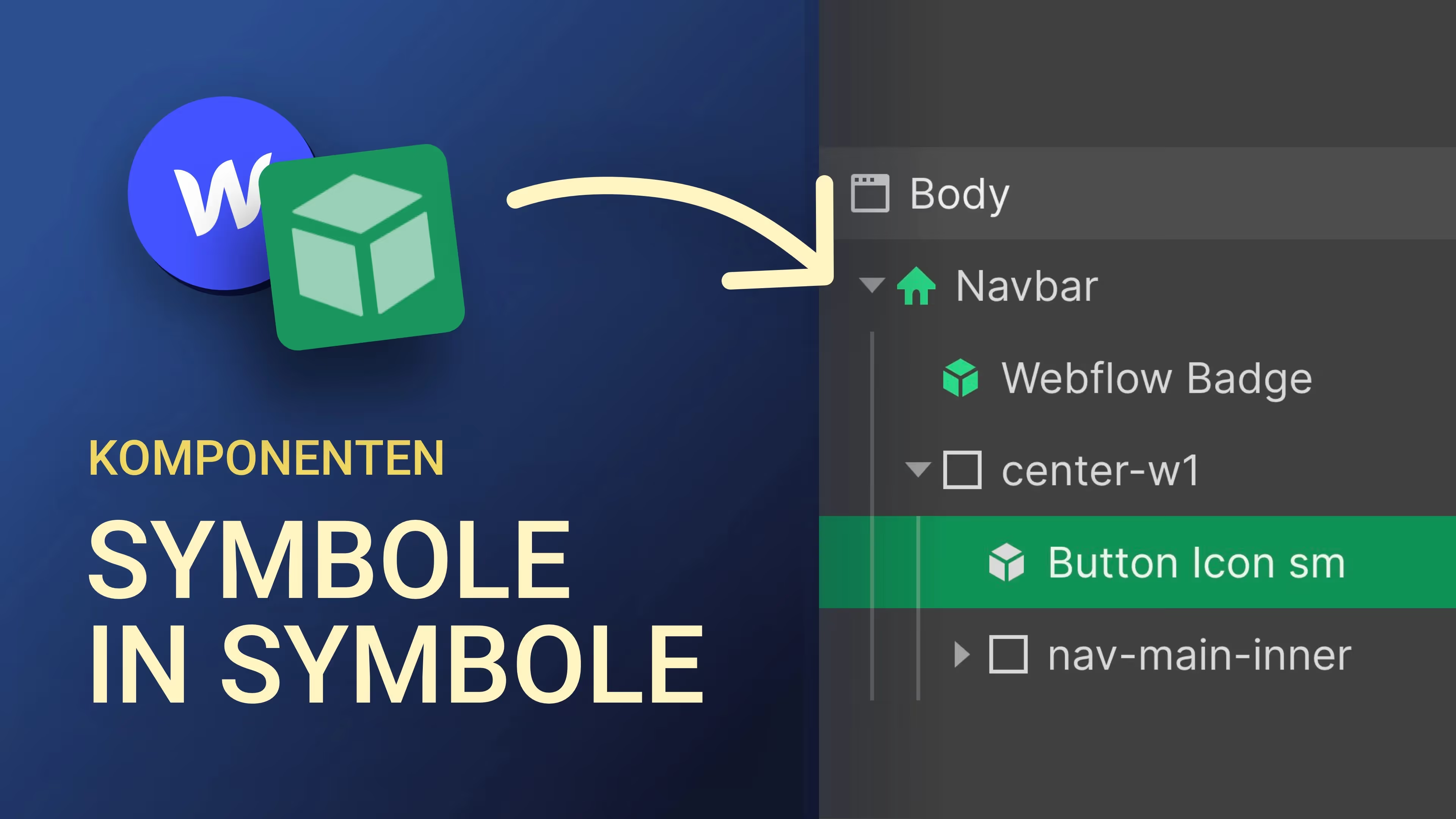
Webflow components (icons) are very useful and also pretty powerful. Especially when you use them in combination with overrideable fields (override fields). In this tutorial, I'll show you how to create icons and reuse them with individual content elsewhere.
Icons in Webflow are ideal if you have elements in your layout that are repeated on other sub-pages or in the same layout. For example testimonials, team members, a navigation, button with icons, footer, etc. The cool thing about this is: you can overwrite images, texts, videos and links, but the structure remains the same. You therefore do not influence the structure or the original symbol. This makes it easier for you to create and maintain recurring layout elements on your website and makes your process a lot more efficient.
In addition, the video also gives an insight into a customer order in which I took symbols to the next level by creating a kind of website builder for the customer.
Chapter:
00:00 — Intro
00:28 — What Webflow icons are
01:03 — Create icon
02:14 — Save override fields
03:31 — Advantage of Webflow icons
04:35 — Button icon
06:20 — Example from a customer project
08:43 — Final score
09:20 — Webflow online course