Automatically Add an Arrow Icon to Every External Link
Level: Beginner
Webflow Designer
ressourcen
Free Cloneable
Live Vorschau
* AFFILIATE LINK
Details
Level
Beginner
Date
July 12, 2026
Author
Jonas Arleth
Blog Post

There is an easy way to automatically add an icon to every external link in your Webflow project with a few lines of custom code. Whenever you check “open in a new tab” on a link element, an arrow symbol is added to it.

In addition, I'll show you how you can add an arrow icon to internal links with just one CSS class, which is always attached to the last word. And regardless of whether it's a headline or paragraph, the icon always adapts to the size of the lettering.

More content

Blog Archiv

Webflow Symbols Explained: Build and Reuse Components

A compact overview of what Webflow Symbols are and how to use them intelligently to build reusable components across your site.
Video
Kategorie
Webflow Designer
Skill
Beginner

Anschauen
Beitrag anschauen

Trick: Make Website Elements Responsive Quickly

A quick method for making elements, buttons, and containers responsive fast in Webflow — saves time on every breakpoint.
Video
Kategorie
Webflow Designer
Skill
Intermediate

Anschauen
Beitrag anschauen

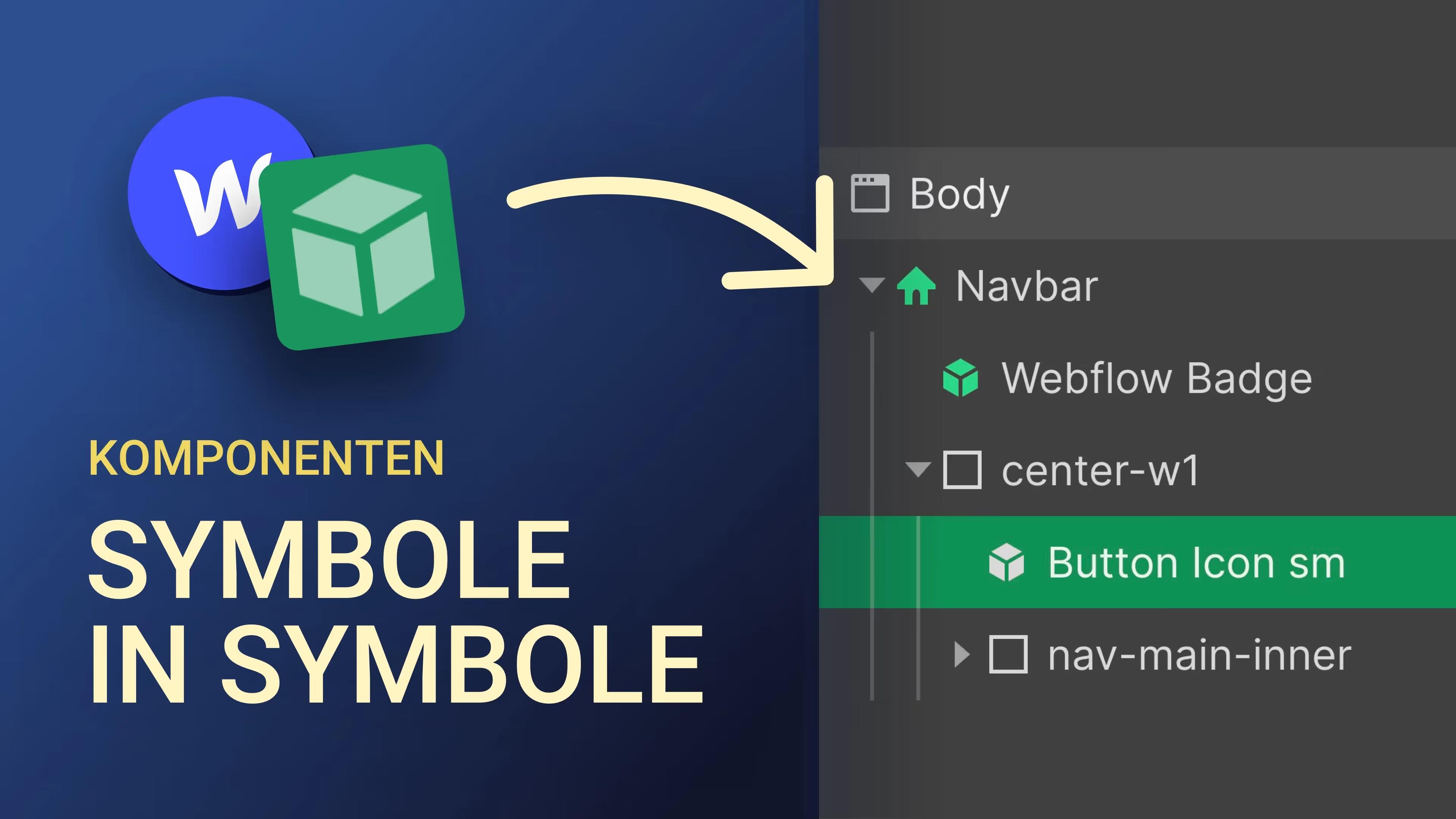
Copy Components Into Components – Nesting in Webflow

Learn how to copy and nest Webflow symbols inside other symbols — a powerful trick for building scalable design systems.
Video
Kategorie
Webflow Designer
Skill
Beginner

Anschauen
Beitrag anschauen

Icons & Icon Fonts in Webflow – The Ultimate Guide

Learn how to easily add open-source icons to your Webflow project via Google Fonts — no SVG uploads or icon font plugins needed.
Video
Kategorie
Webflow Designer
Skill
Beginner

Anschauen
Beitrag anschauen

Encrypt Email Addresses in Webflow

A simple method to obfuscate linked email addresses in Webflow to protect them from spam bots and email scrapers.
Video
Kategorie
Webflow Designer
Skill
Beginner

Anschauen
Beitrag anschauen

The Fastest Way to Build a Website in Webflow

Build a landing page in Webflow in under 15 minutes — here’s the fastest approach to get any project started quickly.
Video
Kategorie
Webflow Designer

Anschauen
Beitrag anschauen