
I Let Claude Build My Scroll Animation From Figma


Can Claude build a complex scroll animation from a Figma design, and can you still fine-tune how it feels? In Part 2 of my SOLUM experiment, I test exactly that.
Stones move through the layout, rotate, float and come together as a finished stone surface, with a soft contact shadow underneath. Claude gets my Figma exports, a 12-column grid and a structured prompt based on my voice recording.
Then I review the result using my scorecard, covering layout, scroll timing, floating, shadows, color transitions, parallax, responsive design, code and accessibility.
But getting the animation to work is one thing. Getting the timing and movement to feel right is another. So I bring in DialKit to adjust animation values directly in the browser, fine-tune the timing and movement myself, and pass the final values back to Claude as JSON.
In this video:
- Turning a voice recording into a structured animation prompt
- Using a 12-column grid to achieve almost pixel-perfect AI layouts
- Fine-tuning AI-built GSAP animations with DialKit
- Finding out where Claude still needs creative direction
Can Claude build a scroll animation that feels right?
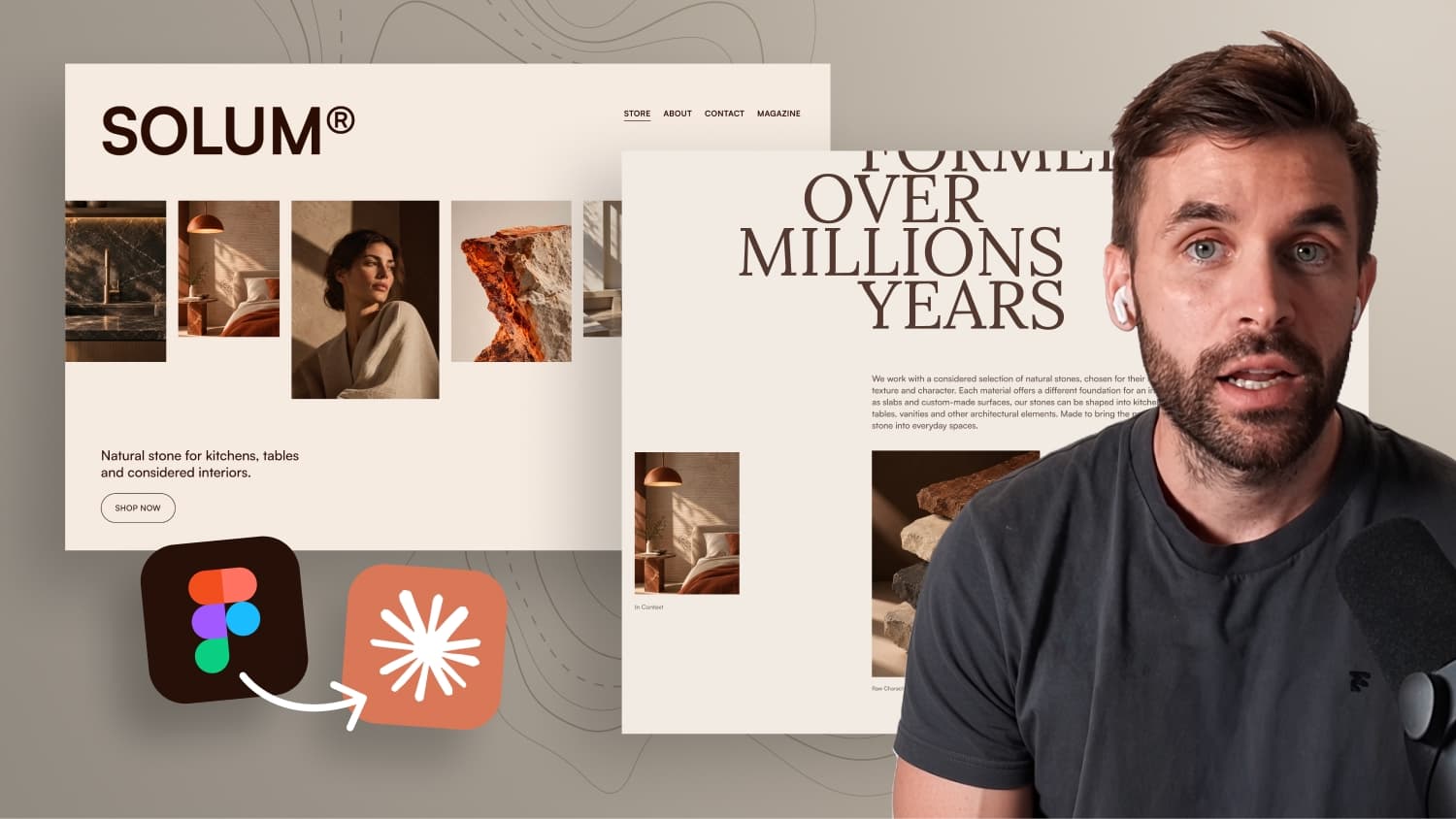
In the first part of this experiment, Claude built the first half of a fictional website called SOLUM from a single exported Figma layout. The layout was strong and passed all nine points on the scorecard. But the animations were simple: a marquee, staggered title reveals and a button hover.
This time the test is much harder. Three stones move through the layout as you scroll, rotate slightly, pass over the typography and finally come together in an interactive section at the bottom. And with motion there is a big difference between something that technically works and something that feels right. An AI can calculate values, but it can't feel timing. So the real question is not only whether Claude can build the animation, but whether you can still fine tune it afterwards.
Why direct control matters in motion design
If you build interactions with GSAP in Webflow, you know the value of the visual GSAP timeline. You can scrub through an animation, change the timing, adjust the easing and immediately see the result. You rarely know the perfect values before you actually see the motion. You know where something should start and where it should end, but everything in between needs fine tuning.
Prompting doesn't give you that. Writing "move the second stone a little earlier" into another prompt is guesswork. How much earlier? How much slower? That is the gap this experiment tries to close.
Planning the stone scroll animation
The section is based on one image of three stacked stone objects: a raw stone, a refined piece and a finished surface that could become a kitchen worktop or tabletop. From that image came the idea for the interaction:
- The raw stone starts at the top and moves down to meet the second stone.
- Both continue through the layout, pass over the typography and land on the finished slab.
- The stones start at different angles and rotate back to 0 on the way down, so they land exactly like in the PNG files.
- All stones float very gently up and down, even when you stop scrolling.
- A soft contact shadow gets stronger as the stone comes closer to the slab and fades out when it moves away.
The background typography follows a 12 column grid, with every line starting and ending on a different column. The lines reveal with a slide up and fade in, line by line, while keeping their exact alignment. On top of that, a color switcher lets you toggle between a Sand and a Dark variant. The dark stones have different shapes, and the selected variant also changes the stones inside the scroll animation above.
Creating the prompt by voice
Instead of writing a technical prompt from scratch, the design and the animation were explained in a voice recording, just like presenting them to a client or a developer. Claude then turned that transcription into a structured and precise prompt. Most AI tools let you record audio directly, so this works almost everywhere.
The prompt was sent together with six exported images: five detailed section exports including the Dark variant, plus the full layout with the 12 column grid turned on. One useful detail: all motion values like distances, rotation, durations, eases, scrub, float and parallax live in one config object at the top of the animation file, so you can tweak them in one place.
Reviewing the first result
The first run took around 55 minutes with a higher effort level. The layout is impressive again. Every headline line starts exactly where it sits in Figma, and the editorial section with its overlapping headline and images that extend beyond the container is almost pixel perfect. Using the 12 column grid as a visual reference gives Claude much clearer instructions than describing margins and spacing.
The scroll animation works technically. Scrolling back up runs without jumps and the final positions are perfect. But the timing is off: the first and second stone touch each other during the movement, and both should move slower through the upper part. The rotation and the floating already feel right. The contact shadow uses a radial gradient, which is the right approach, but an additional blur makes it too soft.
Fine tuning the motion with DialKit
This is where DialKit comes in. It exposes values from your code as controls directly in the browser. Claude added a DialKit panel to the live website, and suddenly the scroll animation is adjustable almost like a timeline:
- Each stone (raw, refined, finished) has its own controls for start, end, position, rotation and scale.
- You can switch easing presets per stone, for example from
power1.outtosine.outfor a slower start. - The title reveal can be replayed with different easing, stagger and rise distance.
- Floating and contact shadow values are adjustable as well.
- You can compare multiple versions and copy the values as JSON straight into the Claude Code chat.
Instead of describing changes in words, you tune the motion yourself and hand Claude the exact values.
Color switcher, parallax and responsive design
The transition between the two stone variants works nicely, even though it wasn't specified in the prompt. Still, the fade out could be faster, the shadow should fade out too, the headline should animate out line by line and the teaser cards should animate as complete elements.
The plant shadow in the background barely moves, because Claude moves the whole image instead of individual leaves. The full height hero section scales the image, but a simple parallax fits better here. The editorial images already use a nice parallax inside an overflow: hidden wrapper, the effect just needs more distance.
Responsive design is a mixed result. Claude turned the teaser cards into a horizontal slider, which works well. Typography and spacing need adjustments, and the biggest issue is the stone animation: on smaller screens the scroll distance is too short, so the motion feels rushed. Considering there was no responsive reference at all, the result is still good, and reviewing Claude's version is faster than designing every breakpoint in Figma.
Code, performance and accessibility
The code is clean: clear class names, CSS variables and responsive images in different sizes. The page runs smoothly without flickering, which can be a real issue with scroll animations in Safari. prefers-reduced-motion is supported as well, although the stone section ends up empty. Static stone images would be the better fallback here.
After the first run, the scorecard shows 6 out of 11 points. All feedback went into a second structured prompt, together with the DialKit JSON values, and the updated version shows a clear improvement in the scroll animation.
AI builds, you direct the motion
Claude is already very good at implementing layouts from a Figma design. With animations it's different. Claude can build them, but decisions about timing, movement and feel still need a designer. Tools like DialKit let you keep that creative control while AI writes the code.
One thing this experiment doesn't cover is how to turn an AI built website into a real client project with CMS, forms, hosting, SEO, data protection and client editing. A workflow for exactly that is currently in development. Sign up through the link in the video description to stay updated.

-blog.jpg)