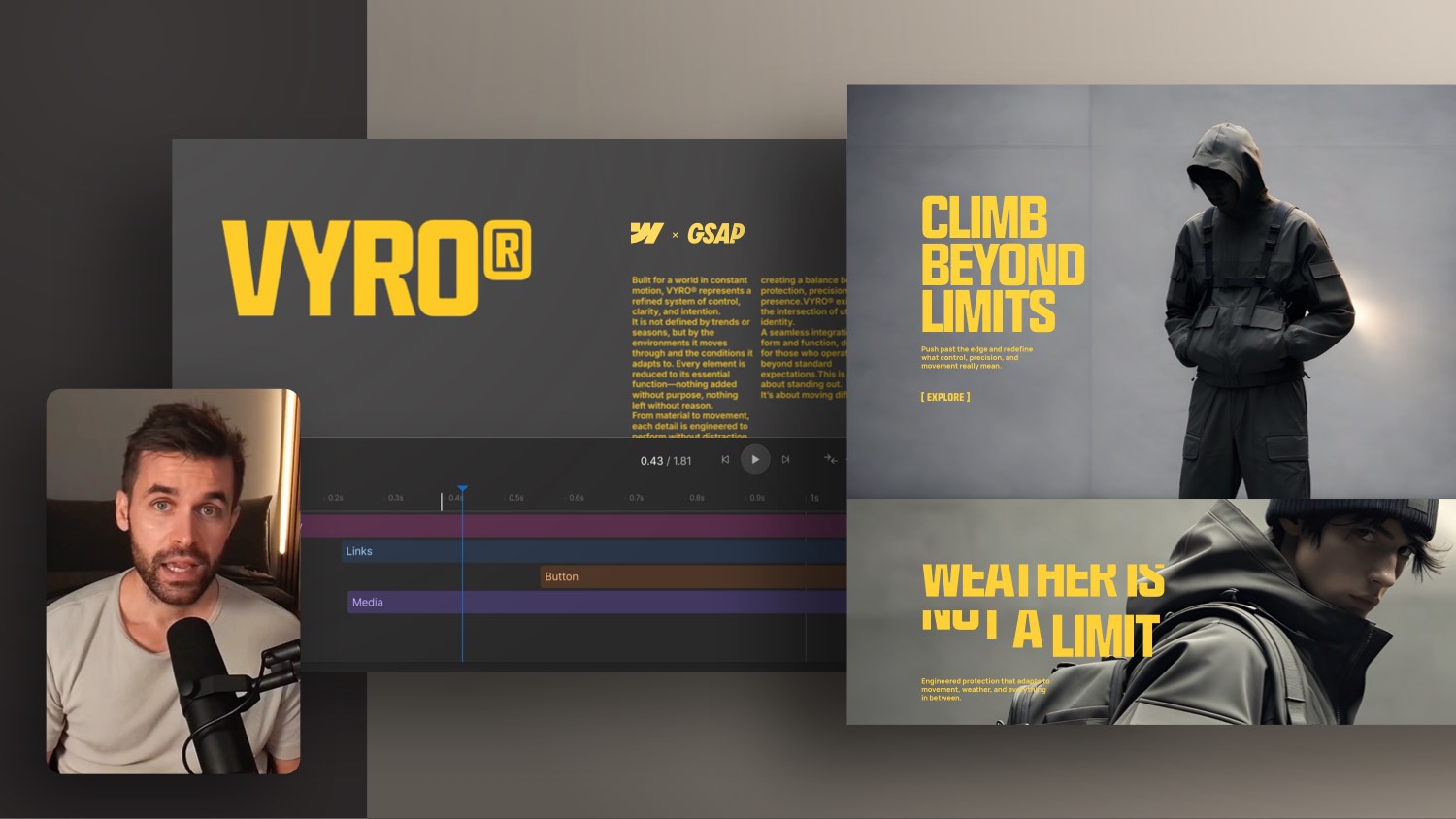
Typography masterpiece built in Webflow: With Swiper JS and GSAP | Deep Dive


In this Webflow tutorial, I'll show you an exciting project that I've implemented for Oliver Gareis — known for his creative Typo Monday designs. Together, we created his new course page in Webflow. I'll give you an insight into complex layouts, creative solutions with CMS, Swiper.js, GSAP and native webflow functions. I'll also show you how to implement elegant animations, flexible components, and sophisticated typography layouts. You'll also find an exclusive coupon code for Oliver's typography course below — perfect if you want to take your design skills to the next level.
🎁 With the code FORMBURG you get 15% discount on Oliver's course 👉 https://www.typomonday.com/course
Note: I may receive a commission if you use the code.
TypoMonday Club course page: Behind the scenes in Webflow
- 00:00 — Introduction & project presentation
- 01:40 — Importance of typography in web design
- 02:20 — First animations & sliders with Swiper JS
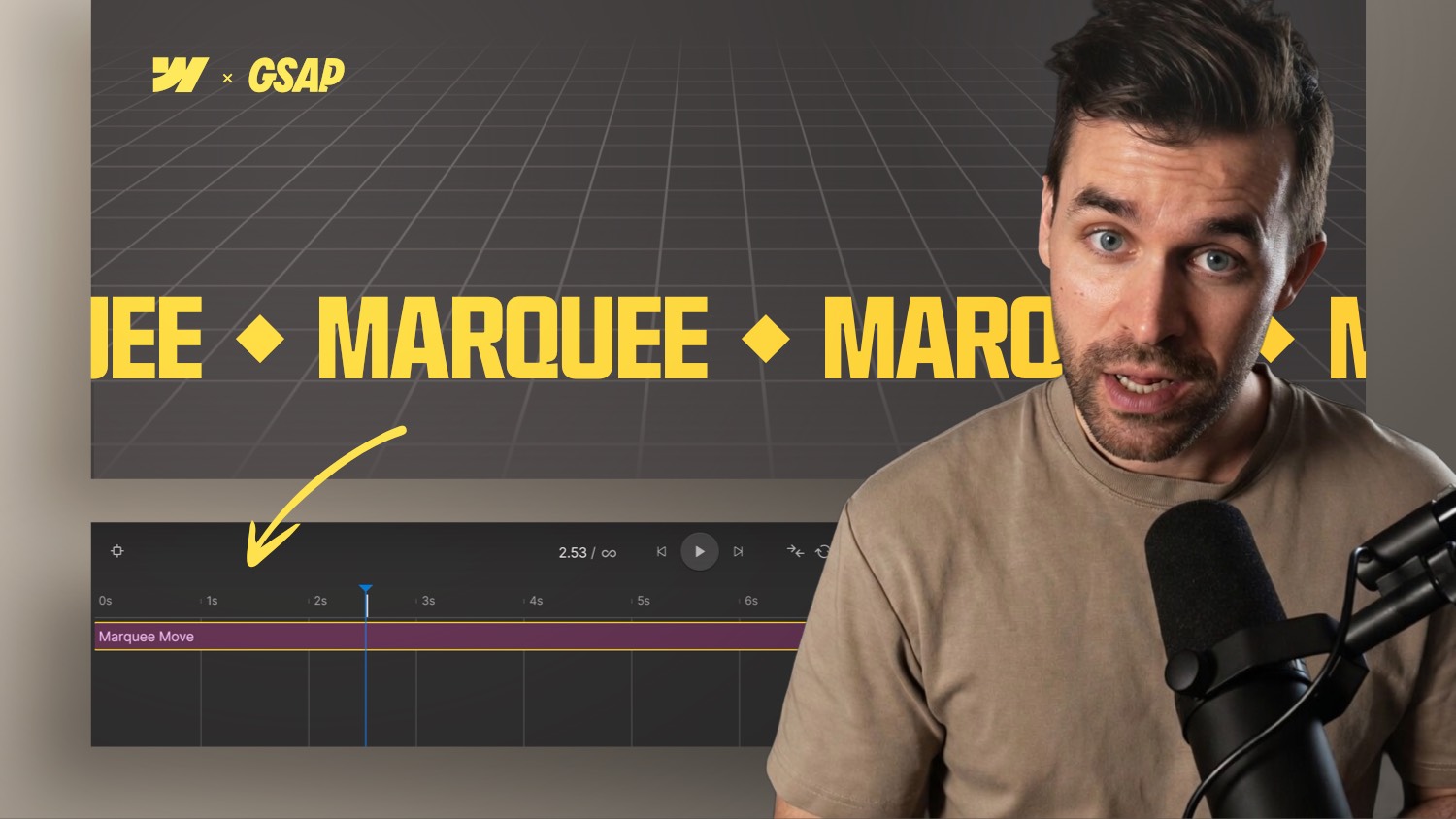
- 03:30 — Fade In Page Animation & GSAP Setup
- 04:45 — Page transition with CSS & layer concept
- 06:00 — Carousel & GSAP loop animation
- 07:10 — Testimonials & column overlapping
- 09:30 — Custom code & child element control
- 10:27 — Implement Masonry Approach & Avoid Break Inside
- 12:50 — Overlapping CMS gallery & flexible extension
- 15:12 — Rich text lists with custom icons
- 17:34 — Container queries & responsive behavior
- 19:56 — Native slider & custom JS extension
- 21:00 — Pricing tabs & dynamic content
- 22:18 — Modal window, components & custom code control
- 23:40 — Newsletter form & footer setup
- 24:30 — Community voucher & conclusion
The implementation of a course page for Oliver Gareis — known for his “TypoMonday Club” graphics — was not only technically exciting, but also a perfect example of how design and structure meet in Webflow.
Project overview: From design to webflow structure
Oliver's course is aimed at designers who want to improve typography in a targeted manner. The design was bold, unusual and demanding — just the thing for a deep dive technical project.
I implemented the entire layout in Webflow, paying attention to reusability and flexibility. It was important to me that the customer can later maintain or expand content themselves.
Swiper.js and GSAP for sliders and animations
A special element was the Typo Monday Slider. With Swiper.js, CSS-Transforms and GSAP, I made sure that the slides not only “slide”, but also look visually interesting.
The page transitions were also implemented with a simple trick: A dark layer that is shown and hidden via GSAP — elegant and high-performance.
Complex layouts through clever CMS structures
Testimonial columns, overlapping layouts, animated covers — I've solved all of this with collection lists, custom code, and CSS. Particular attention was paid to responsive solutions and expandability by the customer himself.
Components and rich text lists with icons
A highlight for editability: Lists that are displayed in rich text with icons — professional, clean and easy to maintain. The banner element and modal windows were also implemented as components.
Container queries & CQW for fluid typography
With container queries, for example, I created headlines that scale exactly within the layout area — a real game changer for responsive typography.



-blog.jpg)