
Build a Stunning Preloader & Page Load Animation with GSAP in Webflow (NoCode)
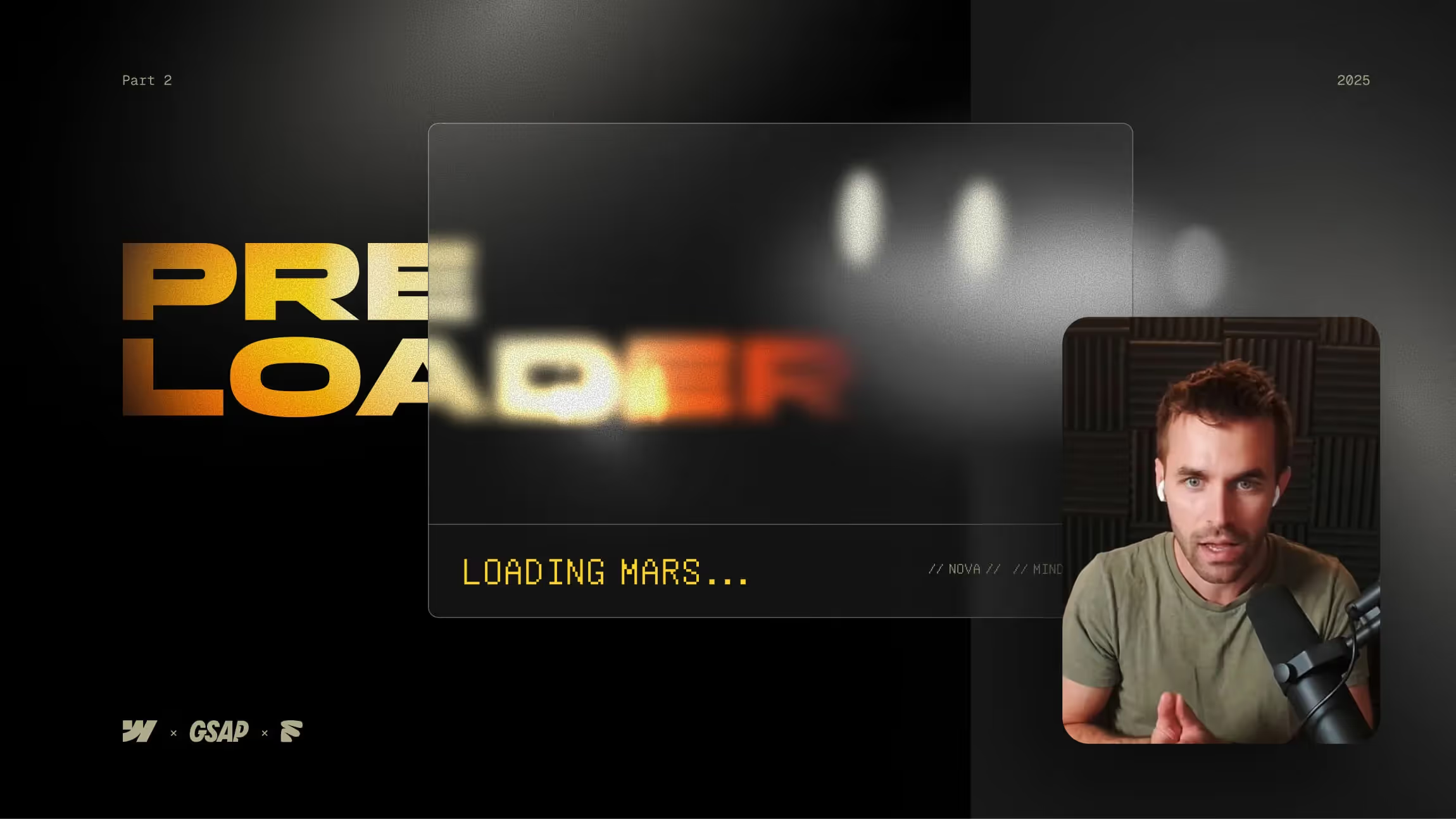

In part 2 of this Webflow + GSAP tutorial series, we continue building our Mars exploration website, guided by the AI character "Nova." Learn how to create a page load animation that simulates a system boot-up, complete with a reveal animation triggered by a button click. We'll dive deep into layout adjustments, fixed positioning, GSAP animation setup, and creating engaging preload effects like pulsing text, blinking eyes, and smooth transitions.
Creating a Cinematic Boot-Up Animation in Webflow with GSAP
Page load animations aren’t just eye candy—they set the tone for the entire experience. In this tutorial, we create a system boot-up effect for a Mars exploration website, guided by the AI character "Nova."
Setting the Stage
We start by preparing the layout in Webflow. The "Nova" box is positioned in the bottom right corner using a fixed wrapper, ensuring it stays in place as the user scrolls. Click interactions are carefully set so that only interactive elements respond to user input.
Building the Preloader
The preloader has several components:
- Black background with centered elements
- Button element (type: button) with an ARIA label for accessibility
- Loading text that pulses and fades in/out smoothly
- Blinking Nova eyes to make the AI feel alive
These are controlled via GSAP animations, with initial states set for opacity, position, and size.
Animating with GSAP
The GSAP timeline coordinates each step:
- Loading text fades in, pulses, and fades out
- Nova’s eyes blink on startup, then open fully
- The box component fades in and resizes smoothly
- Additional visual layers like plasma gradients and noise fade in for added depth
Animations are sequenced with delays and easing for a cinematic feel.
The Big Reveal
Clicking the “Start Exploring” button triggers:
- The preloader sliding out of view
- The Nova box moving from the center to the bottom right corner
- The main stage of the site being revealed in a seamless transition
Why This Works
This animation approach combines Webflow’s native interactions with GSAP’s flexibility. The result is smoother, more controlled animations that go beyond what’s possible with Webflow alone.
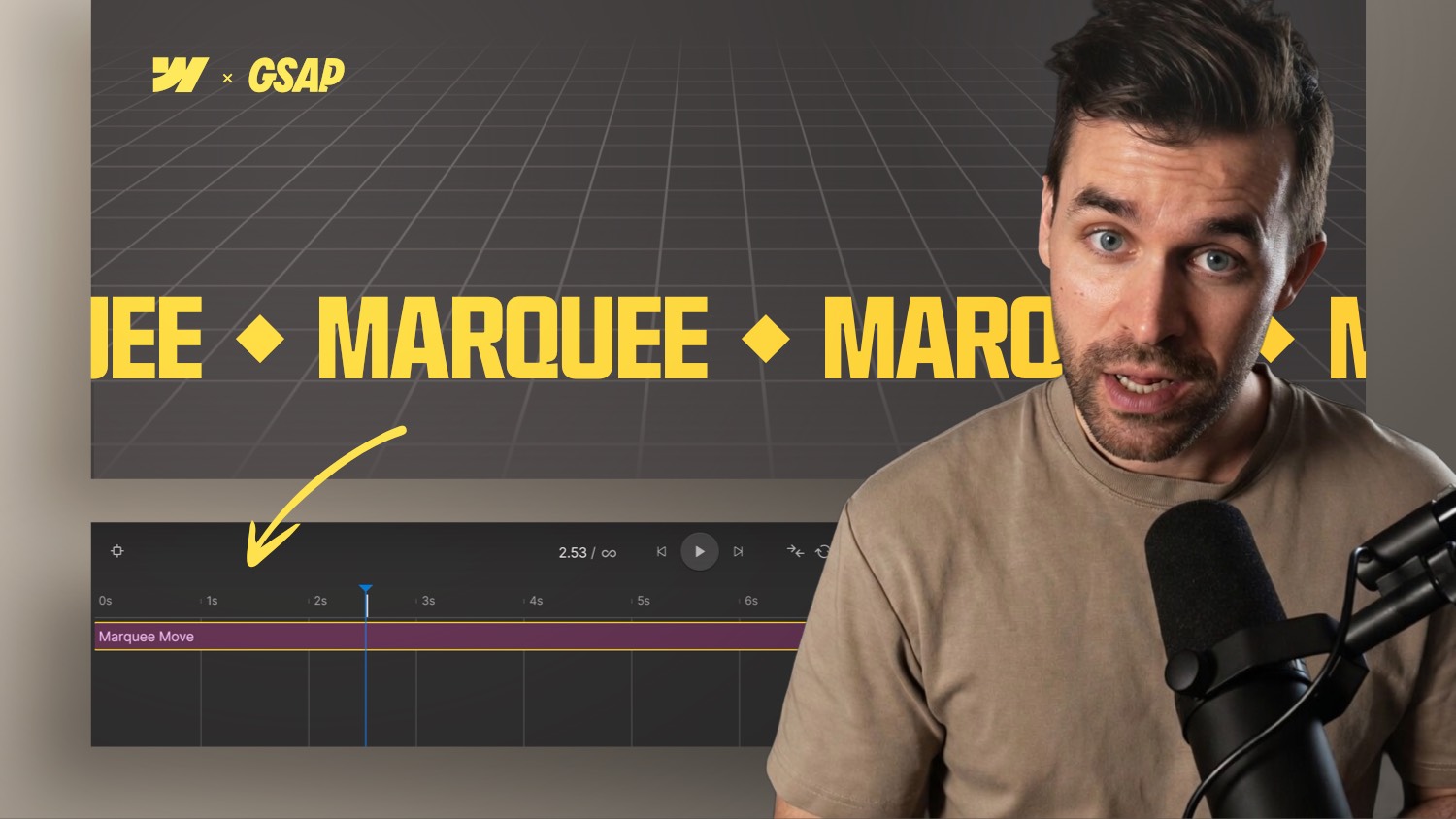
If you want to dive deeper into Webflow animations, explore the Webflow GSAP Interactions Masterclass, where we build even more advanced layouts and interactive effects.


-blog.jpg)