Portfolio Layout: Sticky Project Teaser Scroll Animation in Webflow
Author

Jonas Arleth
Blog Post
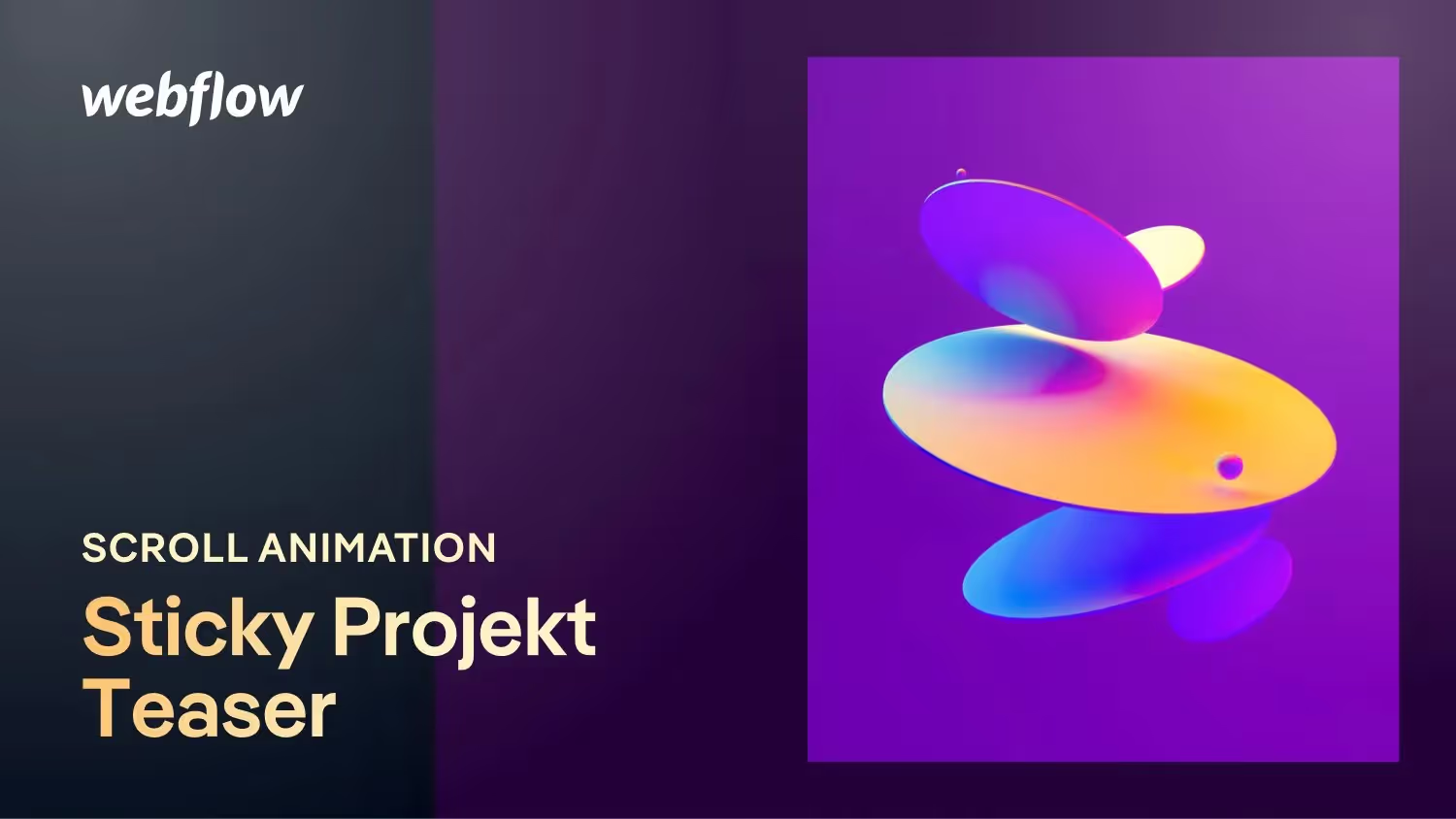
Another layout that you could use in your portfolio as a project overview. Together in Webflow, we are building a split-screen design in which the texts scroll through on the left and the project images on the right always remain sticky in the viewport and exchange ideas depending on the project teaser and scroll position.
We create the scroll animation directly in Webflow. Remember that you'll need to adjust the interaction as more teasers are added!
Chapter:
00:00 — Intro
01:17 — Building in Webflow
06:27 — Create scroll interaction
09:07 — Score