
Sticky Background Image Scroll Effect Across a Full Section
Author

Jonas Arleth
Blog Post
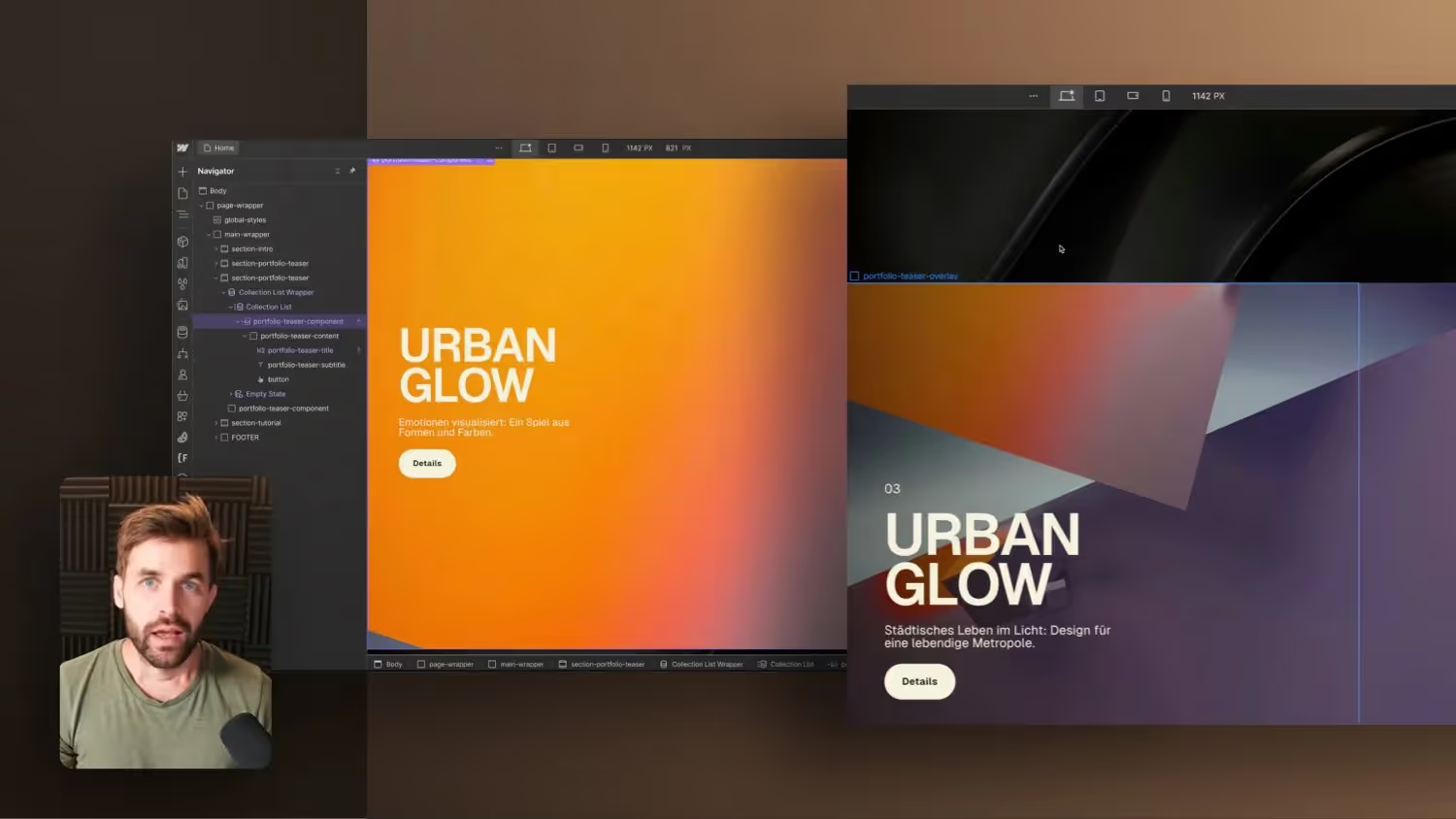
In this tutorial, Jonas Arleth shows how to implement a cool sticky background image effect in Webflow. He explains that this is possible in just a few steps and that you can quickly use this effect for customer orders or on your own website. It also shows how you can build on the effect of a Webflow CMS collection to manage the portfolio in the CMS. Jonas also gives tips on positioning and styling the teaser component. However, he mentions that using wallpapers might not be the best option when it comes to performance.
Positioning and styling of the teaser component
Takeaways
- The sticky background image effect can be implemented in Webflow in just a few steps.
- The effect can be linked to a Webflow CMS collection to manage the portfolio in the CMS.
- Using CSS background images can have an impact on performance, so you should consider alternative options such as image elements.