
8 Figma Features I Wish Webflow Would Adopt
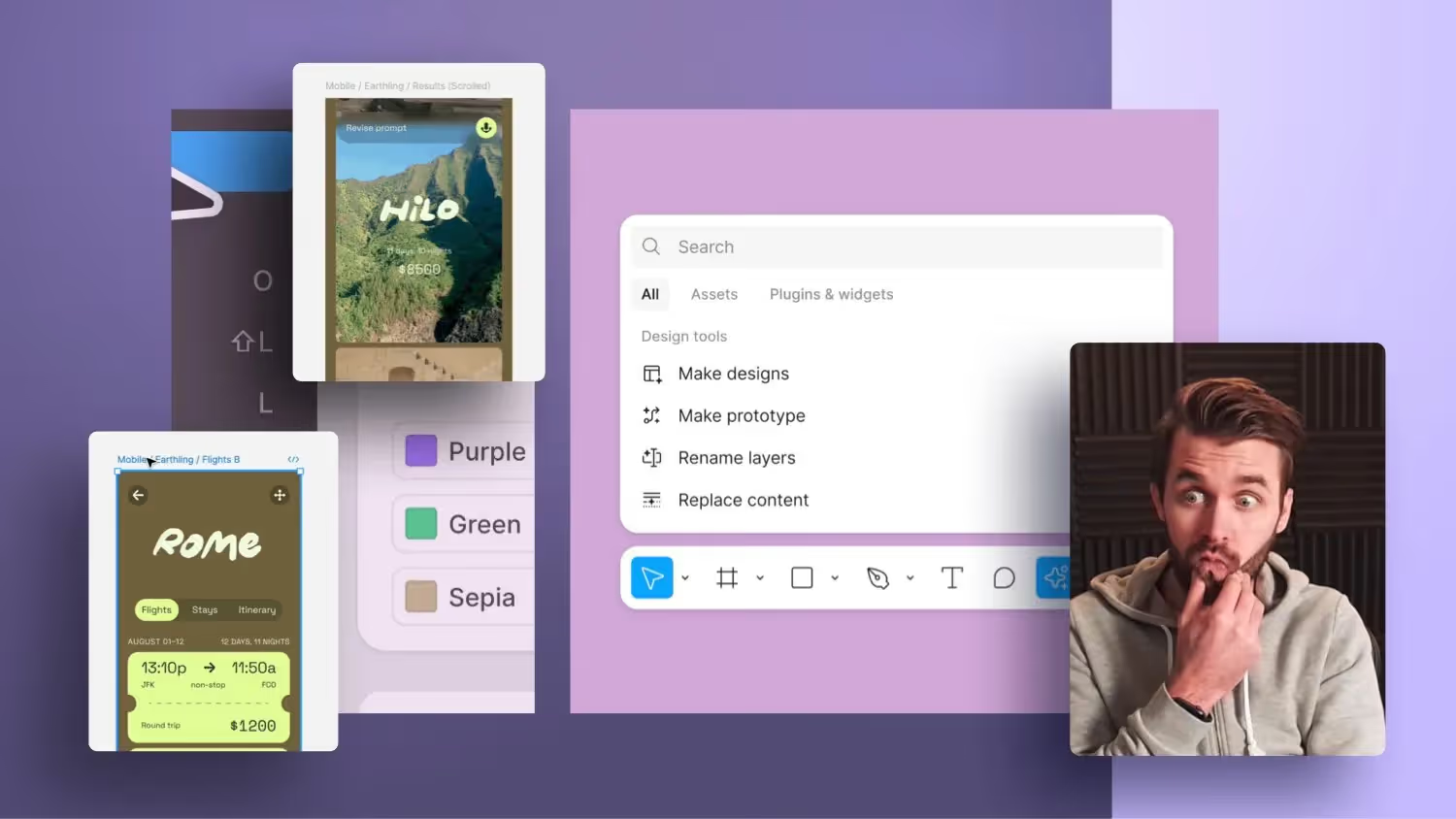

This podcast is about Figma Config 2024 and the features Jonas Arleth would like to see in Webflow. Eight functions are presented that have to do with AI and that Jonas considers important. It also talks about integrating style guides, text edits, image fills, cleaning up the document structure, and improving the Webflow Designer user interface.
Jonas Arleth followed the Figma Config 2024 conference and discovered a variety of new features that he would also like to see for Webflow. In this blog post, I'll share some of the most interesting features and explain why they would be beneficial to Webflow. Here are the top eight features I'd like Webflow to have.
1. AI-assisted design creation
One of Figma's most exciting new features is AI-assisted design creation. With a simple prompt, you can create layouts that include clearly named DIVs and sections. This feature would also be extremely useful in Webflow to make the basic construction of websites faster and more efficient. It would be fantastic if Webflow offered a similar AI integration that automates the design process while optimizing the structure.
2. Using Existing Style Guides
Another impressive feature is the AI's ability to use existing style guides. This means that AI respects and applies existing variables and design guidelines. Figma Integration has not yet been able to do that, but that is the way it should go. If Webflow integrates this feature, designers could work faster and more consistently, especially on large projects with many sub-pages.
3. Automated text changes and translations
Figma has introduced a system that can automatically change and translate texts within a layout. This feature could be particularly useful in Webflow to generate dummy content or quickly adapt existing content. With such AI support, Webflow could help designers create and customize their layouts faster, ultimately saving time and increasing efficiency.
4. Automated filling of image elements
Another useful feature is the automated filling of image elements using external image sources such as Unsplash. This feature could also be integrated with Webflow to help designers find and use suitable images faster. This would significantly speed up the design process and ensure that layouts look visually appealing and professional.
5. Optimize and tidy up documents
One of Figma's most celebrated features is the ability to automatically tidy up and optimize documents. This feature could also be implemented in Webflow to help designers better organize their projects. For example, AI could identify unnamed layers and name them accordingly, making it easier to collaborate and hand over projects.
6. Improved search in the Cloneable Marketplace
Webflow could benefit from improved and intelligent search in the Cloneable Marketplace. An AI-powered search could find relevant and high-quality templates faster and more efficiently, which helps designers discover and use suitable templates for their projects. This would further optimize the design process and make it easier to create websites.
7. Performance improvements
One important point that Webflow must address is the designer's performance, particularly when working with the CMS. Figma shows that a smooth and fast user experience is possible even with large files. Webflow should follow suit and ensure that their platform remains performant even with complex projects.
8. Modernizing the Designer UI
Figma has modernized its designer UI and made it more user-friendly. Webflow could also benefit from an overhaul of the user interface. A more modern and intuitive UI would make working with Webflow more enjoyable and efficient. It would be great if Webflow incorporated elements such as a flexible toolbar or customizable interface elements to improve the design process.
conclusion
Figma Config 2024 has presented many exciting new features that would also be of great use to Webflow. From AI-powered design tools to improved performance and a modernized user interface, there are many ways Webflow can further develop its platform. We can only hope that Webflow implements some of these features in future updates, further improving the design process.