The Figma-to-Webflow Plugin: An Honest Review from Practice
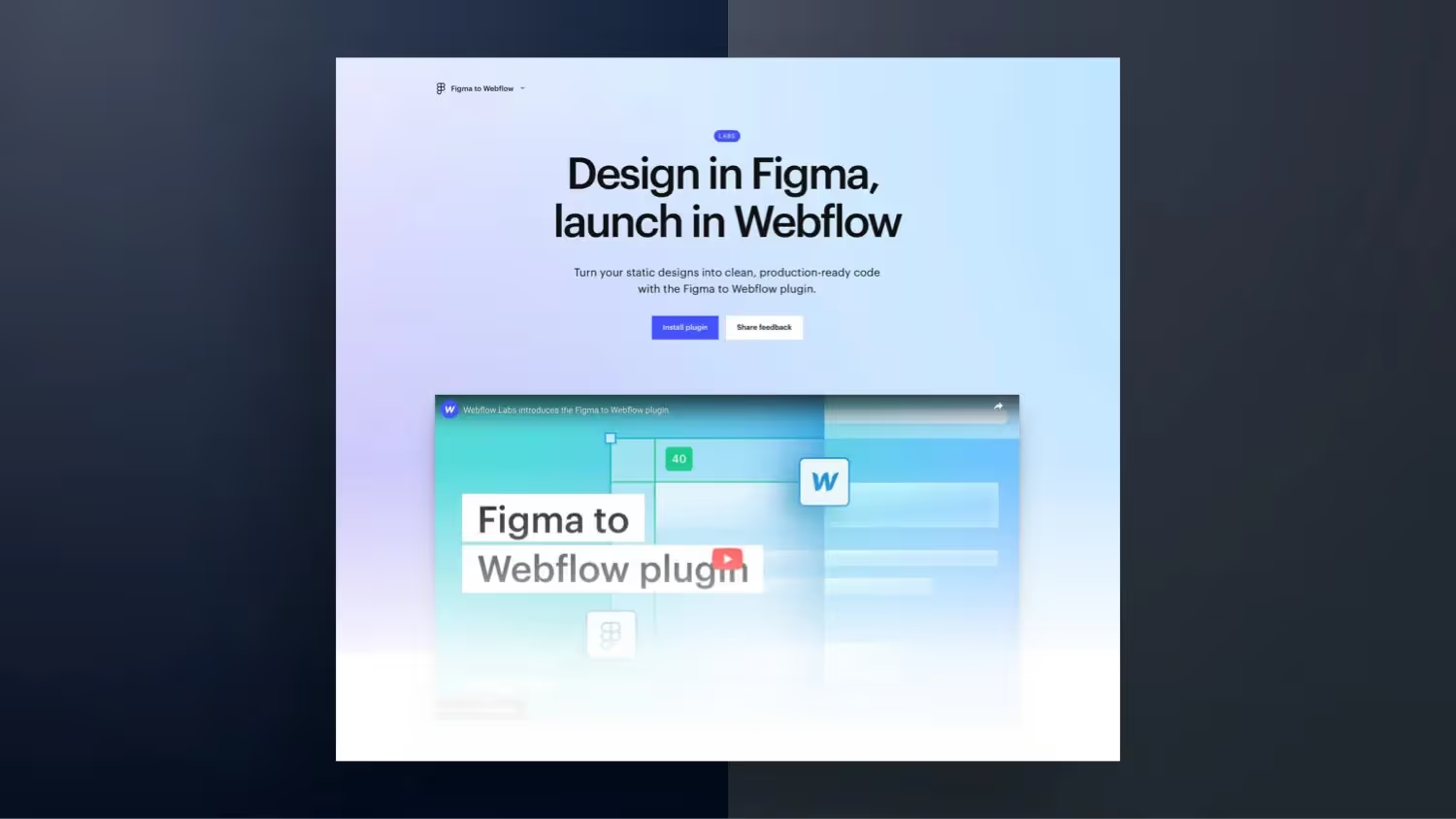

Analysis: Why the Figma to Webflow plugin provides little added value. Webflow has brought excitement and joy to the Webflow community with a new Figma plugin. The plugin allows you to simply copy and paste elements from your Figma layout and paste them into your Webflow project. But the whole thing sounds nicer than it is. So here are my 7 arguments as to why I believe that this plugin is less useful than it promises for now.
- The Framer program has had a Figma to Framer plugin since the beginning of 2022. Webflow just draws the same here.
- Problem 1: Chaos of selector naming. A lot of work afterwards in Webflow.
- Problem 2: Own designs must be built with Auto Layout. Time required, high learning curve.
- Problem 3: Only applicable for basic layouts
- Problem 4: The plugin only imports in one direction.
- Problem 5: HTML tags must be properly assigned
- Issue 6: Requires Webflow account authorization
- Issue 7: Only pixels and REM are supported
Why the Figma to Webflow plugin provides too little added value
Only pixels and REM are supported as a unit
Units are imported into PX by default. In the plugin settings, however, you can switch this option from Pixel to REM. However, other units are not supported. You can see why pixels should no longer be used as a unit in the modern web in this post: Why EM is better than REM and better than pixels.
A chaos of selector naming
Layer names are transferred to Webflow. If you don't name them properly, they are built with Frame1, Frame2, Frame3, etc. in Webflow, which is no basis for a meaningful structure in Webflow.
conclusion
The Figma to Webflow plugin can be useful for specific use cases — for example, to quickly import texts, images and graphics to Webflow or to transfer text styles and colors to a Webflow project. However, it is not (yet) suitable for complex individual designs.



%2520unno%25CC%2588tig-blog.avif)