I Tested Webflow Support – How Good Is It Really?
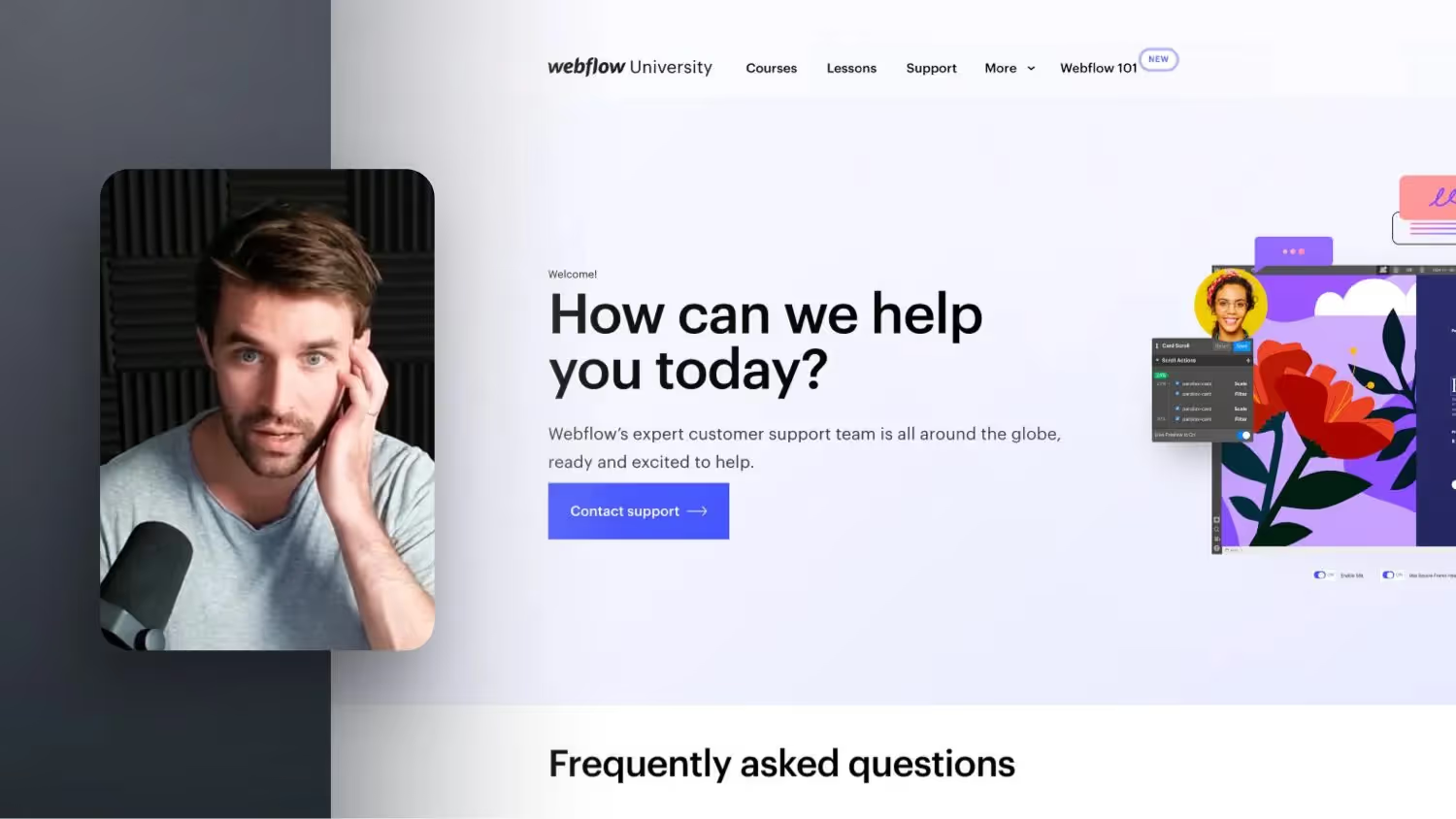

A big advantage of Webflow compared to WordPress, for example, is a direct customer service that will help you free of charge if you have any problems or questions within a few days. Since Webflow is a SaaS company, there must also be appropriate support for questions about Webflow. And anyone can use this service. In this video, I have documented two problems for you to find out how well trained the specialists at Webflow are and the result and the solution to my problems really surprised me.
transcription
Welcome to a new Webflow Talk. Today we're going to talk about Webflow Support. That's an advantage that maybe a few of you have actually been playing on so far, if you have any questions about how to implement certain things, why something isn't working or when something from Webflow is finally coming, and so on. In fact, as with many other SaaS, software, services, platforms out there, there is the option that you can basically write to support.
01:48 Jonas 01:52 Welcome to a new Webflow Talk. Today we're going to talk about Webflow Support. Because that is one thing that I think few of you out there even know that actually exists. I've also brought you two examples today and that you can also contact Webflow Support at almost any time if you don't get anything right, if you notice that there are any problems in the Webflow Designer.
or you simply have any questions in general or have something from your customer not connected to any platform and so on. So you can write to Webflow Support on any topic and I'll show you the process right away and has he had surprisingly good experiences with it and I just want to show you that today. In principle, as with any SAS software out there, there is also a support area. So in case there are any problems there.
Can you write to this platform and in the case if your customer just has a website with Webflow or you have an account there yourself, or even if you no longer pay for it, they will still help you and I actually find that pretty cool and you can achieve that when you basically scroll all the way down in your dashboard, there is the Learn and Get Help Support section here and you just click on it and then you get to this area here.
And for now, general topics are teased that you can in principle already click on, probably the most frequently asked questions. But if there is really something special, like my customer order, for example, you go to Contact Support and then you get to an area that is a bit like Apple. So if you somehow want to give something back at Apple or have a question in any way, you go through a specific process first, where certain questions are also asked to you and then things get more and more acute until maybe...
Okay, we've actually already answered that, here is the solution. Or you can just contact support directly. And it's the case with me now that I ask them first, okay, is that your account? Do you also see with the email address or just log in to another account. Then click on it once and now a new area will appear. It may not even happen to you. It's the case that I've just been through customer orders, they've always added me to their account as a freelancer. That means I can see the project we're working on in my Webflow account. It's a really cool new feature and
That means they're here now because Webflow doesn't know which workspace I need support for, so to speak. I just get my workspace on now and then I can say in the next area, okay, which subject area is it. Is there somehow now, is it about a page and let's say it's about a page now, I have a bug or something doesn't work, I can't do something, can you say, well, I need help in the CMS area now. And then, in the classic way, common questions are answered here and so on. But if you scroll down, there is email webflow support here.
And it works surprisingly well and really with experienced people behind it. I have a great comparison because I've basically now brought you two examples of how the whole thing works and how do I find the quality of the people there to answer, i.e. that they really are experts in the field. So let's go into an example. And for one thing, I actually had something completely abstruse. Yes, my customer, unfortunately I now have the questions I asked them here.
Not in the email history, so only the answers from them. But my customer basically has the...
05:11 Jonas 05:57 Unfortunately I now have the course or the... Unfortunately, in the example I don't have the question that I asked support, so I'll just briefly explain it now, just the process, also with the answers from then on. And it was about the fact that strangely enough, I had just linked the Webflow domain with the same SI records that you should do, with the domain, with the customer's provider, yes. And the Webflow page was published and was also online. And I've achieved it.
People from my family have reached them, people from other countries have reached them. Only all employees at the customer and the customer himself said again and again, hey, I know I should actually delete the cash and we've already done that. We are also in incognito mode and yet strangely enough, when you have clicked on certain navigation points, the old website still shows as if it was still in cash. And I couldn't find a solution in any way and I also looked online a bit and time again and again and again and we tried different things.
I checked the DNS records again and so on. And some AROC records and then I... tried to do it all over again. I also just wrote to support from the domain. The interesting thing is that with the support from the domain, you really noticed how it is in general. If you want to change the billing address, I can do that for you. But they had no idea for the problem themselves. Just say that the DNS entries are all correct, that fits so far.
Yes, unfortunately we can't help either. So there were no good ideas as a solution. And here Henry wrote, first of all, yes, that they, he also looked at the DNS records. I sent him a screenshot, yes, and he said, okay, they all look good. But he found that the NS records were very, yes, that it is a bit unusual that there are so many of them, yes. He has described this quite well here, I think that there may be a problem with it. And, um...
He then went straight into it, Master Record, etc. That it is normally the case that there should be less of it. I should rather check them, because you only need two of them and whether all four are needed. Perhaps it will forward something internally again. And then... If they confirm that all of your NS records are in fact correct and necessary, i.e. if that fits, and then I asked for support from the domain again...
And she tells me yes, the DNS entries that are correct, in the future we also want to make this leaner and there should only be two, but now we need four more. And then I say, okay, then he from Webflow Support would look on the local network to see if there might be caching, an idea that I would never have thought of. That means he would say the Wi-Fi router from the company or IT there, they should restart everything and maybe there are still DNS entries that are cached there.
And then, when the Internet connection starts up, you can see if the problem is still happening. It was really an idea. I was thinking at first, oh man, what is that? Is it somehow only in this village, only from this region? Is it possible that DNS records only in a specific region are still running on the old website? Or did they just discontinue the old agency something, etc.? And we didn't know how to help ourselves. But the customer noticed for himself when he was in another city almost the next day that the website worked there, just like mine.
That's when these answers came in too. I thought, okay, just say the IT notice. They restarted it, and that was basically the solution. I sent another screen recording of how the customer clicks on the problem. Then he also wrote that S-caching can be good, that it's also on the... on the... on the WLAN router or something then internal there, I don't know, network system...
It's on it. If I didn't think of it, I had the solution very specifically and right from the first answer. The second example was a bit more blatant and also a bit really good from my experience that I took part in this. It was about the performance of Webflow Designer. And I had written it, okay, listen, I have one here, and the customer is already on not a CMS plan, but on a business plan, i.e. one higher than the CMS website plan and
So I think what is always the limit, we can definitely upload and create 10,000 items in the CMS and we're kind of at around two and a half thousand, yes? And the problem was that I noticed that things were getting pretty slow on the template pages. Well, I didn't feel right anymore, I didn't enjoy using it in any way anymore. It stuttered a bit, yes, you know when I clicked on something
Was there such a delay and only then do the windows that belong to it appear and so on. And I just described it to them and told them that I've usually already done a lot of projects. This is the first thing where you really have to deal with so much data. And that's when I built a configurator here. I will present the project in more detail. It's not finished here yet either. But in principle here too, you can see that you can click on different colors.
You have checkboxes, you have a small configurator, and you also have very, very many CMS on the page. So even then, with the business plan, you can always enter 60 fields in the CMS, almost all of which are filled out by the customer. In the same way, I think I have 15 or 20 collection lists in the page, which are all quasi-data polling from this product. And that's when I just realized...
It's not fun anymore. Especially with all these variants and there I had a lot, what is that called again, a lot of filters definitely set for the whole Collectionwists. And conditional visibility, i.e. if, for example, the tile just now has a relief image uploaded here, only then should it also display this relief switcher here. And that is, for example, an example of conditional visibility, which you stop at...
can adjust. I had a lot of it there. So when a specific color is selected, it should display something else at the bottom and so on. And that's when I just realized it wasn't fun anymore. So and then the support looked in. So I've sent the read-only link. For now, I think this is a really cool feature in Webflow that, in principle, you can look into the live project more easily. Yes, you can then deactivate the read-only link again, but it can look in and can't change anything now, but it can look in.
And see how you've set it up and can also click through a bit. And he also noticed, okay, the designer was already usable, but the experience, i.e. the experience, was certainly not as slippery as is usually the case with Webflow or as I also know it. Well, he's already noticed it. Taking a look at the Performance Monitor in Chrome DevTools, I didn't know there was something like this here either. He showed it here. It appears that the degraded performance is directly related.
The size of the DOM, Document Object Model. Okay, I've heard DOM before and is, so to speak, contains everything, DOM is, so to speak, everything that the browser needs to set up for your website. So he must have this, this whole thing, if you integrate a DIV, for example, yes, that is a DOM elevent, so to speak. If this DIV then has another DIV in it, you have two. And that's how he realized that he had already integrated 50,000 DOM notes into...
this page if he runs the performance test at the same time. And then he said scrolling up and down the page and selecting various elements, so he scrolled up and down a bit, then selected a few things, then he came up with 100,000 dome elements. And I also described an article about the fact that I can find out myself again, an excerpt from it, yes. In other words, the problem here is the browser and the...
As a result, the link to my CPU is also direct. I have a MacBook Pro M1 chip here, it's actually very, very good in terms of performance, but others who have a worse MacBook would see even more performance problems here and stutter even more and so on. But because Webflow is a browser-based tool, as with Figma, for example, it is just the case that it is also the
The browser also slows down when the computer realizes that it now needs a lot of processing power and CPU and performance and so on. There are a lot of other programs on there, then I also have another browser, I exported a video and so on. And I didn't even think that there might also be this link to my RAM memory.
And then I booted it up again, it got a bit better, but it's already come back after a while working on it for a few days like that. Well, it's not 100% cool, but I also have a really extreme case here. But then I thought, okay, he's coming up with these 100,000 cathedral items here, which I think is great for now, that he goes through such a special test and answers specifically to my case here, yes. And that's exactly what had an impact on this performance problem.
And then I was concerned that it was just a bit bad. So I would have found it cool that if I simply build a few collection lists, which I integrate into the template page, somewhere else and just copy them in there at the end because it was simply not easy for me to build up these collection lists smoothly. And then he said, hey, actually you can do that or that should work, where my problem is actually here. So and I described it to him again. I looked at it all myself, then watched a test like this on the live site myself, i.e. how much dom.
I then have nodes on the live site because for now I'm also frightened because I wasn't in the mood for the whole page on the live site to eat up so much performance now. Then I would definitely have had to rebuild everything. And then I wrote to him, interesting with the performance monitor and the DOM size, on the published page the DOM is much smaller, i.e. 5000 nodes, which might be okay. So when I think of Amazon or something, they still have...
Far more nodes. And I think that's okay. Yes, the live site could of course be even better. And then I paid a bit attention to the fact that I made things more streamlined. But it's enough if you simply put a section on display and it somehow has, I don't know, but contains 200 elements in it. Then, of course, that also counts, even though you don't see them in the designer anymore and I had the whole project under construction and not now perfectly tidied it up and so on. And I also slimmed it down a bit, yes. But...
I was just hoping that it would have been cool if there was somehow such a hidden toggle that the collection items, I say, don't poll data right now, i.e. that they don't get into the Webflow Designer. And it wasn't clear to me at first that this difference actually existed, i.e. that the live site had fewer dom elements, like the Webflow Designer. And it only occurred to me when I took a closer look at it that he was in the live, in the shared...
Read-only link was in it. That means that he also explained to me, so to speak, that this is a problem. I think it'll be in the next one. Yes, well, he understands that too. He also thinks it would be cool if there was something like this for sites that fetch a lot of CMS data. So maybe it's also something that he then passes on to his team. But even the publish page, which should then, from his point of view, it is also good.
17:20 Jonas 17:21 that he himself doesn't understand it that way either. So it may well be that they're just kind of working on it internally in the Webflow Designer or something like that. But he has just explained again that the designer also always adds HTML elements. To all those who, of course, you always include in your canvas and so on. And then they add different classes again. And every class name that you add to any element is probably also a dom node again. So another part.
who then builds up the entire site of the cathedral. And that's just something that all works at the same time. And that could probably cause the reduction in performance. I thought that was a good clue again, probably because, and if you look at how Webflow the designer is structured, you can see that too. If you go into inspect mode, you will see that a lot of IDs and classes are being added so that they can virtually assign everything you click and so on.
And those were two things that I just noticed. Here I noticed, okay, it's something right now, I can improve that by using my CPU performance, for example, yes. Or simply boot up a computer, yes. Or just, I'll see that I reduce these DOM notes once again, that I might simply omitting a few collection lists on them or creating them on another page and then copying them in and so on. Well, there were two cases where I actually found that...
It was answered very specifically and well for me. And I would guess you, just don't be afraid to just try something like that if you really have a problem, even if it's a small one. If you can't find any settings or ask yourself, can Webflow even be able to do that? I think that there are really people sitting there who know about their subject and you can definitely ask them. And then I think you'll get an answer too and I just wanted to show you how it worked really well for me.


%2520unno%25CC%2588tig-blog.avif)