Why does Webflow Localization have to be so expensive?
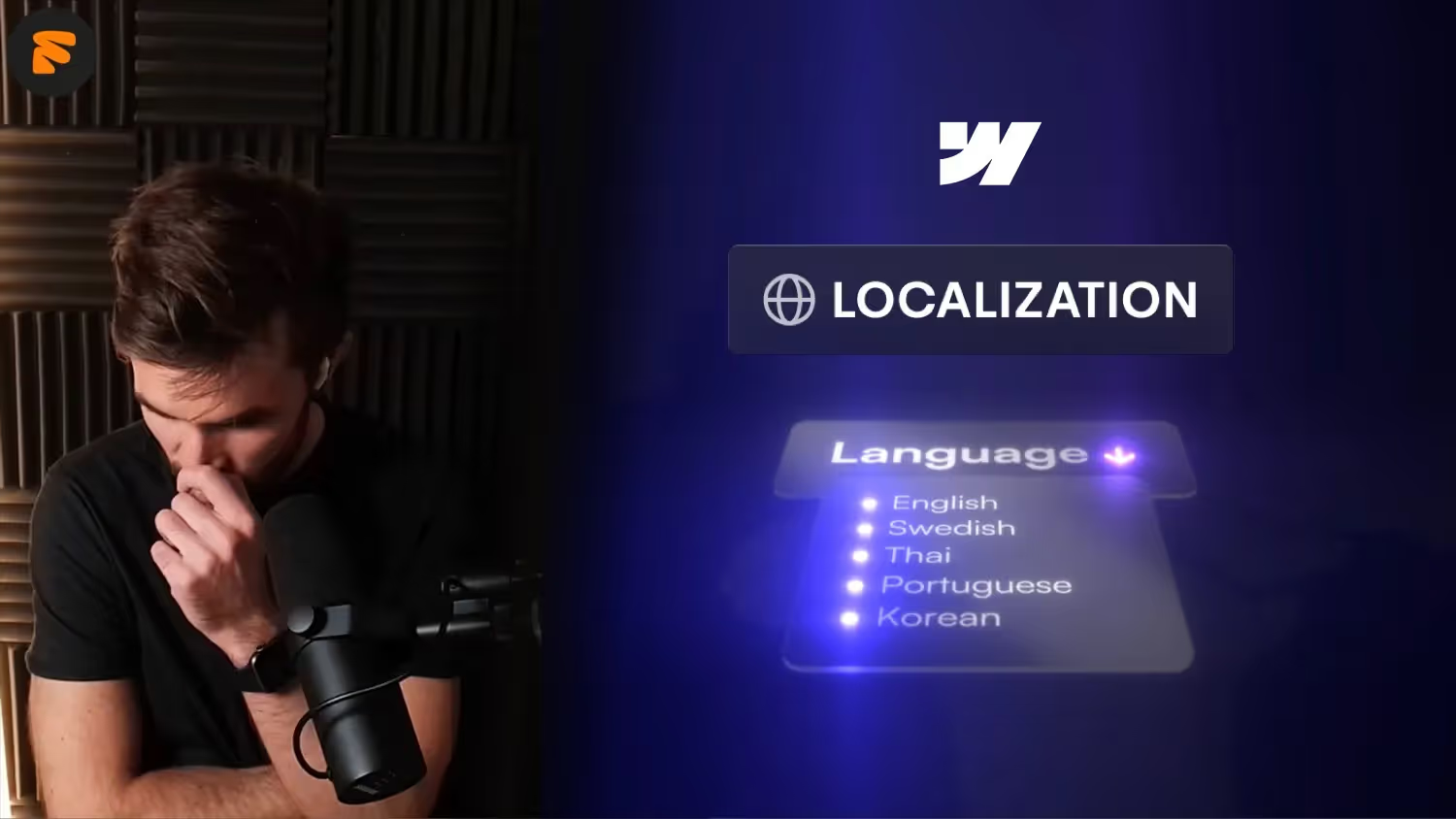

Why does multilingualism cost so much in Webflow? In this video, we discuss the pricing strategies behind Webflow's localization costs and compare them with alternatives such as Framer. We look at how competition influences pricing and feature development in the web design industry. Join us as we explore the differences in price perception between the digital and analog world and what that means for web designers today.
Why is multilingualism so expensive in Webflow?
In today's globalized world, it is essential for many companies to offer their website in multiple languages. But if you work with Webflow, you may have noticed that the costs for multilingualism are rather expensive at around 10€/locale. But why is that so?
The hidden costs of multilingualism
Although the structure And the backend of your website is already up and running, the price of Webflow increases with every additional language. At first glance, this seems illogical, because it is often just a matter of adding texts in different languages. So why the high costs?
Companies set prices because they can
One reason is that companies like Webflow design their prices because there is demand and users are willing to pay it. We often think of tools like Webflow as friends because of the great community. But in the end, it is a business relationship, in which both sides receive value. If there is a willingness to pay for multilingualism, there is no incentive for Webflow to lower prices.
The difference in price perception
What is interesting is the difference in Price perception between the analog and digital world. While we accept large investments in the analog world (e.g. machine costs in the automotive industry), we often expect cheap or even free solutions in the digital world. We complain when a tool costs 39 euros a month instead of 29 euros, although the added value is often significantly higher.
Competition stimulates business
Platforms such as Framer catch up with features and updates and offer similar or even better features at comparable prices. In Framer, for example, you can use unlimited collection lists, while in Webflow you are limited. This competition is forcing companies like Webflow to rethink their pricing and product strategies. For us web designers, this is a positive development, as it stimulates the market and can lead to better offers.
What does that mean for you as a web designer?
As a web designer, you should be aware of the pricing structures and options of various tools. It's worth looking at alternatives and considering which platform is best suited to your customer projects. Competition leads to innovation and can ultimately help you find better and more cost-effective solutions for your projects.
conclusion
The high costs of multilingualism in Webflow are a result of market mechanisms and corporate strategies. However, thanks to competition from tools such as Framer or WIX, there is movement in the market. Stay informed and use the tools that offer you and your customers the most added value.

%2520unno%25CC%2588tig-blog.avif)